How to Reconcile Bank Statements for Your Small Business (2026 Guide)
Step-by-step guide to bank statement reconciliation — how to match transactions to receipts, find discrepancies, and keep your books accurate every month.
 Eric Tech·Apr 20, 2026·13 min read·
If you run a small business in Canada, learning how to reconcile bank statements is one of the most important bookkeeping habits you can develop. Bank statement reconciliation catches errors before they snowball, ensures your bookkeeping records are accurate, and keeps you prepared for tax season.
Yet many business owners skip this task — or only do it once a year when their accountant asks. That approach leads to missing receipts, unclaimed GST/HST input tax credits, and hours of painful catch-up work.
This guide walks you through bank reconciliation step by step, explains common discrepancies and how to fix them, and shows you how to make the process painless with modern tools.
Reconcile monthly: match every bank line to a receipt or record, explain each leftover, and confirm your adjusted book balance and adjusted bank balance are identical.
If your bank only provides PDF statements, our bank statement converter guide explains how to extract, review, and export the transactions to Excel or CSV before your reconciliation work.
What Is Bank Statement Reconciliation?
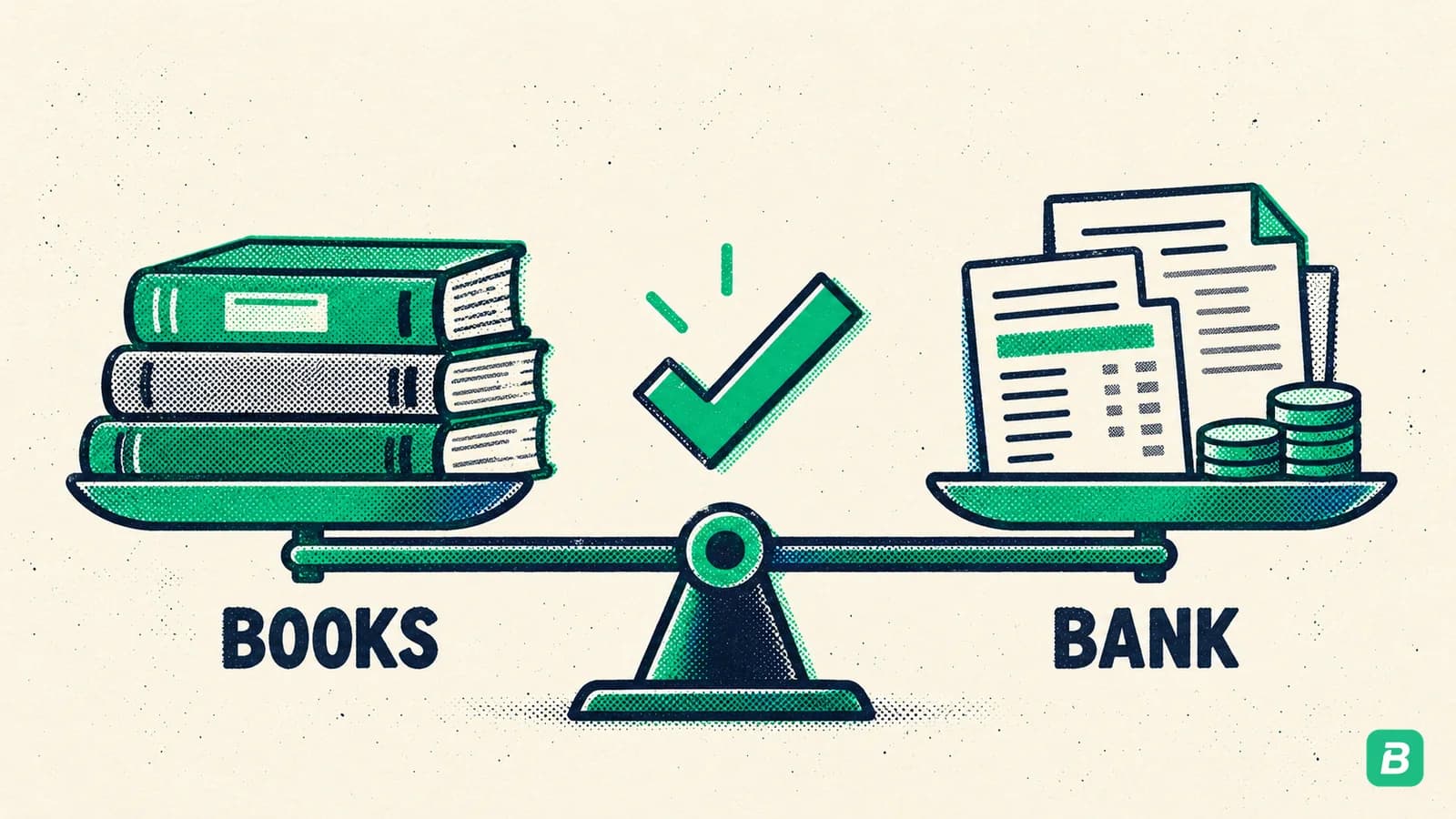
Bank statement reconciliation is the process of comparing your internal bookkeeping records against your bank statement to verify that every transaction is accounted for and the balances match. It answers a simple question: does the money your bank says you have match what your books say you have?
When everything reconciles perfectly, your ending balance in your books equals the ending balance on your bank statement (after accounting for timing differences). When it does not, you have discrepancies that need investigation.
The CRA requires you to keep accurate financial records for at least six years. Bank reconciliation is how you prove your books match reality. Unreconciled transactions can mean missed input tax credits on GST/HST — costing you real money.
Why You Should Reconcile Monthly
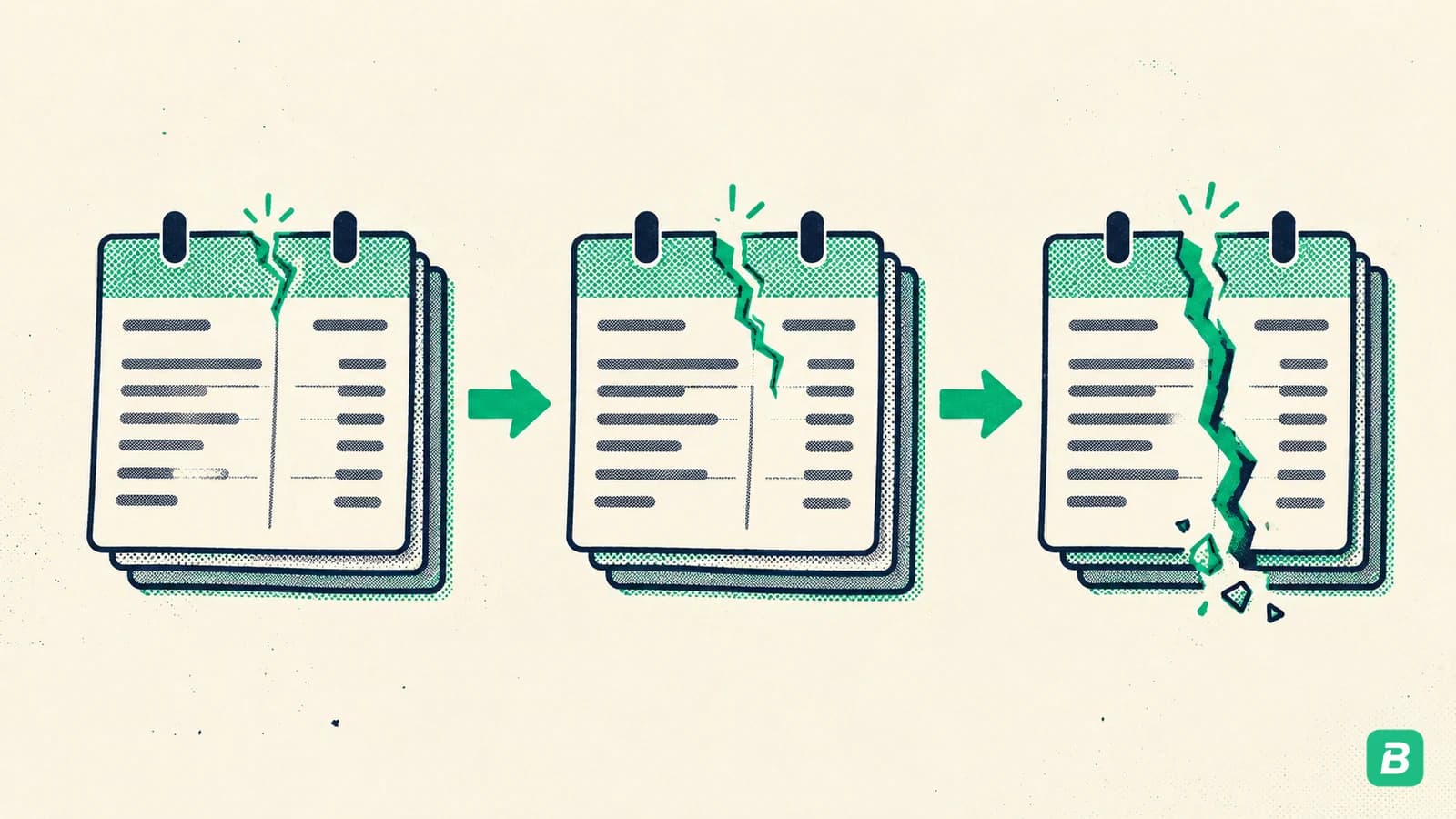
Some business owners reconcile quarterly or even annually. This is a mistake. Here is why monthly reconciliation matters:
- Errors compound over time. A $50 duplicate entry in January becomes impossible to find in December.
- Fraud detection. Unauthorized charges are easier to dispute within 30 days.
- GST/HST accuracy. Every unreconciled business expense is a potentially missed input tax credit.
- Stress-free tax season. When you reconcile monthly, year-end is just a formality.
- Better cash flow visibility. You always know exactly how much money you actually have.
For more monthly bookkeeping habits, see our 13 bookkeeping tips for self-employed Canadians.
How to Reconcile Bank Statements: 7-Step Process
Step 1: Gather Your Materials
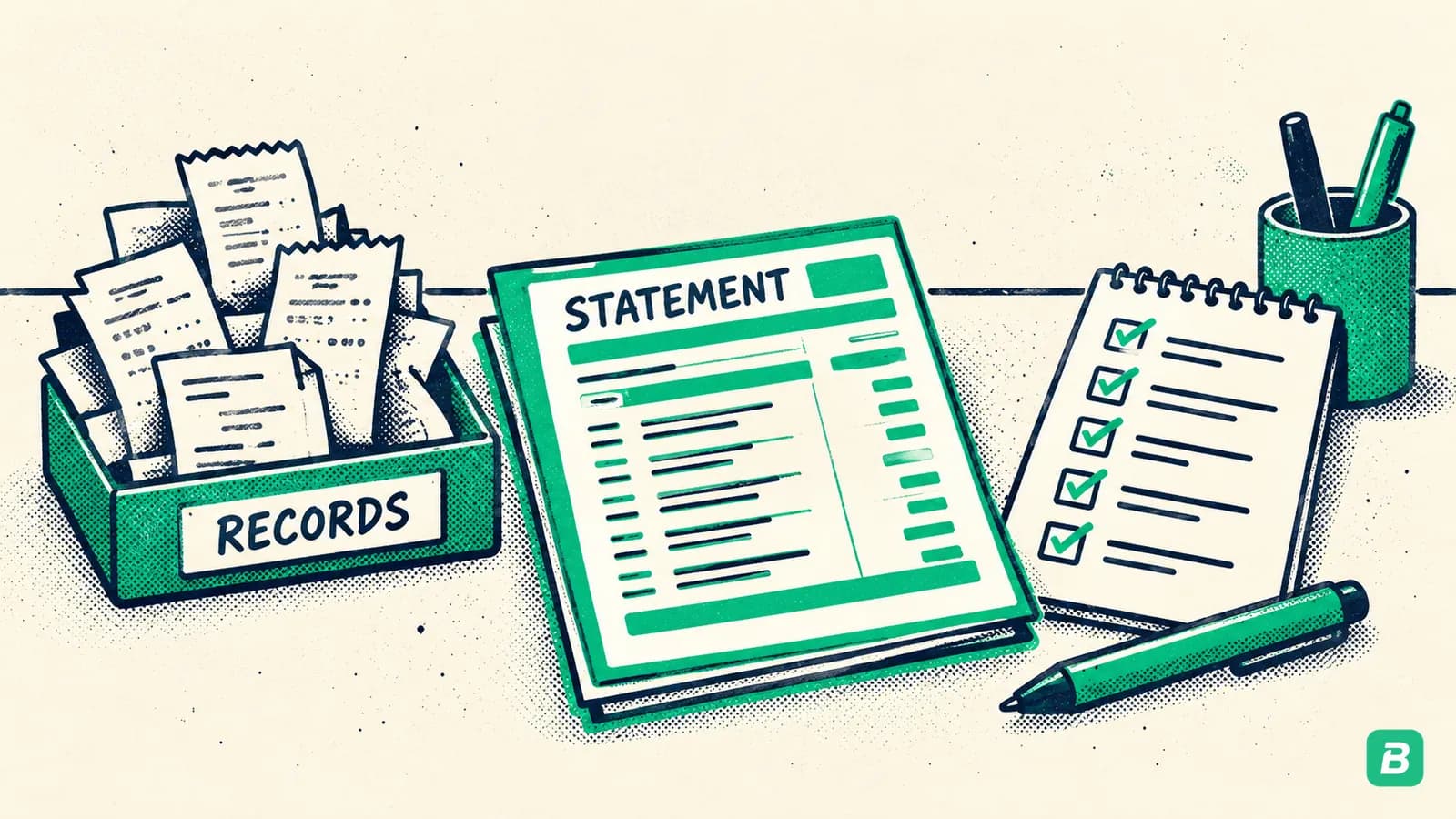
Before you start, collect everything you need:
- Bank statement — Download from your bank's online portal as a CSV or PDF. Most Canadian banks (TD, RBC, Scotiabank, BMO, CIBC) let you export transactions for any date range.
- Your bookkeeping records — This includes your receipt records, invoice records, and expense tracking. If you use BookZero, your receipt records are already organized and ready.
- Previous month's reconciliation — You need the confirmed ending balance from last month as your starting point.
- A calculator or spreadsheet — For tracking adjustments.
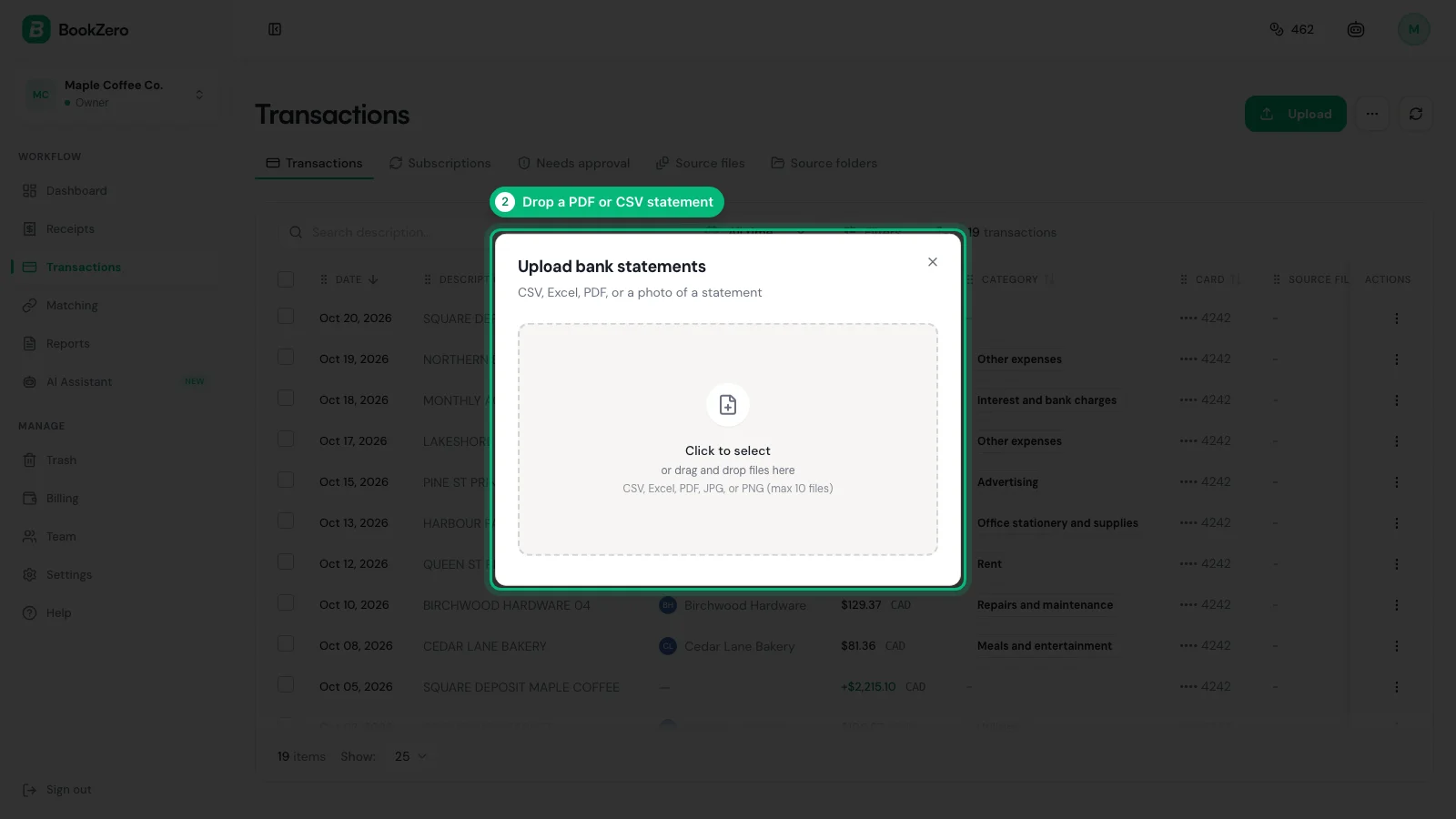
PDF statements work, but CSV files let you sort and filter transactions by amount or date — making it much faster to find matches. Most banks offer both formats under "Download Statements" or "Export Transactions."
Step 2: Compare Your Ending Balance
Start with the big picture. Look at two numbers:
- Your book balance — The ending balance in your bookkeeping system for the reconciliation period.
- The bank statement ending balance — The final balance shown on your bank statement.
Do they match? If yes, you might be done (but you should still verify individual transactions). If no, the difference tells you how much you need to find.
Write down the difference. For example, if your books show $12,450 and the bank shows $12,380, you need to find $70 worth of discrepancies.
Step 3: Match Each Bank Transaction to a Receipt or Record
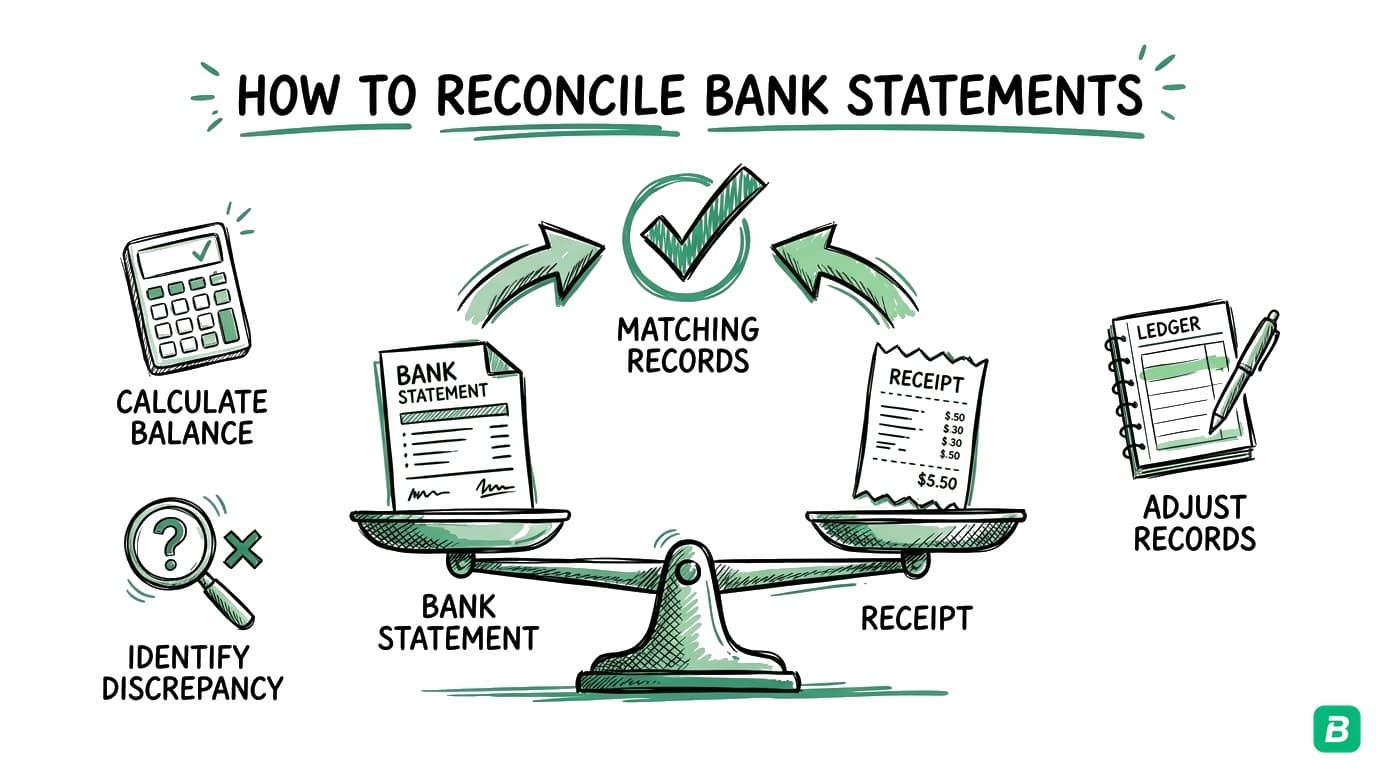
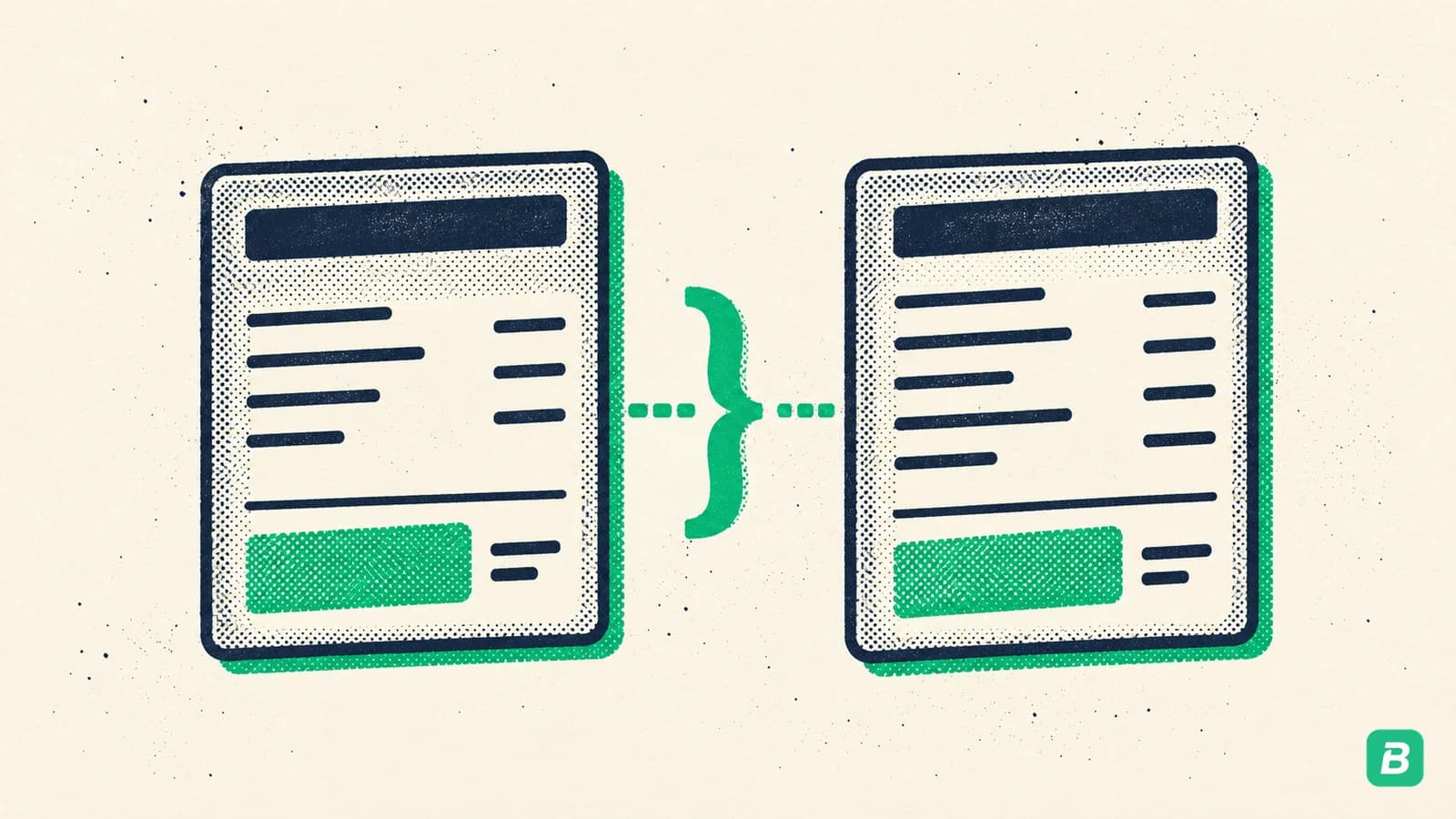
This is the core of bank reconciliation for small businesses. Go through your bank statement line by line:
- Every charge (debit) should have a corresponding receipt, invoice payment, or expense record in your books.
- Every deposit (credit) should match an invoice payment received, a refund, or another documented income source.
Check off each transaction as you find its match. Look for:
- Same amount
- Same date (or close — some transactions take 1-2 business days to post)
- Same vendor or payer
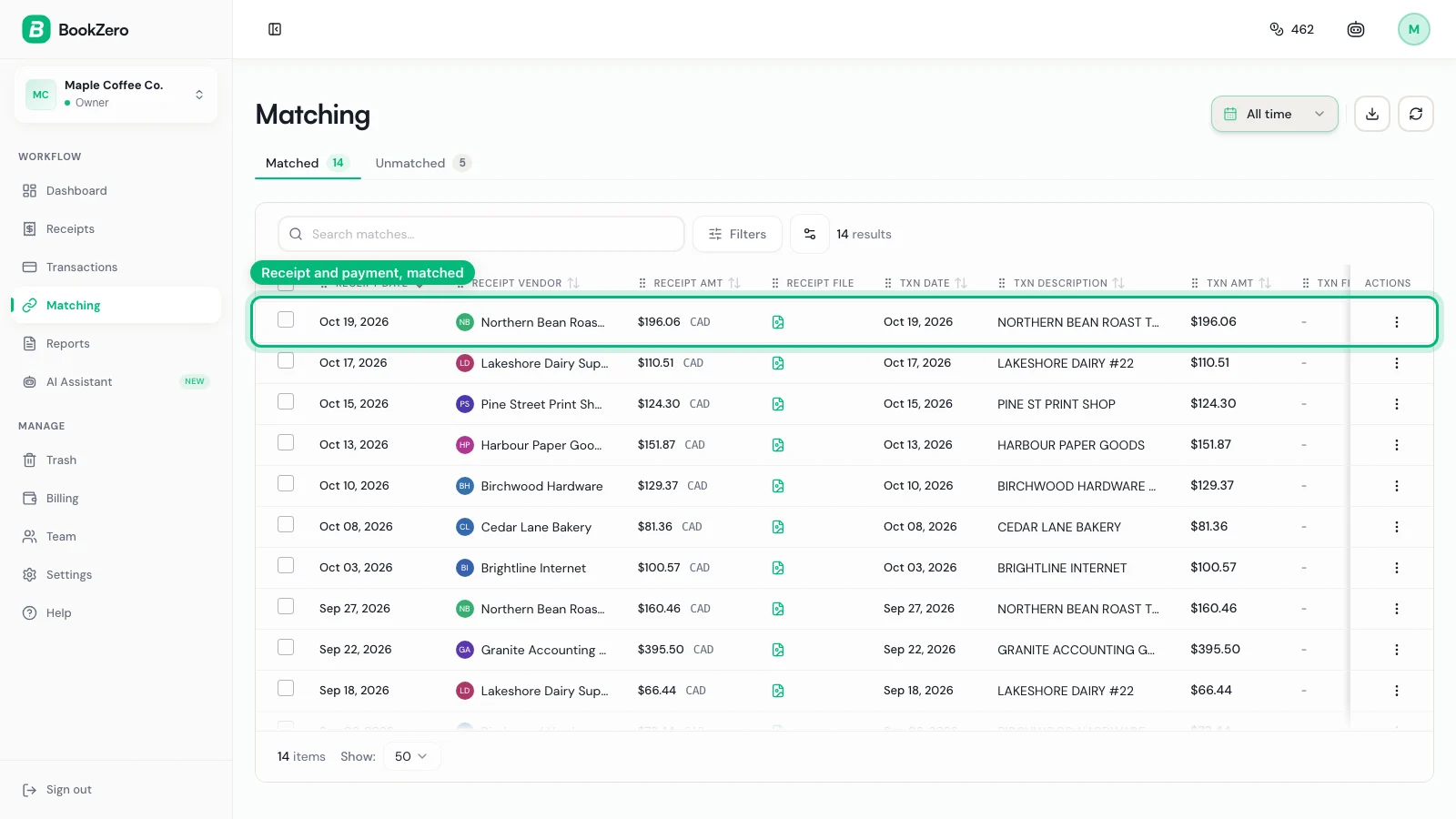
For businesses with fewer than 50 transactions per month, this might take 30-60 minutes manually. For businesses with 100+ transactions per month, manual matching can take 2-4 hours.
BookZero's matching automatically pairs your bank transactions with receipts based on amount, date, and vendor. What takes hours manually happens in minutes. Learn how it works.
Step 4: Identify Unmatched Transactions
After matching everything you can, you will have leftover items. These unmatched transactions fall into several categories:
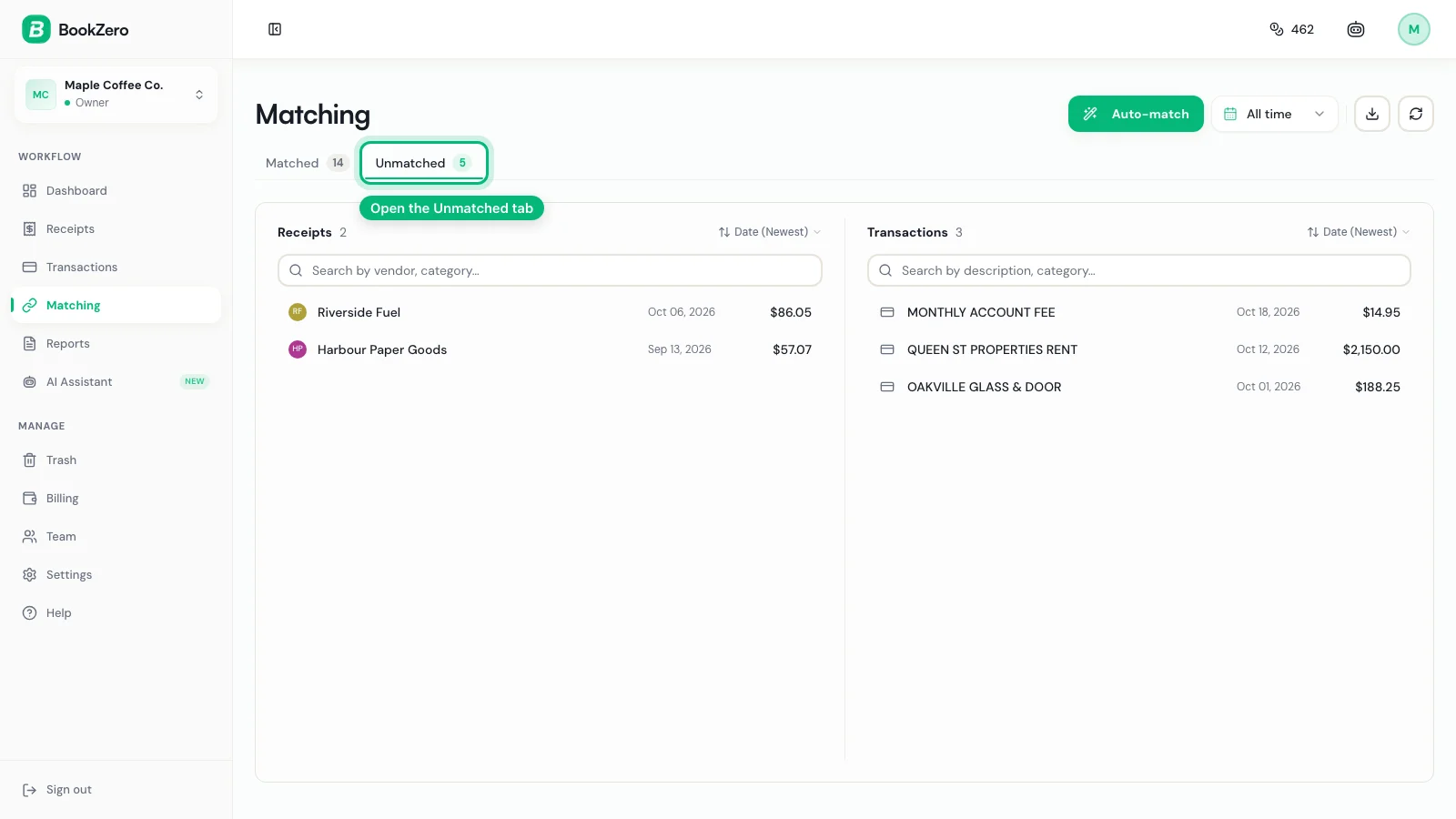
On the bank statement but NOT in your books:
- Bank fees and service charges
- Interest charges or earnings
- Automatic payments you forgot to record
- Subscriptions you forgot about
- Unauthorized charges (potential fraud)
In your books but NOT on the bank statement:
- Outstanding cheques (cheques you wrote that have not been cashed yet)
- Deposits in transit (money you deposited that has not cleared yet)
- Transactions you recorded for the wrong period
Make a list of every unmatched item and categorize it. This list is your reconciliation worksheet.
Step 5: Resolve Each Discrepancy
Now work through your unmatched items one by one. Here is how to handle each type:
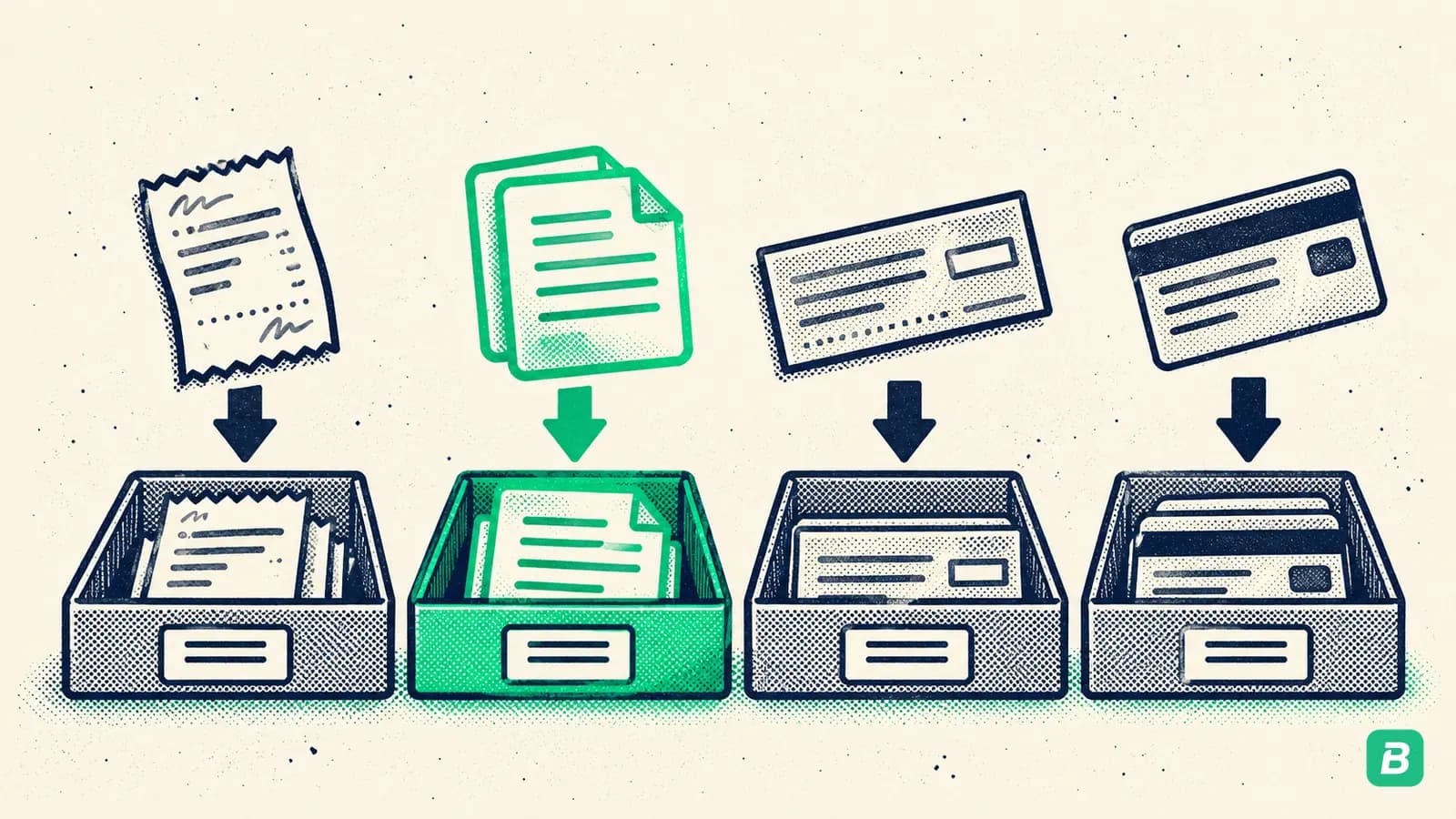
Bank fees not recorded: Add the fee as an expense in your books under "Bank charges" or "Service charges." These are deductible business expenses.
Outstanding cheques: Note these on your reconciliation. Subtract them from the bank balance (the bank has not processed them yet, but you already recorded the expense). They should clear next month.
Deposits in transit: Add these to the bank balance. You already recorded the income, but the bank has not credited it yet.
Duplicate entries: If you accidentally recorded a transaction twice, void or delete the duplicate from your books.
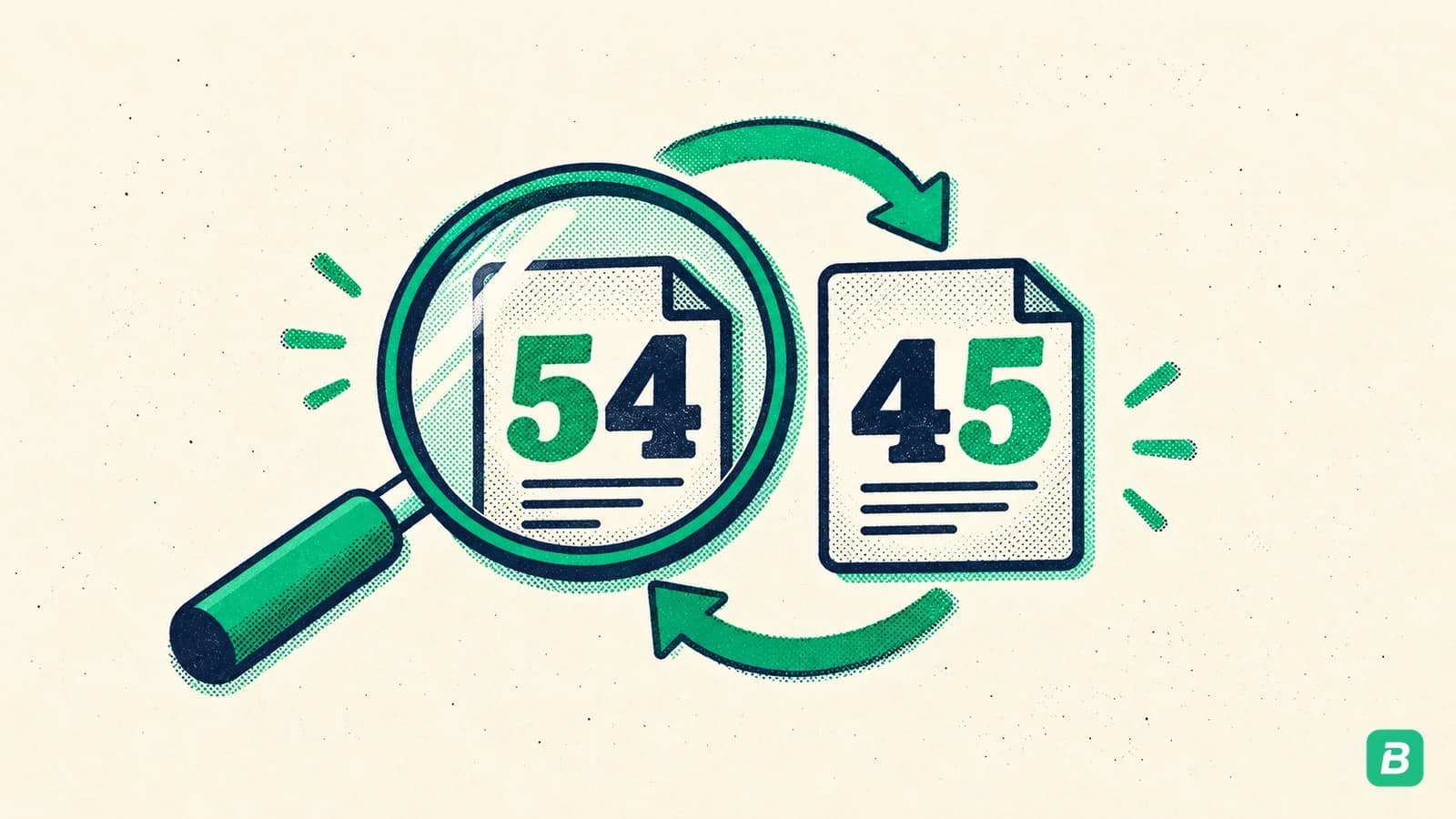
Wrong amounts (transposition errors): These are surprisingly common. $54.00 recorded as $45.00, or $1,250 as $1,520. Correct the amount in your books to match the receipt.
Personal expenses on the business account: If you accidentally used your business card for a personal purchase, record it as an owner's draw (not a business expense). Do not claim it as a deduction.
Forgotten subscriptions: Add the expense to your books. Going forward, set a reminder to record recurring charges.
If your reconciliation is off by even $0.01, find the difference. Small discrepancies often indicate larger problems — like a transposition error where two digits are swapped, creating a difference divisible by 9. An unexplained penny today could mask a $1,000 error next month.
Step 6: Verify the Adjusted Balance Matches
After resolving all discrepancies, recalculate:
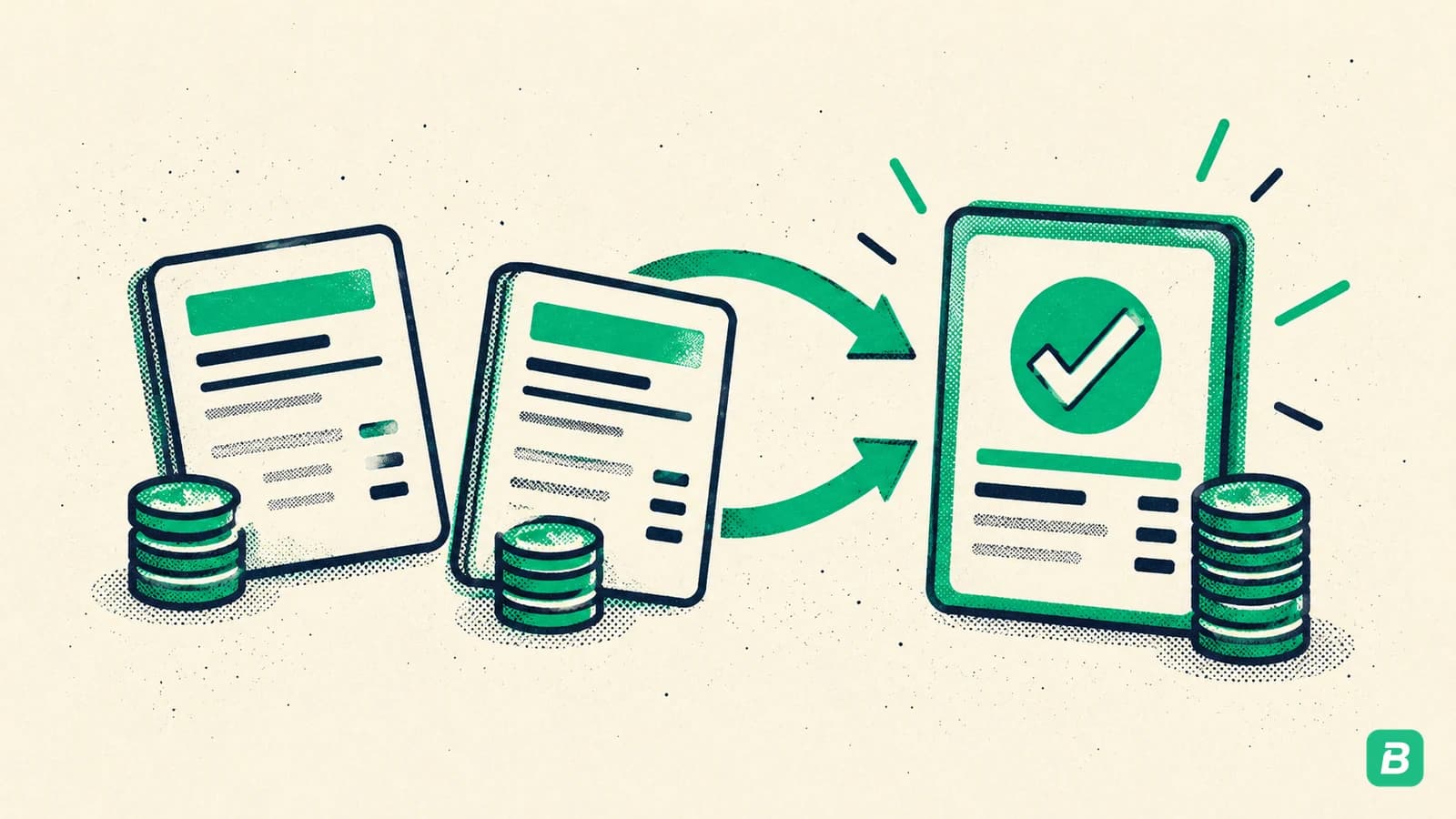
Your adjusted book balance = Starting book balance + income recorded - expenses recorded +/- corrections you just made
Your adjusted bank balance = Bank statement ending balance + deposits in transit - outstanding cheques
These two numbers must be identical. If they match, your reconciliation is complete. If they do not match, go back and look for what you missed. Common culprits:
- A transaction you marked as matched but the amounts differ slightly
- A fee on the last day of the statement you overlooked
- An outstanding cheque from two months ago that still has not cleared (verify it is still valid)
Step 7: Document and File
Once balanced, save your reconciliation record. This should include:
- The reconciliation date and period covered
- The bank statement ending balance
- Your adjusted book balance (should match)
- A list of outstanding cheques and deposits in transit
- Notes on any corrections made
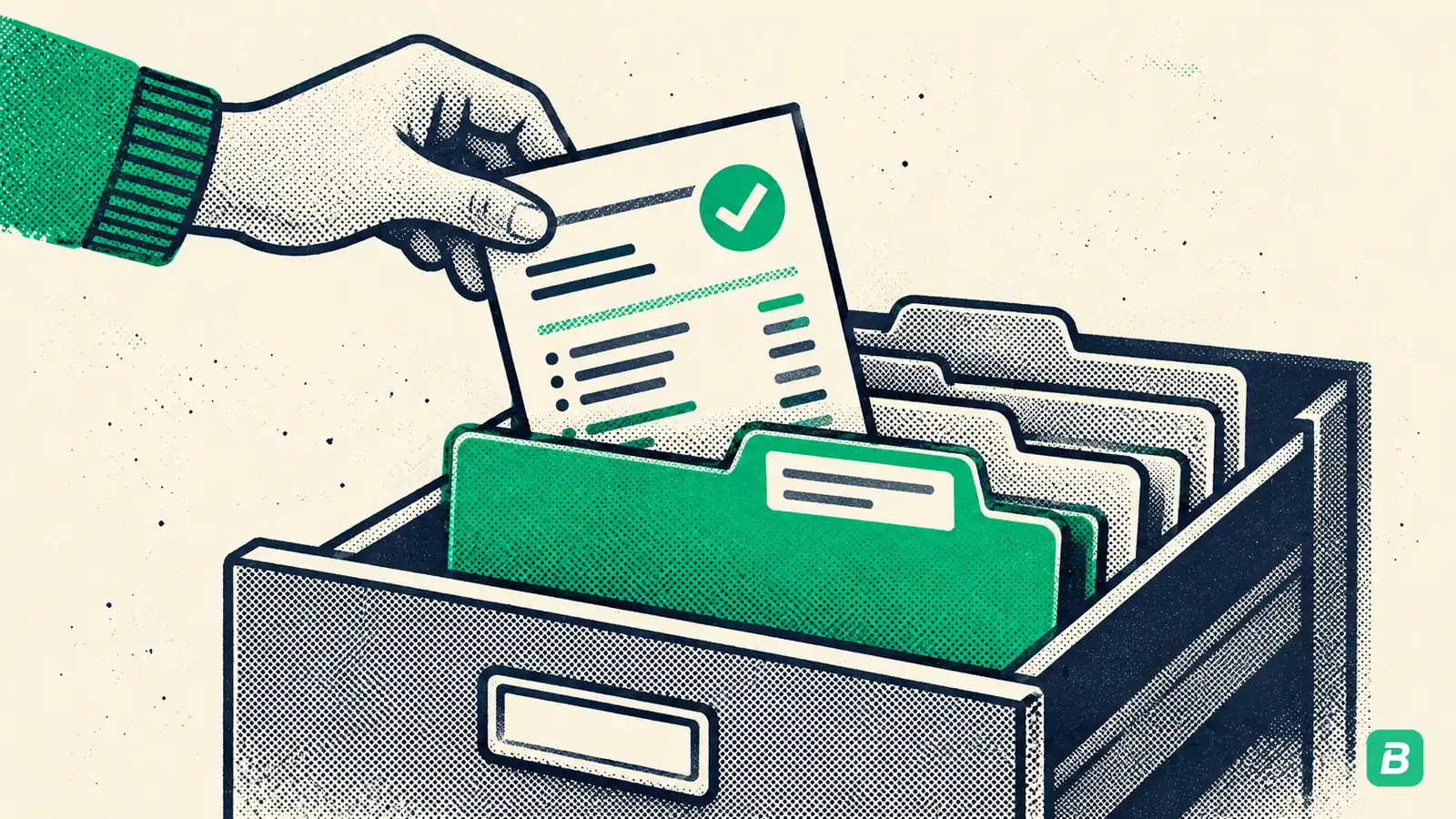
The CRA requires you to keep supporting documents for six years from the end of the last tax year they relate to. Store your reconciliation records alongside your receipts and financial statements.
If you have fallen behind on reconciliation, our bookkeeping cleanup guide walks you through catching up efficiently.
Common Discrepancy Types and How to Fix Them
Here is a quick-reference table of the most frequent reconciliation issues:
| Discrepancy | Cause | Fix |
|---|---|---|
| Bank fees | Monthly service charges, NSF fees, wire transfer fees | Add as "Bank charges" expense |
| Outstanding cheques | Cheque issued but not yet cashed by recipient | Note on reconciliation; will clear next period |
| Deposits in transit | Deposited funds not yet credited by bank | Note on reconciliation; will appear next period |
| Duplicate entries | Same transaction recorded twice | Delete or void the duplicate |
| Transposition errors | Digits swapped (e.g., $54 vs $45) | Correct to match the receipt amount |
| Personal expenses | Personal purchase on business card | Reclassify as owner's draw |
| Forgotten subscriptions | Recurring charges not in your books | Add expense; set up recurring entry |
| Stale-dated cheques | Cheque outstanding 6+ months | Void the cheque; contact the payee |
Bank Reconciliation and GST/HST
For Canadian businesses, bank reconciliation has a direct impact on your GST/HST filings. Here is why:
Every business expense that includes GST/HST gives you an input tax credit (ITC) — money you get back from the CRA. But you can only claim ITCs on expenses that are properly documented and recorded in your books.
When transactions go unreconciled:
- You might miss legitimate business expenses entirely
- You cannot claim ITCs without proper documentation
- You might accidentally claim ITCs on personal expenses (which triggers audits)
Monthly reconciliation ensures every eligible expense is captured and properly categorized, maximizing your ITC claims while staying compliant.
For a complete overview of Canadian bookkeeping requirements, see our comprehensive bookkeeping guide.
How Long Should Reconciliation Take?
The time depends on your transaction volume:
| Monthly Transactions | Manual Time | With Automatic Matching |
|---|---|---|
| Under 30 | 20-30 minutes | 2-3 minutes |
| 30-100 | 1-2 hours | 5-10 minutes |
| 100-300 | 2-4 hours | 10-15 minutes |
| 300+ | 4-8 hours | 15-30 minutes |
If you are spending hours on manual reconciliation every month, AI-powered bookkeeping tools can reduce that to minutes by automatically matching transactions to receipts based on amount, date, and vendor patterns.
Frequently Asked Questions
How often should I reconcile my bank statements?
Monthly — ideally within the first week after your statement period ends. This keeps discrepancies small and easy to resolve. Quarterly or annual reconciliation leads to compounding errors and hours of detective work. If you process more than 100 transactions per month, consider reconciling bi-weekly.
What if I cannot find a receipt for a bank transaction?
First, check your email for digital receipts. Many vendors send email confirmations. If you still cannot find it, contact the vendor for a duplicate. As a last resort, record the expense based on the bank description and amount, but note that the CRA may disallow the deduction without supporting documentation. Going forward, track receipts as they come in rather than searching after the fact.
What do I do if my reconciliation is off by a small amount I cannot find?
Never just "write off" the difference without investigation. First, check for transposition errors (differences divisible by 9 suggest swapped digits). Check for transactions right at the period boundary that might belong to the next period. If after thorough investigation you truly cannot locate the source of a difference under $1, you may record an adjusting entry — but document your investigation steps.
Can I reconcile a credit card statement the same way?
Yes. The process is identical: compare your credit card statement against your recorded expenses, identify unmatched items, and resolve discrepancies. Credit cards often have more transactions than bank accounts, making them even more important to reconcile regularly. BookZero handles credit card reconciliation the same way as bank account reconciliation.
What is the difference between bank reconciliation and bookkeeping?
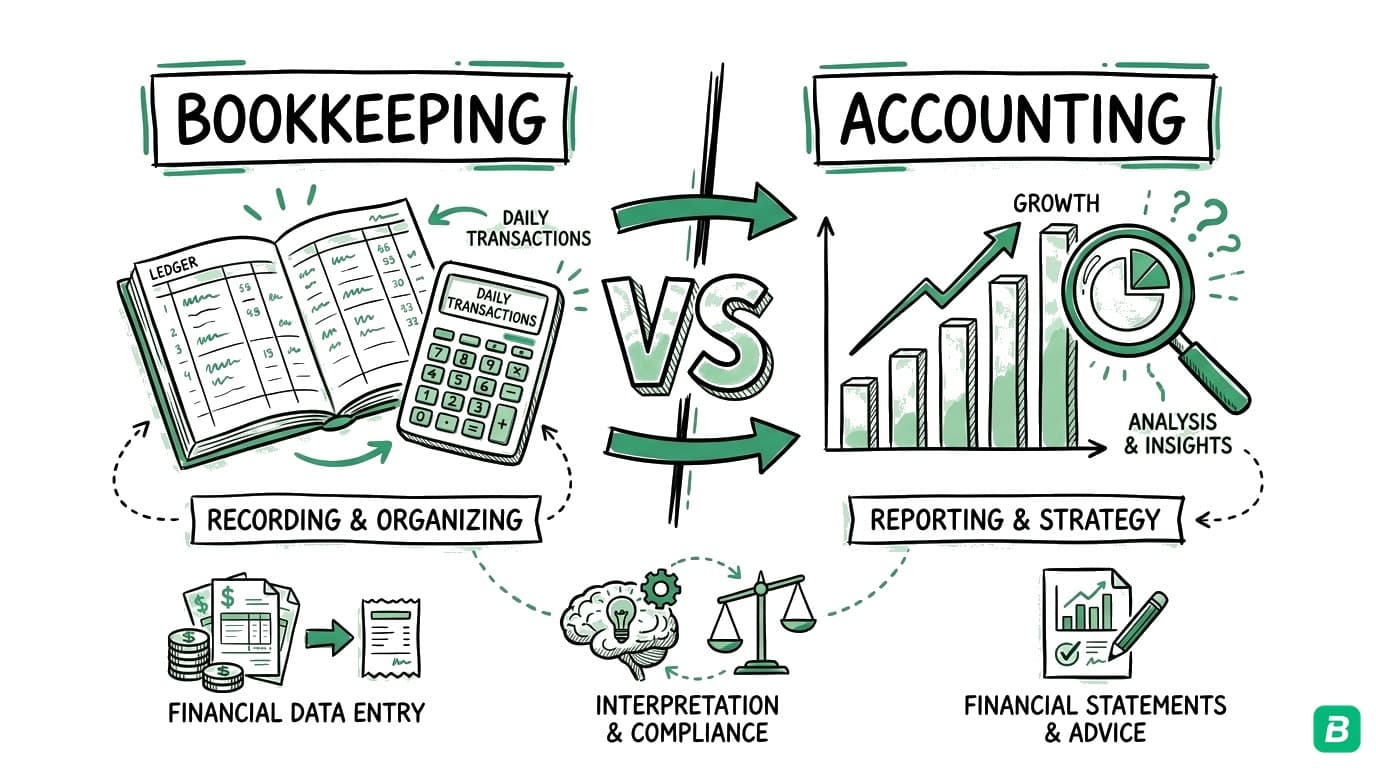
Bank reconciliation is one part of bookkeeping. Bookkeeping encompasses all financial record-keeping — recording transactions, categorizing expenses, tracking income, managing invoices, and preparing financial reports. Reconciliation specifically verifies that your records match your bank's records. Think of it as the quality-check step that ensures everything else in your bookkeeping is accurate.
Make Reconciliation Effortless
Bank statement reconciliation does not have to be a dreaded monthly chore. The key is consistency — reconcile monthly, address discrepancies immediately, and use tools that automate the tedious matching work.
With BookZero, you can import your bank statements, and matching automatically pairs transactions with your receipts. Unmatched transactions are listed for you, so you spend minutes reviewing matches instead of hours hunting for them.
The result: accurate books, maximum GST/HST credits, and confidence that your financial records will hold up to any CRA review.



Eric Tech· Founder, BookZero.ai
Founder of BookZero. Building AI-powered bookkeeping tools for US and Canadian freelancers and small businesses.
View all postsStay ahead of tax season
Tax tips, deduction strategies, and feature announcements straight to your inbox. No spam, unsubscribe anytime.