AI Bookkeeping for Small Business: What It Is and Why It Matters (2026)
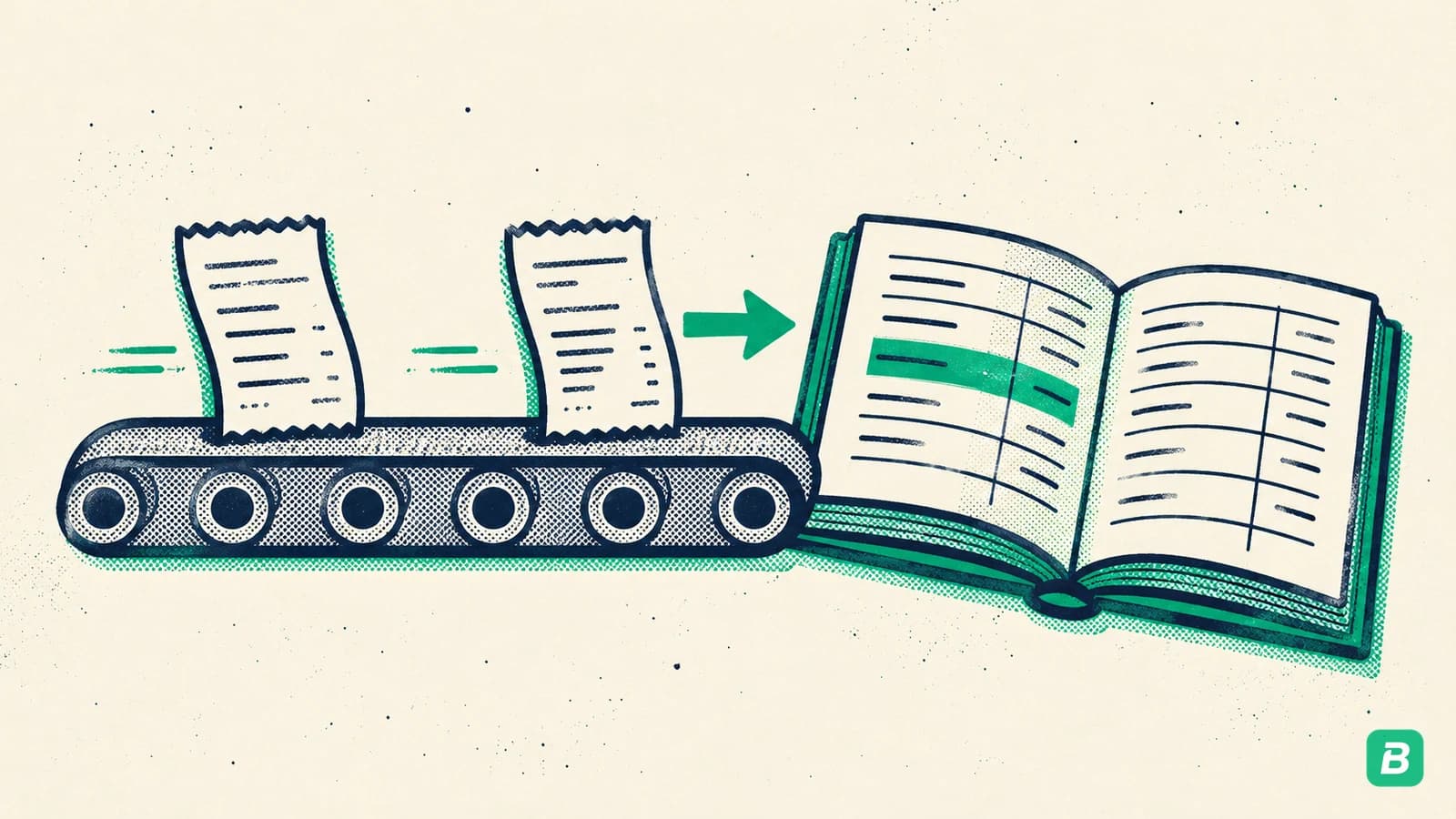
AI bookkeeping connects receipt capture, expense categorization, transaction matching, and reports. Learn how it fits a small business automation workflow.
 Eric Tech·Feb 23, 2026·Updated Oct 20, 2026·11 min read·
What Is AI Bookkeeping?
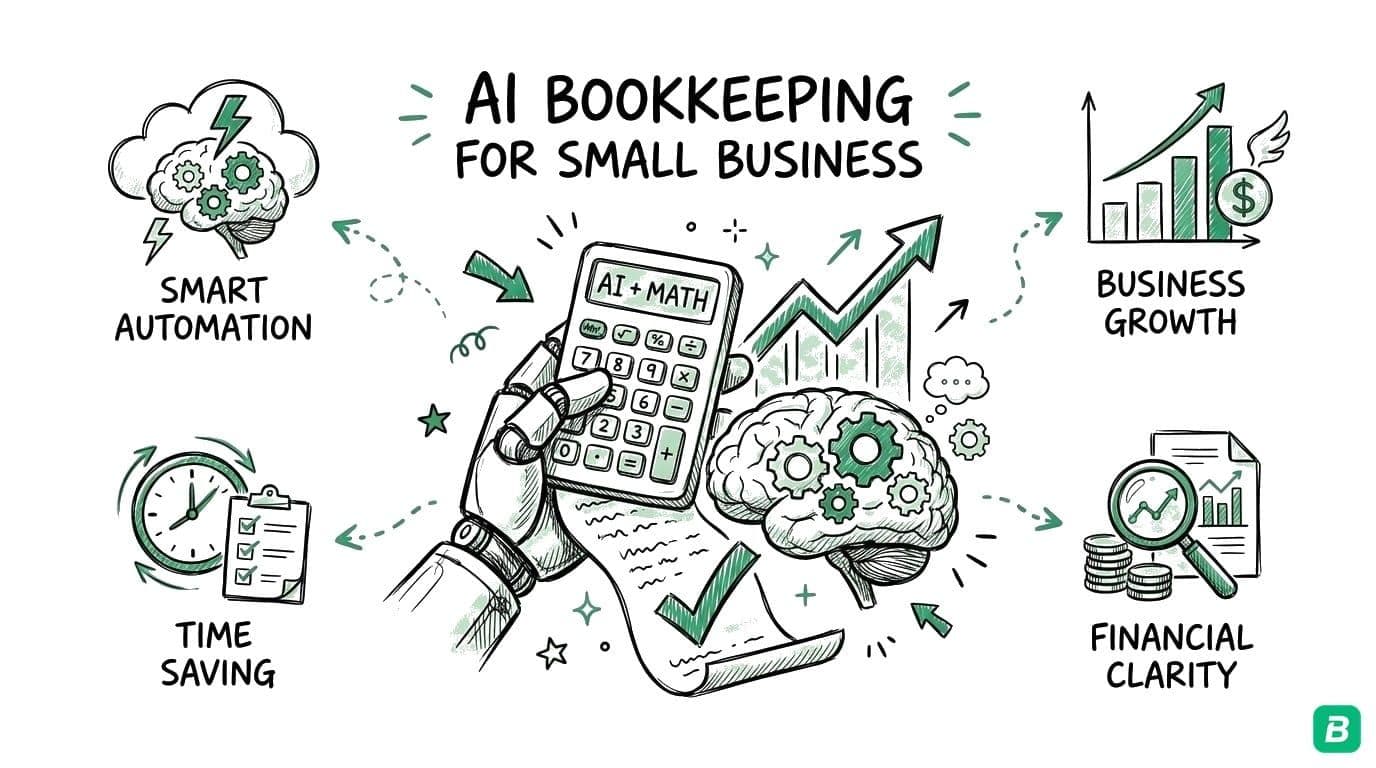
AI bookkeeping uses artificial intelligence to read purchase documents, extract their details, and categorize expenses. Within a connected workflow, those records can be matched to imported statement transactions and used in reviewed reports or an accounting handoff.
For freelancers and small businesses in Canada and the US, the goal is to reduce repeated entry across the bookkeeping process. You still provide business context, correct uncertain fields, and review exceptions before relying on the output.
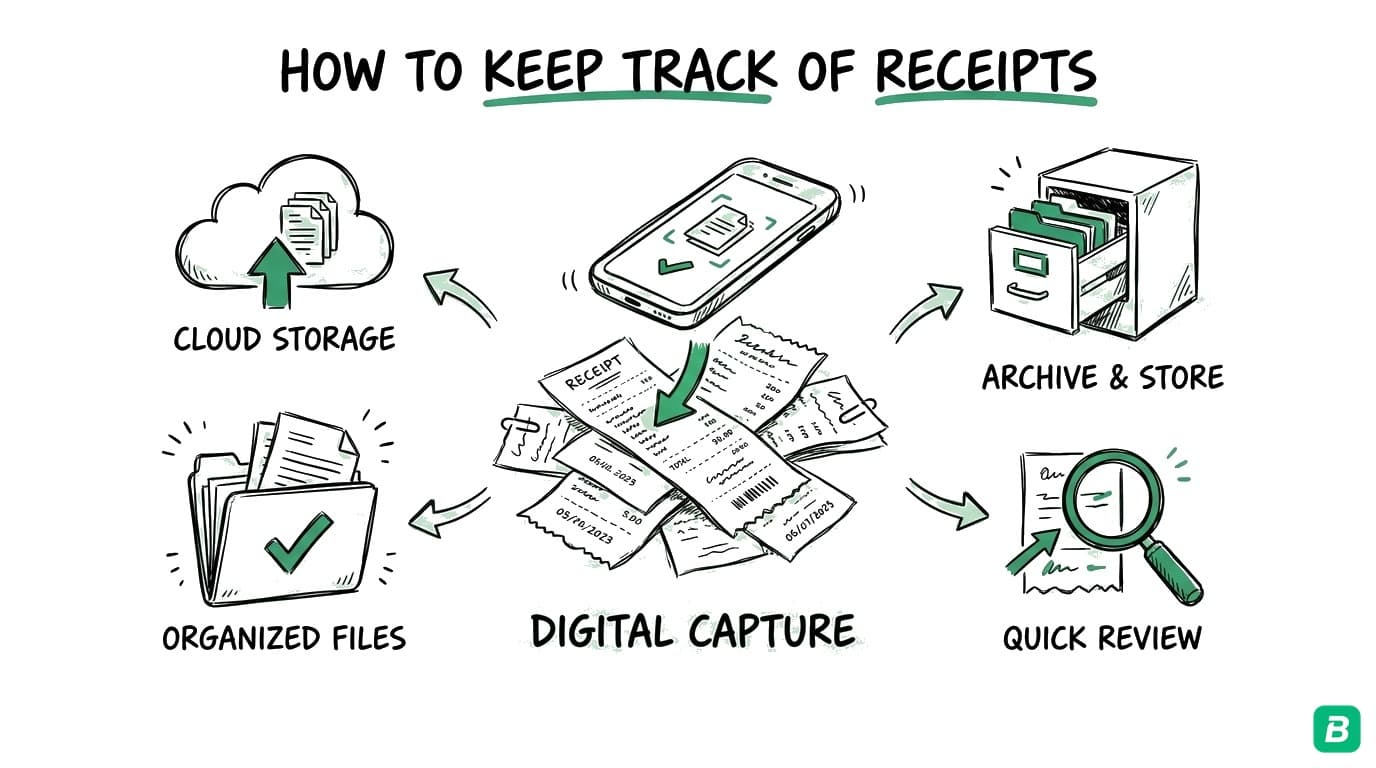
Our bookkeeping automation guide follows a purchase from capture to accountant handoff. If you are choosing software, use the accounting automation trial checklist to test that complete path with your own records.
Bookkeeping automation includes document collection, extraction, matching, reporting, and exports. AI helps interpret varied receipts and suggest categories; other steps can follow configured rules. Evaluate how those steps work together, including the review and correction process.
What AI Bookkeeping Actually Does
Receipt Scanning and Data Extraction
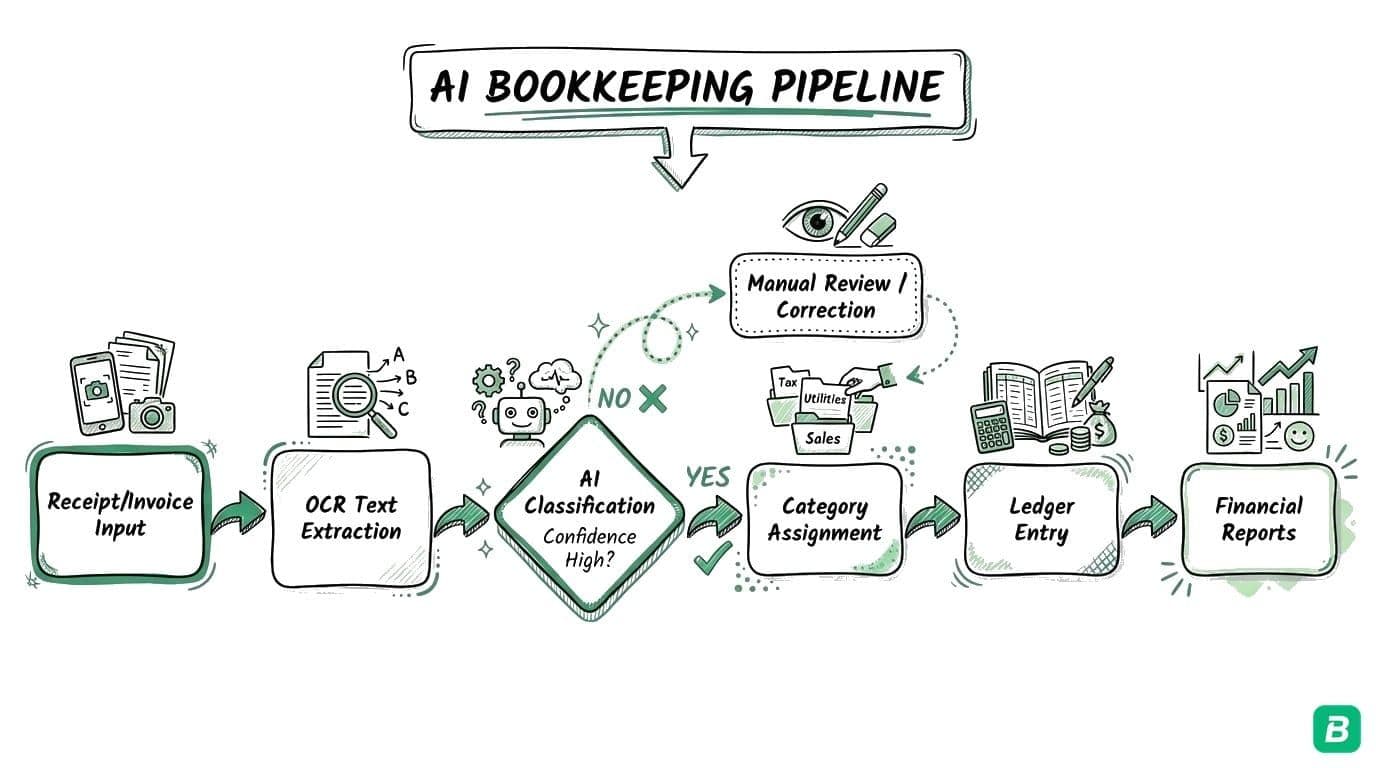
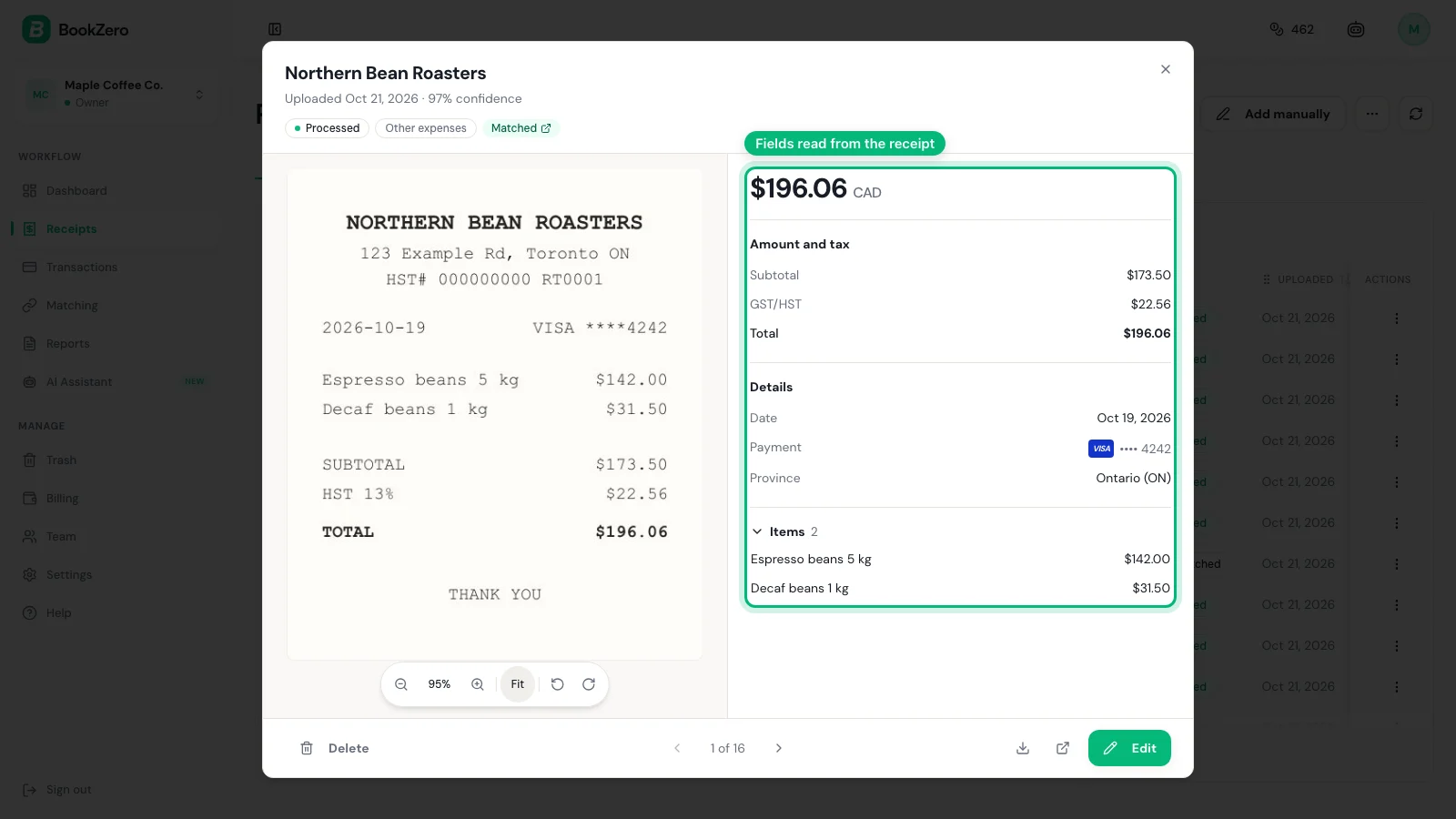
The most visible application of AI in bookkeeping is receipt scanning. You photograph a receipt and the AI extracts the vendor name, date, line items, subtotal, taxes, and total — regardless of the receipt format, language, or condition.
Unlike traditional OCR that just reads characters, AI understands the receipt as a document. It knows that the number at the bottom is usually the total, that "GST" refers to a federal tax, and that "Tim Hortons" is a restaurant. For a detailed comparison of AI scanning versus traditional OCR, see our AI receipt scanning vs OCR guide.
Automatic Expense Categorization
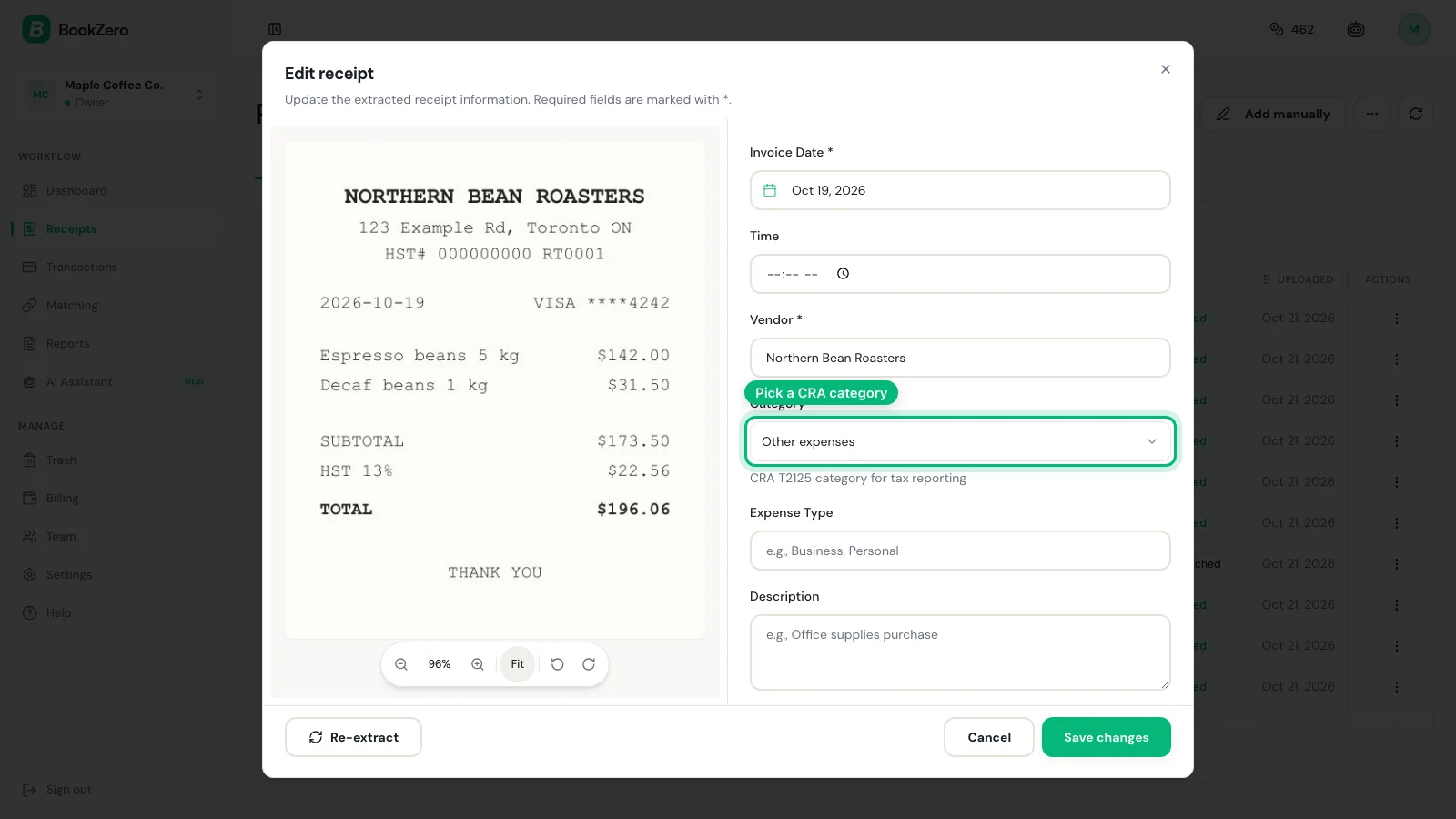
After extracting receipt data, AI suggests an expense category. Check the items purchased and their business purpose before accepting it. A retailer may sell both business supplies and personal goods, so its name alone cannot establish the right category.
For Canadian self-employed workers, this means expenses are automatically mapped to CRA T2125 line numbers — the exact categories you need at tax time. See our T2125 form guide for the complete list.
Tax Line Separation
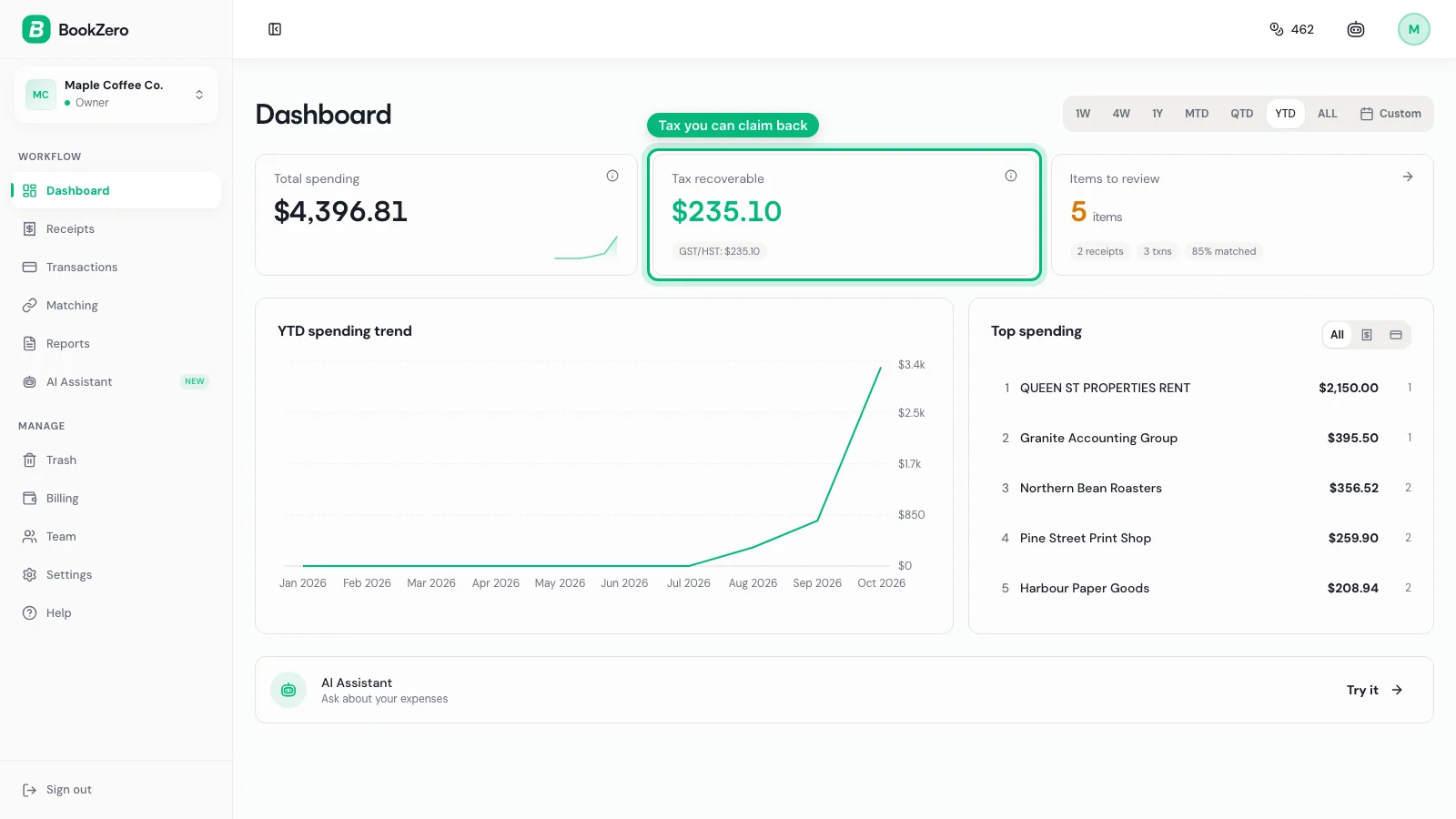
Canadian bookkeeping is complicated by the multi-layered tax system. A single receipt might include GST, HST, PST, or QST — each with different recovery rules.
AI bookkeeping identifies which taxes on each receipt are recoverable as Input Tax Credits and which are not. This saves hours of manual tax separation and reduces errors in GST/HST filing. For the full breakdown, see our GST/HST guide.
Transaction Matching
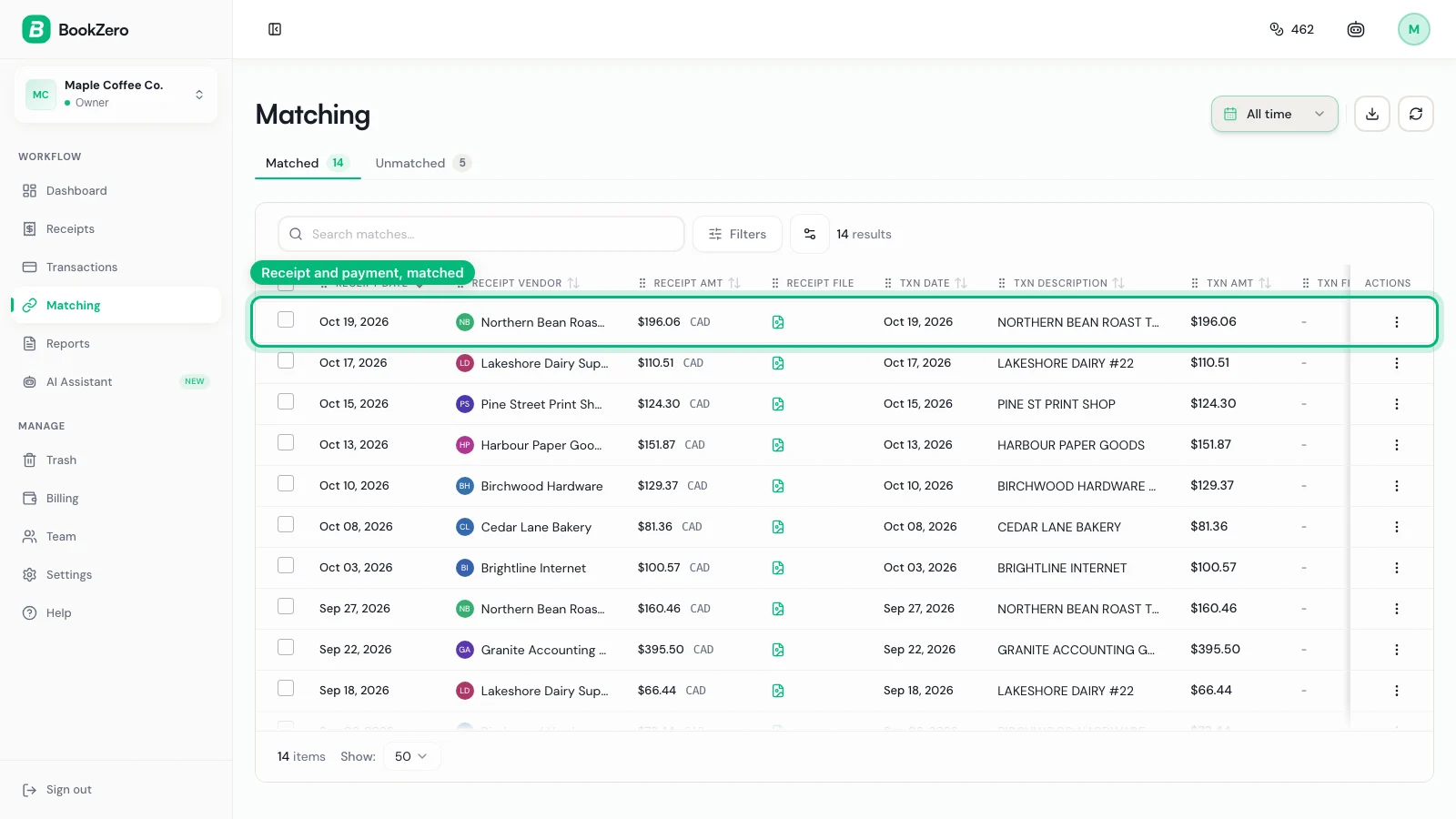
When you import a bank or card statement, BookZero can match its transactions against scanned receipts using details such as amount, date, and vendor. Review uncertain matches and missing documents. Receipt matching supports the broader reconciliation process in your accounting system.
Report Generation
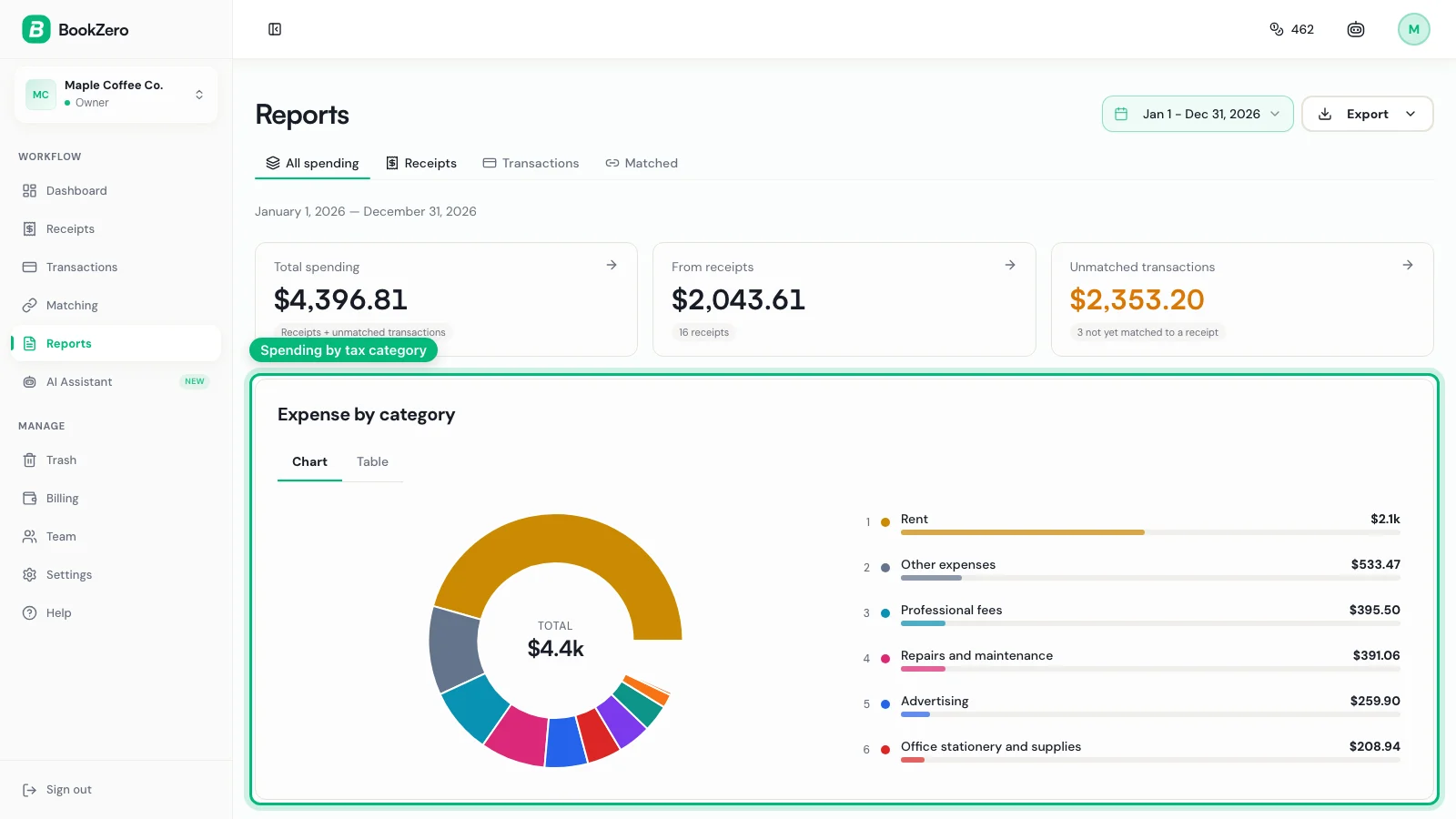
AI bookkeeping tools generate tax-ready summaries organized by CRA categories, and GST/HST filing periods. Instead of exporting raw data and building reports manually, you get reports that are ready for your tax return or your accountant.
Who Benefits Most from AI Bookkeeping
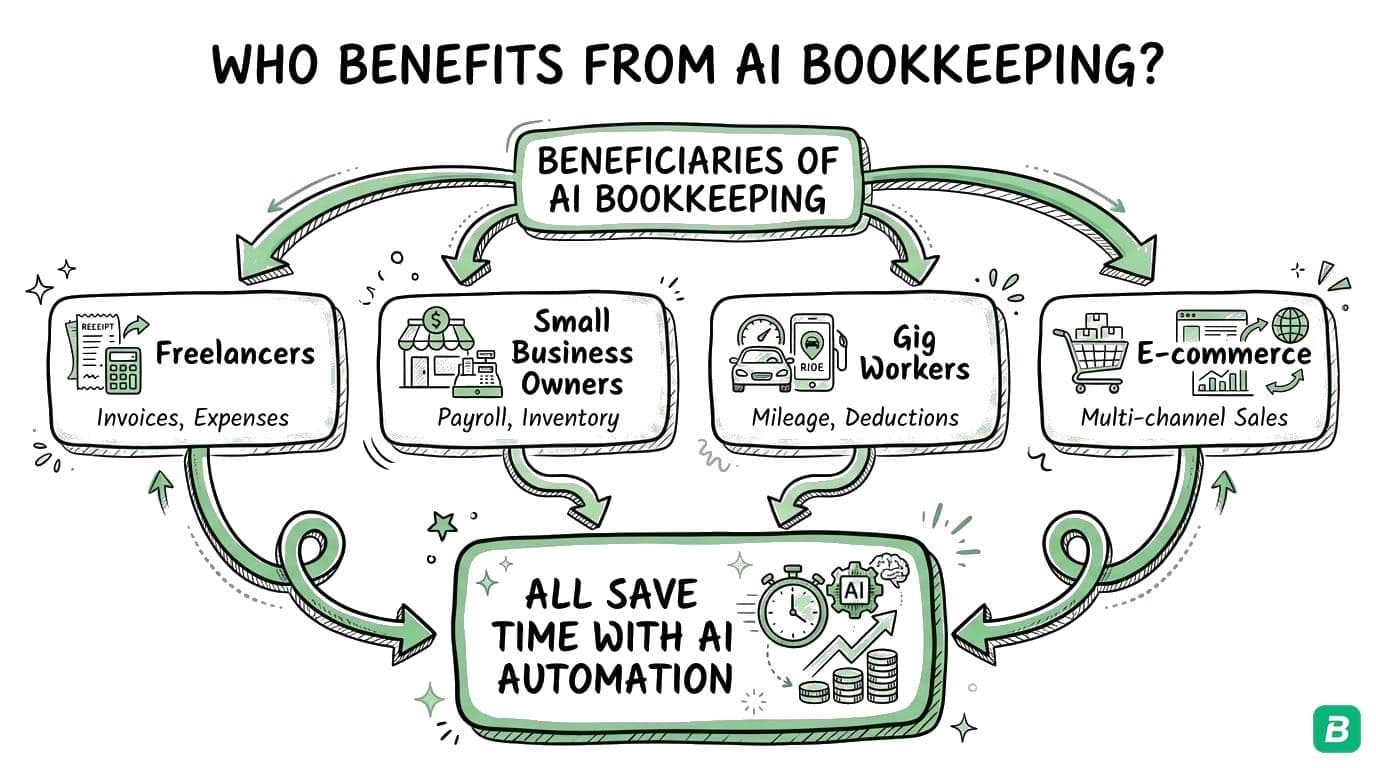
AI bookkeeping is not for every business. It provides the most value to specific types of small businesses.
Freelancers and Consultants
You have dozens of expenses per month across multiple categories — software, travel, meals, office supplies, professional development. Manual categorization takes hours. AI handles it in seconds.
Gig Economy Workers
Uber, DoorDash, and delivery drivers generate hundreds of small transactions per month — fuel, parking, equipment, phone charges. The volume makes manual tracking impractical. AI processes receipts as fast as you can photograph them. See our bookkeeping guide for gig workers for the full workflow.
Sole Proprietors
You are running the business and doing the books. Every hour spent on bookkeeping is an hour not spent on revenue-generating work. AI reduces bookkeeping from hours per week to minutes.
Small Service Businesses
Cleaners, contractors, personal trainers, photographers — service businesses with vehicle expenses, equipment, and mixed personal-business use benefit from automatic categorization.


What AI Bookkeeping Cannot Do
AI bookkeeping has real limitations. Understanding them helps you set realistic expectations.
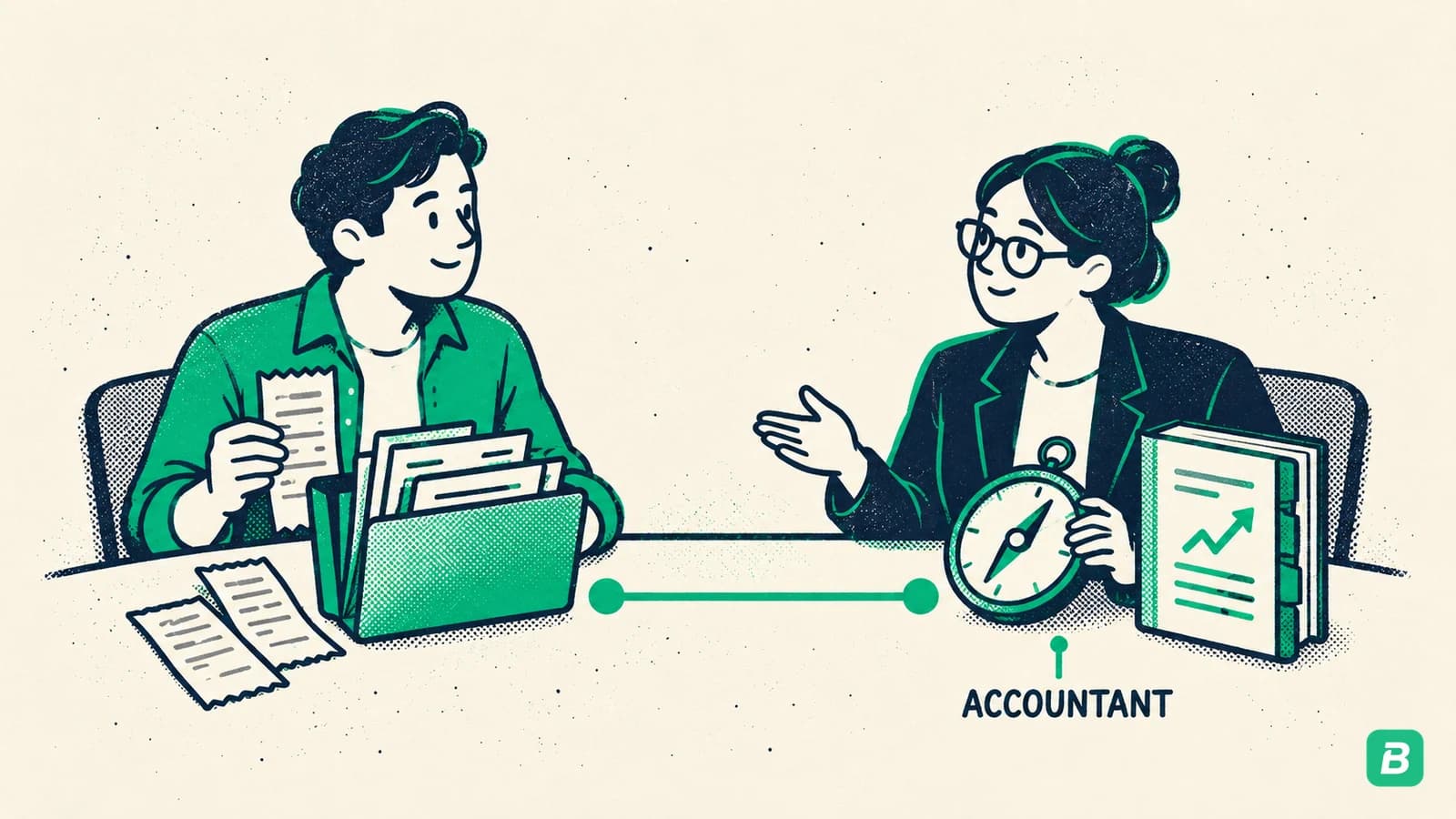
Strategic tax planning. AI categorizes expenses and generates reports, but it does not advise you on whether to incorporate, how to structure your compensation, or which tax credits apply to your situation. You still need a tax professional for strategic decisions.
Complex multi-entity structures. If you have multiple corporations, holding companies, or inter-company transactions, AI bookkeeping tools designed for small businesses will not handle the complexity. You need enterprise accounting software and a professional accountant.
Audit representation. If the CRA audits you, AI bookkeeping provides organized records and supporting documents, but it does not represent you or negotiate on your behalf. You need an accountant or tax lawyer.
Payroll processing. Most AI bookkeeping tools focus on expense tracking and categorization, not payroll. If you have employees, you likely need a separate payroll solution.
The most effective setup for small businesses is AI bookkeeping for day-to-day expense tracking combined with an accountant for annual tax planning and filing. AI keeps your books current all year. Your accountant provides strategic advice and handles the return. You save money on both — less bookkeeper time, fewer accountant hours reviewing disorganized records.
How AI Bookkeeping Compares to Traditional Methods
| Feature | Spreadsheet | Traditional Software | AI Bookkeeping |
|---|---|---|---|
| Receipt scanning | None | Basic OCR | AI-powered with categorization |
| Expense categorization | Manual | Rule-based (you create rules) | Automatic (AI suggests, you confirm) |
| Tax separation (GST/HST/PST) | Manual | Manual or basic rules | Automatic |
| CRA T2125 mapping | Manual | Not built-in | Automatic |
| New vendor handling | Manual | Manual rule creation | Automatic recognition |
| Setup time | Minutes | Hours to days | Minutes |
| Monthly time commitment | 4-8 hours | 2-4 hours | 15-30 minutes |
| Cost | Free | $20-$60/month | $10-$30/month |
| Learning curve | Low | High | Low |
What to Look For in an AI Bookkeeping Tool
Not all AI bookkeeping tools are equal. Here is what matters when choosing one.
Canadian Tax Knowledge
A tool built for the US market will not understand GST, HST, PST, QST, T2125 categories, or CRA filing requirements. Look for a tool that is built for or explicitly supports Canadian tax rules.
Receipt Accuracy
Test the tool with your actual receipts — including faded thermal paper, crumpled receipts, and handwritten notes. High accuracy on clean test images does not mean high accuracy on real-world receipts.
Categorization Quality
The tool should automatically assign the correct expense category without you creating manual rules. Test it with a variety of vendors and expense types to see how well it handles edge cases.
Data Security
Your financial data is sensitive. Look for encryption in transit and at rest, Canadian data residency (or at minimum, clear data handling policies), and compliance with Canadian privacy regulations.
Export and Integration
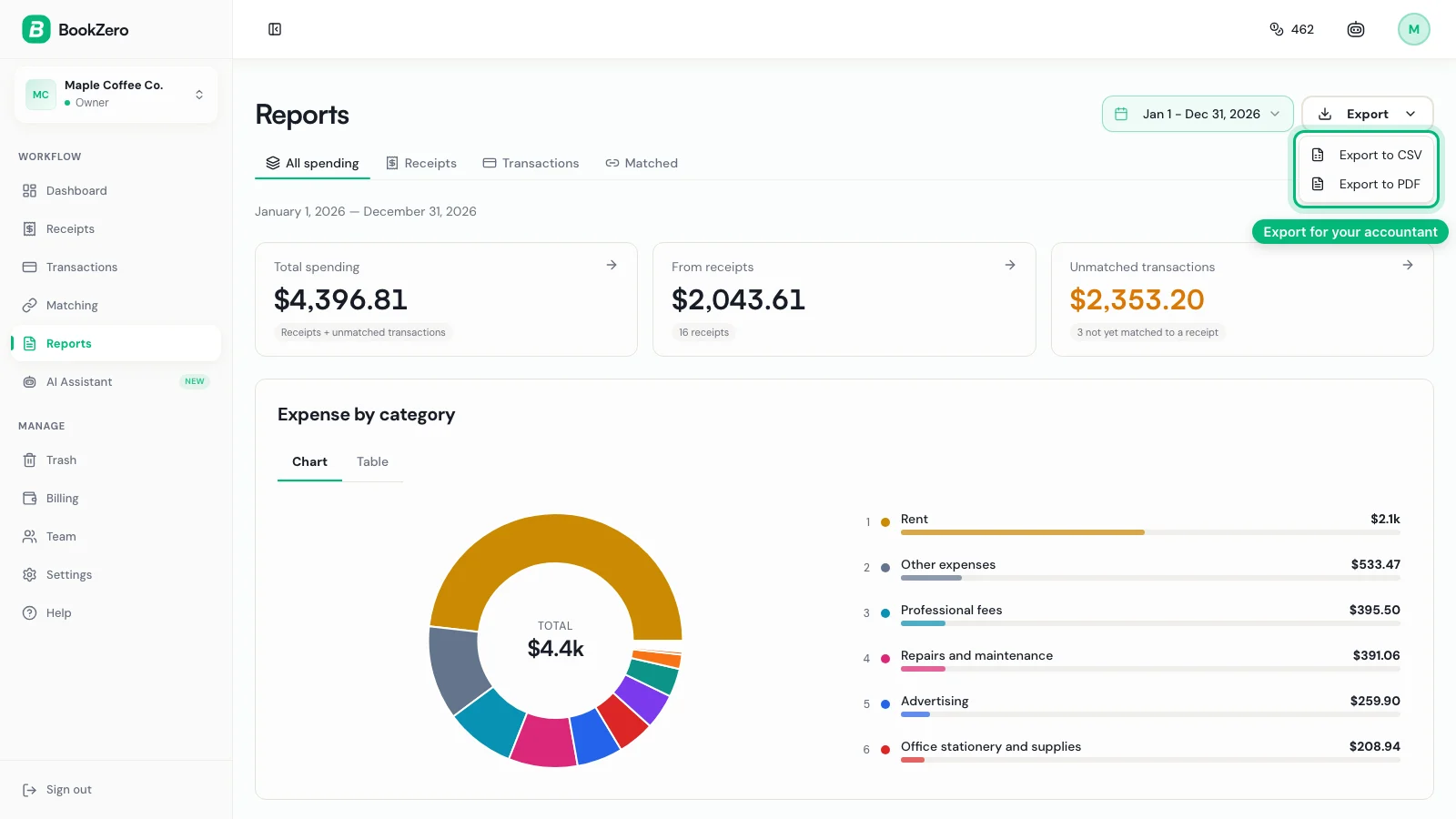
You need to get your data out of the tool — for your accountant, for CRA filing, or for your own records. Look for CSV export, PDF reports, and integration with tax software.
Pricing Transparency
Avoid tools that charge per receipt with hidden volume tiers, or that require annual contracts before you can evaluate the product. Look for clear, predictable pricing.
The Shift from Software to Intelligence
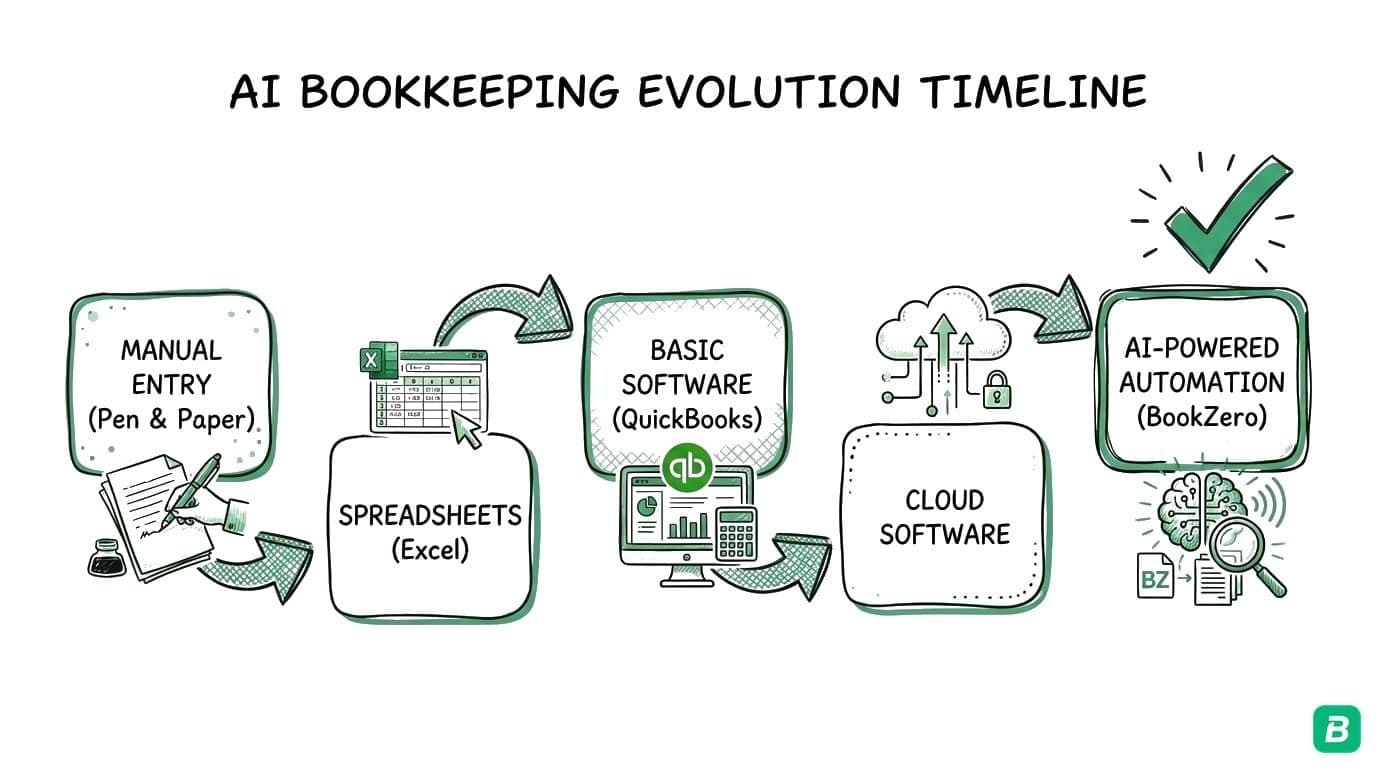
Traditional bookkeeping software digitized the ledger — instead of a paper book, you had a database. But you still did the same work: entering data, creating rules, categorizing transactions, reconciling accounts.
AI bookkeeping represents a different shift. The software does the cognitive work that previously required a human. It reads receipts, understands context, and suggests categories for you to confirm.
This does not mean bookkeepers and accountants become obsolete. It means the routine, repetitive tasks — the ones that consume 80% of bookkeeping time — are handled by AI. Human expertise is redirected to the strategic work that AI cannot do: tax planning, business advice, audit support, and financial strategy.
For small businesses that cannot afford a dedicated bookkeeper, AI bookkeeping makes professional-quality expense tracking accessible for the first time.
Getting Started with AI Bookkeeping
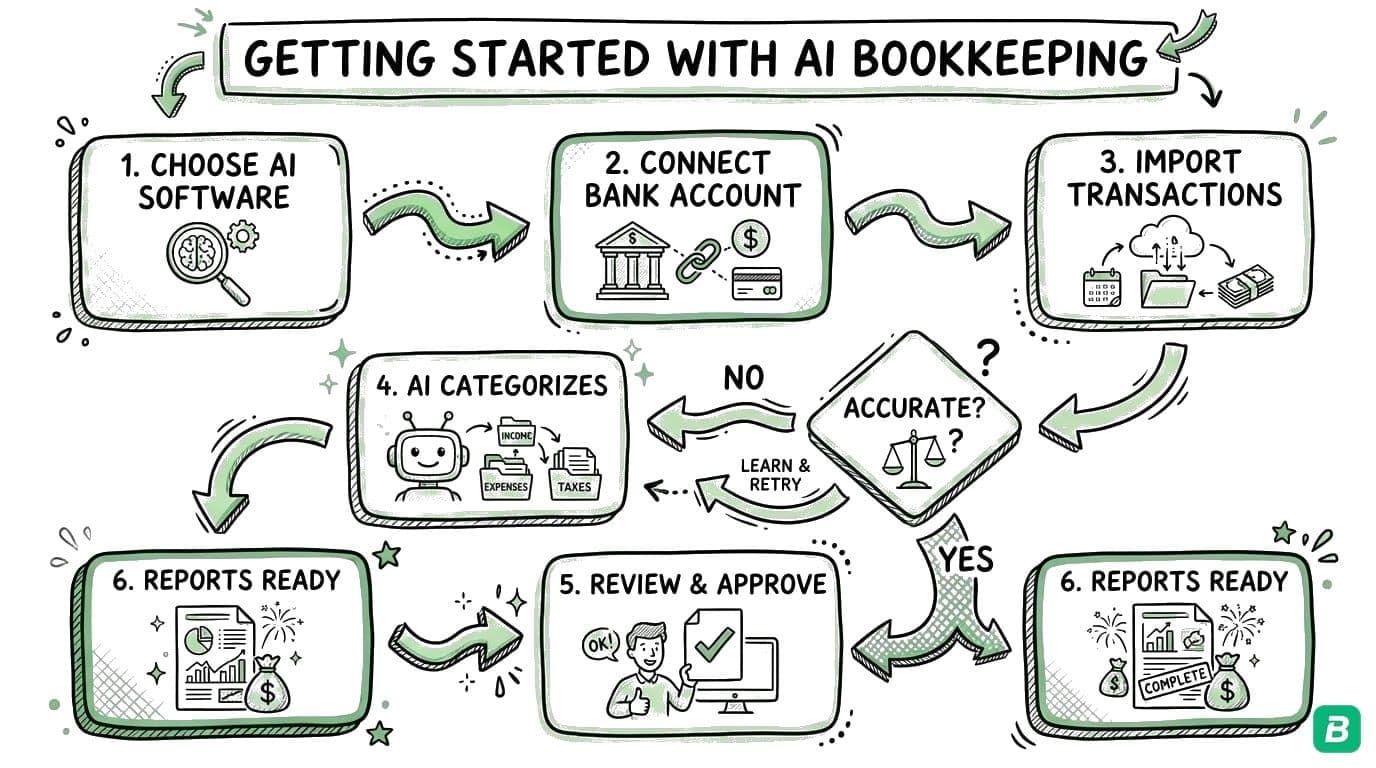
The transition from manual bookkeeping to AI-powered bookkeeping is straightforward:
- Choose a tool that supports Canadian tax requirements and handles your receipt volume
- Upload historical receipts if you have them — most tools can process batches
- Scan new receipts as they come in — photograph and upload immediately
- Review categorizations for the first few weeks to verify accuracy
- Upload your bank statements if the tool supports transaction import and matching
- Generate reports at tax time — expenses organized by T2125 category, and GST/HST summary
The goal is to spend less time on bookkeeping and more time on your business. AI makes that possible without sacrificing accuracy or CRA compliance — the CRA requires you to keep records for at least six years, and AI tools make maintaining those records effortless.
For a comparison of BookZero against traditional accounting software, see our BookZero vs QuickBooks comparison.
Frequently Asked Questions
Is AI bookkeeping accurate enough to replace manual entry?
For most small businesses, yes. AI receipt scanning reads most real-world receipts correctly and flags the fields it is unsure of, and automatic categorization gets most expenses right. Spot-checking results is recommended, but the time savings are substantial compared to full manual entry.
Will the CRA accept records from AI bookkeeping tools?
The CRA accepts digital records as long as they are complete, legible, and organized. AI bookkeeping tools store receipt images alongside extracted data, meeting CRA record-keeping requirements for supporting documentation. The key is that you retain the original receipt image — the AI extraction is supplementary.
How much does AI bookkeeping cost?
AI bookkeeping tools typically range from $10 to $30 per month for small businesses and freelancers. This is less than traditional accounting software like QuickBooks ($25-$60/month) and far less than a human bookkeeper ($200-$500/month).
Can AI bookkeeping handle multiple currencies?
Most AI bookkeeping tools support multiple currencies, which is relevant if you have US clients or purchase supplies from international vendors. Check that your chosen tool handles CAD as the primary currency and converts foreign transactions appropriately.

Eric Tech· Founder, BookZero.ai
Founder of BookZero. Building AI-powered bookkeeping tools for US and Canadian freelancers and small businesses.
View all postsStay ahead of tax season
Tax tips, deduction strategies, and feature announcements straight to your inbox. No spam, unsubscribe anytime.