How to Set Up Bookkeeping for a New Business in Canada: Step-by-Step (2026)
A practical checklist for setting up bookkeeping from scratch — bank accounts, fiscal year, cash vs accrual, expense categories, receipt workflow, and GST/HST registration.
 Eric Tech·Apr 20, 2026·15 min read·
You just registered your business. Congratulations — that's the exciting part done. Now comes the part nobody warns you about: setting up your bookkeeping so you don't end up in a panic come tax season.
Here's the good news: learning how to set up bookkeeping for small business doesn't require an accounting degree. It's a series of straightforward steps that, if done right from the start, will save you dozens of hours (and potentially thousands of dollars) down the road.
This guide walks you through the complete bookkeeping setup for a new business in Canada — from opening your first business bank account to scheduling your monthly reconciliation. Whether you're a freelancer, a sole proprietor, or incorporating a small company, this checklist has you covered.
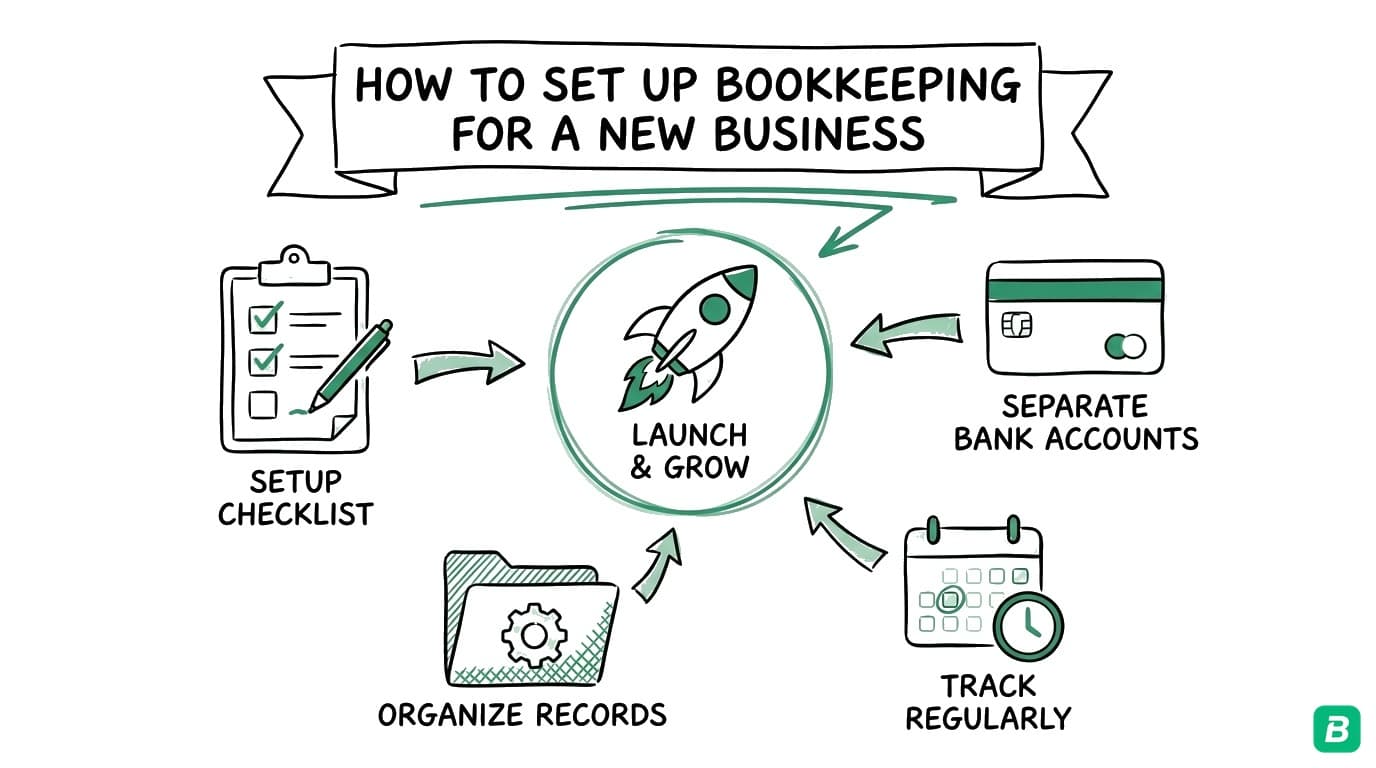
Open a separate business account, use the CRA's T2125 categories from day one, capture every receipt within 24 hours, and reconcile once a month.
This guide is written for brand new Canadian small business owners who have just registered (or are about to register) their business. If you're looking for a broader overview, start with our complete bookkeeping guide for Canada.
Why Getting Your Bookkeeping Right from Day One Matters
Before we dive into the checklist, here's why this matters:
- CRA requires it. The Canada Revenue Agency mandates that all businesses keep records for at least six years. No exceptions.
- Tax deductions require proof. You can't claim expenses without receipts and records. Missing documentation means missing deductions.
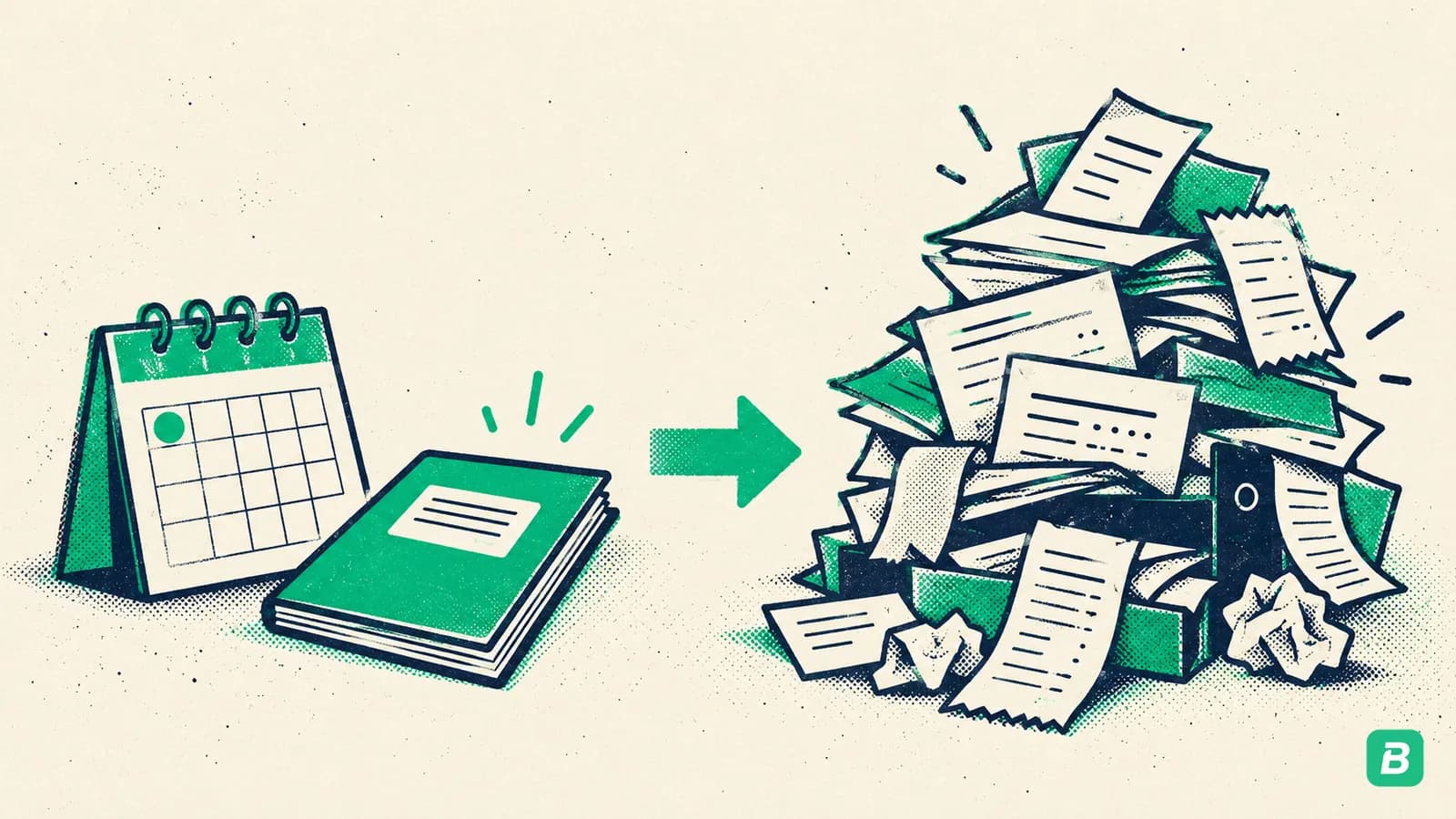
- It only gets harder later. Trying to reconstruct a year of bookkeeping in March is painful. Starting with a system from day one is significantly easier.
- Investors and lenders need clean books. If you ever apply for a loan or seek investment, messy financials are an immediate red flag.
The good news? Bookkeeping for beginners in Canada is far more accessible than it used to be. Modern tools handle most of the heavy lifting — you just need to set them up correctly.
Your 10-Step Bookkeeping Setup Checklist
Step 1: Open a Separate Business Bank Account
This is the single most important step, and the one most new business owners skip. Never mix personal and business finances. Ever.
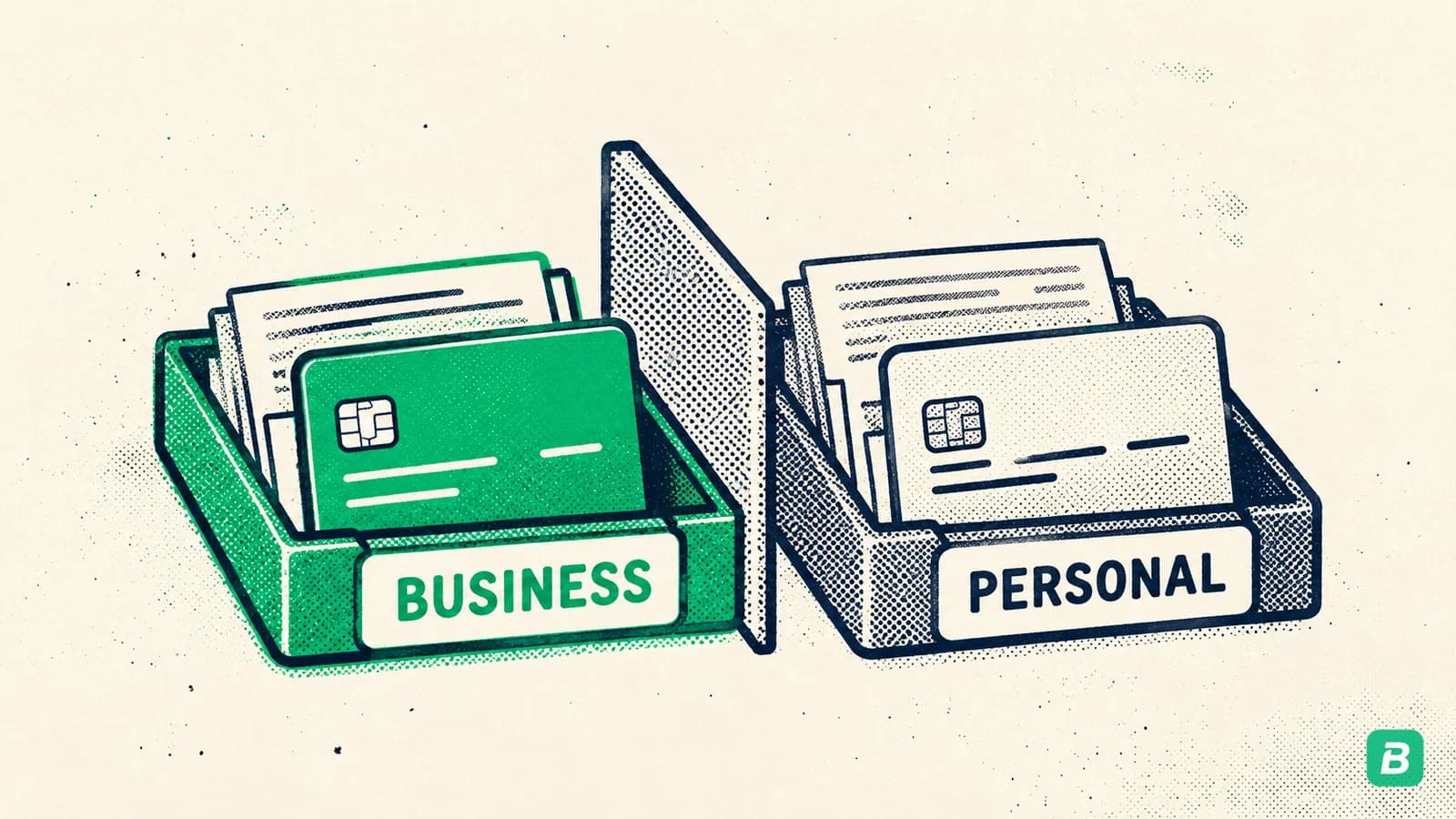
Why? Three reasons:
- CRA audits. If your personal and business transactions are tangled together, an audit becomes a nightmare. The CRA expects clear separation.
- Deduction clarity. When every transaction in your business account is a business transaction, categorising expenses becomes trivial.
- Legal protection. For corporations, mixing funds can "pierce the corporate veil," making you personally liable for business debts.
What to do:
- Visit any Canadian bank (RBC, TD, Scotiabank, BMO, CIBC — or a credit union)
- Open a business chequing account (many offer free accounts for the first year)
- Get a business debit card and, if possible, a business credit card
- Transfer your initial capital into this account
- From this point forward, all business income goes in and all business expenses come out of this account
Even if you're not incorporated, open a separate account. You can use a personal account designated for business — just never use it for personal spending. Some banks offer no-fee accounts specifically for sole proprietors.
If you're starting a home-based business, this step is especially important since home and business expenses can easily blur together.
Step 2: Get Your CRA Business Number (BN)
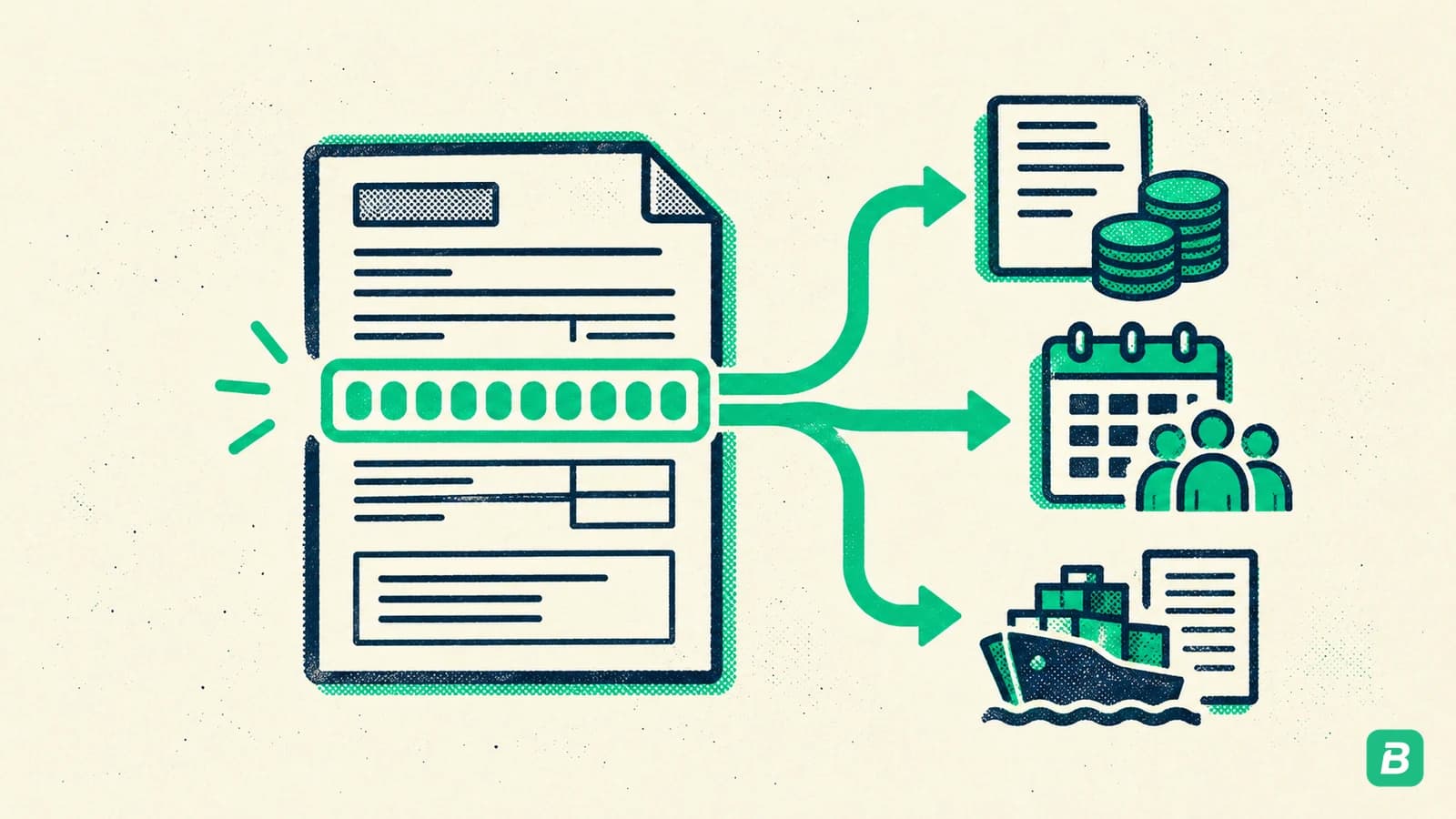
Your Business Number is your unique identifier with the Canada Revenue Agency. You'll need it for:
- Filing business taxes
- Registering for GST/HST
- Opening payroll accounts
- Importing/exporting goods
What to do:
- Register online through CRA's Business Registration portal
- You can also register by phone (1-800-959-5525) or by mail
- Sole proprietors: you'll get a BN when you file your first T2125
- Corporations: you receive a BN as part of incorporation
For a detailed walkthrough, see the CRA's Business Number registration page.
Step 3: Choose Your Fiscal Year End
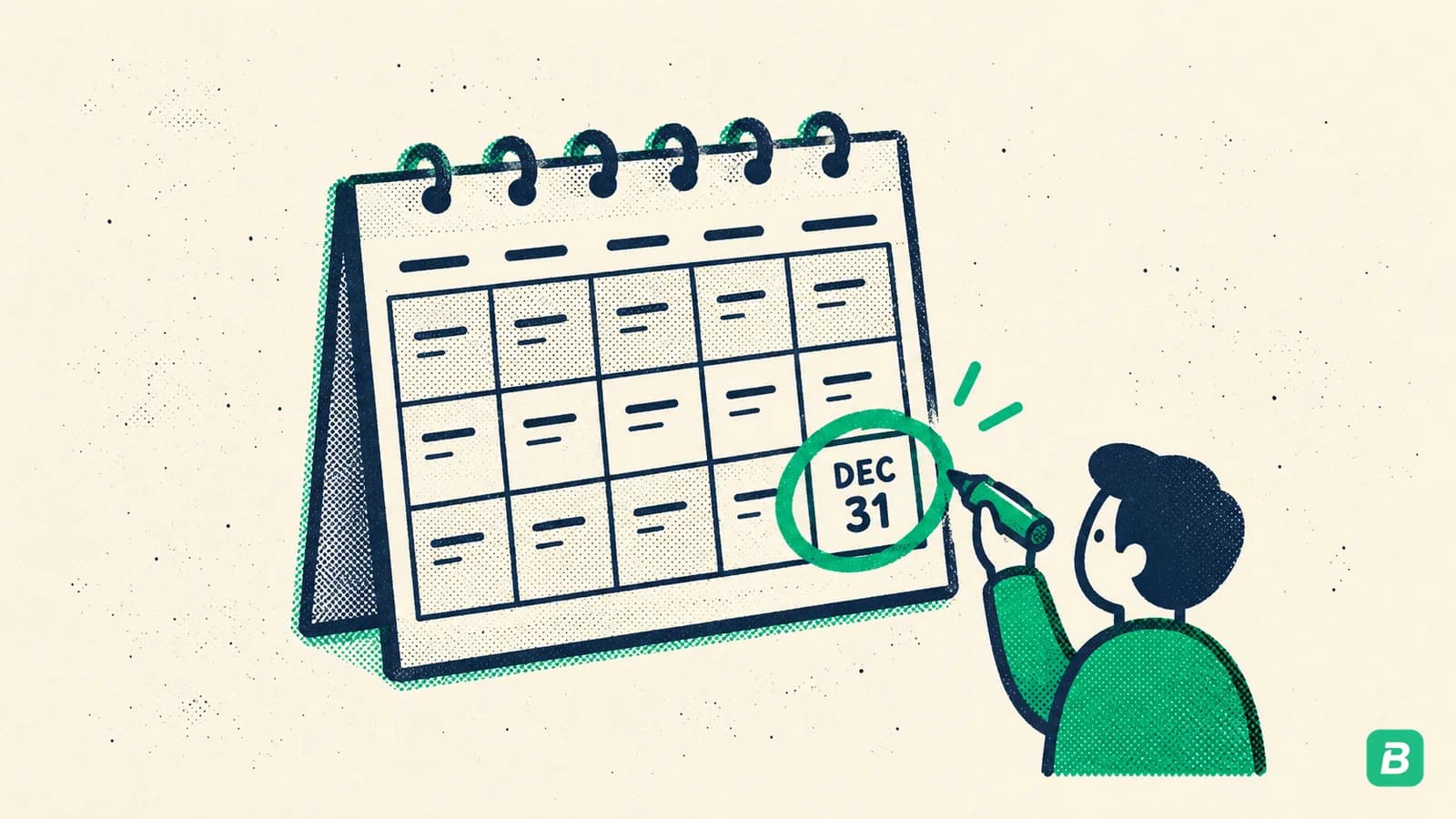
Your fiscal year end determines when your business year closes for tax purposes. This affects when you file and how you plan.
The simple rule:
- Sole proprietors and partnerships: Your fiscal year end must be December 31 (calendar year). The CRA requires this for most unincorporated businesses.
- Corporations: You can choose any date. Common choices are December 31, March 31, or the anniversary of your incorporation date.
What to do:
- If you're a sole proprietor, your fiscal year is January 1 to December 31. No decision needed.
- If you're incorporating, discuss with your accountant. Choosing a fiscal year end a few months after your busiest season gives you time to close your books while revenue is slower.
Your fiscal year end determines your tax filing deadline. For corporations, the T2 return is due six months after year end, but any tax balance is generally due two or three months after year end. Choosing a strategic date can improve your cash flow planning.
Step 4: Pick Cash vs Accrual Accounting Method
This sounds more complicated than it is. There are two ways to record transactions:
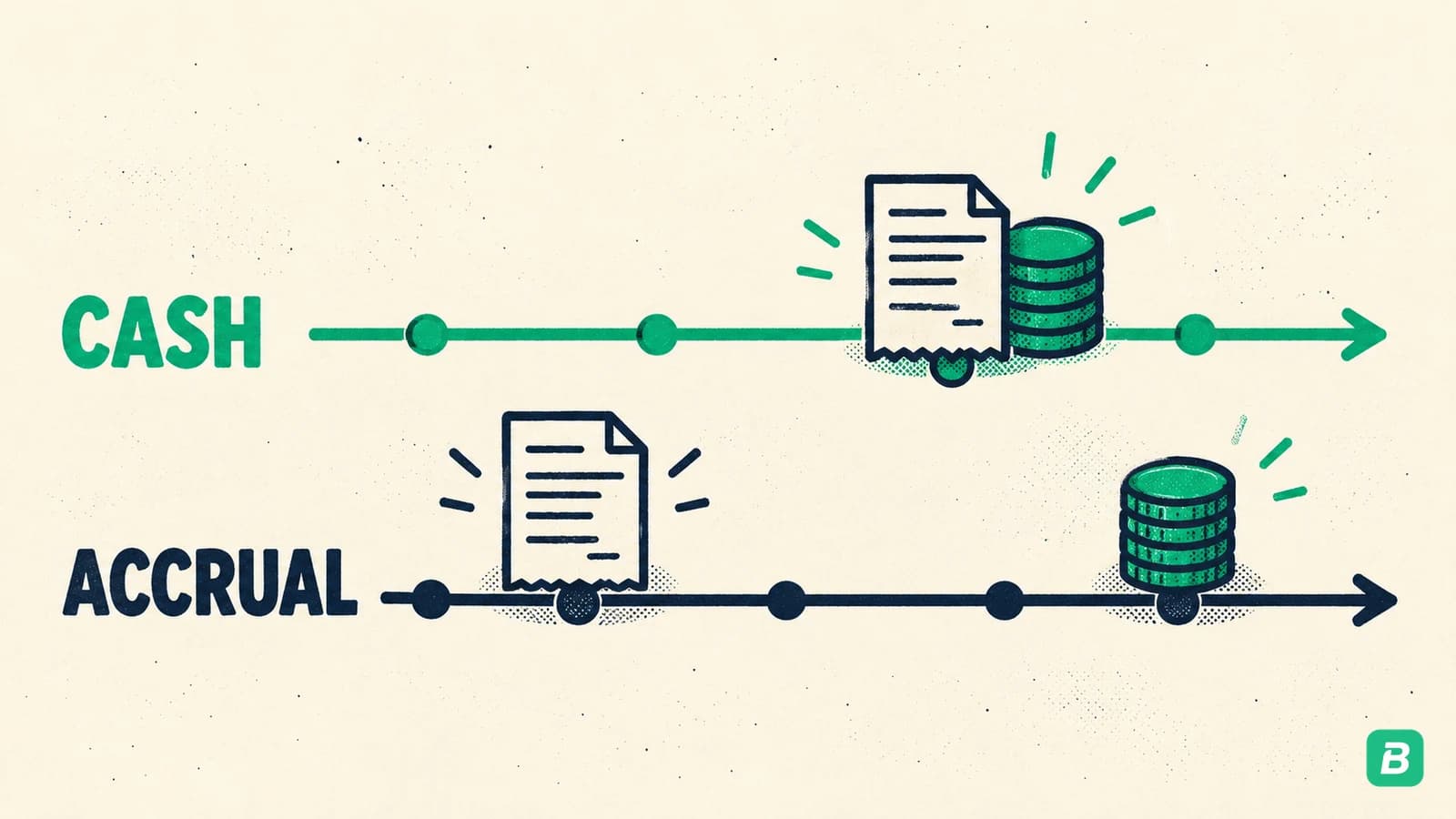
Cash method:
- Record income when you receive the money
- Record expenses when you pay the money
- Simple and intuitive — what most beginners use
Accrual method:
- Record income when you earn it (even if not yet paid)
- Record expenses when you owe them (even if not yet paid)
- More accurate for businesses with invoicing or accounts receivable
What to do:
- If you're a freelancer, sole proprietor, or very small business: start with cash method. It's simpler, requires less tracking, and is perfectly acceptable to CRA.
- If you regularly invoice clients with net-30 terms or carry inventory: consider accrual from the start.
- Note: once you choose, switching later requires CRA approval.
For most new businesses doing under $500,000 in revenue, cash accounting is the practical choice. You can always transition to accrual as you grow.
To understand how these methods connect to double-entry bookkeeping, which is the standard approach for recording transactions, read our dedicated guide.
Step 5: Set Up Your Expense Categories
This is where many new business owners make their first costly mistake: they invent their own categories. Don't.
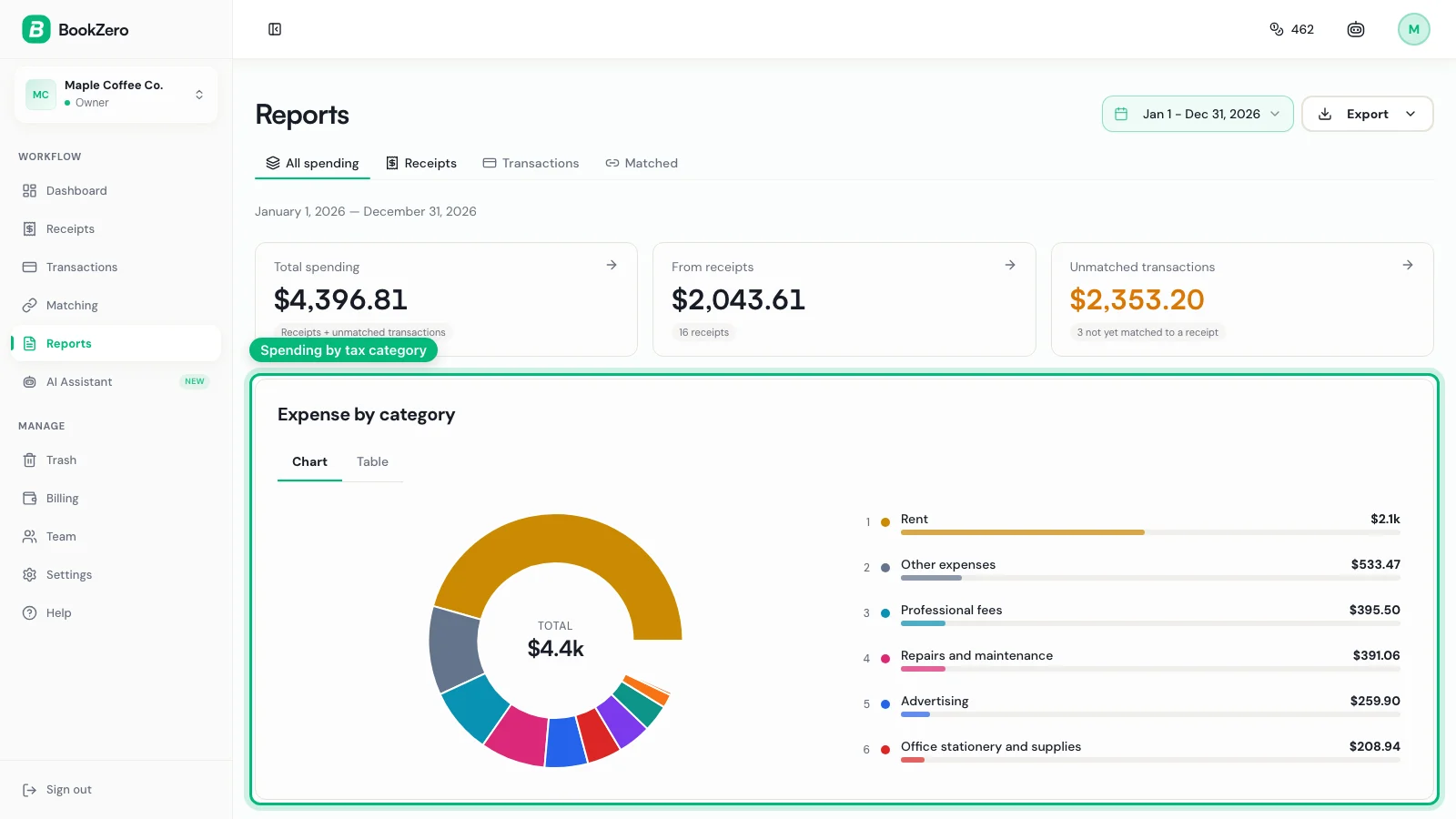
Use the CRA's T2125 categories from day one. These are the exact categories you'll report on your tax return (Statement of Business Activities). If your bookkeeping categories match your tax categories, filing becomes a simple transfer of numbers.
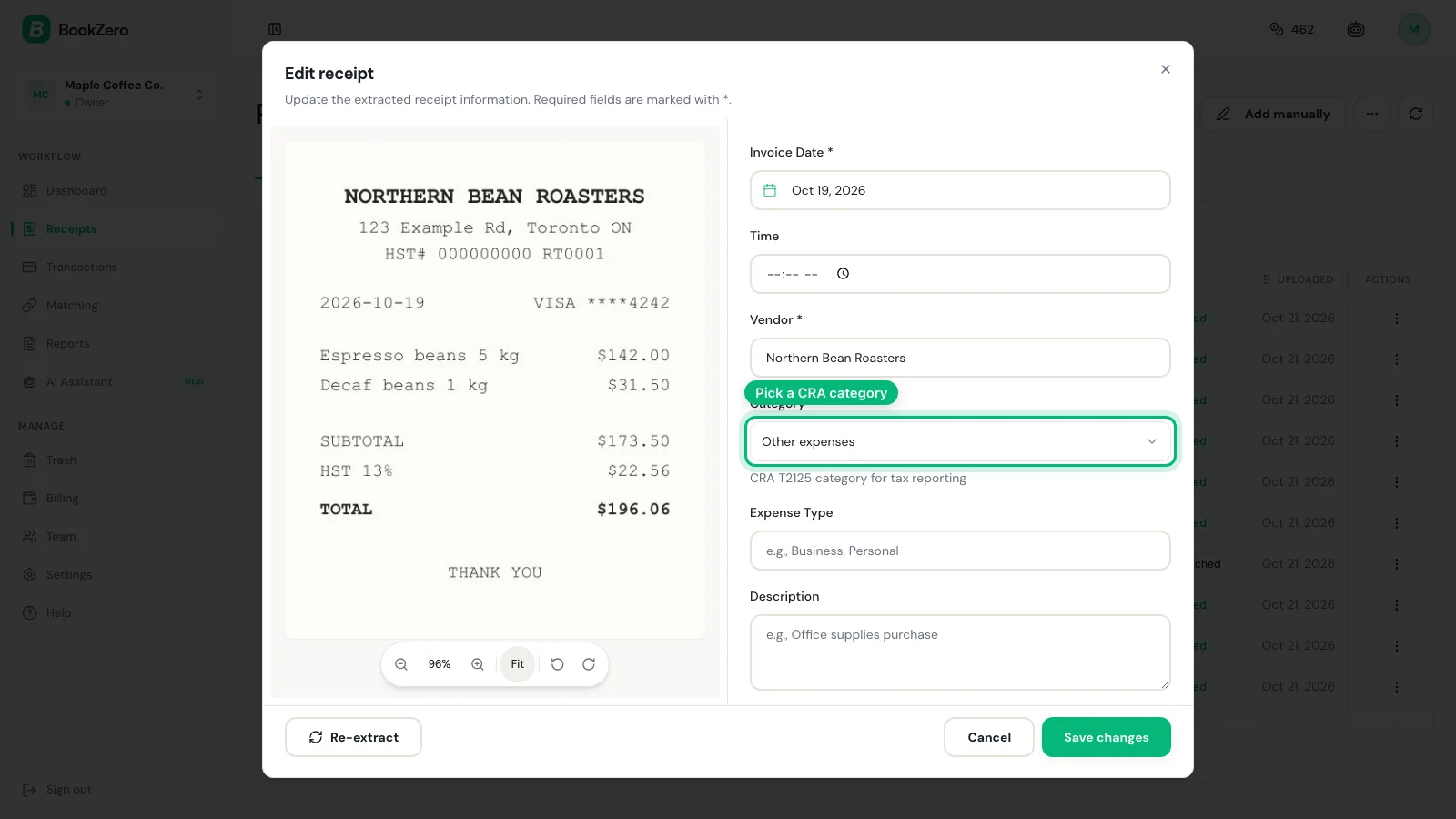
Key CRA expense categories include:
- Advertising
- Meals and entertainment (50% deductible)
- Office expenses
- Supplies
- Professional fees (legal, accounting)
- Motor vehicle expenses
- Travel
- Telephone and utilities
- Rent
- Insurance
- Business taxes, fees, licences, and memberships
- Maintenance and repairs
- Salaries, wages, and benefits
What to do:
- Set up these categories in your bookkeeping tool before recording any transactions
- Don't add custom categories unless absolutely necessary
- When in doubt about which category an expense belongs to, refer to our T2125 form guide
Don't create categories like "Miscellaneous" or "Other" and dump expenses there. The CRA expects proper categorisation. If you can't categorise it, research it or ask your accountant.
Step 6: Choose Your Bookkeeping Tool
You have three main options, each with trade-offs:
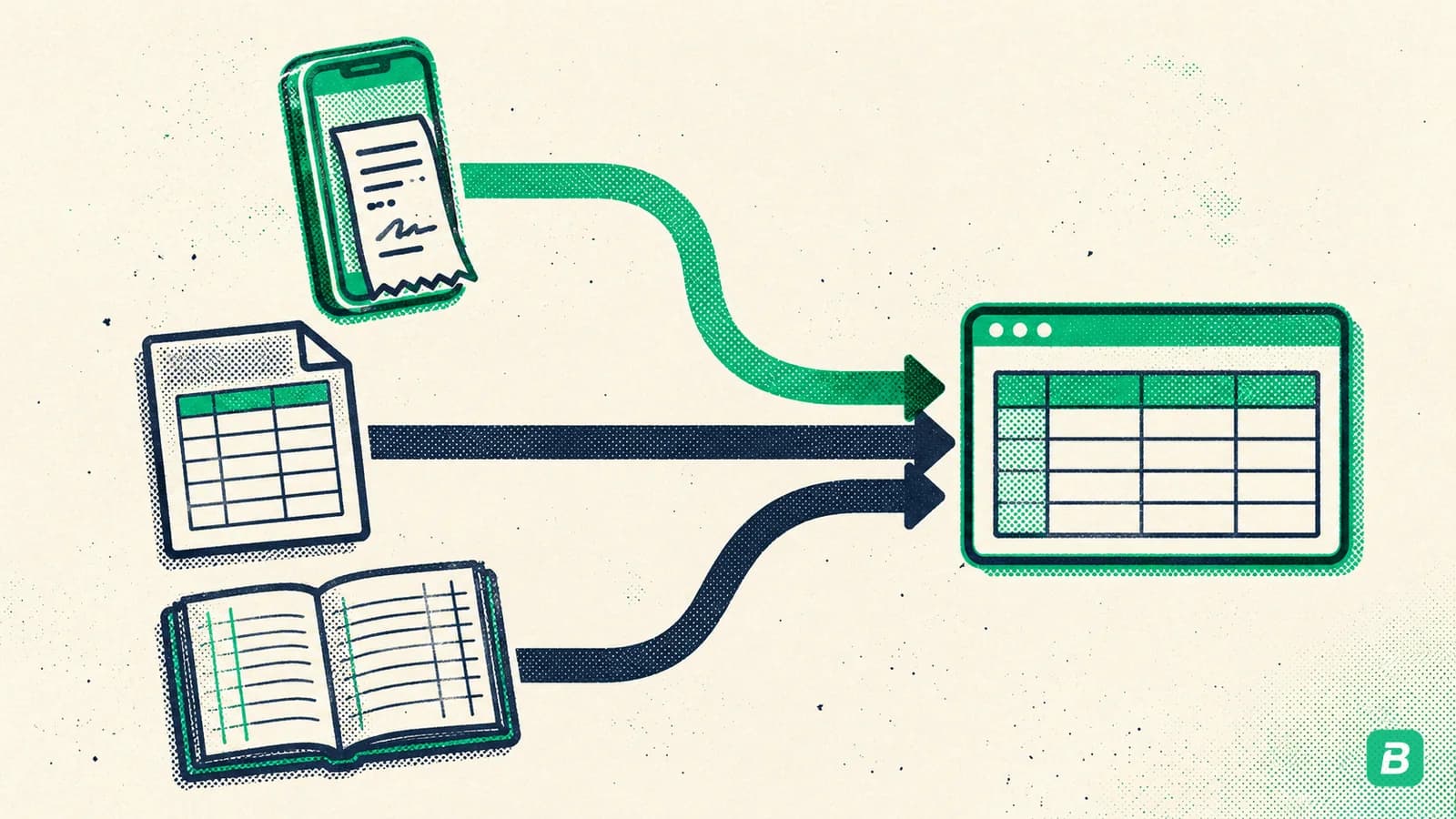
Option A: Spreadsheet (Excel/Google Sheets)
- Free
- Full control
- No automation
- Easy to make errors
- Acceptable for very simple businesses with few transactions
Option B: Traditional accounting software (QuickBooks, Wave, FreshBooks)
- Monthly subscription
- Manual data entry required
- Good reporting
- Learning curve
Option C: AI-powered bookkeeping (BookZero)
- Automatic receipt scanning and categorisation
- Bank statement import (CSV, Excel or PDF)
- CRA-aligned categories built in
- Minimal manual entry
- Designed for Canadian small businesses
What to do:
- If you have fewer than 10 transactions per month and enjoy spreadsheets: a simple spreadsheet can work initially
- If you want automation and CRA compliance built in: choose a dedicated tool
- Read our best bookkeeping software comparison for Canada for a detailed breakdown
The most important thing is choosing something and using it consistently. The worst bookkeeping system is the one you abandon after two months.
Step 7: Set Up Your Receipt Capture Workflow
The CRA requires you to keep supporting documents for all business expenses. "I lost the receipt" is not an acceptable excuse during an audit.
Your receipt workflow needs to answer one question: what do you do the moment you make a business purchase?
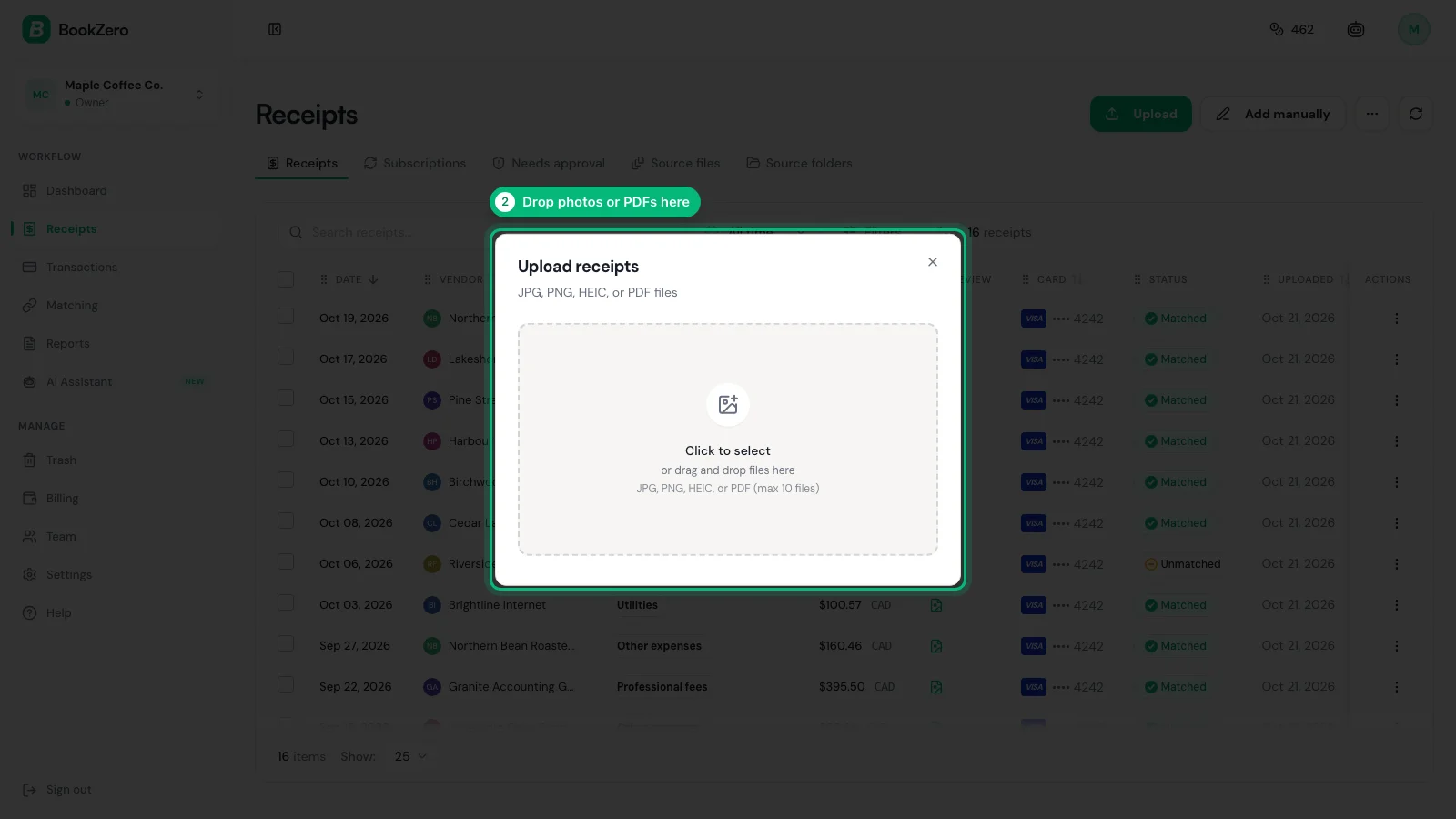
A good workflow looks like this:
- Make a purchase
- Immediately capture the receipt (photo or digital)
- The receipt is automatically categorised and stored
- It's matched to the corresponding bank transaction later
What to do:
- Set up a capture method you'll actually use (phone app, email forwarding, or scanner)
- Ensure receipts are stored digitally with the date, vendor, amount, and category
- Never let receipts pile up — the "shoebox method" leads to lost deductions
- Read our complete guide on how to keep track of receipts for small business
Make it a habit: capture every receipt within 24 hours. After that, thermal paper fades, you forget what it was for, and it joins the growing pile of mysteries in your desk drawer.
Step 8: Register for GST/HST (If Applicable)
In Canada, you must register for GST/HST once your revenue exceeds $30,000 over four consecutive calendar quarters (or in a single quarter).
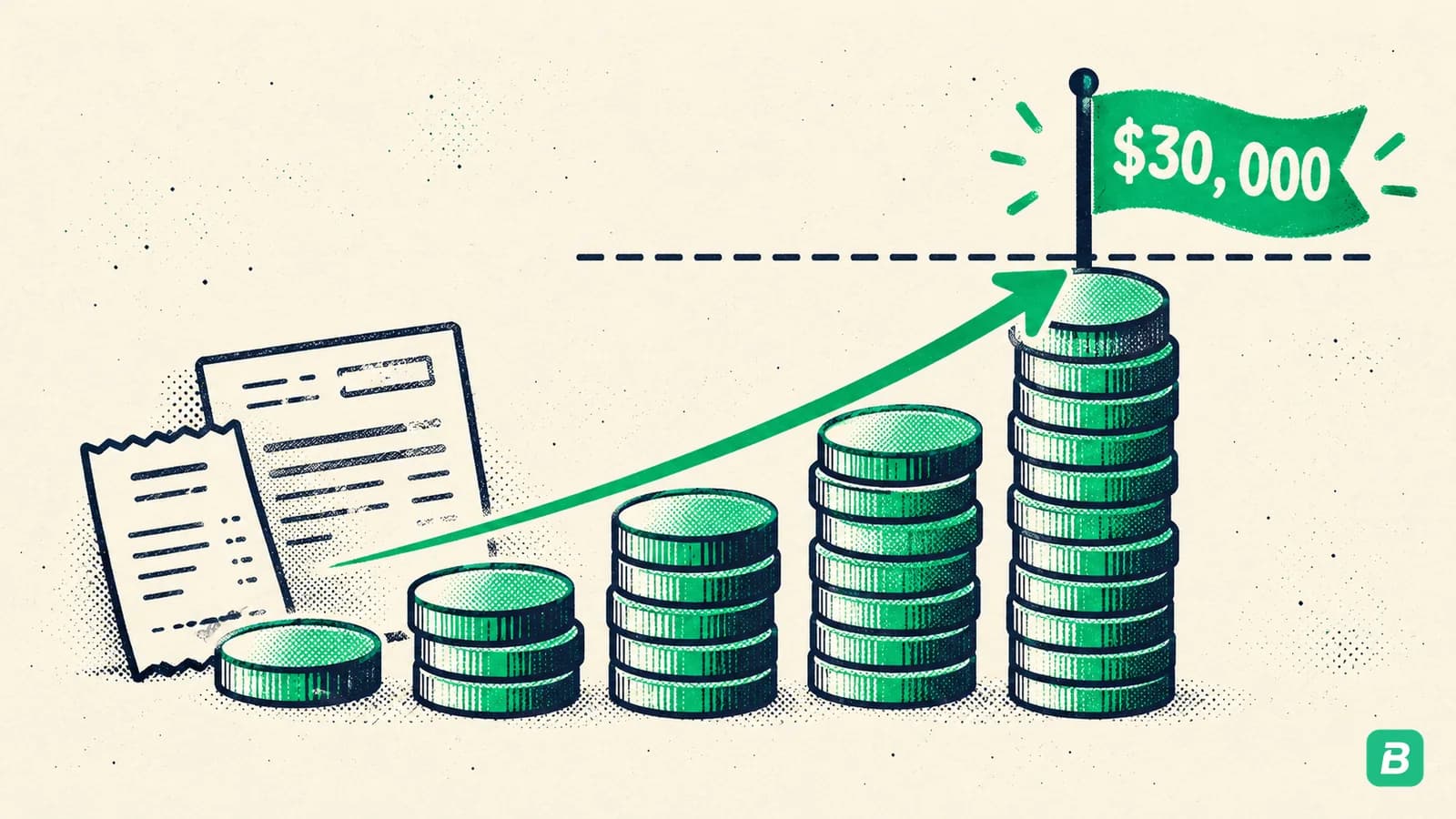
But here's the thing: you can register voluntarily before hitting that threshold. Why would you?
- You can claim Input Tax Credits (ITCs) on your business purchases
- It makes your business appear more established to clients
- If you're close to $30,000, registering early avoids a messy retroactive registration
What to do:
- If your revenue is well under $30,000 and your expenses are low: you can wait
- If your revenue is approaching $30,000 or you have significant business purchases: register now
- Registration is done through your CRA My Business Account
- Choose your reporting period (annual for most small businesses)
- For the full walkthrough, see our GST/HST guide
Once you exceed $30,000, you are required to register. Failing to do so means you still owe the GST/HST you should have collected — out of your own pocket.
Step 9: Schedule Monthly Reconciliation
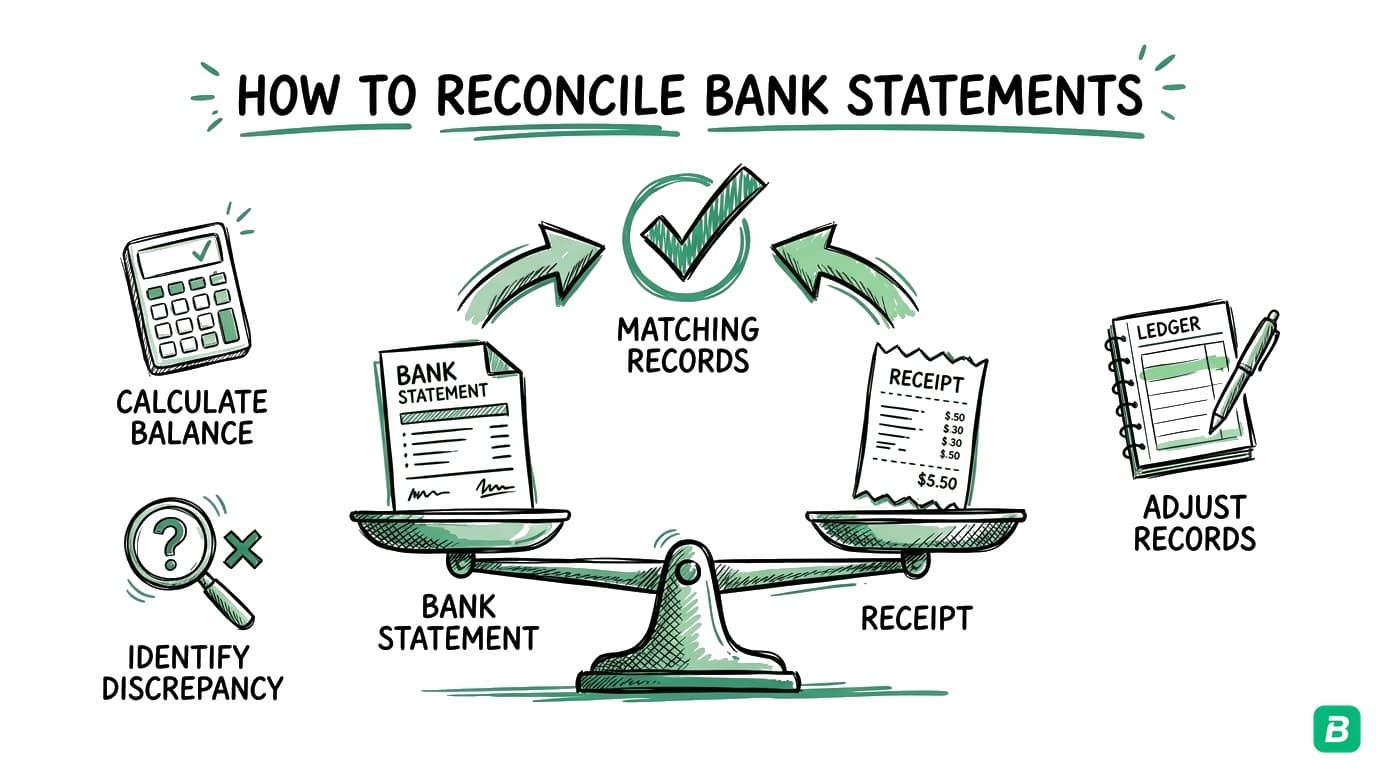
Reconciliation means comparing your bookkeeping records against your bank statement to make sure everything matches. It catches errors, duplicate entries, and missed transactions.
What to do:
- Set a recurring calendar reminder for the same day each month (e.g., the 5th)
- Download or access your bank statement for the previous month
- Compare every transaction against your bookkeeping records
- Investigate any discrepancies
- Mark the month as reconciled
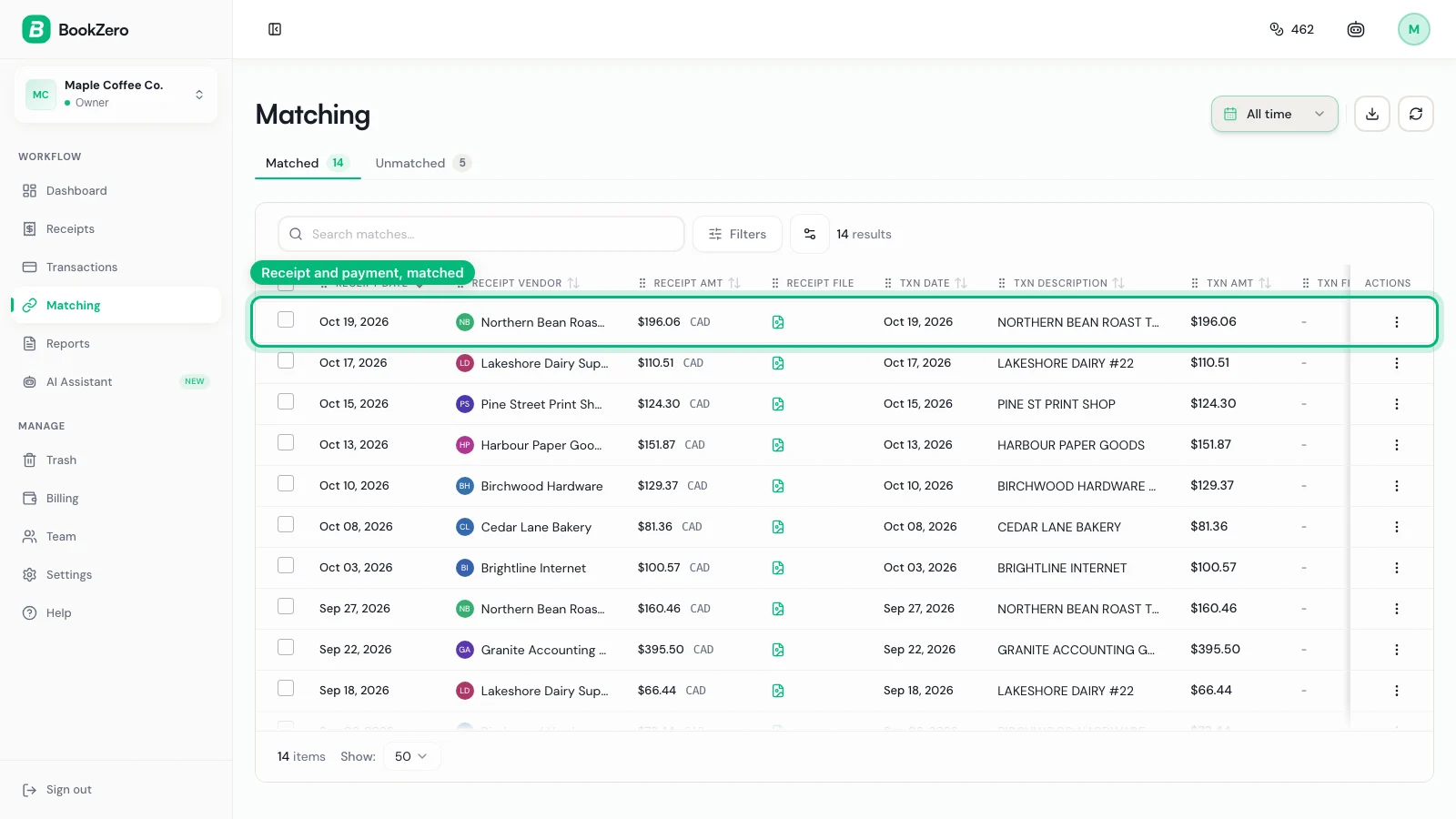
Monthly reconciliation takes 15-30 minutes for most small businesses. That small investment prevents the horrifying discovery in March that your books are off by thousands of dollars.
If you're using a tool like BookZero, where you upload each bank statement and it matches the transactions to your receipts, reconciliation becomes even simpler — you're primarily confirming that categorisations are correct and that no transactions were missed.
Step 10: Find an Accountant for Tax Time
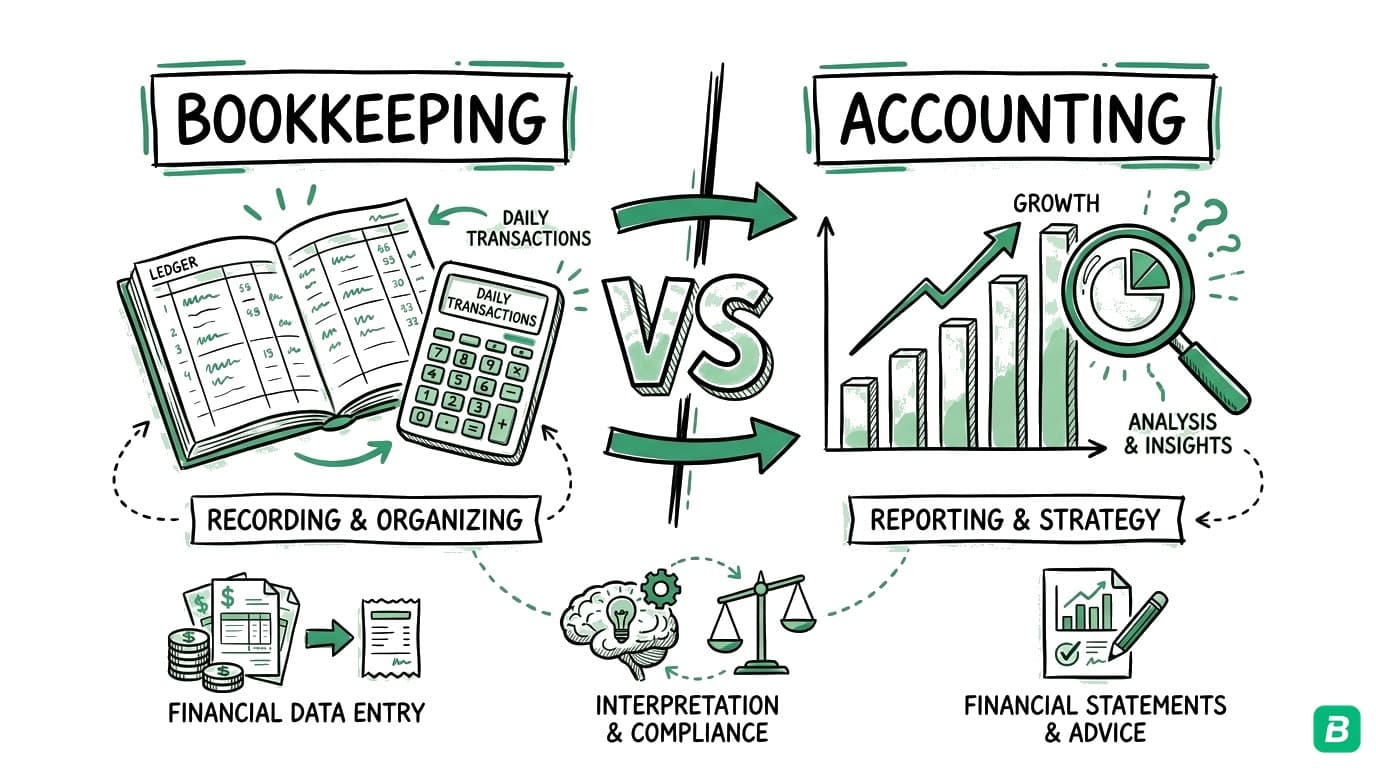
Bookkeeping and accounting are related but different:
- Bookkeeping = Recording and categorising daily transactions (what you're setting up now)
- Accounting = Interpreting financial data, preparing tax returns, and strategic planning
You don't necessarily need an accountant year-round, but you almost certainly need one at tax time — especially in your first year.
What to do:
- Ask other local business owners for accountant referrals
- Look for a CPA who specialises in small businesses or your industry
- Book a meeting in January (before the spring rush) to discuss your first-year filing
- Provide them with clean, well-organised books (which you'll have because you followed this checklist)
The cleaner your books, the less time your accountant spends sorting through them — and the lower your bill. Accountants charge by the hour, and disorganised records can double or triple their time.
What Good Bookkeeping Looks Like After Setup
Once you've completed these 10 steps, your ongoing bookkeeping routine should look like this:
| Frequency | Task | Time |
|---|---|---|
| Daily | Capture receipts as they happen | 1-2 minutes |
| Weekly | Quick review of recent transactions | 10 minutes |
| Monthly | Reconcile bank statements | 15-30 minutes |
| Quarterly | Review profit/loss, check GST/HST filing | 30-60 minutes |
| Annually | Prepare documents for accountant | 1-2 hours |
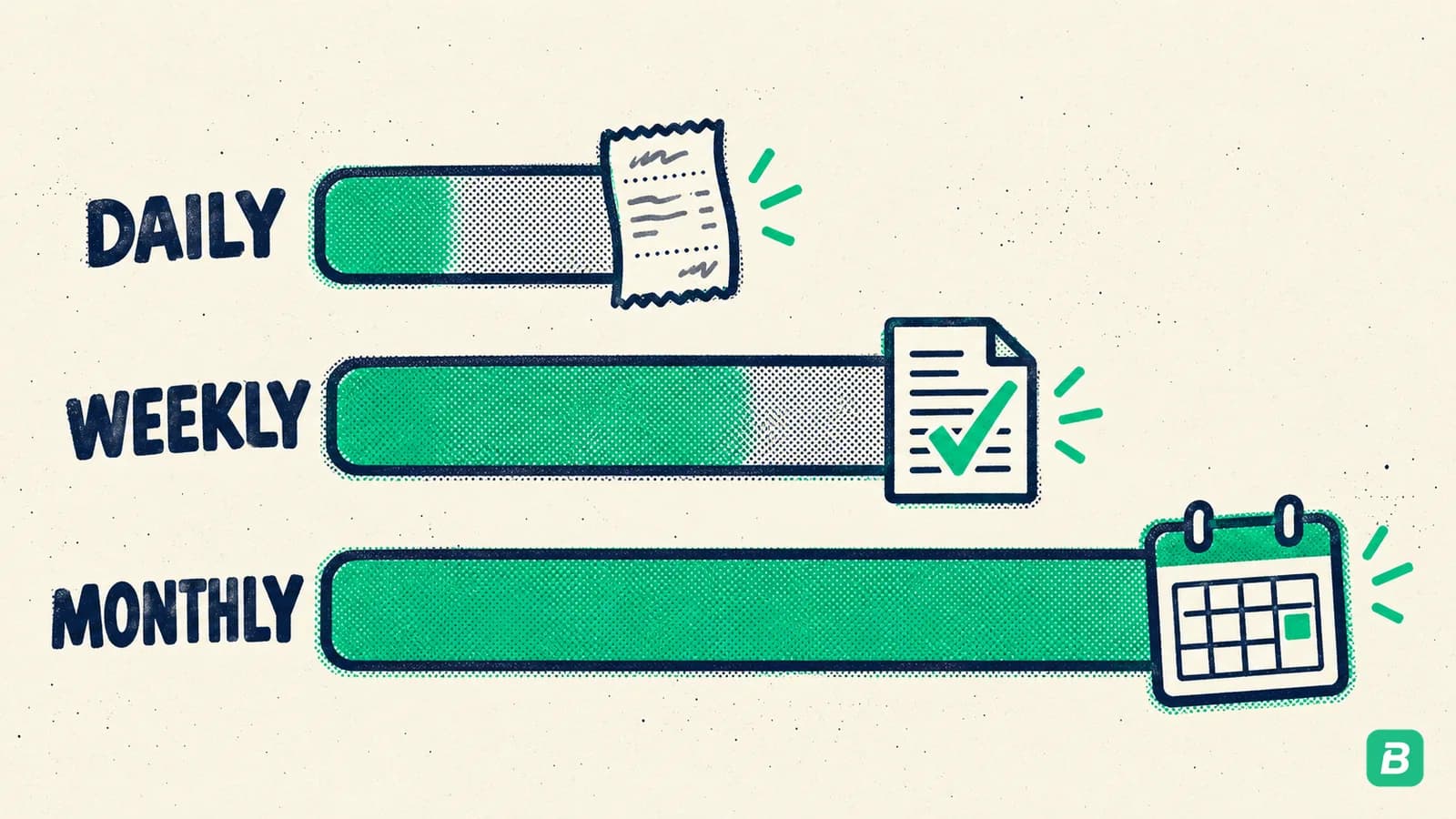
That's roughly 2-3 hours per month for a typical small business. Not bad for complete financial clarity and CRA compliance.
Common Mistakes to Avoid
Before we wrap up, here are the mistakes we see most often from new businesses:
- Mixing personal and business accounts — We said it at the start, and we'll say it again. Separate them.
- Waiting until tax season — Reconstructing 12 months of transactions is expensive and stressful. Stay current.
- Losing receipts — Digital capture from day one. No exceptions.
- Wrong expense categories — Use CRA T2125 categories, not invented ones.
- Ignoring GST/HST obligations — Track your revenue and register when required.
- No reconciliation — Monthly reconciliation catches errors before they compound.
Frequently Asked Questions
Do I need bookkeeping if I'm a sole proprietor?
Yes. Every business in Canada — regardless of structure — must keep records for CRA. Sole proprietors report business income on their personal tax return using form T2125, which requires categorised expense records. Not sure what bookkeeping involves? Read our guide on what bookkeeping is in Canada.
How long do I need to keep my business records?
The CRA requires you to keep all business records and supporting documents for six years from the end of the last tax year they relate to. This includes receipts, bank statements, invoices, and contracts. Digital records are perfectly acceptable as long as they're legible and complete.
Can I do my own bookkeeping or do I need to hire someone?
Most small businesses and sole proprietors can absolutely do their own bookkeeping — especially with modern tools that automate categorisation and receipt capture. You don't need a bookkeeper unless your transaction volume is very high or your business is complex (multiple revenue streams, inventory, employees). An accountant at tax time is still recommended.
What's the difference between bookkeeping and accounting?
Bookkeeping is the day-to-day recording of transactions: categorising expenses, capturing receipts, reconciling bank statements. Accounting is the interpretation and reporting: preparing financial statements, filing tax returns, and providing strategic financial advice. Think of bookkeeping as data entry and accounting as data analysis. Most small business owners handle their own bookkeeping and hire an accountant for tax filing.
How much does bookkeeping cost if I outsource it?
In Canada, outsourced bookkeeping typically costs $200-$500/month for a simple small business, or $500-$2,000/month for businesses with higher transaction volumes, payroll, or inventory. AI-powered tools like BookZero can reduce this significantly by automating categorisation and receipt matching, often bringing the cost down to under $30/month.
Getting Started Today
You don't need to complete all 10 steps in one sitting. Here's a realistic timeline:
- Today: Open a business bank account (Step 1) and choose your bookkeeping tool (Step 6)
- This week: Set up expense categories (Step 5) and your receipt capture workflow (Step 7)
- This month: Register for your BN (Step 2), decide on cash vs accrual (Step 4), and set your reconciliation schedule (Step 9)
- When applicable: Register for GST/HST (Step 8) and find an accountant (Step 10)
The hardest part is starting. Once your system is in place, maintaining it takes minutes per day. And when tax season arrives, you'll be the calm business owner with clean, organised books — not the one frantically searching through shoeboxes of crumpled receipts.
BookZero comes with CRA-aligned categories, receipt capture, and bank statement imports — so you can focus on running your business, not learning bookkeeping.



Eric Tech· Founder, BookZero.ai
Founder of BookZero. Building AI-powered bookkeeping tools for US and Canadian freelancers and small businesses.
View all postsStay ahead of tax season
Tax tips, deduction strategies, and feature announcements straight to your inbox. No spam, unsubscribe anytime.