How to Keep Track of Receipts for a Small Business (2026 Guide)
Five receipt tracking methods ranked from worst to best — plus how AI tools like BookZero automate receipt scanning, categorization, and bank reconciliation for small businesses.
 Eric Tech·Apr 20, 2026·Updated Sep 30, 2026·10 min read·
Running a small business means wearing many hats — but managing a growing pile of receipts should not be one of the painful ones. Whether you are a sole proprietor, a freelancer, or a growing team, keeping accurate receipt records is the foundation of healthy bookkeeping, clean tax filings, and a clear picture of your business finances.
This guide covers five receipt tracking methods from worst to best, and shows how modern AI tools are making the process almost entirely hands-free.
The best receipt tracking system captures receipts immediately, categorizes them automatically, and reconciles them against your bank statements without manual data entry. AI-powered tools like BookZero do all three — reducing receipt management from hours per month to minutes per week.
Why Receipt Tracking Matters
If you are choosing an app for this process, see our digital receipt organizer guide for software checks and a receipt-to-statement walkthrough. Our self-employed expense tracker guide covers the weekly review and accountant handoff.
Lost a receipt from a shop or café that takes Square? Our Square receipt lookup guide shows how to find it with your card, the date and the amount.
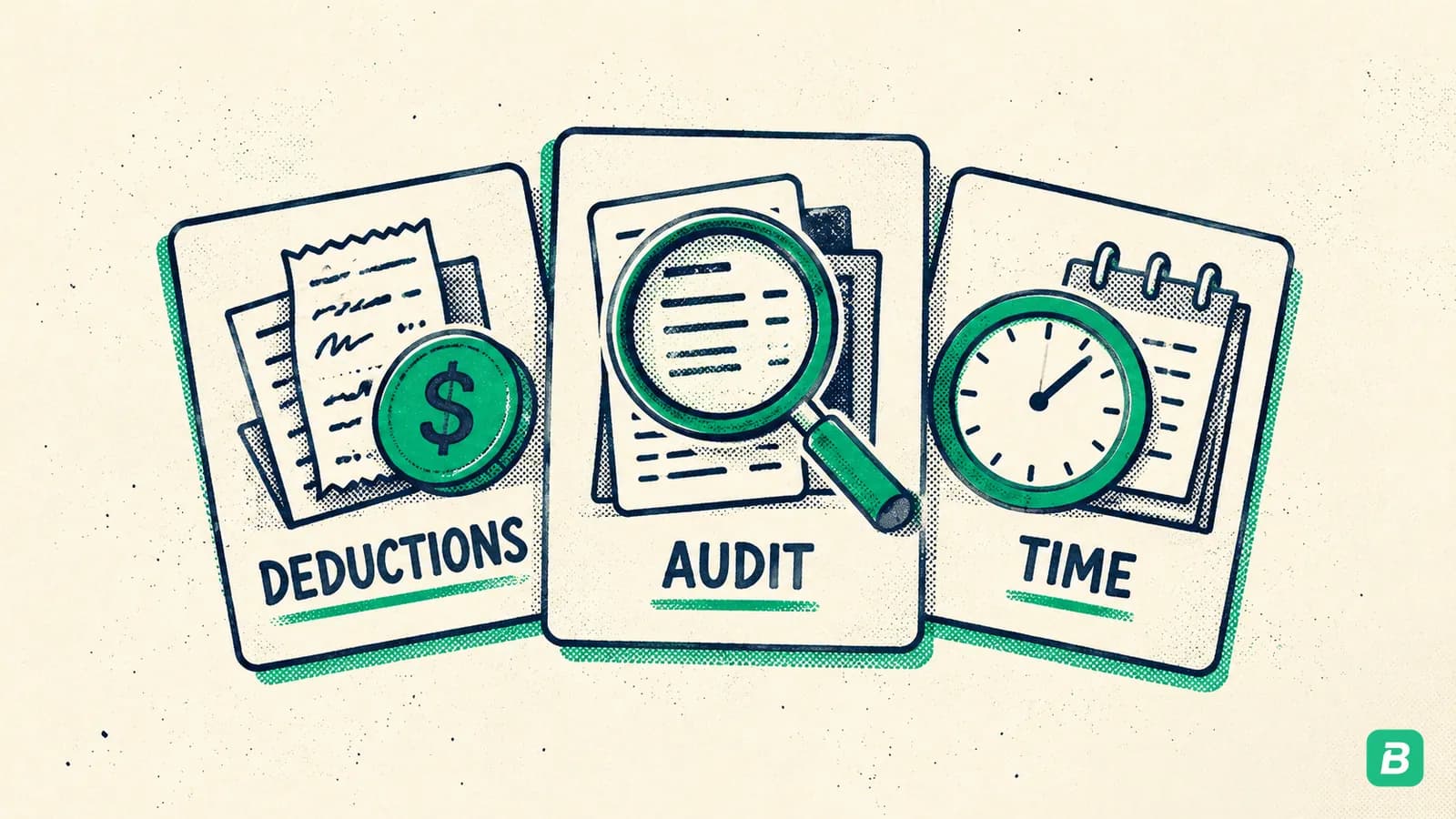
Before diving into methods, it is worth understanding the stakes. Poor receipt management leads to:
- Missed tax deductions — if you cannot prove an expense, you cannot claim it. The CRA requires supporting documents for every business deduction on your T2125.
- Inaccurate financial reports — your P&L and cash flow statements are only as good as your records
- Tax season stress — scrambling to find receipts in March is a nightmare most business owners know too well
- Failed audits — the CRA can request receipts going back 6 years. Missing records means penalties up to $2,500 per failure under the Income Tax Act.
The good news? With the right system, receipt management takes minutes per week instead of hours per month.
5 Ways Small Businesses Track Receipts
1. The Shoebox Method (Avoid This)
Many small business owners still throw physical receipts into a drawer, envelope, or literal shoebox. Come tax season, they dump everything on their accountant's desk and hope for the best.
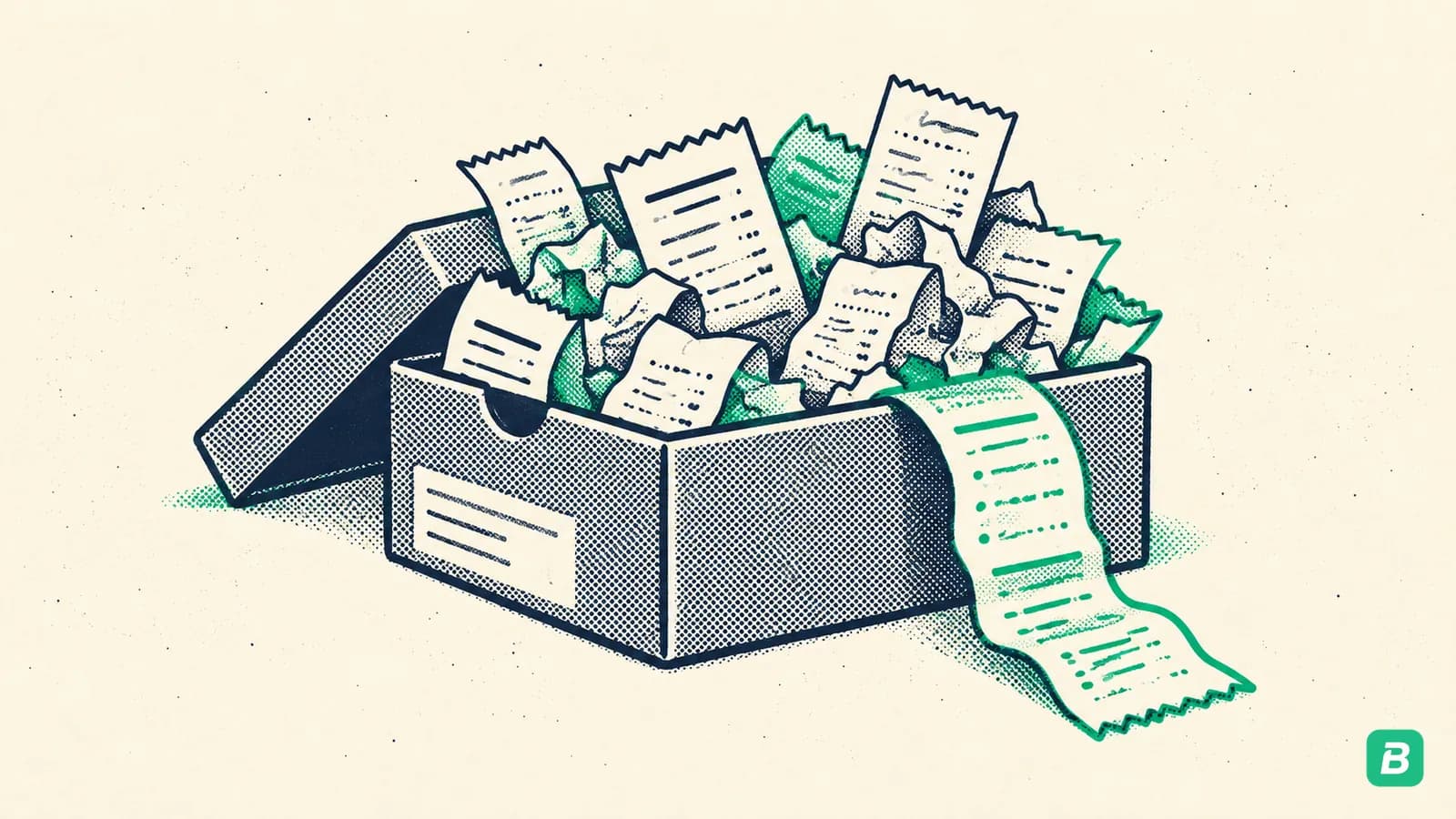
This method is unreliable, prone to loss, and costs you money in accountant hours. Thermal paper receipts fade within 6-12 months. By the time you need them for a CRA audit, they may be unreadable.
Verdict: Avoid entirely.
2. Spreadsheets
A step up from the shoebox — manually logging each receipt into a spreadsheet with date, vendor, amount, and category. Free and flexible, but:
- Time-consuming to maintain (5-10 minutes per receipt)
- Prone to human error (wrong category, missed decimal, duplicate entry)
- No connection to your bank transactions
- Still requires you to manually file the physical or digital receipt somewhere
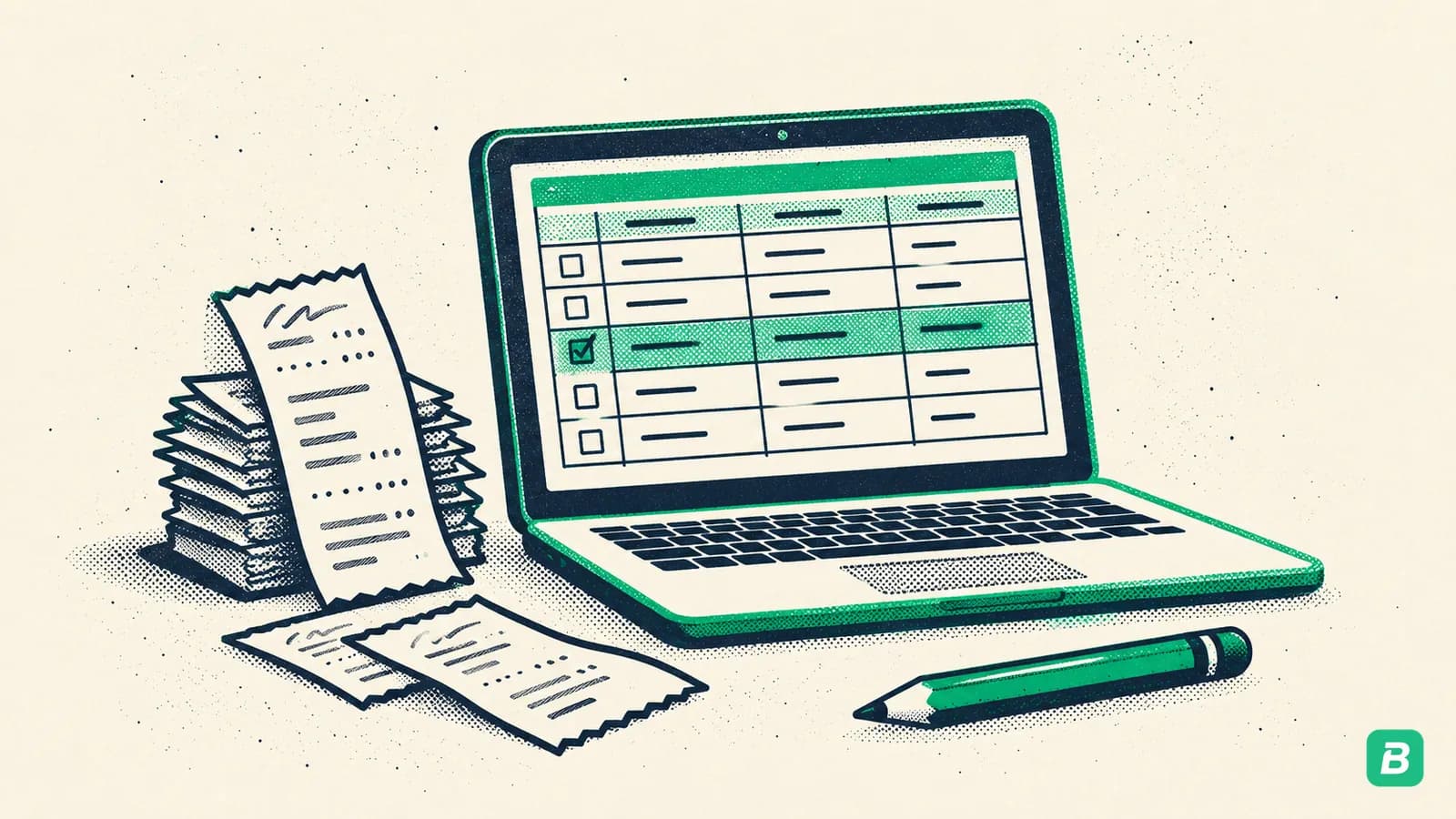
Works for very early-stage businesses with fewer than 20 transactions per month. Does not scale.
Verdict: Acceptable for the first few months. Unsustainable beyond that.
3. Scanning and Cloud Storage
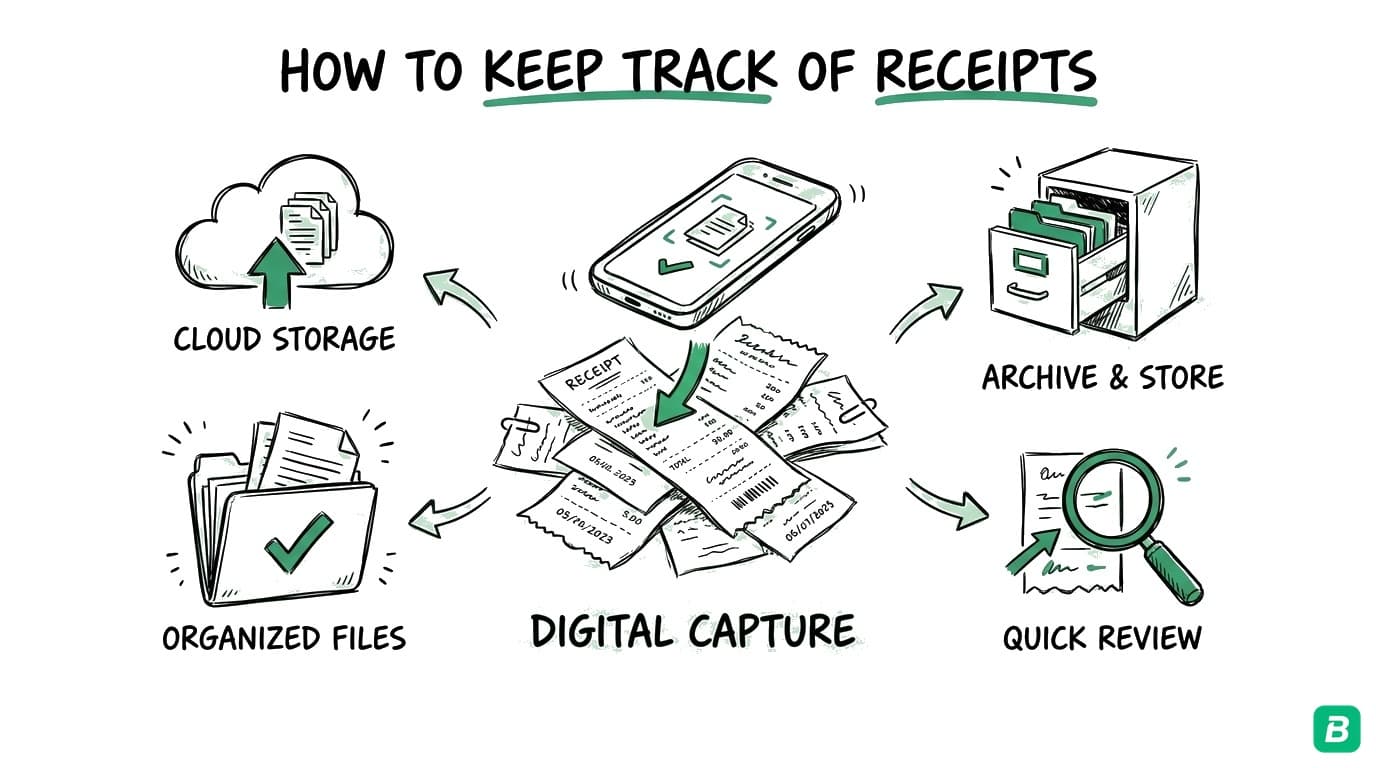
Taking photos of receipts and storing them in Google Drive or Dropbox folders organized by month or category. Better than paper, but you still need to manually name files, extract data, and reconcile with your bank — all by hand.
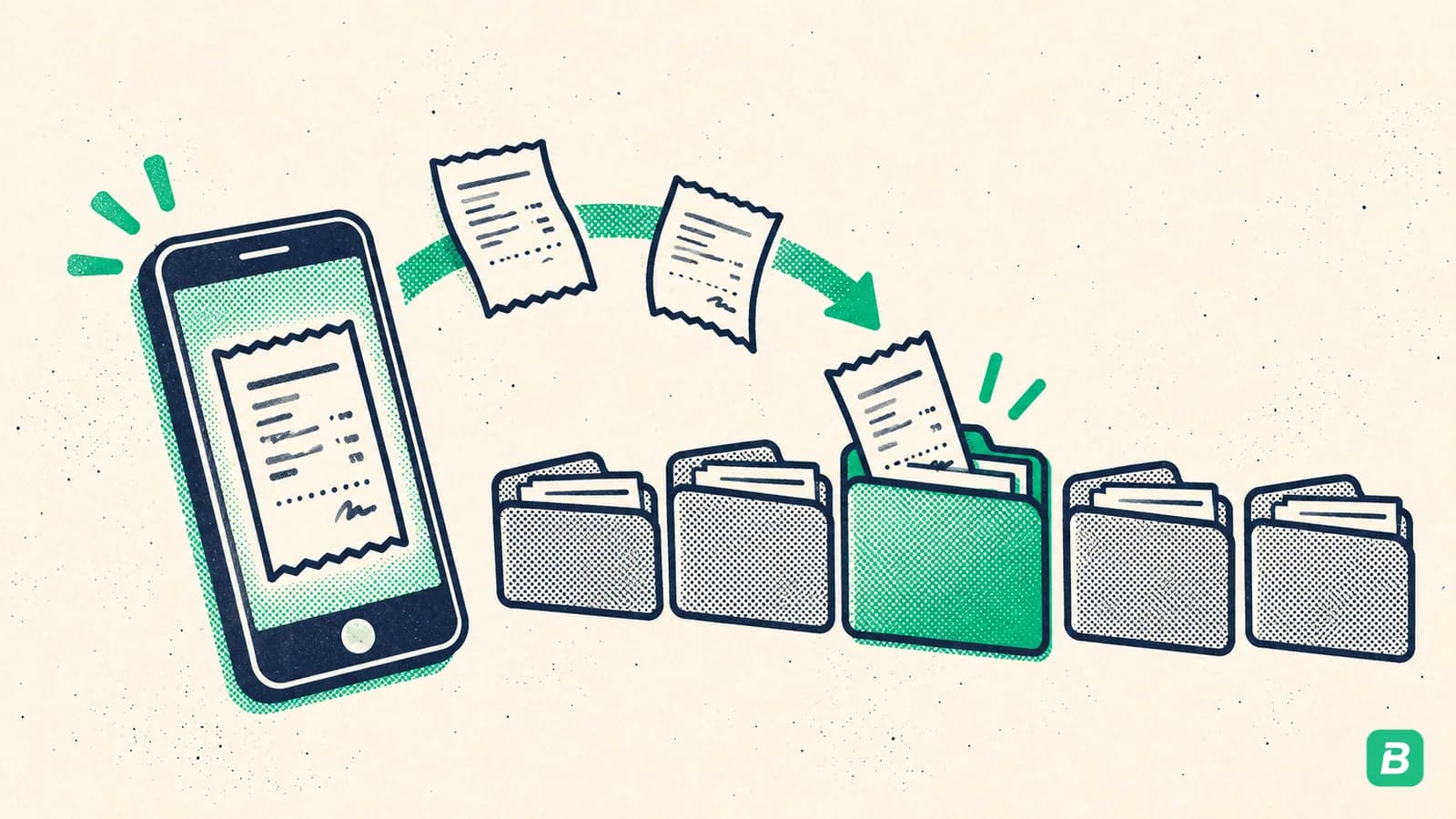
Verdict: Good backup habit. Not a bookkeeping system on its own.
4. Accounting Software (QuickBooks, Wave, FreshBooks)
Full accounting platforms that handle receipt capture alongside invoicing, payroll, and reporting. Powerful but often overkill for solo operators and small teams. QuickBooks starts at $20/month for basic plans — but receipt scanning and categorization are manual or semi-automated. For a full comparison, see our bookkeeping software comparison.
Verdict: Good for growing businesses that need full accounting. Expensive for just receipt tracking.
5. AI-Powered Receipt Automation (The Modern Standard)
Tools like BookZero AI have made automated receipt tracking genuinely accessible for small businesses. Upload a receipt — from your phone, computer, or Google Drive — and the AI extracts everything: vendor, date, amount, tax, and category. No manual data entry required.
For a technical comparison of how AI scanning compares to traditional OCR, see our AI receipt scanning guide.
Verdict: The best option for most small businesses. Fast, accurate, affordable.
If you have fewer than 10 receipts per month, a spreadsheet may work. For 10-50 receipts per month, cloud storage plus basic software is functional. For 50+ receipts per month — or if you value your time — AI-powered automation pays for itself immediately.
How BookZero AI Automates Your Receipt Workflow
BookZero was built specifically for small business owners who want clean books without hiring a full-time bookkeeper.
1. Automated Receipt Scanning
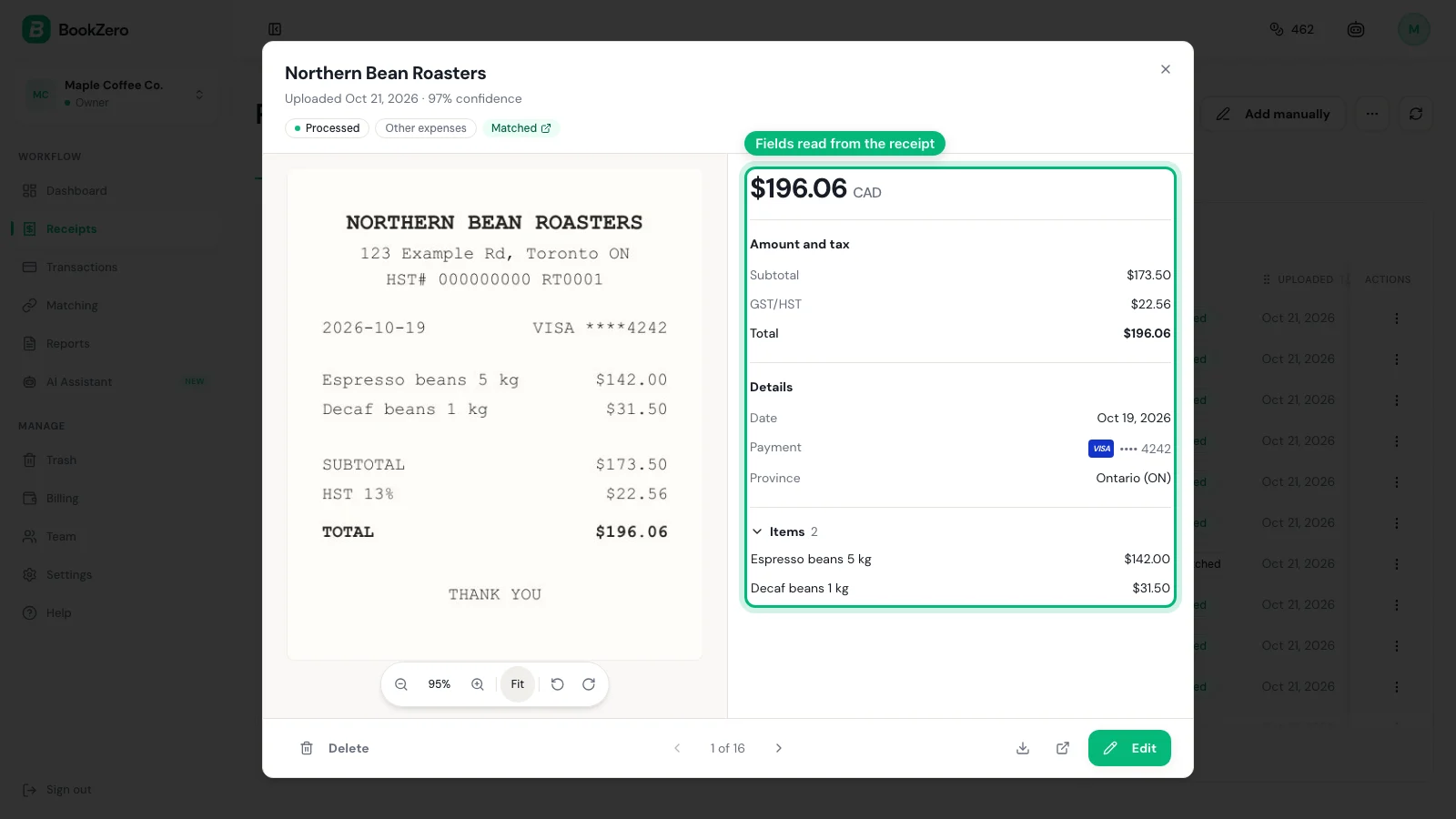
Upload receipts via manual upload or directly from a Google Drive folder. BookZero's AI extracts the vendor name, invoice date, amount, subtotal, GST/HST/PST, and expense category — in seconds.
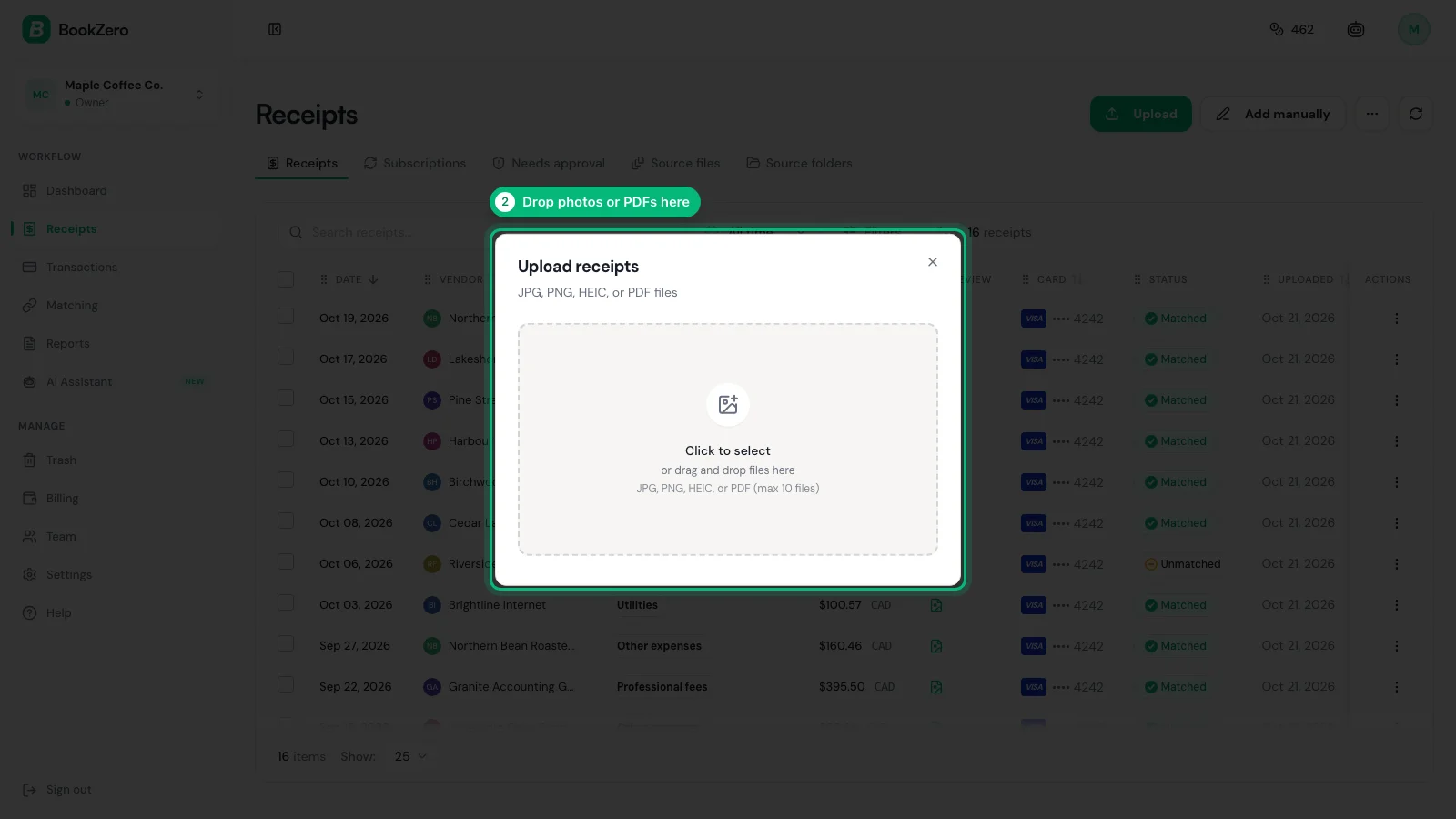
For Canadian businesses, it reads the GST, HST or PST printed on the receipt, so you rarely need to type tax amounts by hand. This is critical for claiming input tax credits.
2. Expense Automation That Matches Receipts to Transactions
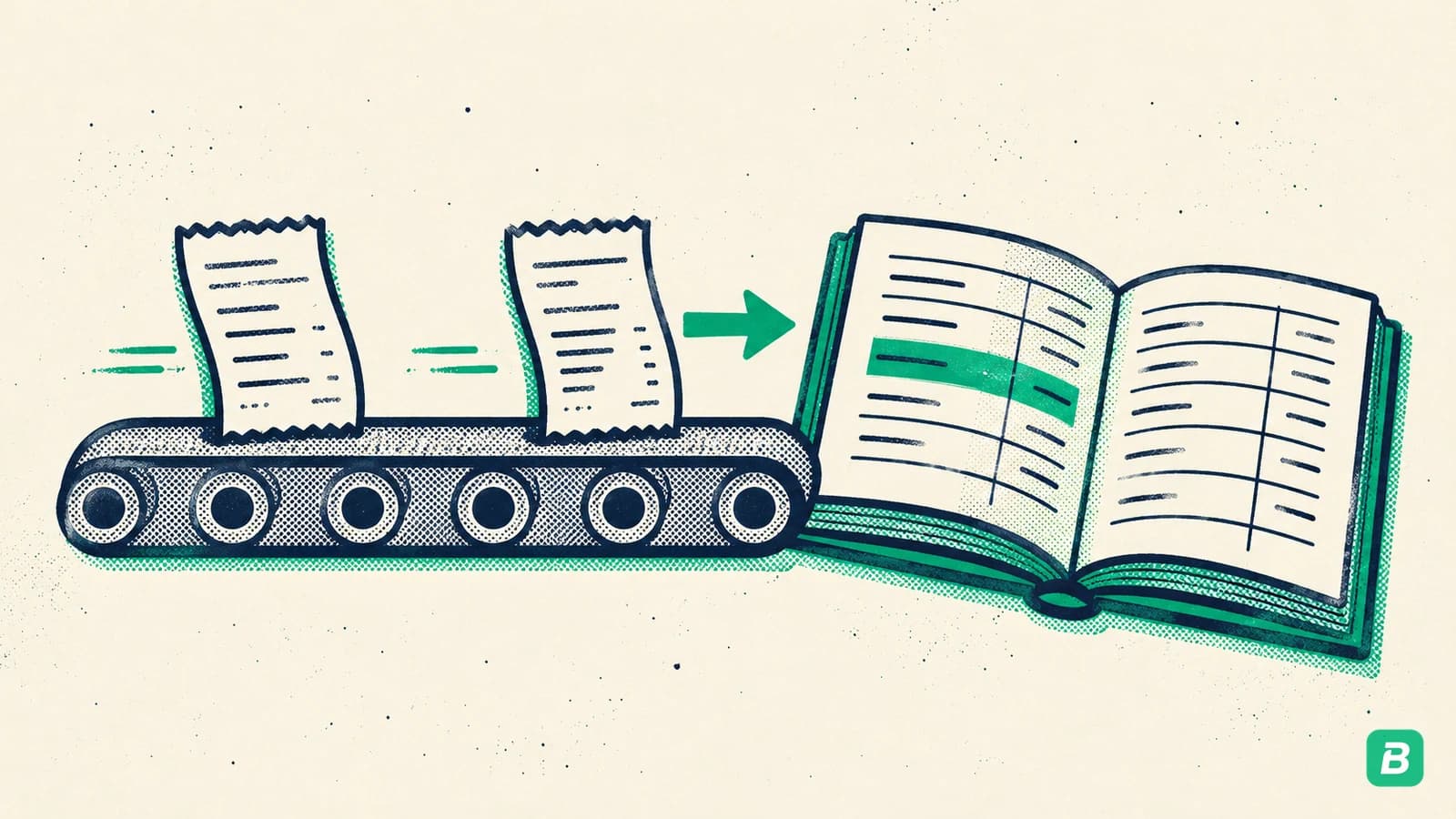
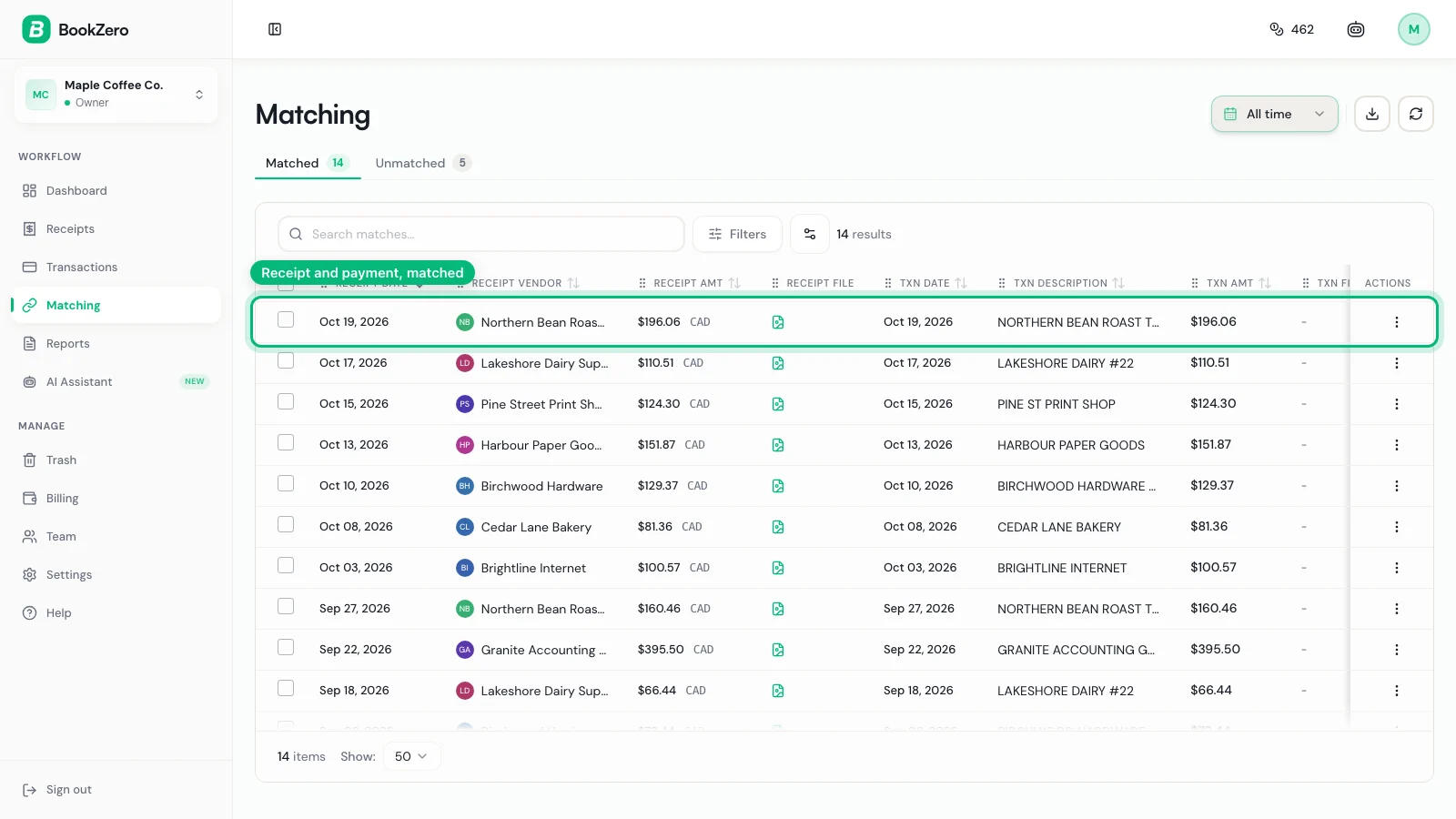
After importing your bank statement (CSV, Excel, or PDF from any bank), BookZero automatically matches each receipt to the corresponding bank transaction. This is the reconciliation step that used to take accountants hours — BookZero does it in seconds with confidence scoring so you can review and approve matches with one click.
3. Reconciliation and Receipt Matching
The Matching page shows receipts and transactions side by side with a match confidence percentage. Anything at 100% confidence can be auto-matched in one click. Lower confidence matches are flagged for manual review — giving you control without the grunt work.
4. Tax-Ready Export Reports
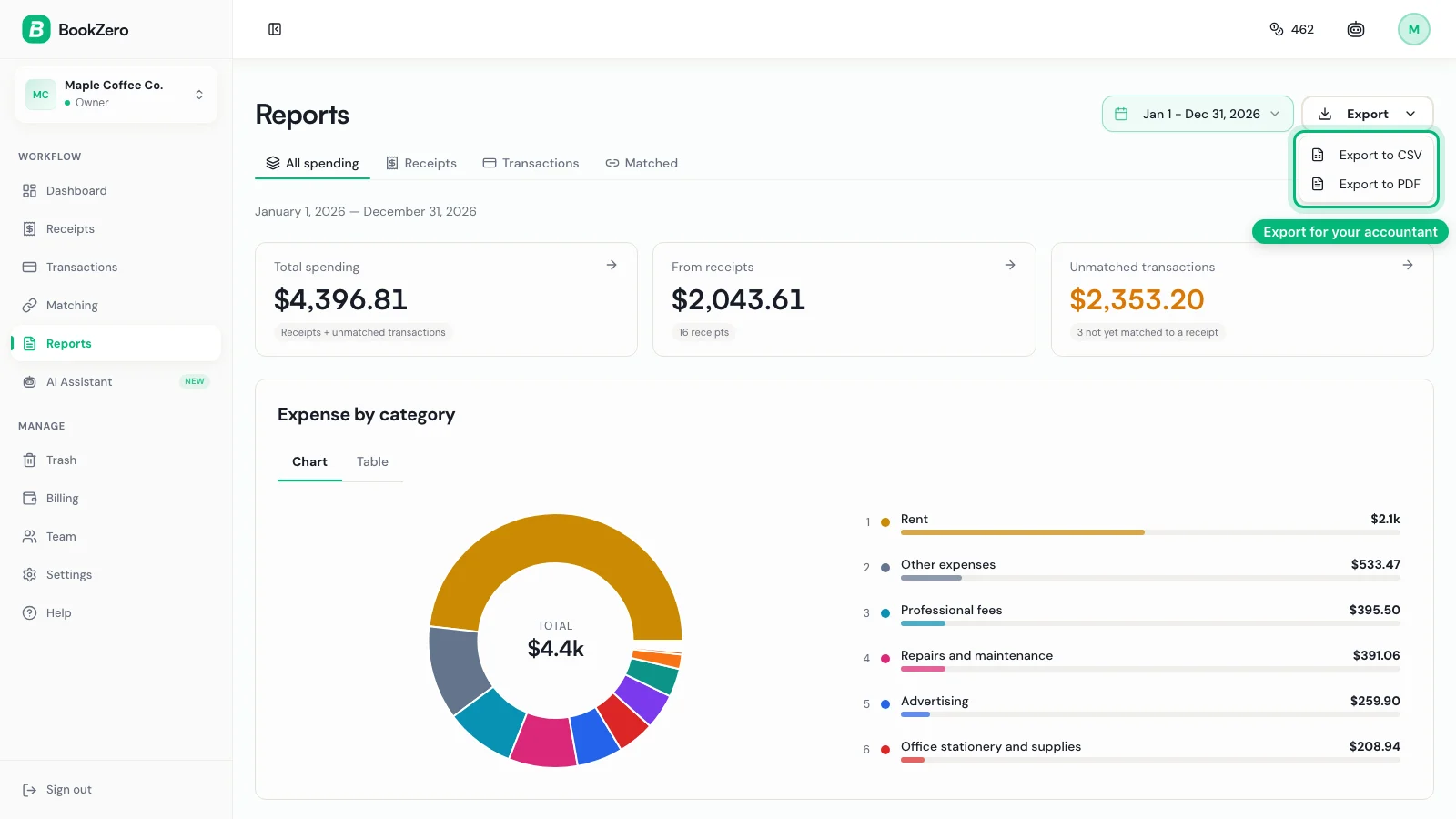
When tax season arrives, export a complete tax summary report — total expenses, HST/GST paid (input tax credits), category breakdown, and CRA-ready expense classifications. Share it directly with your accountant or upload to your tax software.
5. Team Access for Your Accountant
Invite your accountant as a read-only Viewer so they can review your receipts, transactions, and reports directly — no more emailing spreadsheets back and forth. For a full walkthrough, see How BookZero Works.
Best Practices for Receipt Tracking
Regardless of which tool you use, these habits will keep your books clean:
- Capture receipts immediately — the moment you make a purchase, photograph or upload the receipt. Do not let them accumulate.
- Categorise consistently — use the same CRA expense categories every time (meals and entertainment, office expenses, motor vehicle, etc.) so your reports are meaningful.
- Reconcile monthly — match your receipts to your bank statement at the end of every month, not once a year. See our bookkeeping cleanup guide if you are behind.
- Keep digital backups — store receipt images in the cloud. Physical receipts fade and get lost. Retailers keep copies too: see how to get receipts from Amazon, Walmart and Target.
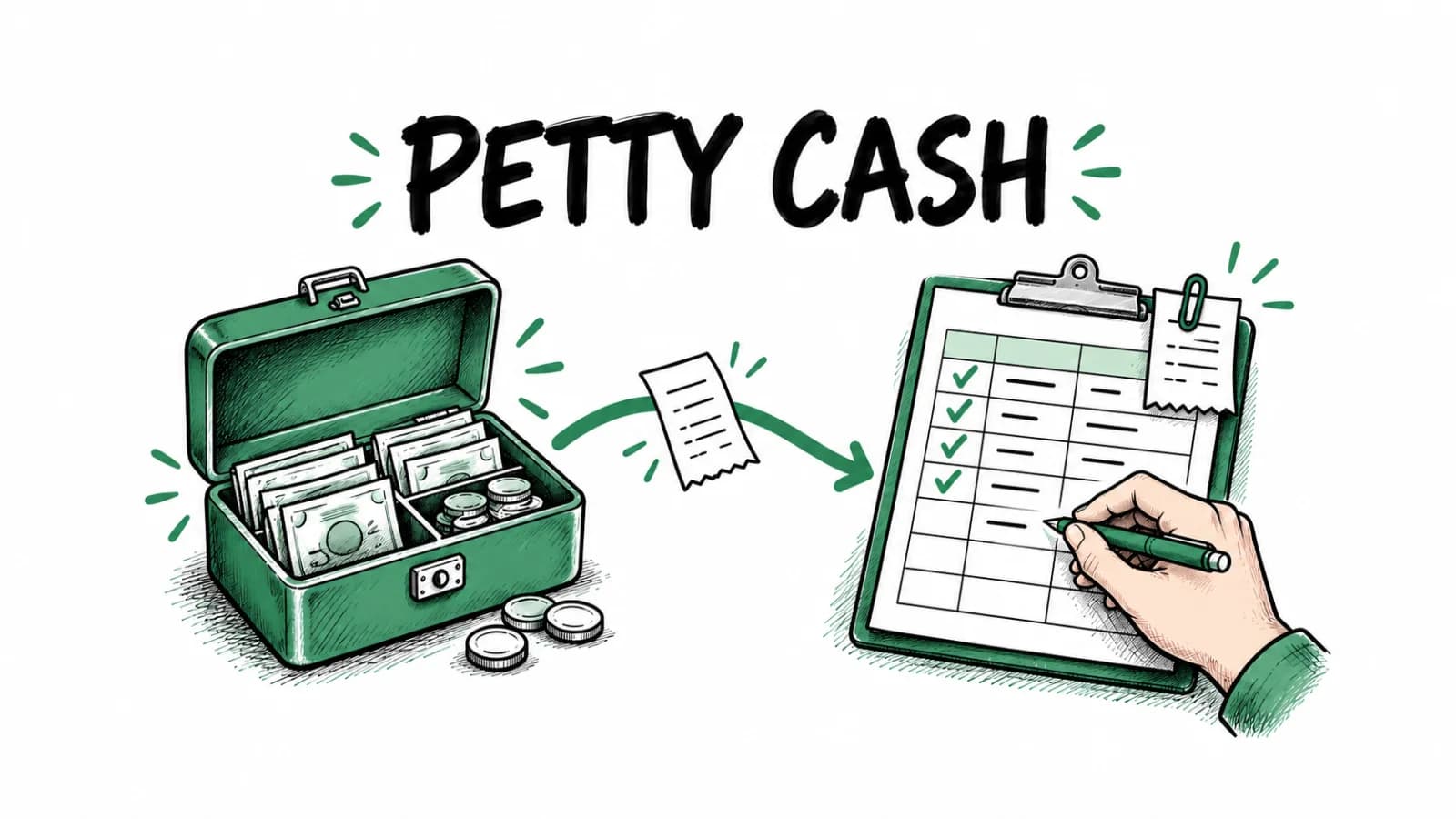
- Log cash purchases the same day — if you keep a cash float for small purchases, write each one in a petty cash log and keep the slip behind it.
- Track GST/HST separately — if you are GST/HST registered, you need accurate tax records to claim input tax credits. Tools like BookZero do this automatically.
- Know the retention rules — the CRA requires you to keep receipts for at least 6 years. Digital copies are accepted as long as they are readable and complete.
Receipt Tracking Method Comparison
| Method | Setup Cost | Monthly Time | Accuracy | Scales? | Best For |
|---|---|---|---|---|---|
| Shoebox | Free | 0 (until tax time) | Very low | No | Nobody |
| Spreadsheet | Free | 5-10 hrs | Medium | No | Under 20 txns/month |
| Cloud storage | Free | 3-5 hrs | Medium | Somewhat | Backup only |
| Accounting software | $20-70/month | 2-4 hrs | High | Yes | Growing businesses |
| AI automation (BookZero) | From $29/month, billed every 3 months | 15-30 min | Very high | Yes | Most small businesses |
Frequently Asked Questions
How long should I keep business receipts in Canada?
The CRA requires you to keep business receipts for at least 6 years from the end of the last tax year they relate to. For example, receipts from your 2025 tax year must be kept until at least 2031. Both physical and digital copies are accepted — but digital is safer since thermal paper fades.
Can I use photos of receipts for tax purposes in Canada?
Yes. The CRA accepts digital images of receipts as long as they are legible, complete, and stored in an accessible format. Take the photo immediately while the receipt is still clear, and make sure it captures the full receipt including vendor name, date, amount, and tax breakdown.
What information should I track on each receipt?
At minimum, capture: vendor name, date of purchase, total amount, tax paid (GST/HST/PST), and expense category. For meals and entertainment, the CRA also requires the name of the client or associate and the business purpose. AI tools like BookZero extract all of this automatically.
What happens if I lose a receipt the CRA asks for?
If the CRA requests a receipt during an audit and you cannot provide it, the deduction may be denied. For repeated failures to maintain adequate records, penalties of up to $2,500 can apply under the Income Tax Act Section 230. This is why digital backups are critical — they are your insurance policy against lost paper receipts.
Do I need to keep receipts for purchases under $100?
For GST/HST input tax credit claims, the CRA does not require a full invoice for purchases under $100 — but you still need some record of the transaction (a cash register receipt is sufficient). For income tax deductions, you should keep receipts for all business expenses regardless of amount, as the CRA can request proof of any claimed deduction.
The Bottom Line
Keeping track of receipts does not have to be painful. The businesses that struggle most at tax time are the ones that leave it all until the end of the year. The ones that breeze through it are using automated receipt tools that capture, categorise, and reconcile in real time.
If you are a Canadian small business owner looking for the simplest way to go from receipt chaos to clean books, BookZero AI is worth trying — 7-day free trial with 50 credits to get started.



Eric Tech· Founder, BookZero.ai
Founder of BookZero. Building AI-powered bookkeeping tools for US and Canadian freelancers and small businesses.
View all postsStay ahead of tax season
Tax tips, deduction strategies, and feature announcements straight to your inbox. No spam, unsubscribe anytime.