
Home Depot Receipt Lookup (2026): Online, Card and Store
Home Depot receipt lookup: view receipts in Purchase History, link your card for 24 months of in-store receipts, use Pro Xtra, or ask the Service Department.
 Eric Tech·Oct 21, 2026·9 min read·
For a Home Depot receipt lookup, sign in at homedepot.com or in the app and open Purchase History. Online orders and in-store purchases on a card linked to your account are there: click one, then View Receipt. Link a card under Cards & Accounts to see its last 24 months. Cash receipts come back only through Pro Xtra.
Link your card or use Pro Xtra now, and every future receipt is in Purchase History.
Jump to:
- Step 1: Online orders
- Step 2: In-store card purchases
- Step 3: Pro Xtra
- Step 4: At the store
- Step 5: Sort by job
- Canada
Step 1: Find an online order receipt
 The US steps come from The Home Depot's own receipt lookup help page and its Pro Xtra purchase history page. Canada is further down.
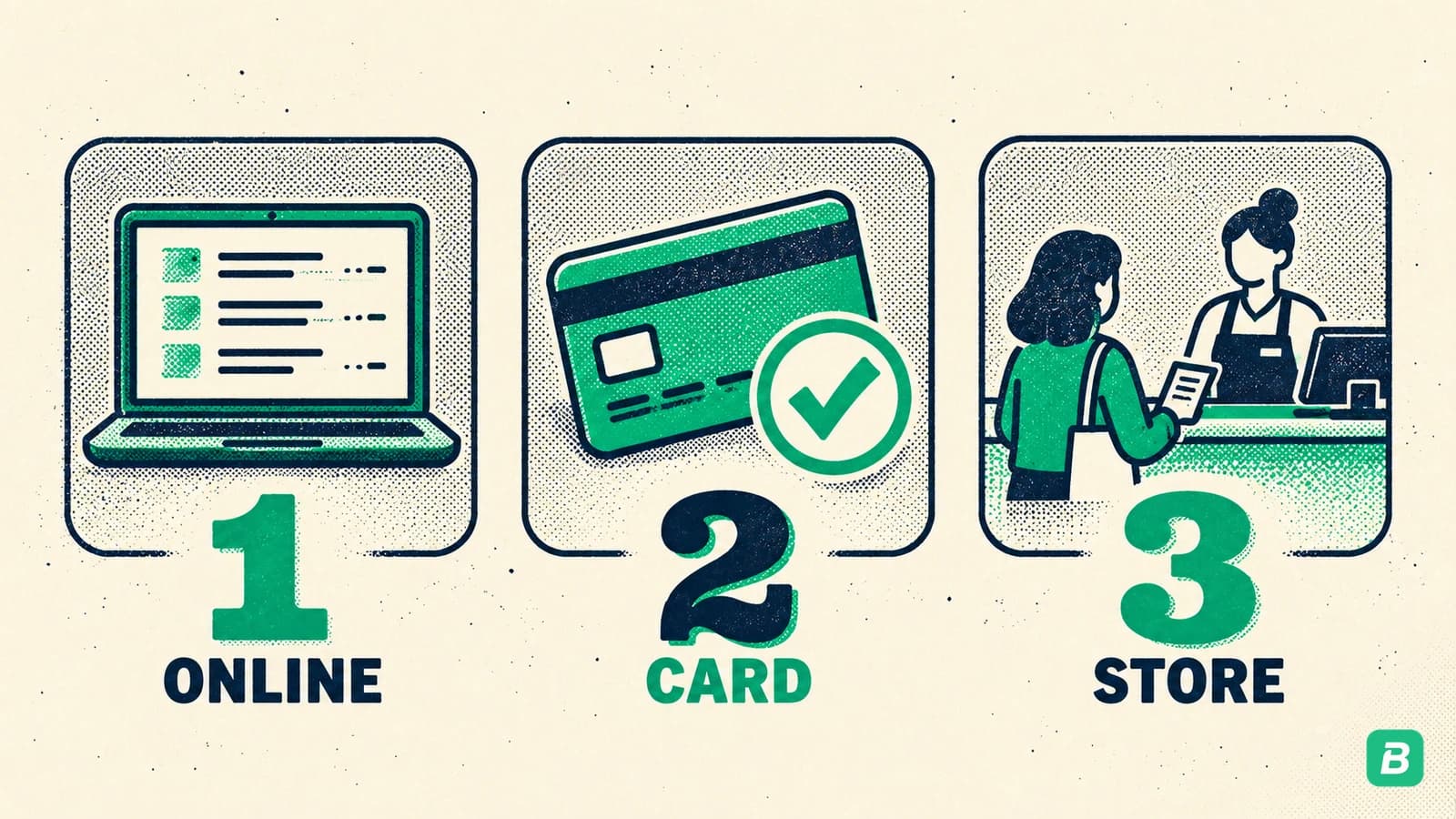
- Sign in at homedepot.com and open Purchase History.
- Find the order in the list.
- Click the order number, then choose the option to view or print the receipt.
Checked out as a guest? Home Depot says to open the order confirmation email, which links to the order details and receipt. You can also enter the order number on the Guest Order Tracking page.
Search your inbox for "Order Confirmation" or "The Home Depot". Home Depot says to check spam, junk and tabs like Promotions too.
Step 2: Look up an in-store receipt by card
Home Depot ties in-store receipts to the card you paid with.
- Sign in on the website or app and open Purchase History.
- Purchases made with credit or debit cards linked to your account appear there.
- Click the purchase, then View Receipt to see an image of the original register receipt.
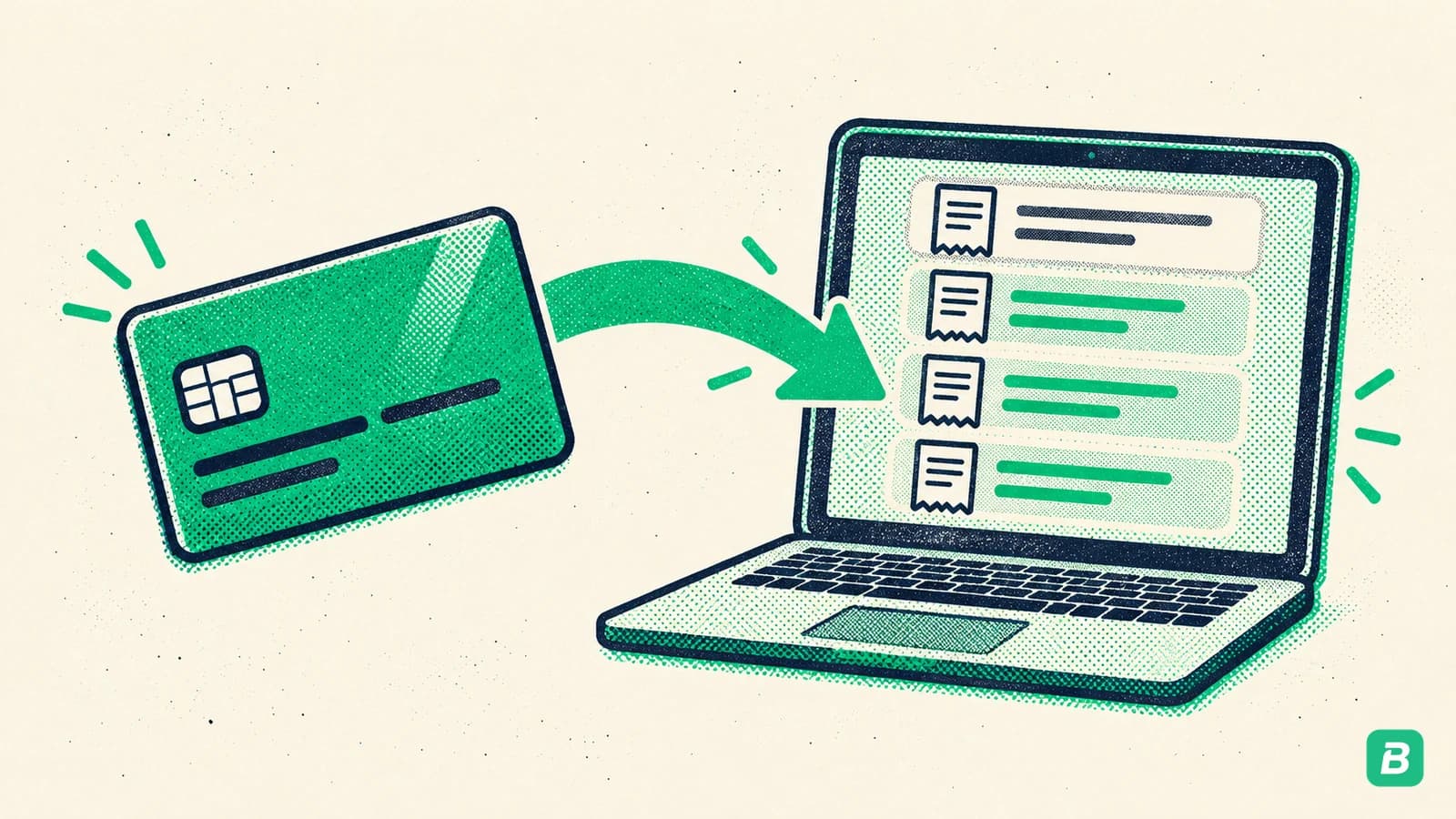
Not there? The card isn't linked yet. Go to Cards & Accounts, click Add Credit Card, and enter the full 15- or 16-digit number, expiry date and CVV. Once it's added, purchases from the last 24 months with that card show up.
Two limits Home Depot lists:
- One account per card. Add the card to a new account and its history moves with it.
- Mobile wallets don't show. Apple Pay, Samsung Pay and Google Pay purchases won't appear, because they use a different card number, unless you're a Pro Xtra member who entered your phone number at checkout.
Step 3: Use Pro Xtra for cash and crew purchases
Pro Xtra is Home Depot's program for professional customers. It's the only way Home Depot names for getting cash receipts back: enter your Pro Xtra phone number at checkout and the receipt lands in Purchase History, card or cash.
On its Pro Xtra purchase history page, Home Depot says:
- Receipts are saved in your Pro Xtra account for up to two years.
- In Purchase History, you can select the receipts you want and download them.
- See Details shows the product, order and receipt; Export downloads a CSV file.
- You can view and track your team's purchases by date, job name and more.

For a crew sharing one account, that job name filter is the useful part. It's the first step toward costing each job.
Step 4: Ask the Service Department
If the receipt isn't in Purchase History, go to the Service Department at a Home Depot store. Bring your physical card and valid ID, plus:
- the store where you bought it,
- the purchase date (Home Depot notes it can differ from your statement date),
- the exact dollar amount,
- a description of the items.
How far back the store can go, by payment type:
| Paid with | Reprint window |
|---|---|
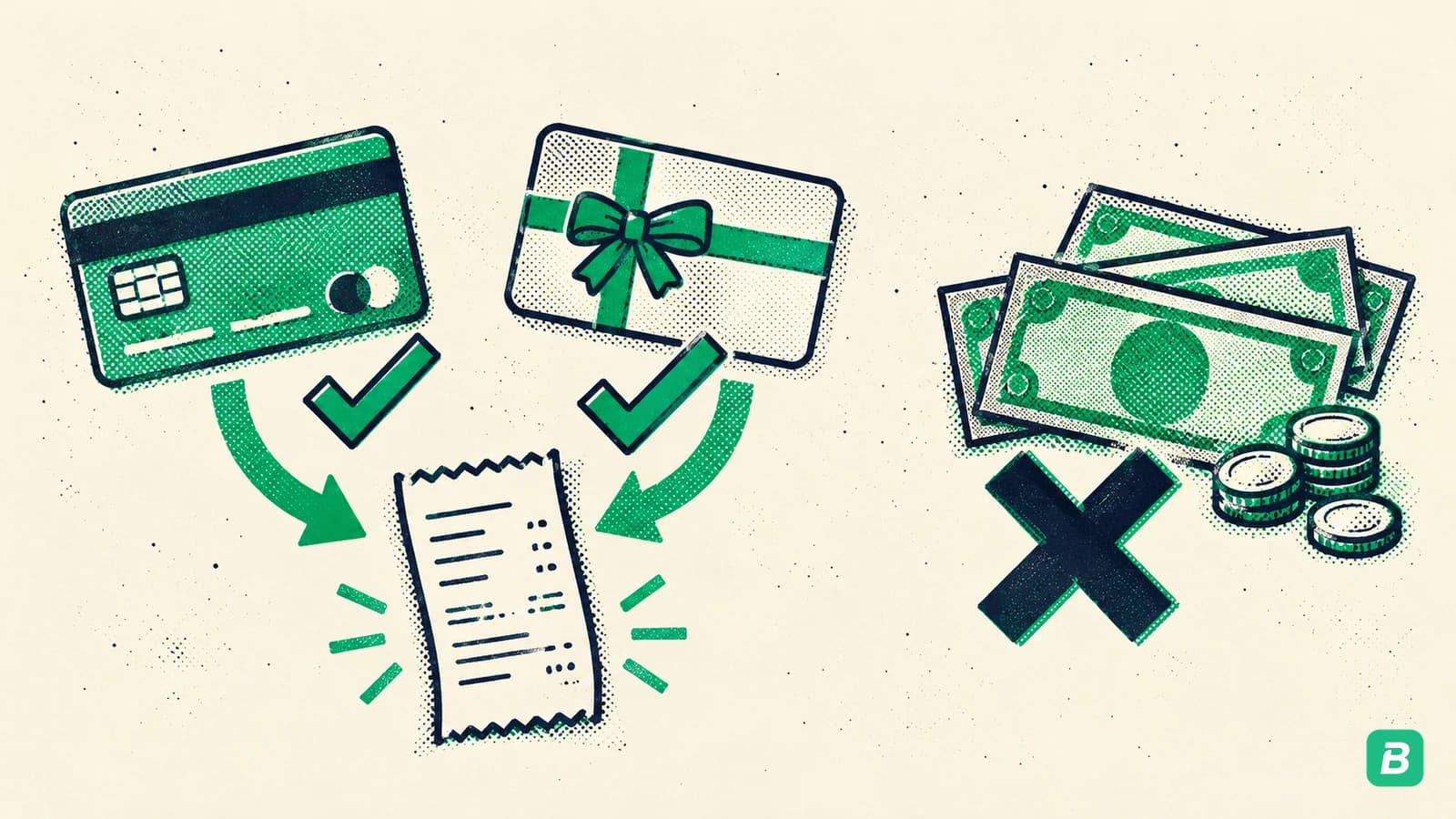
| Debit, credit, Home Depot card or checking | 24 months |
| Gift card or store credit | 24 months, with the original card present |
| Cash | Not possible without the original receipt |
The service is free. But Home Depot is clear about scope: a single receipt for a warranty is fine, while reprinting all receipts from the previous year for tax purposes would be out of scope. Save receipts as you go, not in April.
Help lines Home Depot lists: 1-800-430-3376 for online orders, 1-800-HOME-DEPOT (466-3337) for in-store purchases, or text SUPPORT to 38698.
Step 5: Sort receipts by job for your books
A contractor's Home Depot receipts are some of the biggest costs in the books. Sort them as they come in, not at year end.
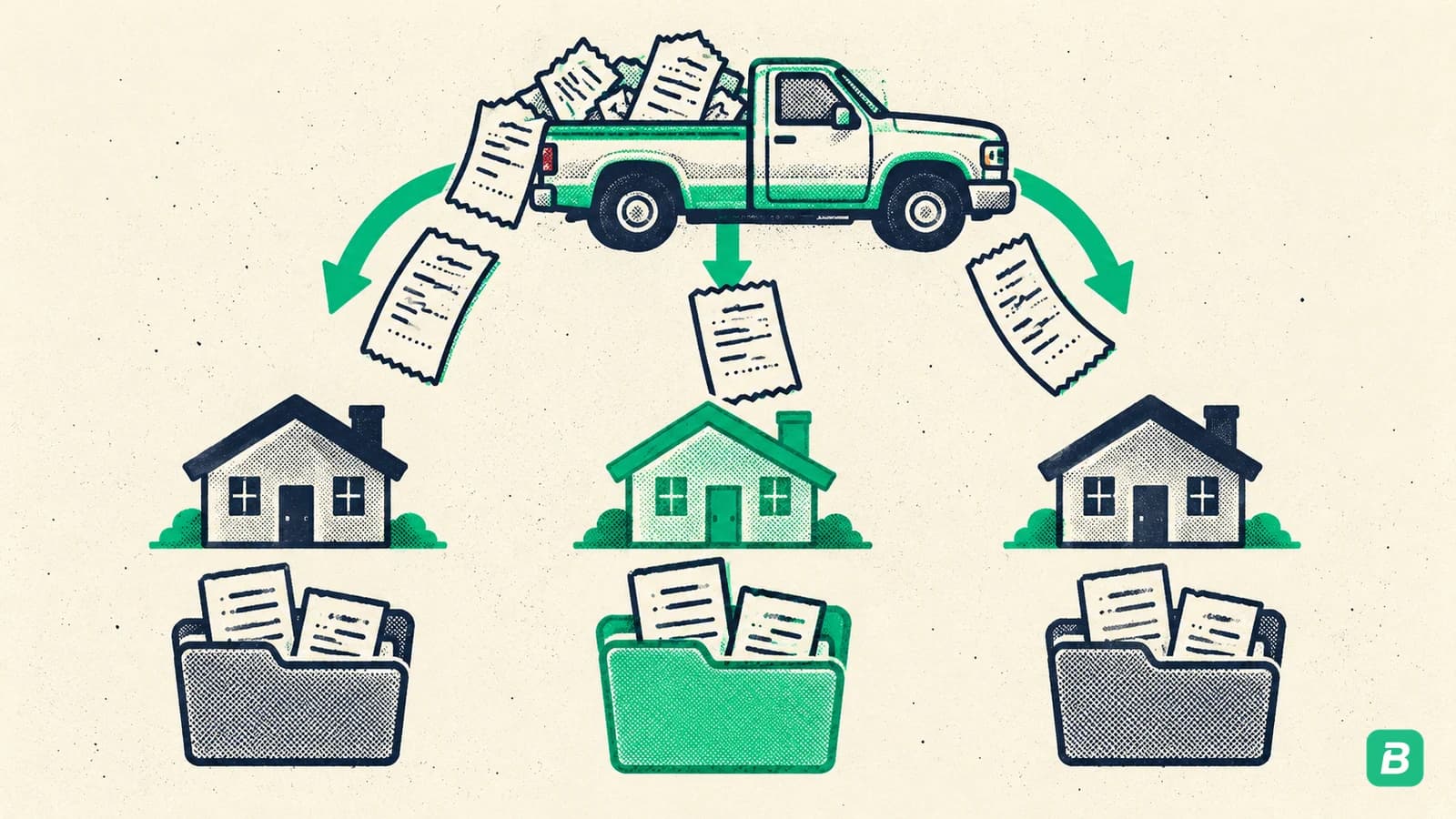
- Save each receipt or the Pro Xtra download the week you buy.
- Note the job or client on each one.
- Match it to the charge on your card or bank statement.
Got your Home Depot receipt?
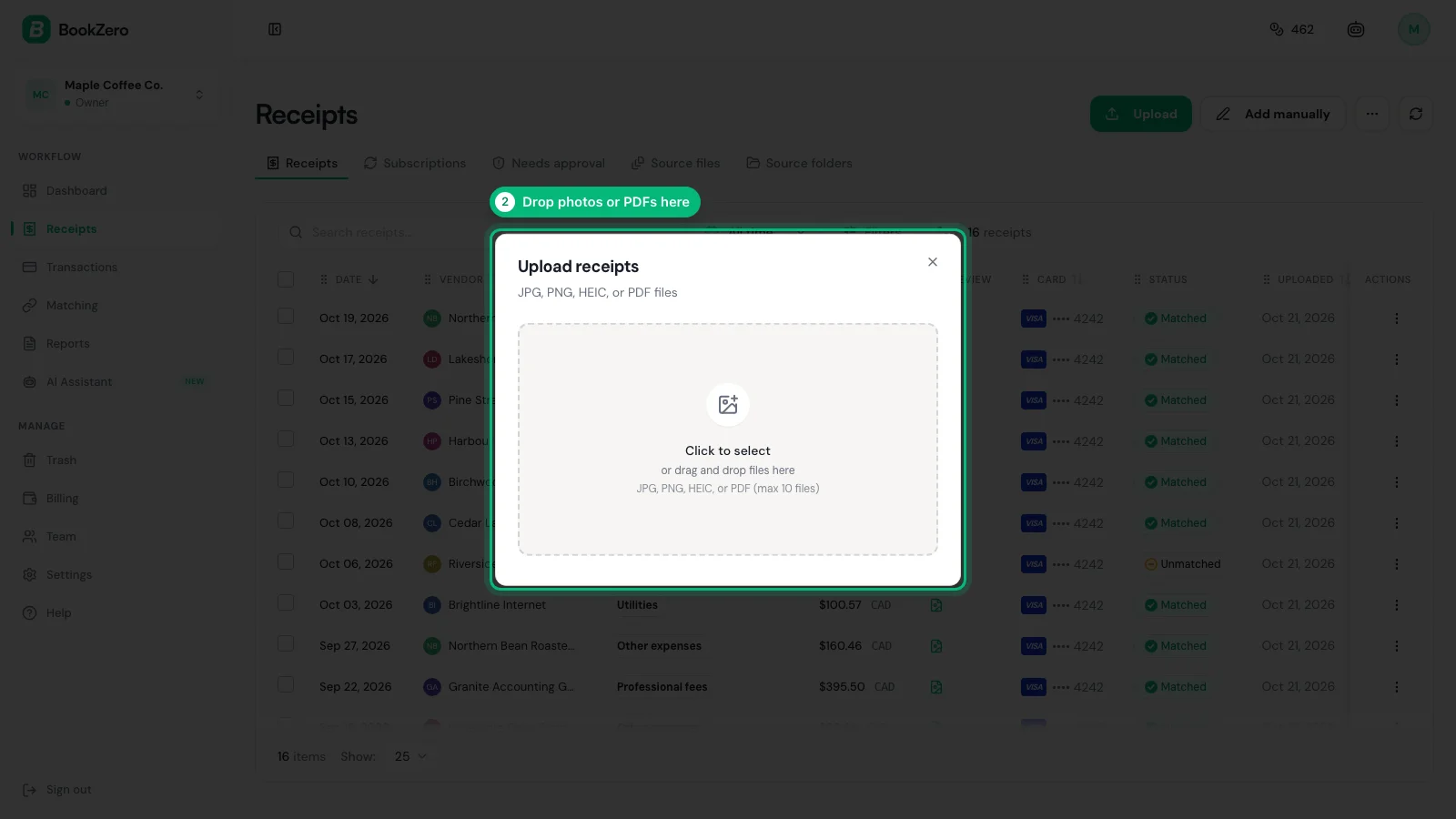
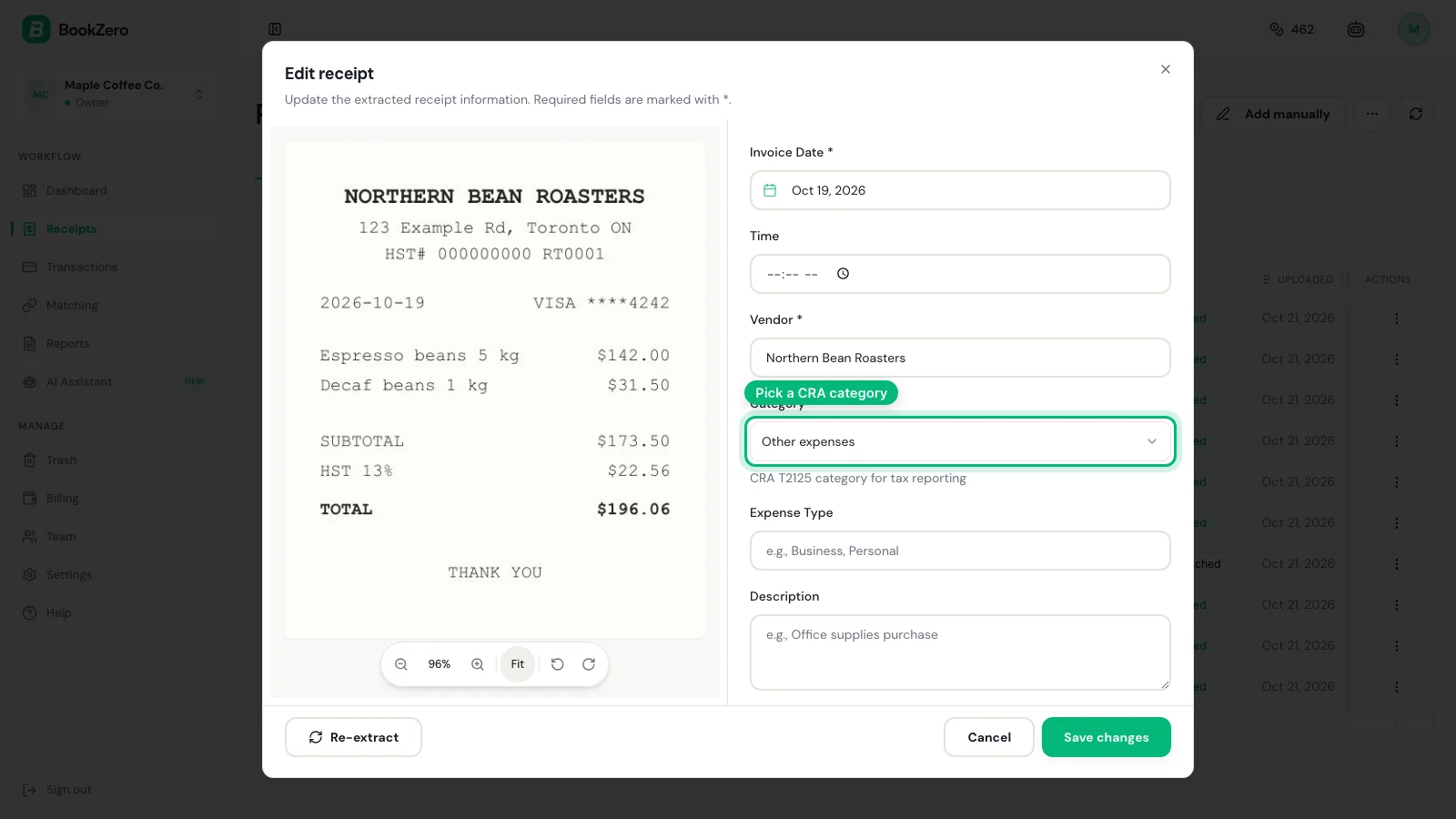
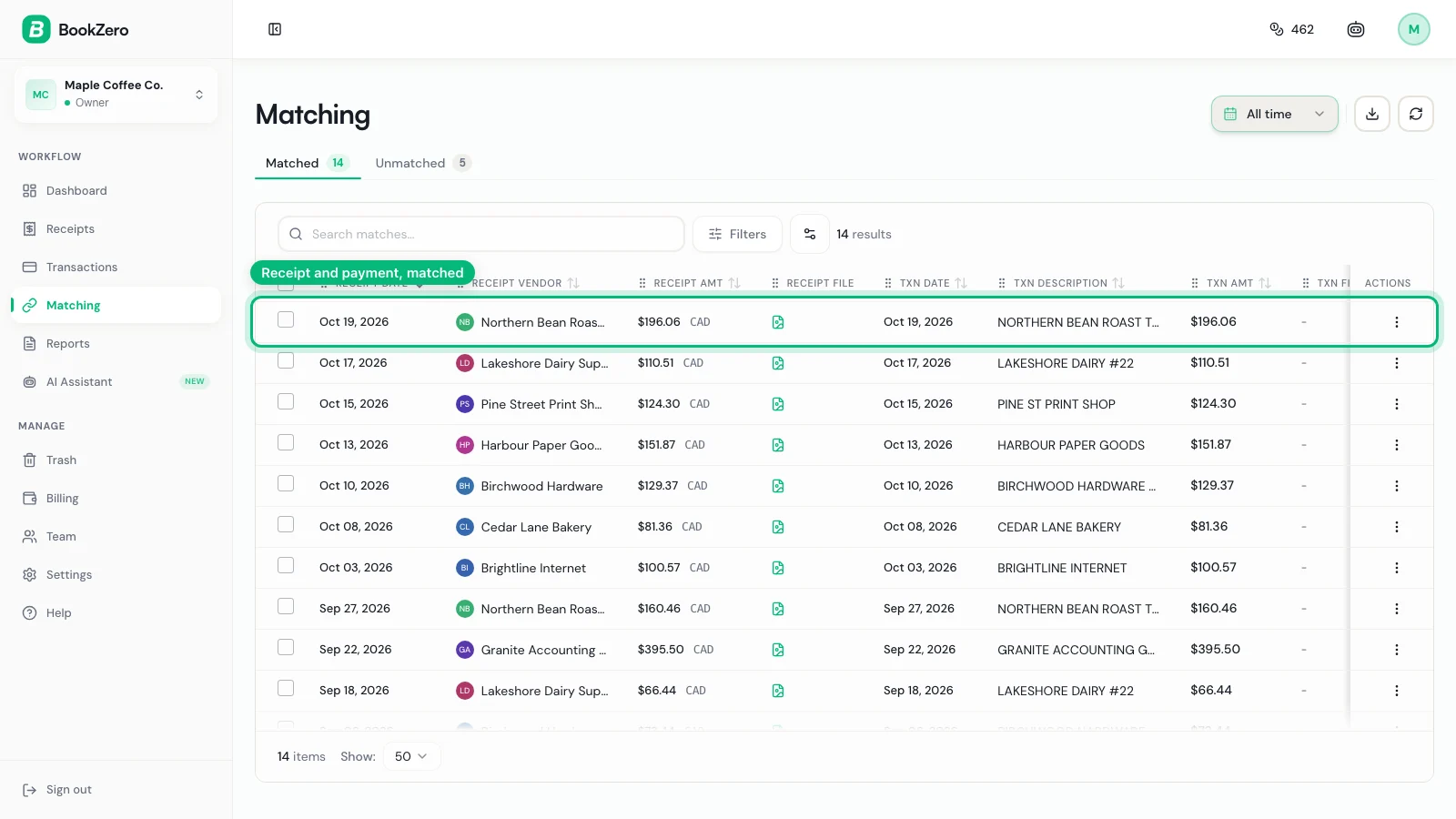
Send it to BookZero. Upload the PDF or photo, and it reads the store, date and total and matches it to the charge on your bank or card statement.


For the bigger picture, see the small business bookkeeping guide and how to keep track of receipts.
Home Depot Canada eReceipts
Home Depot Canada works differently. Its eReceipts FAQ says you register at the pinpad at checkout with a credit or debit card and your email. After that, every in-store purchase, refund or account payment with that card is emailed to you within minutes. You still get a paper receipt.
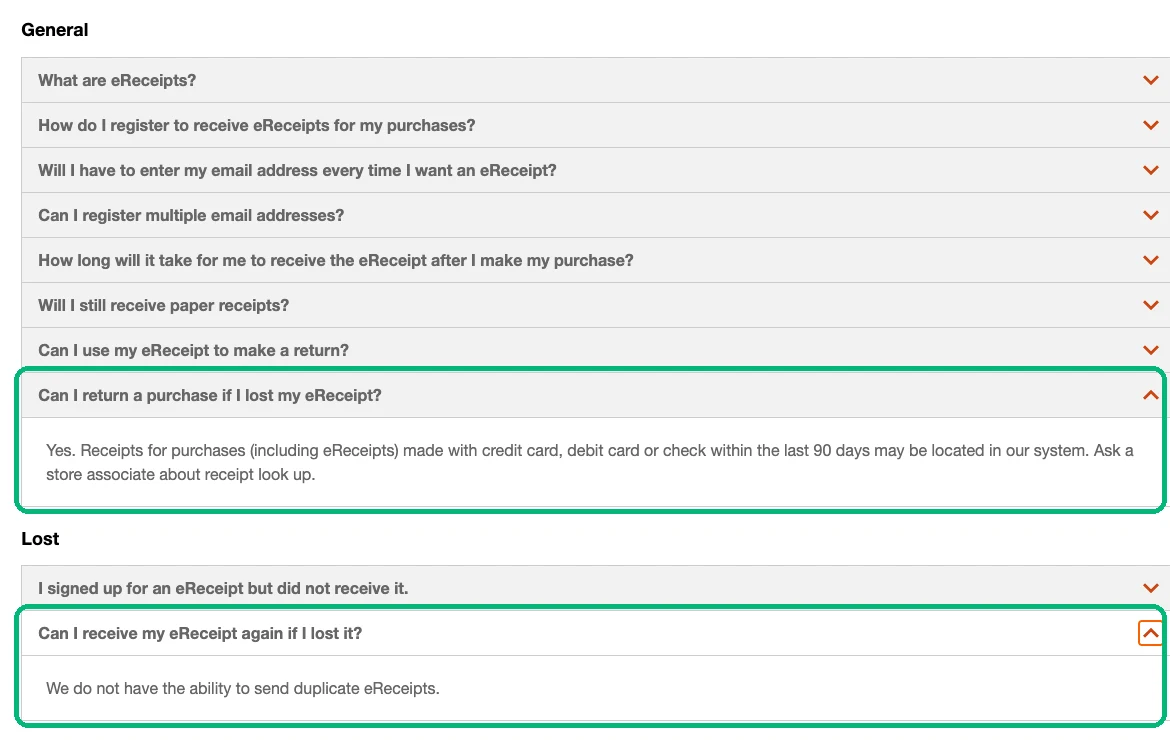
Lost one? Two answers from that page:
- Purchases made with a credit card, debit card or cheque within the last 90 days may be located in the system. Ask a store associate about receipt look up.
- Home Depot Canada can't send duplicate eReceipts. Save each one when it arrives.
Tax Notes for the US and Canada
This guide is for informational purposes only and does not constitute tax advice. Consult a qualified tax professional for your specific situation.
United States (IRS)
IRS Publication 583 accepts a card statement as proof of payment, but says proof of payment alone does not establish a deduction. The Home Depot receipt shows what you bought, which is what separates job materials from a personal purchase.
The IRS records page says to keep records 3 years in most cases, longer in some. That's past Home Depot's 24-month reprint window, so your own copy is the one that counts. Our Schedule C categories guide helps you pick the line.
Canada (CRA)
To claim the GST/HST back, the CRA's input tax credit rules set what the receipt must show, and the list grows with the amount.
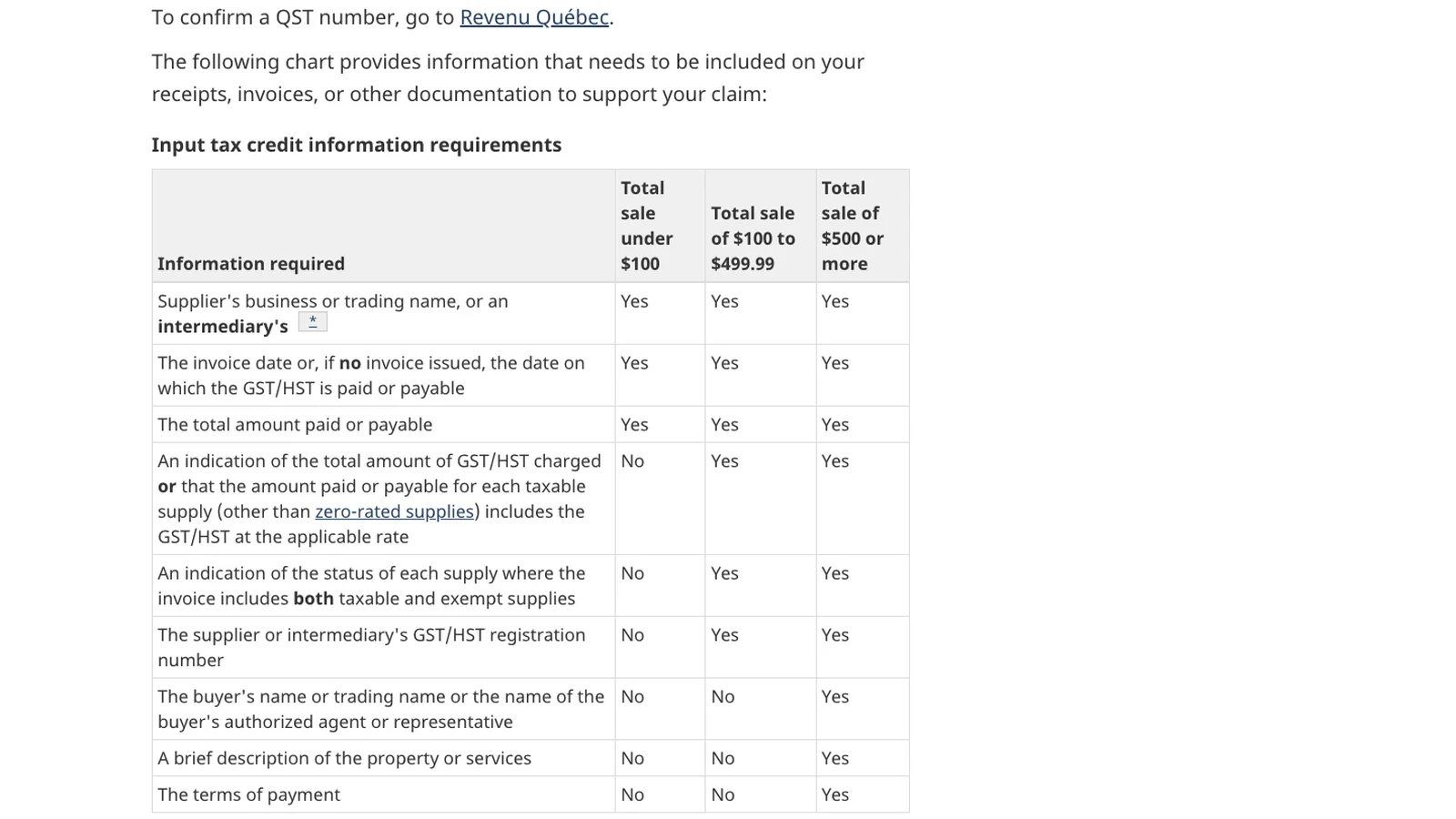
The CRA says to keep records and supporting documents for six years (CRA record retention), far past the 90-day store lookup. Our CRA record-keeping guide covers the rest.
Frequently Asked Questions
How do I look up a Home Depot receipt?
Sign in at homedepot.com or in the Home Depot app and open Purchase History. Online orders and in-store purchases made with a linked credit or debit card are listed there. Click the purchase and select View Receipt to see the original register receipt.
How far back can Home Depot look up a receipt?
Home Depot says it can generally reprint receipts for debit, credit, Home Depot card and checking purchases for 24 months, and for gift card or store credit purchases for 24 months with the card present. Pro Xtra saves receipts for up to two years. Home Depot Canada says card and cheque purchases within the last 90 days may be located.
Can I get a Home Depot receipt for a cash purchase?
Only if you are a Pro Xtra member and entered your phone number at checkout; then the receipt is in your Purchase History. Otherwise Home Depot says cash receipts cannot be retrieved without the original paper receipt.
Why is my Apple Pay purchase not in Home Depot Purchase History?
Home Depot says mobile wallet purchases use a different card number that cannot be added to your profile, so they do not appear unless you are a Pro Xtra member who entered your phone number at checkout.
Can Home Depot reprint all my receipts for taxes?
No. Home Depot says reprinting a single receipt, such as for a warranty, is within scope, but reprinting all receipts from the previous year for tax purposes is out of scope. Keep your own copies as you go, or use Pro Xtra to download them.

Eric Tech· Founder, BookZero.ai
Founder of BookZero. Building AI-powered bookkeeping tools for US and Canadian freelancers and small businesses.
View all postsStay ahead of tax season
Tax tips, deduction strategies, and feature announcements straight to your inbox. No spam, unsubscribe anytime.