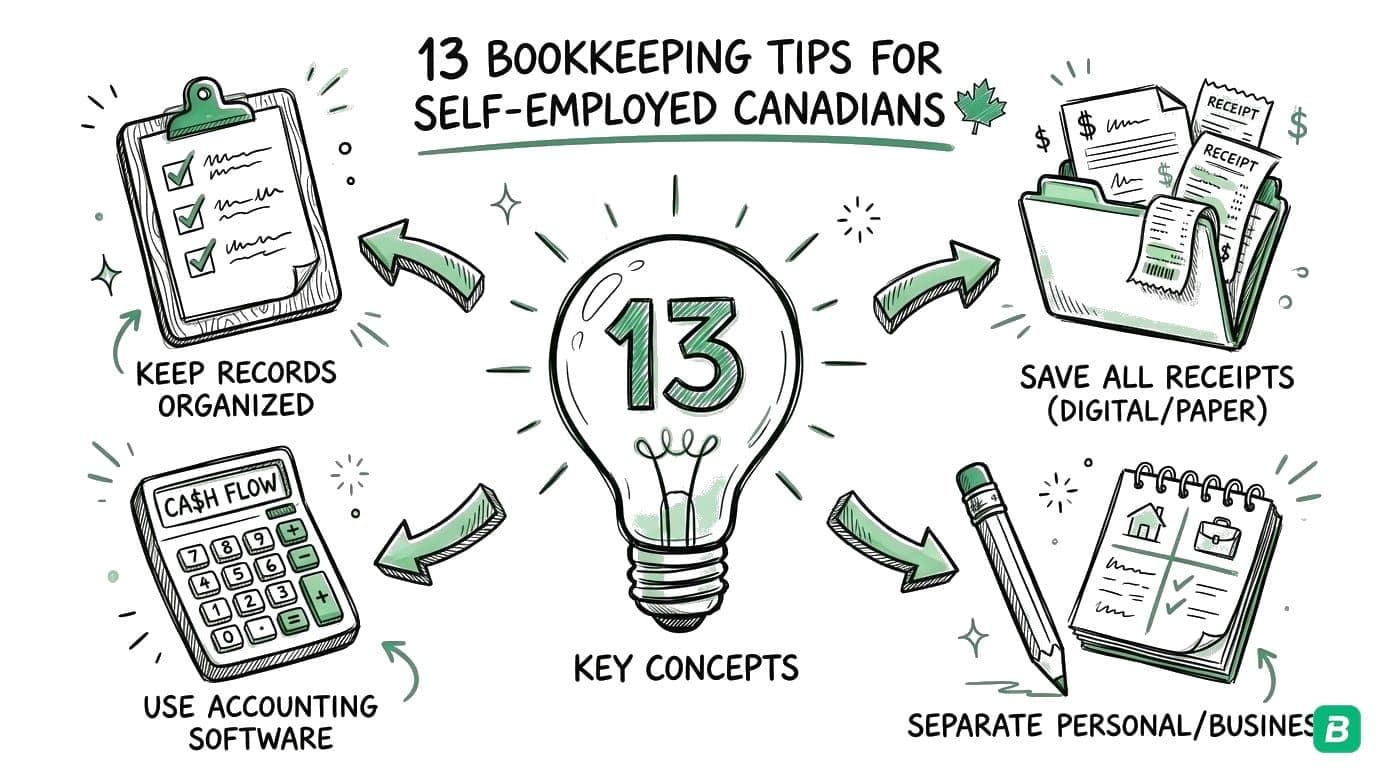
Business Expense Tracker for Self-Employed Work
Choose a business expense tracker for freelance or solo work in Canada and the US, with a practical weekly receipt-to-statement routine.
 Eric Tech·Oct 20, 2026·5 min read·
A useful business expense tracker should help you answer a specific question: can you explain each business purchase and find its supporting document when you need it? For self-employed work, that usually means getting receipts out of your pockets and inbox, checking them against payments, and keeping categories consistent.
BookZero brings receipt scanning, bank statement imports, transaction matching, and expense reports into that routine. This guide shows how to evaluate expense tracking software and set up a process you can maintain between client projects or delivery shifts.
Start with the work your tracker must handle
A spreadsheet can be enough if you make a few purchases a month and reliably attach or file the supporting receipts. The difficult part often appears when purchases arrive through several channels: paper receipts, emailed invoices, and recurring card charges.
Write down where last month's expenses came from. A freelance designer might have software invoices in email, a printer receipt on paper, and a client travel charge on a credit card. A driver might have fuel receipts and repairs alongside platform statements. Your tracker needs to cover the records you actually receive.
If you need staff to submit expenses for approval and receive reimbursements, evaluate those workflows separately. Our BookZero and Expensify comparison explains why a solo bookkeeping routine and a team expense program can call for different tools.
What to look for in expense tracking software
Receipts you can inspect after scanning
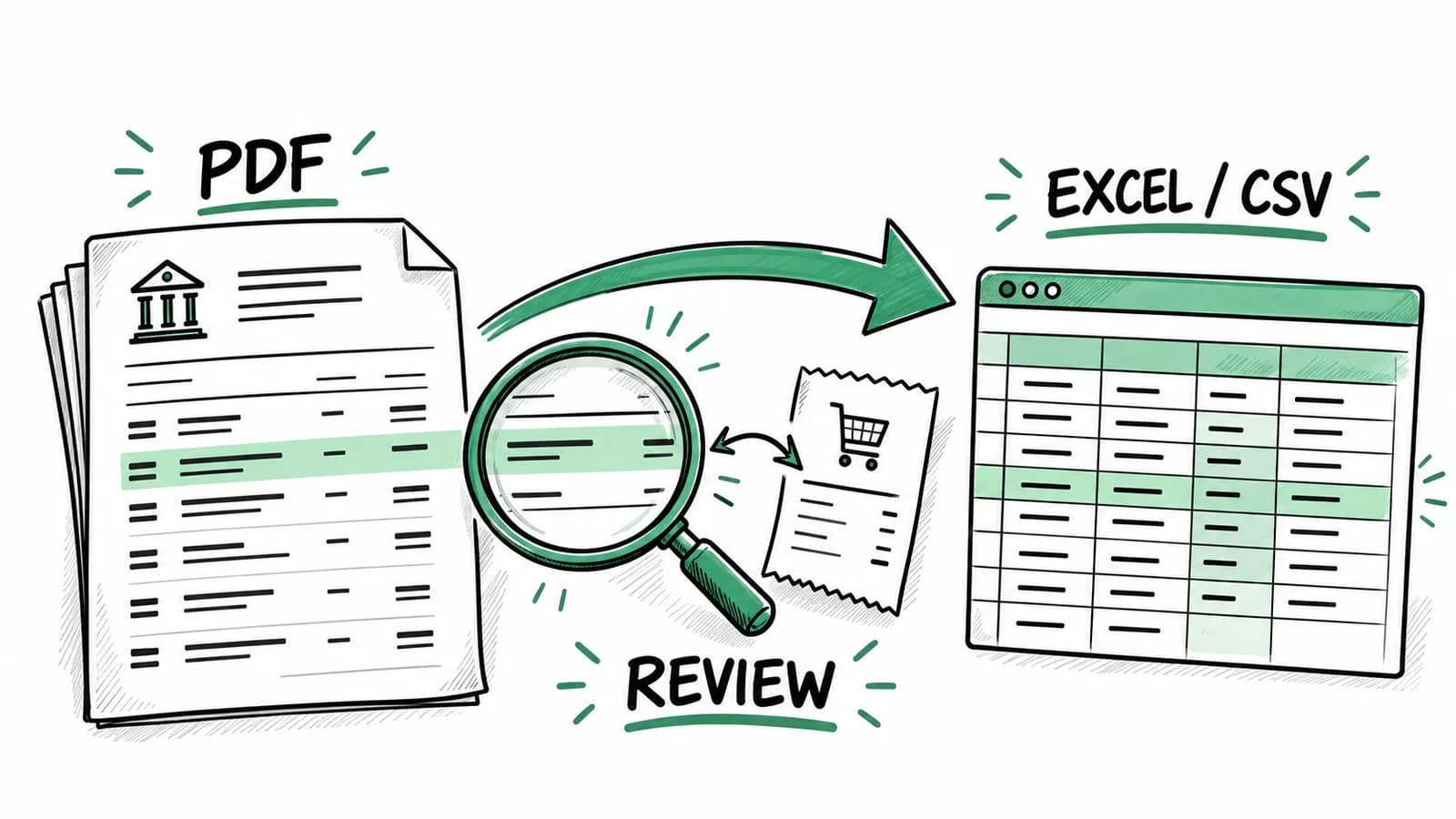
Choose software that retains the source receipt and lets you review the extracted vendor, date, amount, and category. Try a real receipt with a tip or several tax lines. Check how easily you can correct an extraction mistake. Accuracy on a sample matters more than a promise that every document will scan perfectly.
A connection between the purchase and the payment
A receipt without a matching payment can be a duplicate, a cash purchase, or simply a document waiting for the right statement. A statement charge without a receipt may need follow-up. BookZero suggests receipt-to-bank transaction matches so you can investigate those gaps.
Categories for your country
Canadian and US reporting use different category structures. Choose the business's country and review the suggested categories accordingly. A Canadian sole proprietor can start with our CRA expense categorization guide. US readers can use the Schedule C expense categories guide.
An export your accountant can use
Ask your accountant whether they want CSV, Excel, or transactions in their accounting system. Test that handoff before you collect a year's records. BookZero offers CSV and Excel exports, plus QuickBooks and Xero export workflows. Check the feature overview and plan details for the workflow and limits you need.
A weekly routine for a self-employed expense tracker
Set aside a recurring appointment short enough that you will keep it. The first week may take longer while you collect records from different places.
- Upload the week's receipts. Use files or photos you can read clearly; BookZero also supports imports from Google Drive and Telegram.
- Review extracted dates, amounts, and categories against the documents.
- Add a business-purpose note when the receipt alone does not explain the purchase.
- Import the relevant bank statement when it becomes available and review matches.
- Resolve personal purchases, missing documents, and possible duplicates before exporting.
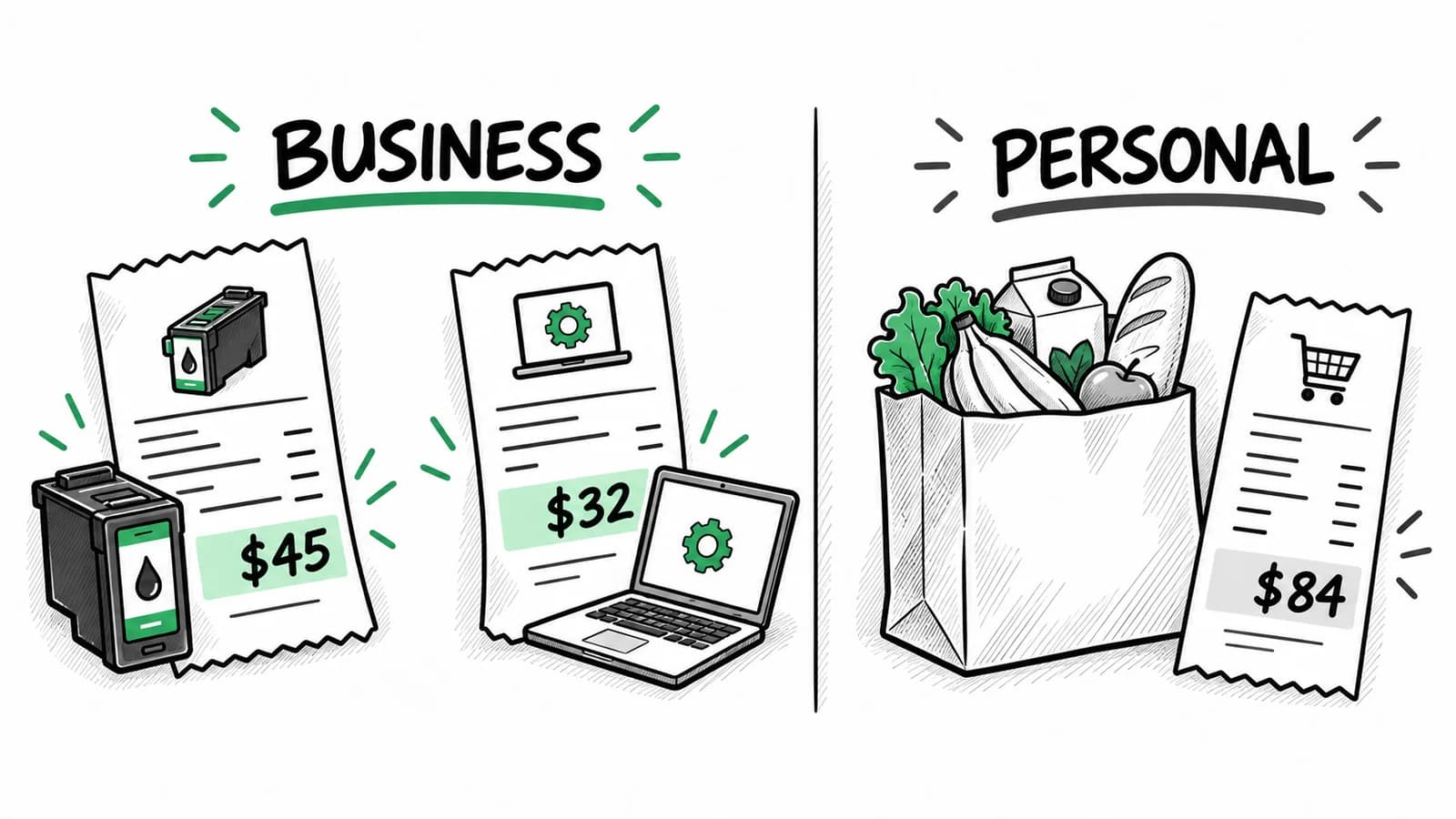
For a concrete example, suppose a designer buys $45 of printer ink, pays a $32 design subscription, and spends $84 on household groceries. All three payments may appear on the same card. The first two need their supporting documents and a category review; the groceries need to stay out of business expense totals. A tracker cannot infer business purpose reliably from the amount alone.
Use the month-end review to find omissions
Work from the statement as well as the receipts. Looking only at uploaded documents will not reveal an invoice you forgot to save. Look at recurring vendors and ask whether a subscription invoice is missing. Check refunds against the original purchases so a returned item does not leave an overstated expense.
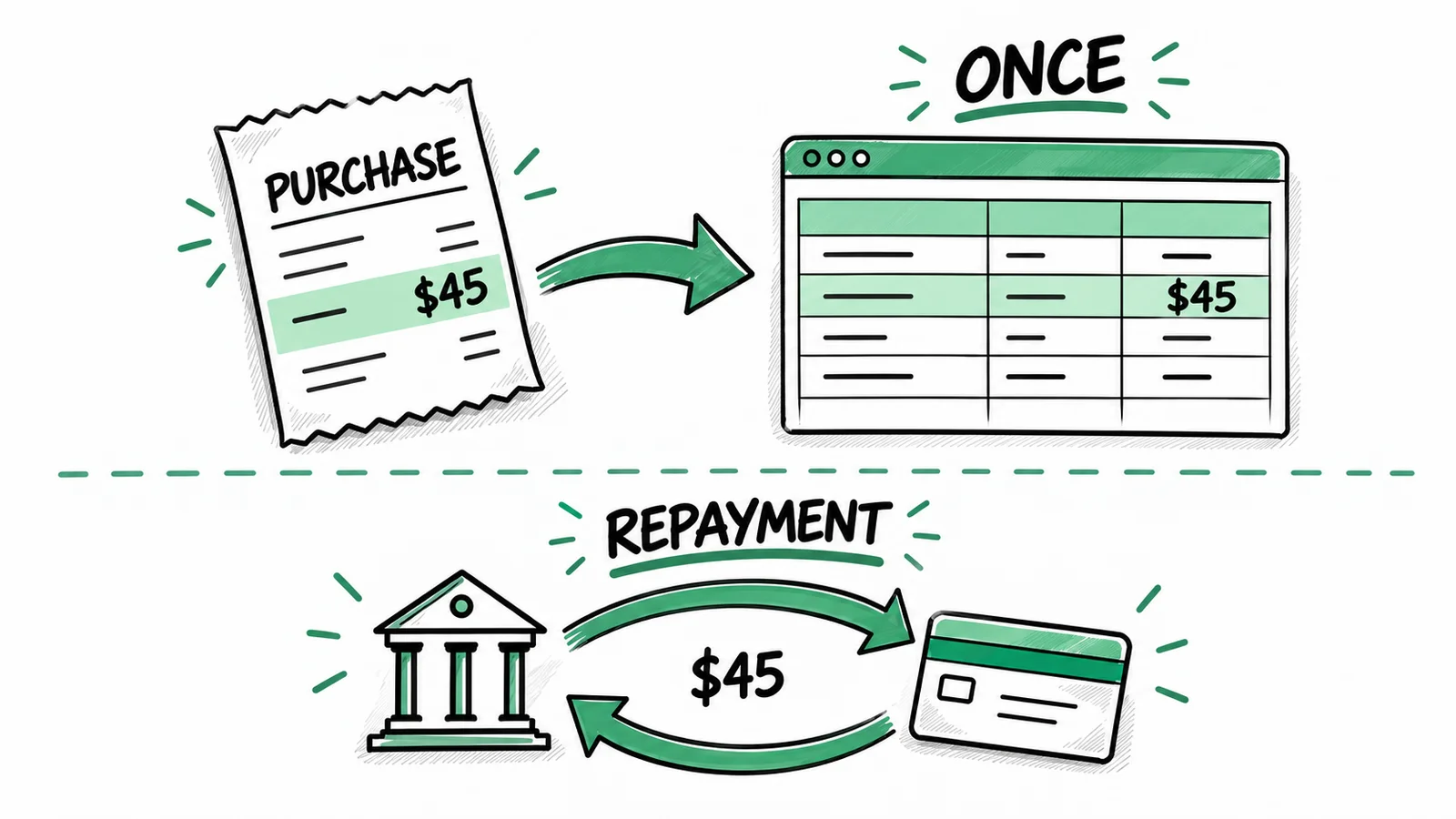
Keep owner transfers and credit card repayments separate from operating purchases. Otherwise, a purchase can be counted when you make it and again when you pay the card. If a transaction is unclear, leave it for review with a note instead of forcing it into a convenient category.
Canada and US recordkeeping
The CRA's recordkeeping guidance and the IRS recordkeeping overview explain the responsibilities that apply to business records. Keep the evidence supporting your expenses and follow the requirements for your situation.
Recording a purchase does not establish that it is deductible. Mixed personal and business costs, equipment, meals, and vehicle expenses can need additional calculations or documentation. Keep the original amounts visible and ask your tax preparer how those items should be treated. BookZero organizes records and reports; it does not file your return or replace that review.
Try one month before moving your backlog
Pick a month containing ordinary purchases and one awkward example, such as a refund or mixed-use bill. Capture the receipts, import the statement, and export the reviewed result. If you and your accountant can follow the records without hunting through email, you have a workable system.
For more detail on choosing the document side of that system, see our digital receipt organizer guide.



Eric Tech· Founder, BookZero.ai
Founder of BookZero. Building AI-powered bookkeeping tools for US and Canadian freelancers and small businesses.
View all postsStay ahead of tax season
Tax tips, deduction strategies, and feature announcements straight to your inbox. No spam, unsubscribe anytime.