Receipt Organizer Software for Small Businesses
Choose a digital receipt organizer that connects readable documents to expense records, with a practical BookZero workflow for Canada and the US.
 Eric Tech·Oct 20, 2026·5 min read·
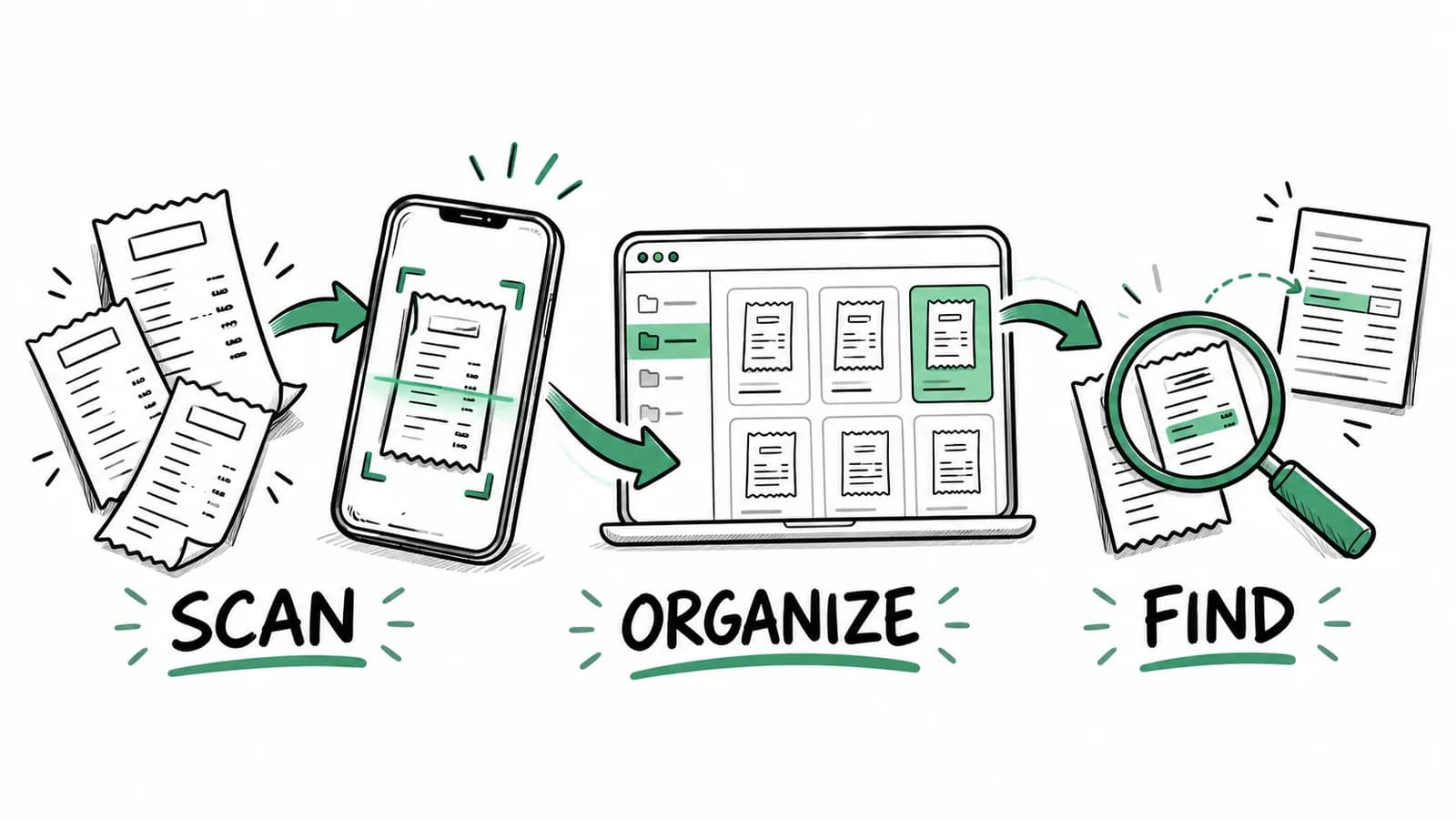
A digital receipt organizer keeps the purchase document connected to the information you need for bookkeeping. You should be able to find a receipt by its vendor or date, inspect the original, and explain how it relates to a business expense.
If you are choosing receipt management software, test how it handles the whole record. A photograph stored in a folder solves capture. A reviewed expense with its receipt and corresponding payment solves a larger part of your monthly bookkeeping work.
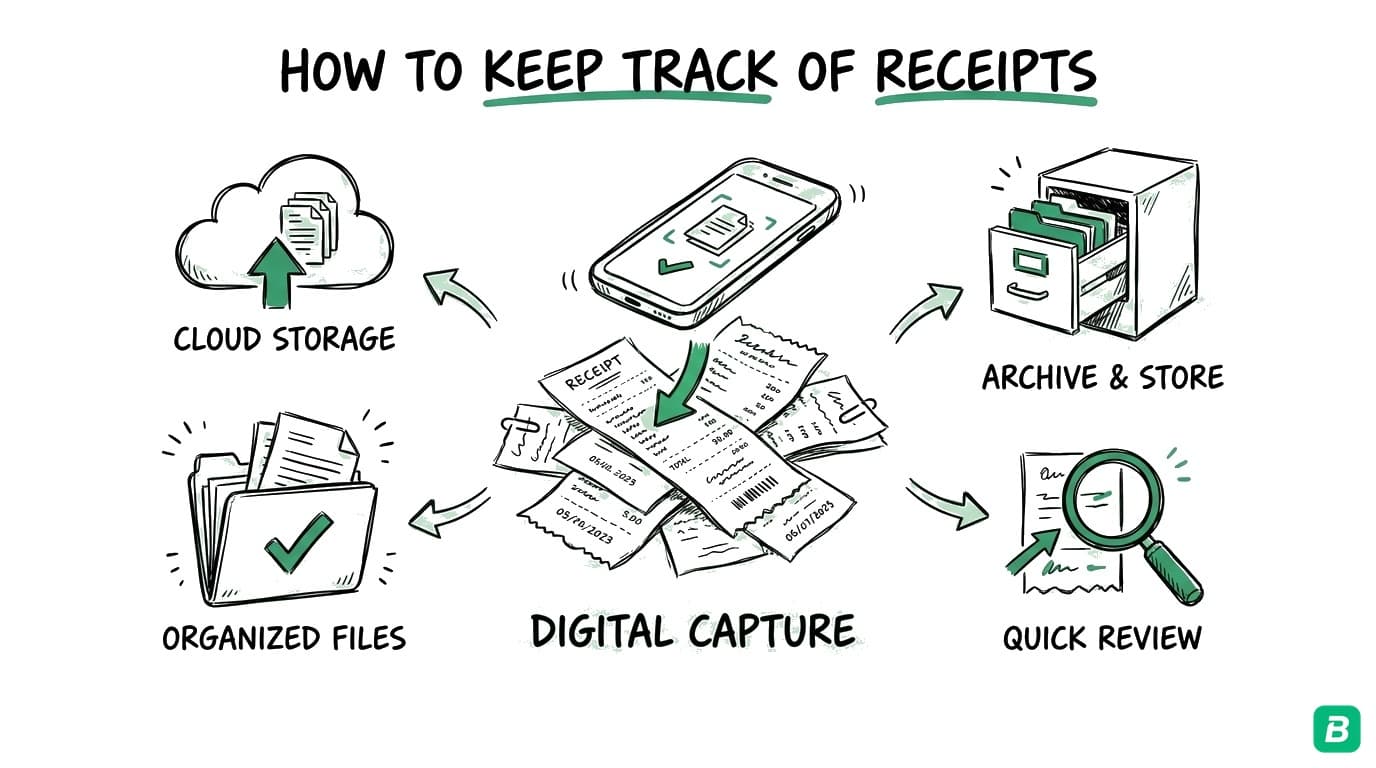
BookZero supports that workflow with AI receipt scanning, categories, bank statement imports, and receipt-to-transaction matching. This guide focuses on selecting and using software. For the broader habit of collecting documents, start with how to keep track of small business receipts.
Which kind of receipt organizer do you need?
An accordion folder can work when you mainly have paper and very few purchases. A cloud folder is convenient when you mostly need shared storage. Both rely on you to name files consistently and enter the expense information elsewhere.
Dedicated software becomes useful when you repeatedly copy vendor names, amounts, and dates into a spreadsheet, or when you cannot easily tell which card charges still need receipts. Decide what problem you need solved before importing your entire archive.
For example, a cleaner might receive paper supply receipts while a freelance developer gets nearly everything by email. Both need organized records, but the capture method should fit their day. Try the files you already receive, including a long receipt and one with several tax amounts.
Five checks before choosing receipt management software
1. Can you read the original later?
Open an uploaded receipt after processing. Check the edges, small print, and total. Extracted data is easier to search and report, but you still need the underlying document to resolve a question. Rescan cropped or blurred documents while you can still obtain a better copy.
2. Can you correct the extracted information?
Compare the date, vendor, subtotal, tax, and total with the receipt. A scanned amount can be wrong even when most fields look right. A good review process lets you correct the record without losing the source document. Treat a new vendor or unusual receipt layout as a reason for closer inspection.
3. Does it handle your capture channels?
BookZero accepts receipt uploads and supports Google Drive and Telegram imports. Pick a primary capture method and establish where reviewed records will live. If you upload the same receipt from your phone and later import a folder containing it, check for duplicates before relying on totals.
4. Can you connect the receipt to a payment?
Receipt-to-transaction matching helps you find both missing documents and purchases waiting for a statement. Check suggested matches carefully when several transactions share an amount. Two $25 purchases on the same day still need the correct vendor and document attached to each.
5. Can you hand the records to your accountant?
Try a small export and ask whether it includes the fields your accountant needs. BookZero supports CSV and Excel exports and accounting export workflows for QuickBooks and Xero. Review the available features and plans before committing to a large historical import.
A walkthrough with a mixed receipt
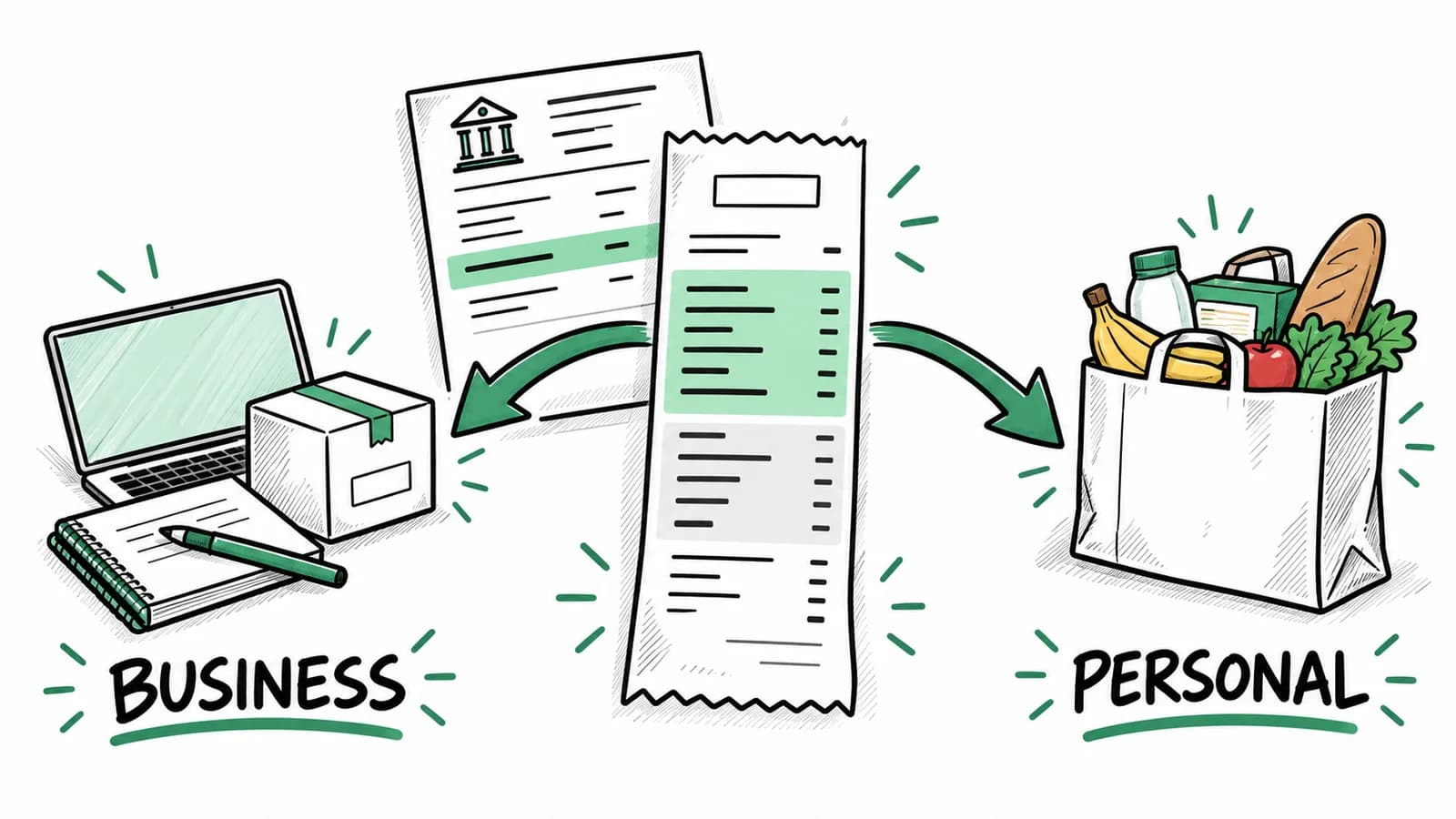
Suppose an electrician buys job materials and a personal household item in one store visit. Uploading the receipt preserves what was purchased, but categorizing the entire total as a business expense would overstate the business portion.
Open the source, identify the business items, and document the split in your bookkeeping records. Review the tax treatment with your accountant where needed. The bank statement will still show one payment, so retain enough detail to explain why the business expense differs from the full charge.
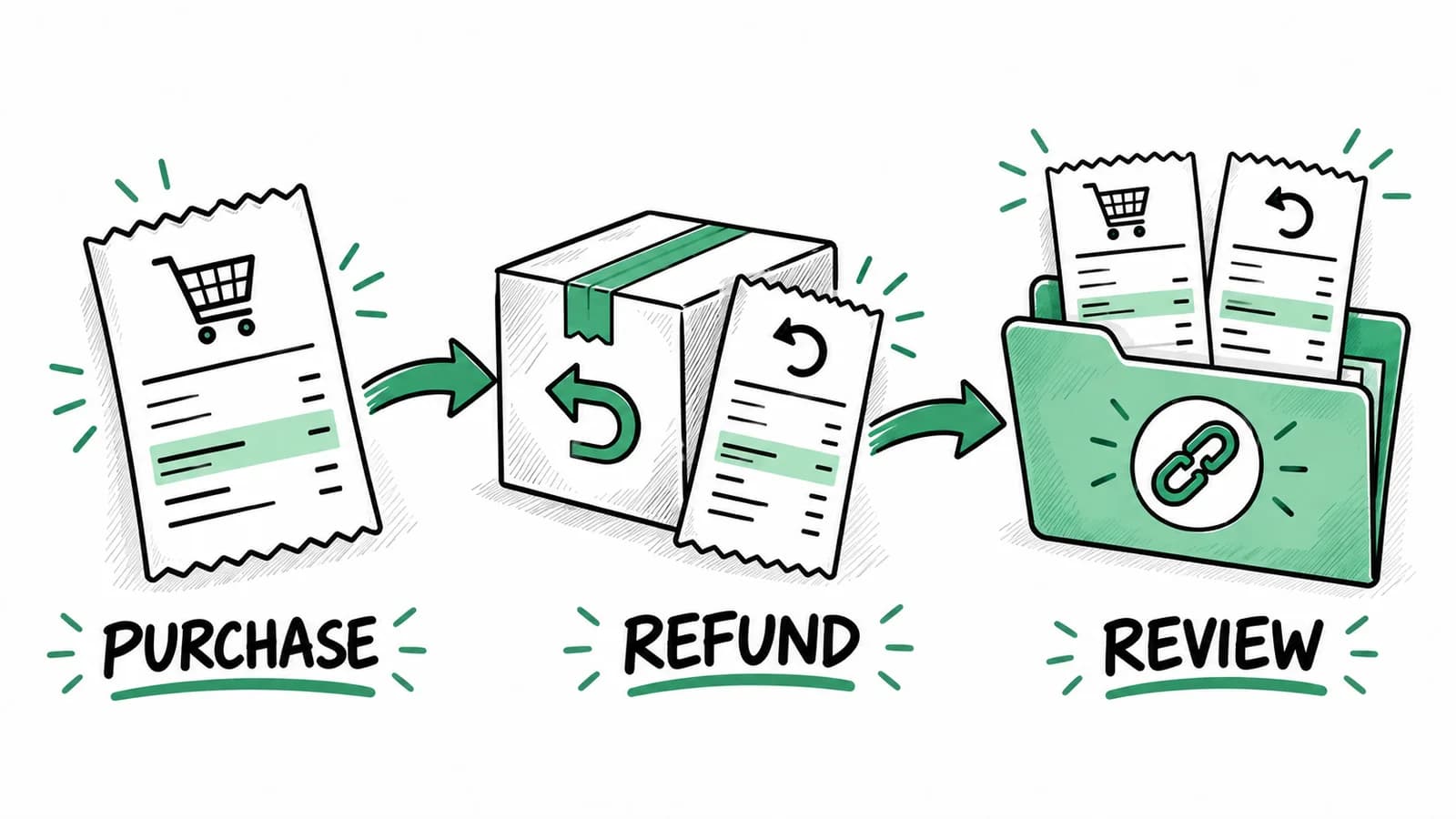
Now imagine that the store later refunds one item. Keep the refund record and review it with the original purchase. A useful organizer makes both documents retrievable; your month-end review ensures the reported expenses reflect the change.
Set up your first month in BookZero
Use one complete month as a trial of your process:
- Collect receipts from paper, email, and your existing folders.
- Upload readable files and review the extracted information.
- Check categories against the business's country and actual purpose.
- Import the relevant statement and review suggested matches.
- Investigate missing receipts and duplicate uploads.
- Export the reviewed records and confirm the handoff with your accountant.
Keep an explicit place for unresolved questions, even if that is a short list outside the app. An unfamiliar vendor charge should not disappear into an arbitrary category just to finish the month. Our business expense tracker guide covers the ongoing weekly routine.
Keep records that support the expense
The IRS explains the kinds of supporting records to retain, including documents showing what you paid and the business purpose. Canadian businesses should follow the CRA's recordkeeping requirements, including its guidance on electronic documents.
Avoid treating a successful scan as permission to discard every original. Retention and electronic-record requirements depend on the document and your circumstances. Keep records accessible, maintain appropriate backups, and confirm your process before destroying paper.
Test capture before choosing your plan
You can try the public receipt scanner to see receipt extraction on a document. For ongoing storage, statement matching, and exports, review BookZero's account features and plan allowances. Choose based on your monthly document volume and handoff needs, then test a full month before migrating older records.
Organize receipts and connect them to your bookkeeping in BookZero.



Eric Tech· Founder, BookZero.ai
Founder of BookZero. Building AI-powered bookkeeping tools for US and Canadian freelancers and small businesses.
View all postsStay ahead of tax season
Tax tips, deduction strategies, and feature announcements straight to your inbox. No spam, unsubscribe anytime.