Square Receipt Lookup (2026): Find a Receipt as a Customer or Seller
Look up a Square receipt at squareup.com/receipts with your card, the date and the amount. Sellers can resend receipts from Transactions in the Dashboard or POS app and export a CSV.
 Eric Tech·Mar 24, 2026·Updated Oct 21, 2026·8 min read·
To look up a Square receipt as a customer, go to squareup.com/receipts and enter the card you paid with, the purchase date and the exact amount from your statement. If nothing comes up, ask the seller to resend it. Sellers find any receipt under Transactions in the Square Dashboard or POS app, then choose to issue a new receipt.
The steps below follow Square's help centre and work in the US and Canada.
Customers: look it up at squareup.com/receipts with the card, the purchase date and the exact amount. If that fails, the seller can resend it in seconds.
Square Receipt Lookup for Customers
Look up a receipt online
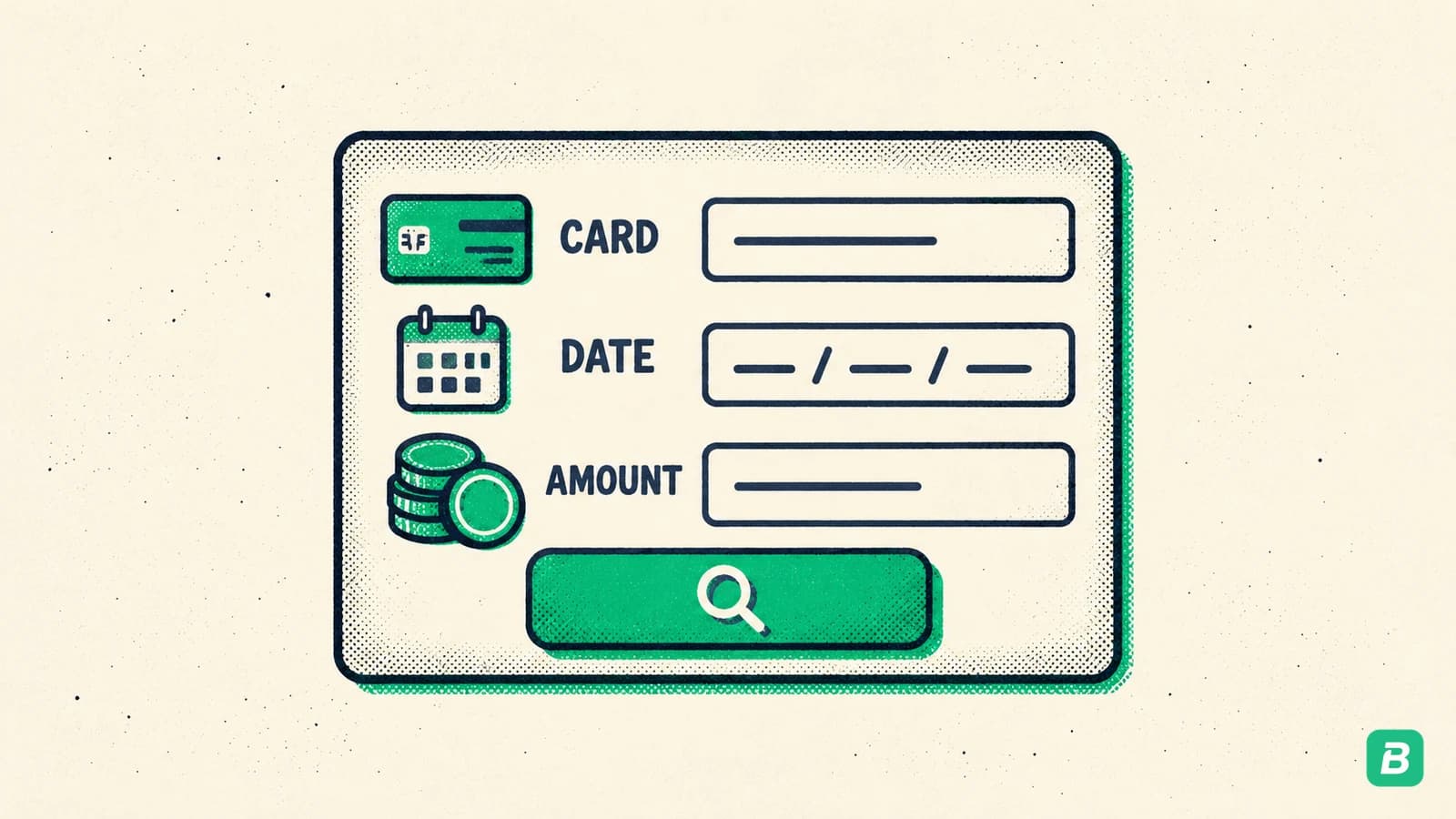
- Go to squareup.com/receipts. It opens Square's receipt lookup page.
- Enter the details of the card you paid with.
- Enter the date of the purchase. Use the day you bought it, not the day the charge posted to your bank.
- Enter the exact total as it appears on your card statement.
- Open the receipt, then print it or save it as a PDF from your browser.
Every detail has to match exactly. A total that's off by a tip or a few cents won't find the receipt.
Check your email or texts
If you gave the seller your email address or phone number at checkout, Square sent the receipt there. Search for the seller's name or "Square." If you opted in to automatic receipts at another Square seller, your receipt may have gone to that email without the seller asking.
Not sure the seller uses Square?
A Square charge on your card statement usually starts withSQ * followed by the seller's name.
Lookup didn't work? Ask the seller
The seller can find your payment in seconds and send a new receipt. Give them:
- The date and rough time of the purchase
- The amount
- The last four digits of your card
Square's own support team needs the same details to search, so going to the seller first is quicker.
Got your Square receipt?
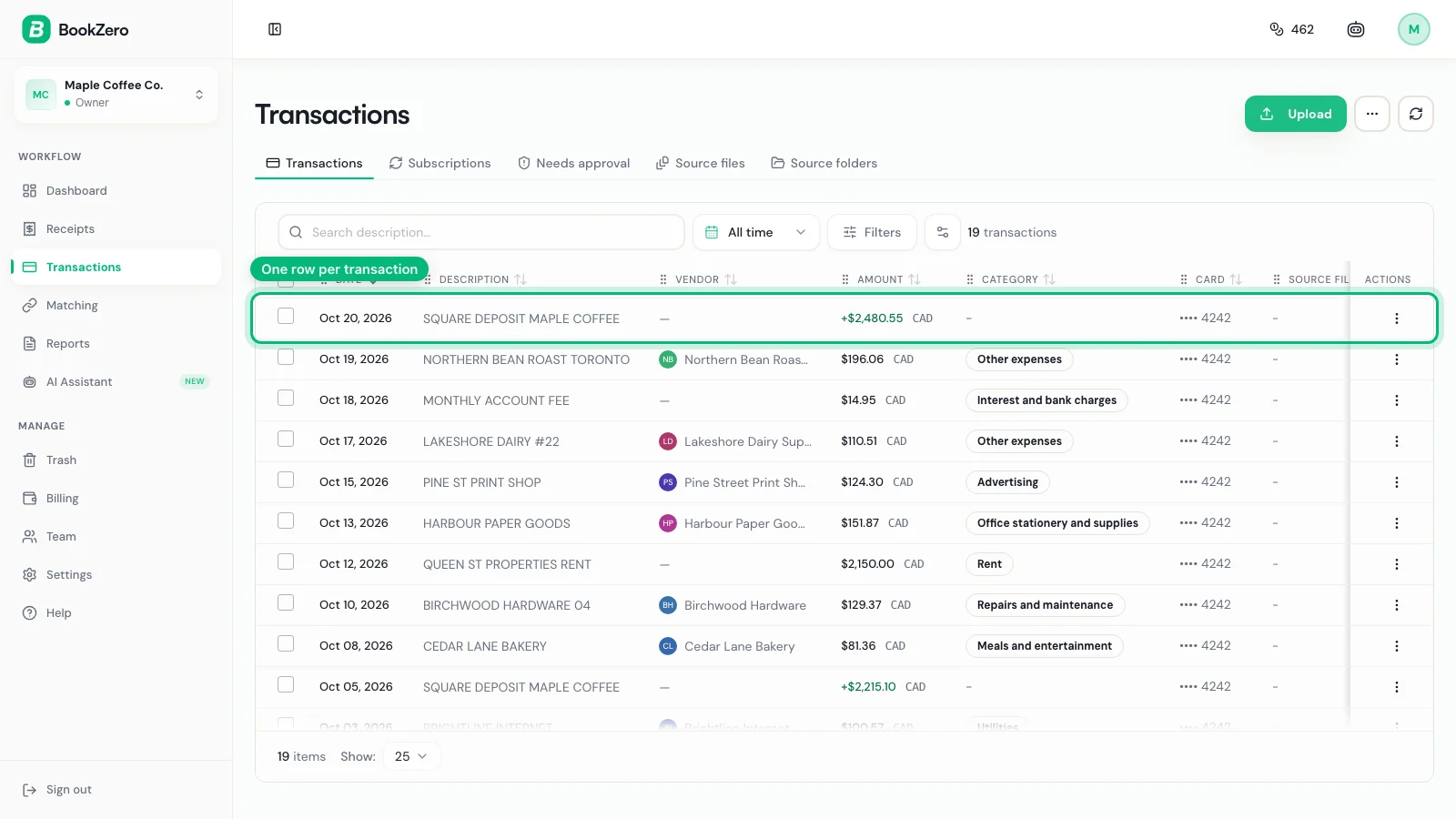
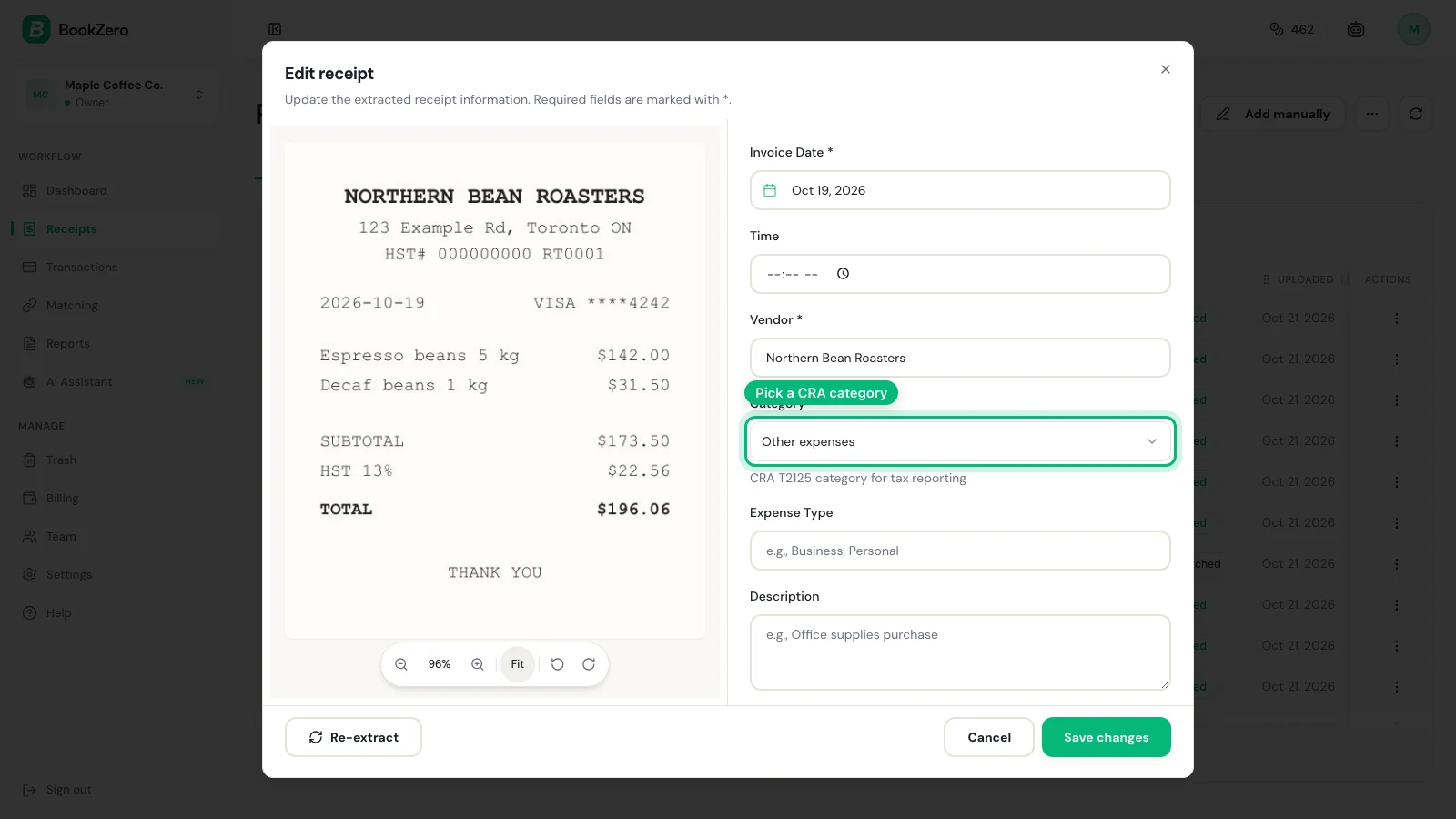
Snap it into BookZero. It reads the items, tax and total, and matches the purchase to the charge on your card.


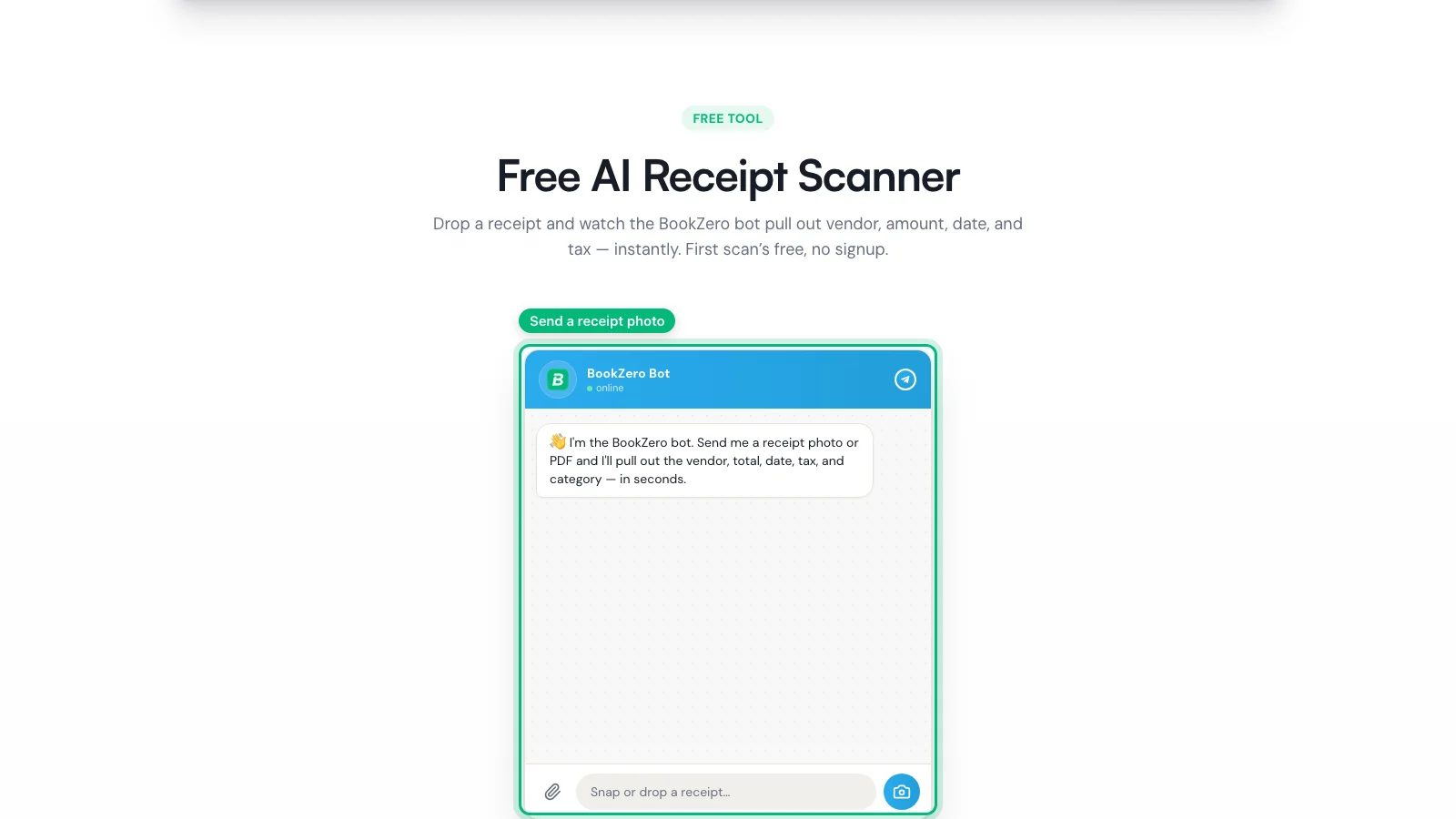
Want to try one first? The free receipt scanner reads a Square receipt without an account.
For Sellers: Find and Resend a Square Receipt
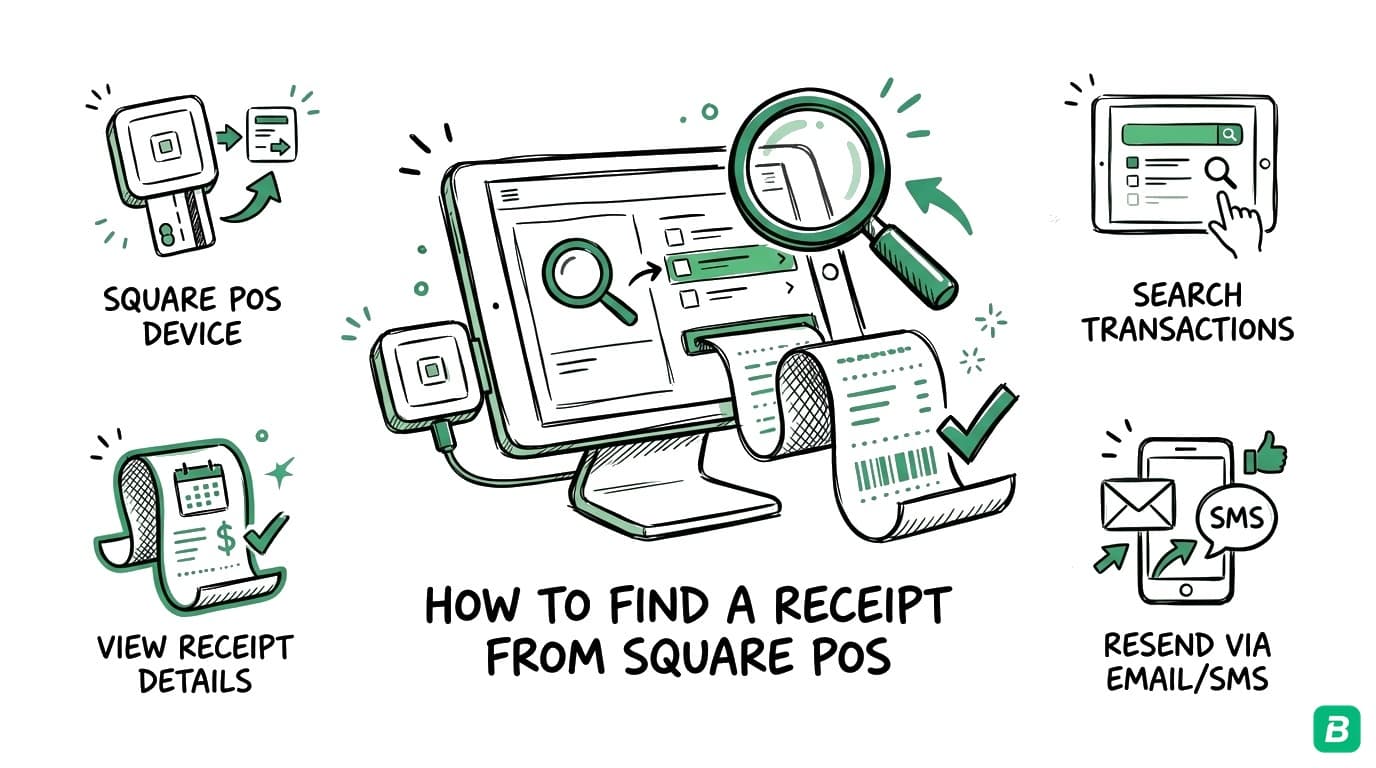
Square Dashboard (web)
- Sign in and go to Orders & payments, then Transactions. On some accounts the menu says Invoices & payments or Payments.
- Use the filters to narrow by date, payment method, status, team member or card number.
- Select the transaction.
- Choose Send Receipt to issue a new receipt, or refund the payment from the same screen.
Square Point of Sale app
- Open Transactions.
- Tap a payment, or tap Search and enter the customer's card, phone number, name, receipt number, note or item. You can also tap the customer's card on Square hardware.
- Tap the transaction and issue a new receipt or refund it.
Every Square receipt carries a Receipt ID at the bottom, and you can search for it. Search by name, phone or email works in the Dashboard and the iOS app, but not on Android.
Export transactions for your books
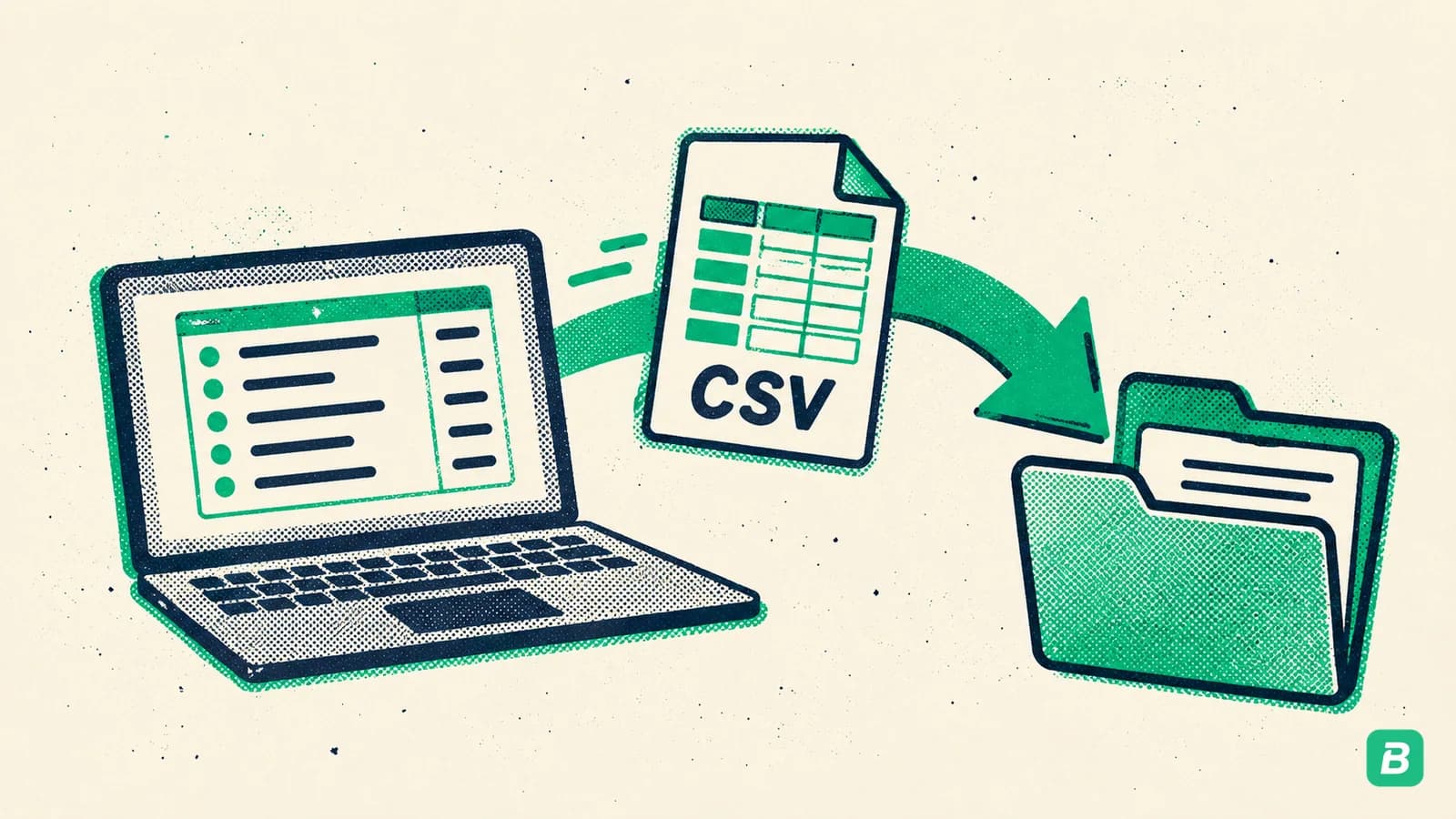
In the Dashboard, open Transactions, set the date range and click Export to download a CSV. The CSV comes from the Dashboard only; the POS app can't export it. Use it to match Square sales to your bank deposits at month end.
Customize your receipts
Go to Settings, then Account & Settings, then Payments, then Receipts. You can show your location, add contact details and add a return policy. Square adds your phone number automatically. Clear receipts help customers recognise a charge and cut down on disputes.
Lost Square Receipt
- Customer: try squareup.com/receipts first, then ask the seller to resend.
- Seller: find the payment under Transactions and send a new receipt.
- Still nothing? For an expense claim, your card statement shows the charge, but it doesn't list items or tax. Ask the seller for an itemized copy.
Square Refund Receipts
When a seller refunds a card payment in Square, the customer gets an email when the refund starts. Square says card refunds usually take 2 to 7 business days to process and up to 4 to 14 business days in total to reach the customer.
Need proof of the refund? Ask the seller for a refunded payment receipt. They can find the payment under Transactions and send a new receipt. Cash refunds happen on the spot and don't trigger an email.
For your books, keep the original receipt and record the refund as a separate credit.Square Receipts for Business Purchases
A Square receipt covers lunch with a client, supplies from a local shop or a service you paid on the spot. Add the business purpose to your records, since it isn't on the receipt.
Paying for rides and flights too? See our guides to the Uber receipt, the Lyft receipt, the Delta receipt and the American Airlines receipt. Bought the coffee at a chain instead of a Square shop? See the Starbucks receipt guide.
What's on a Square Receipt
| Field | What it shows | Use in your books |
|---|---|---|
| Business name | The seller | Vendor |
| Date and time | When you paid | Transaction date |
| Items | Itemized list with quantities, discounts and prices | Expense category |
| Tax | Sales tax or GST/HST | Input tax credit in Canada |
| Tip | Tip amount, if any | Part of the total |
| Total | Final amount charged | Matches your statement |
| Payment method | Card type and last four digits | Matching to the bank line |
| Receipt ID | Square's receipt number | Lookup and audit trail |
Tax Notes for the US and Canada
This guide is for informational purposes only and does not constitute tax advice. Consult a qualified tax professional for your specific situation.
For buyers
- US (IRS): a Square receipt shows the amount, date and vendor the IRS asks for. Add the business purpose yourself. Business meals go under Deductible meals at 50%. Our Schedule C categories guide maps each line.
- Canada (CRA): to claim an input tax credit, the receipt needs the seller's GST/HST registration number for larger purchases. Business meals go under Meals and entertainment at 50%. Keep receipts for six years. See our GST/HST guide and expense categories guide.
For sellers
All income you take through Square is reported on your return. Self-employed sellers report it on Schedule C in the US or the T2125 in Canada. Square's processing fees are a deductible business expense. The Dashboard CSV export gives you the year's sales in one file.
Frequently Asked Questions
How far back can I find receipts in Square?
Sellers can search past payments under Transactions in the Square Dashboard by date range, then send a new receipt. Customers can try the lookup at squareup.com/receipts with the card, date and amount, or ask the seller to resend the receipt.
Can I find a Square receipt without an email?
Yes. Go to squareup.com/receipts and enter the card you paid with, the purchase date and the exact amount from your statement. If the lookup can't find it, ask the seller. They can find the payment under Transactions and send a new receipt.
Does Square provide receipts that work for tax deductions?
Yes. A Square receipt shows the seller, date, items, tax and total. Add the business purpose in your records. To claim GST/HST as an input tax credit in Canada, check that the receipt shows the seller's GST/HST number.
How do I export all my Square receipts for my accountant?
In the Square Dashboard, open Transactions, set the date range to the tax year and click Export to download a CSV. The CSV export is only available in the Dashboard, not the POS app.
Can I customize what appears on Square receipts?
Yes. In the Square Dashboard go to Settings, then Account & Settings, then Payments, then Receipts. You can show your location, add contact details and add a return policy.

Eric Tech· Founder, BookZero.ai
Founder of BookZero. Building AI-powered bookkeeping tools for US and Canadian freelancers and small businesses.
View all postsStay ahead of tax season
Tax tips, deduction strategies, and feature announcements straight to your inbox. No spam, unsubscribe anytime.