How to Get a Starbucks Receipt (2026): App, Web and Store
Get a Starbucks receipt from History on starbucks.com or in the app, from the barista for mobile orders, or by email for delivery and reloads.
 Eric Tech·Oct 21, 2026·7 min read·
To get a Starbucks receipt, sign in to your Starbucks Rewards account at starbucks.com, click Account, then History. Click the purchase and print it or save it as a PDF. The Starbucks app has the same History. For a mobile order, a barista can reprint the receipt for up to seven days.
Save the purchase receipt, not the card reload.
Jump to:
The steps come from Starbucks' own help pages, the same on the US and Canadian sites.
Step 1: Open History on starbucks.com or in the app
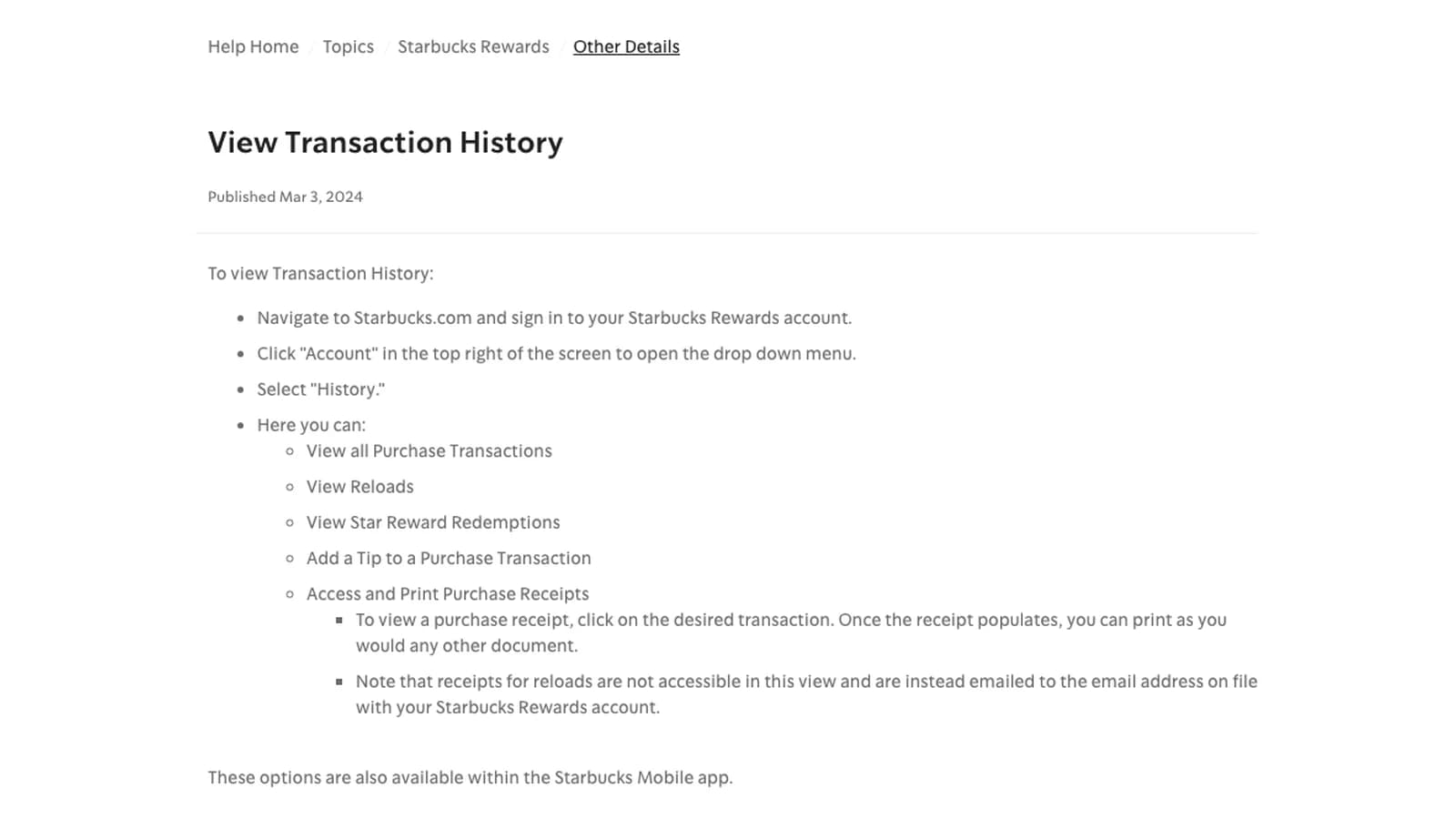
 Starbucks' help page View Transaction History gives these steps:
- Go to starbucks.com and sign in to your Starbucks Rewards account.
- Click Account in the top right to open the menu.
- Select History.
- Click the purchase you need. When the receipt loads, print it, or pick Save as PDF in your browser's print dialog.
History lists your purchases, reloads and Star reward redemptions. You can also add a tip to a purchase there. Starbucks says the same options are in the Starbucks app.
History lives in your Rewards account, so you need to be signed in to the account you paid with. Can't find the purchase there? Use the counter route in Step 2.
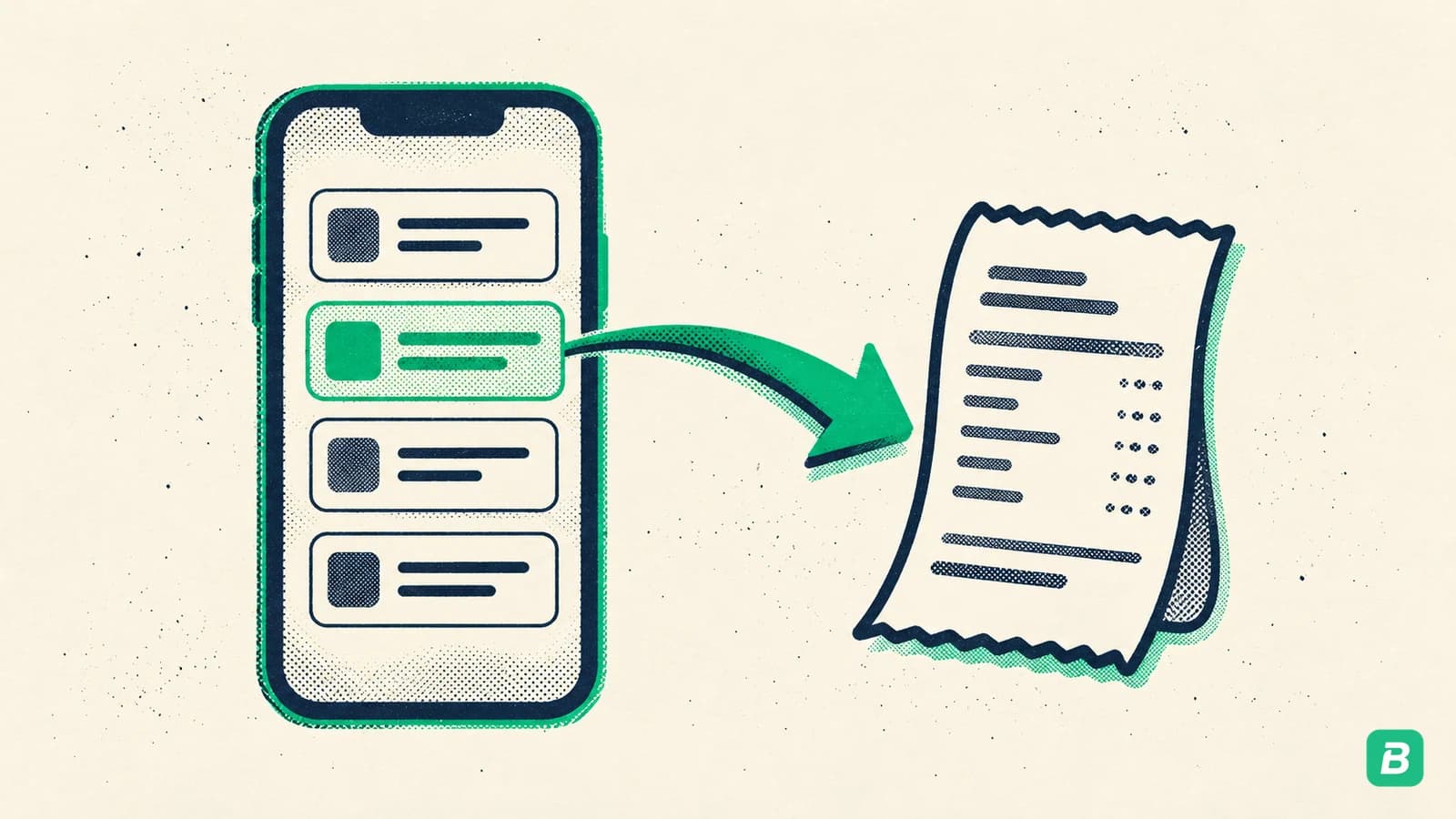
Step 2: Ask the barista for in-store and mobile orders
Starbucks' help page on receipts for Scan & Pay and mobile orders says:
- Scan & Pay: the barista can give you a receipt after you pay.
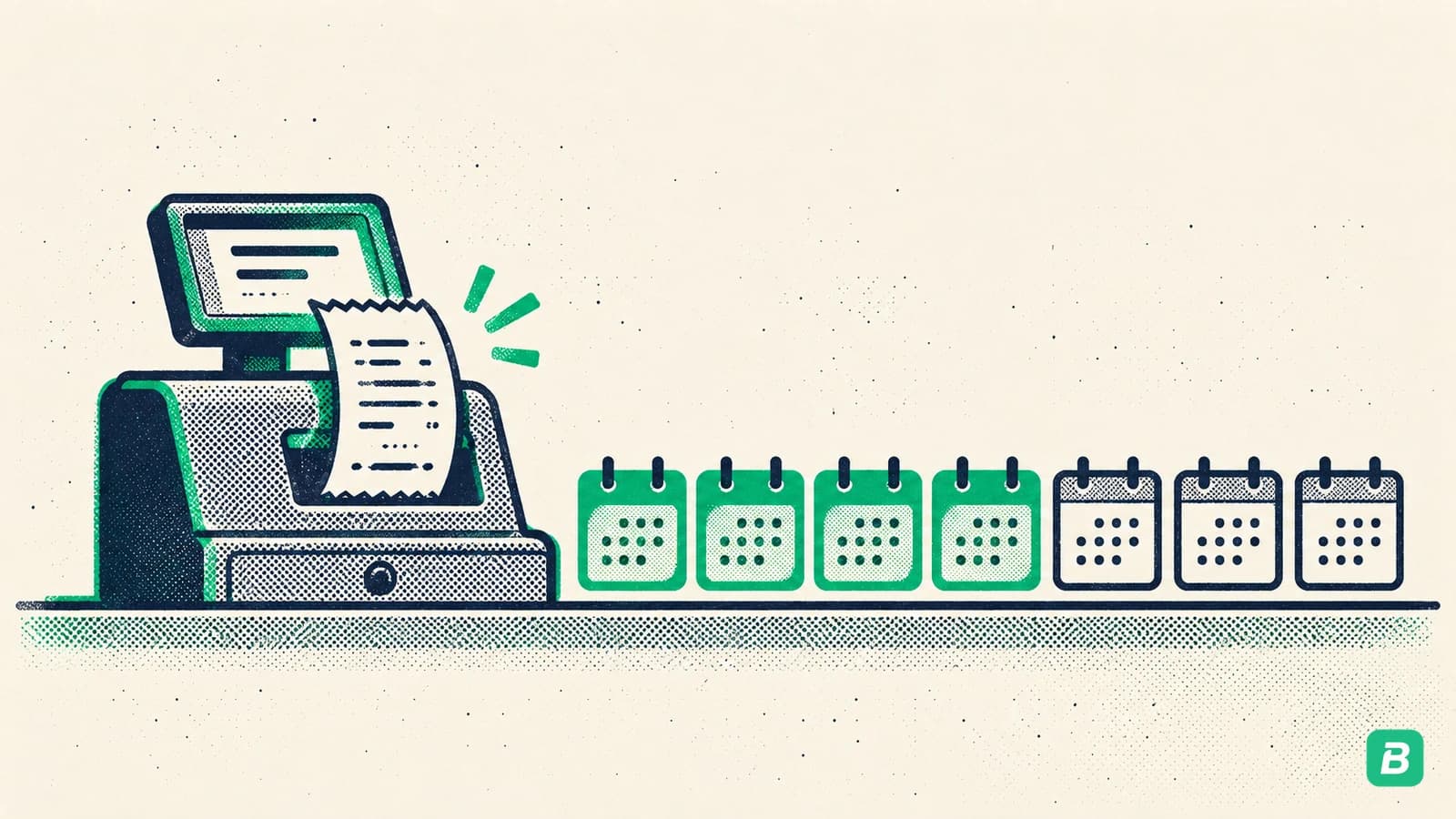
- Mobile Order & Pay: a barista at that store can print a receipt from the register for up to 7 days after the order.
After seven days the store can no longer reprint a mobile order receipt. Ask at pickup if you know the coffee is a business expense.
Paying with a Starbucks Card? Its card terms say Starbucks gives a receipt if you ask for one, and that receipt shows the card's remaining balance.
Step 3: Check your email for delivery orders and reloads
Two kinds of receipt are not in History:
- Delivery orders. Starbucks' help page says the app has no delivery order history. Order details go to the email and phone number you gave at checkout.
- Card reloads. Reload receipts are emailed to the address on your Rewards account, per the same View Transaction History page.
Search your inbox for the order email the day it arrives and save it as a PDF.
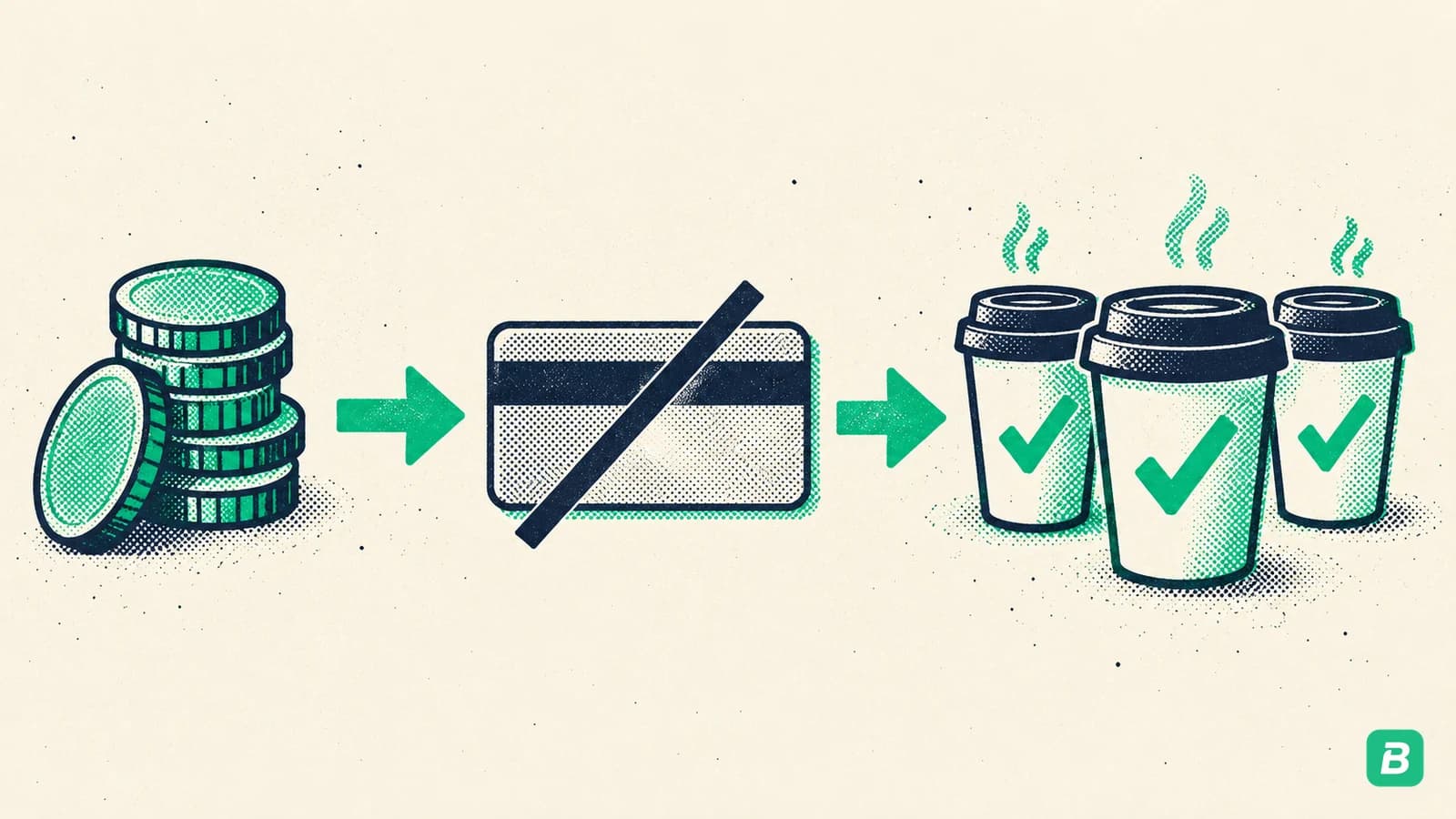
Don't book both the reload and the drinks. Topping up your Starbucks Card moves money onto a prepaid balance. The expense happens when you buy the coffee, so record the purchase receipts and leave the reload out, or you count the same money twice.
Step 4: Save it with the business purpose
A Starbucks receipt shows the store, date, items and total. Your records also need who you met and why. A one-line note does it: "Coffee with client, kitchen reno quote."
Got your Starbucks receipt?
Send it to BookZero. Upload the PDF or photo, or forward it to the BookZero Telegram bot, and it reads the store, date and total and matches it to the charge on your bank statement.


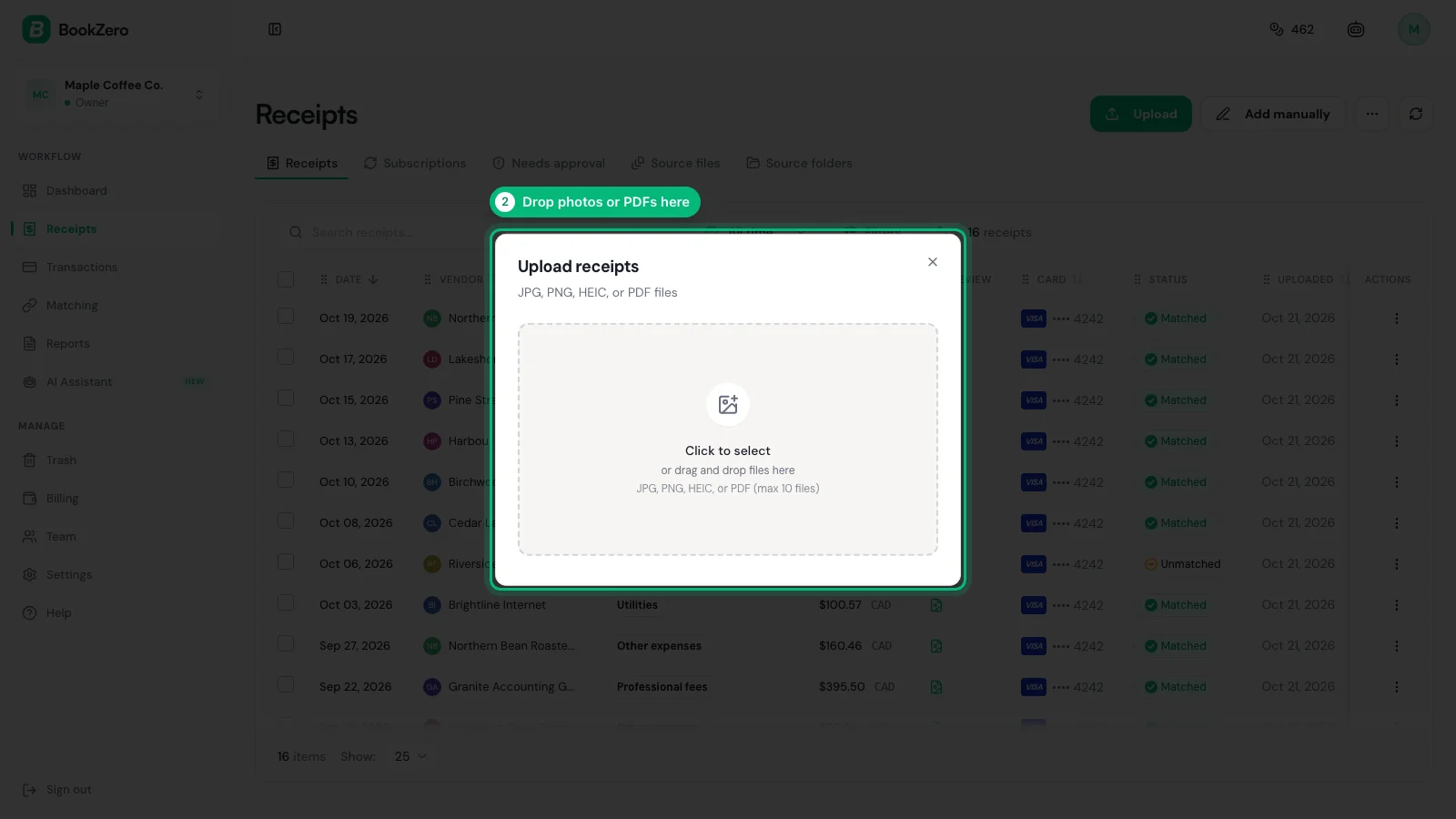
Once it's in, add the purpose in the description field and check the category.
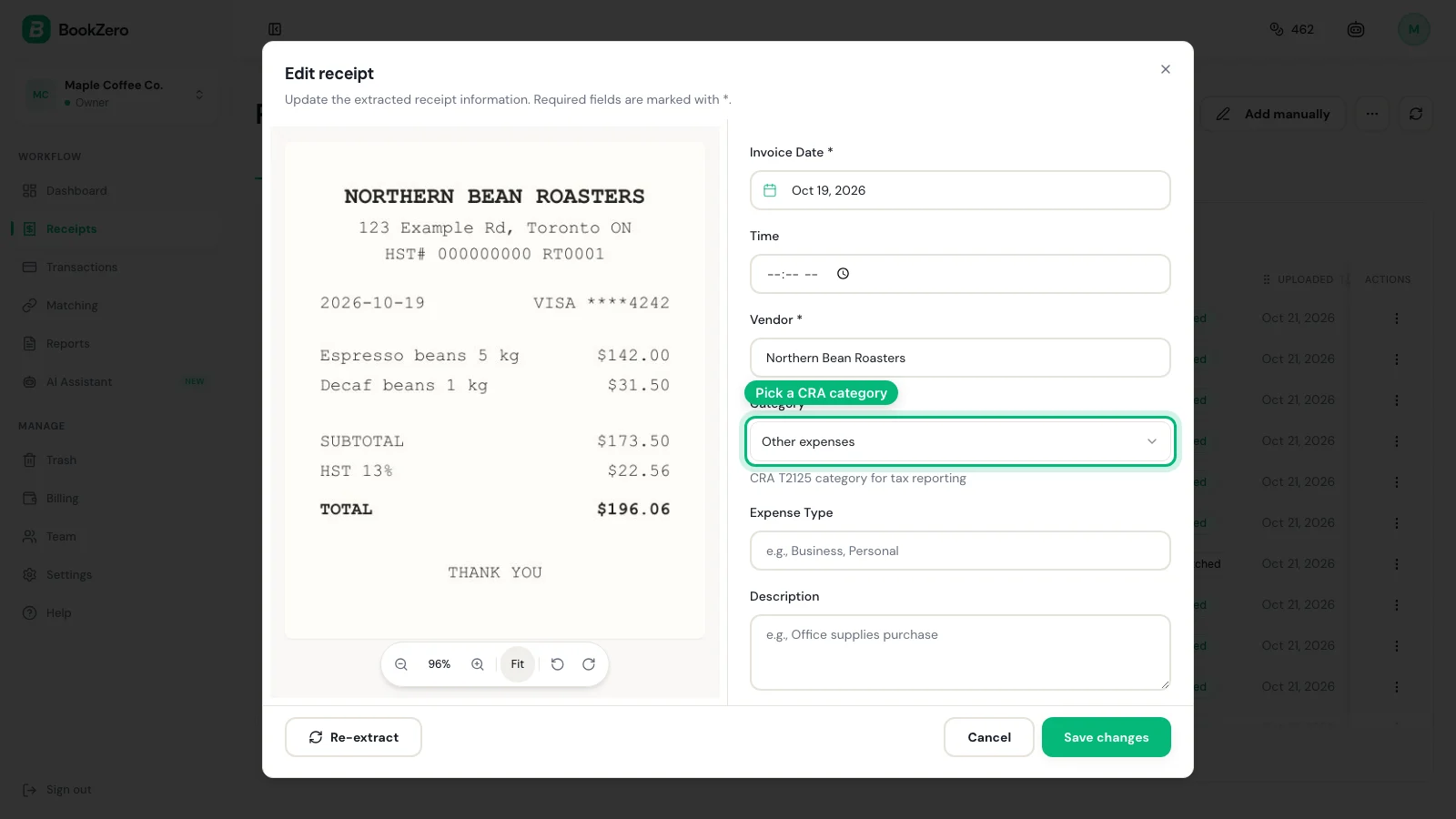
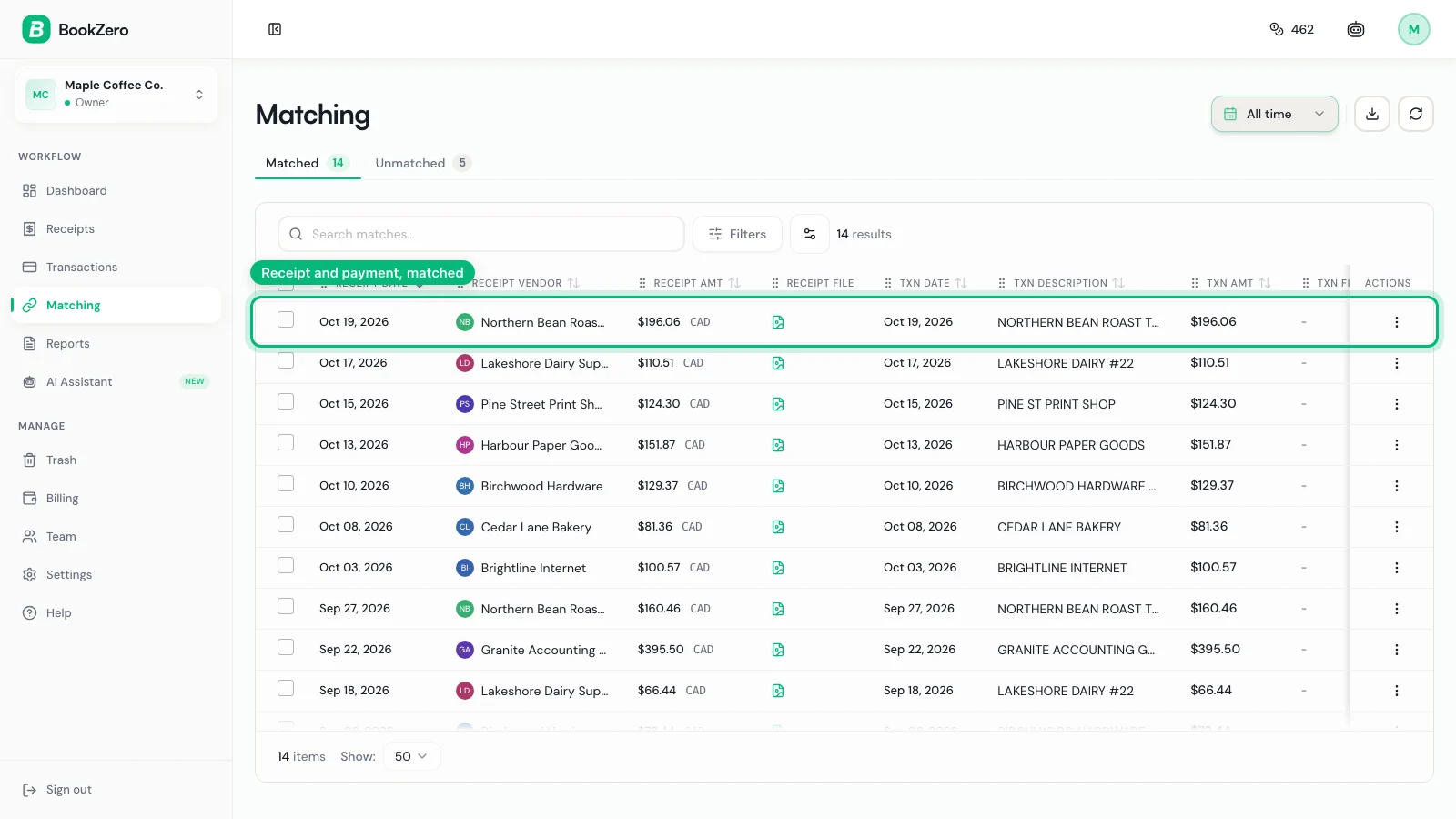
When your statement comes in, BookZero lines the receipt up with the card charge, so a $6.45 latte shows as matched, not missing.
Want to try one first? The free receipt scanner reads a single receipt without an account. For a weekly habit that keeps small buys from piling up, see how to keep track of receipts.
Tax Notes for Canada and the US
This guide is for informational purposes only and does not constitute tax advice. Consult a qualified tax professional for your specific situation.
Canada (CRA)
A business coffee or meal goes on the T2125 under Meals and entertainment. The CRA says the most you can claim for food, beverages and entertainment is 50% of the cost (or of a reasonable amount, if lower).
For GST/HST, the CRA's input tax credit rules ask less of a receipt for a total sale under $100: the supplier's name, the date and the total paid. A standard Starbucks receipt covers that.
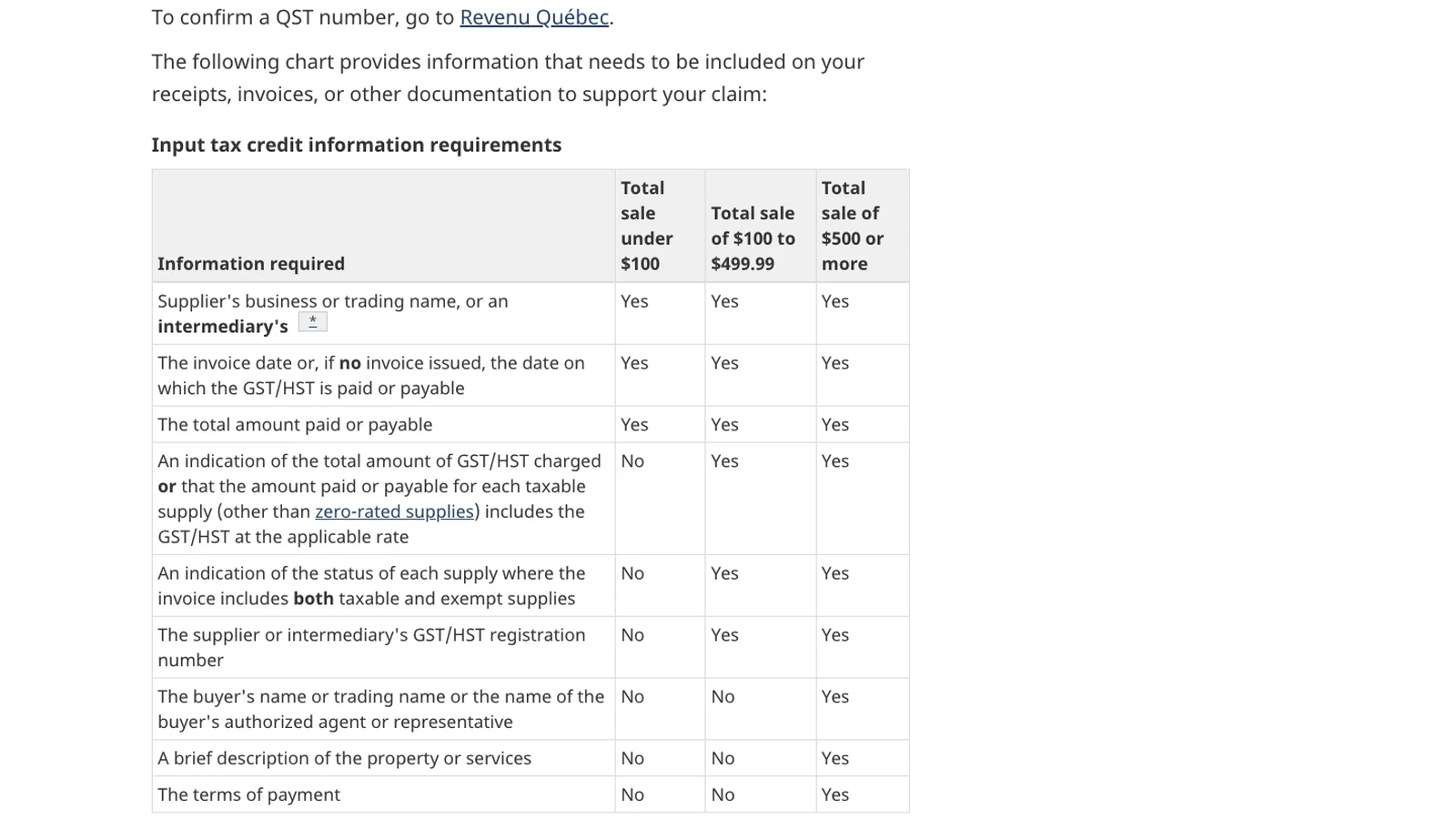
The CRA says to keep records and supporting documents for six years (CRA record retention). Our CRA record-keeping guide covers the rest.
United States (IRS)
Self-employed filers put business meals on Schedule C as deductible meals. IRS Publication 463 says you can generally deduct only 50% of the cost of business meals.
The same publication lists an exception to documentary evidence for an expense, other than lodging, that is less than $75. You still need a record of the amount, date, place and business purpose, so saving the receipt is the easy way to have all four. See our Schedule C categories guide for the lines.
Frequently Asked Questions
How do I get a receipt from Starbucks?
Sign in to your Starbucks Rewards account at starbucks.com, click Account in the top right, then select History. Click the purchase to open its receipt, then print it or save it as a PDF. The same History is available in the Starbucks app.
Can I get a Starbucks receipt for a mobile order?
Yes. Starbucks says a barista at the store you ordered from can print a receipt from the register for up to seven days after a mobile order. Orders paid in the app also appear in History on starbucks.com and in the app.
Where are my Starbucks delivery receipts?
The Starbucks app does not keep delivery order history. Order details are emailed and texted to the email address and phone number you gave at checkout, so look for that email.
Why can't I see my Starbucks Card reload receipt in History?
Starbucks emails reload receipts to the address on your Rewards account instead of showing them in History. For your books, record the purchases you made with the card, not the reload, so the same money isn't counted twice.
Do I need a receipt for a small Starbucks purchase?
In Canada, the CRA asks a receipt for a sale under $100 to show the supplier's name, the date and the total paid if you claim the GST/HST back. In the US, IRS Publication 463 lists an exception to documentary evidence for non-lodging expenses under $75, but you still need a record of the amount, date, place and business purpose. Saving the receipt covers both.

Eric Tech· Founder, BookZero.ai
Founder of BookZero. Building AI-powered bookkeeping tools for US and Canadian freelancers and small businesses.
View all postsStay ahead of tax season
Tax tips, deduction strategies, and feature announcements straight to your inbox. No spam, unsubscribe anytime.