How to Get Lyft Receipts (2026): Driver & Rider Guide
Step-by-step guide to downloading Lyft receipts on mobile and desktop. Covers riders, drivers, email receipts, and Canadian tax requirements.
 Eric Tech·Mar 24, 2026·Updated Sep 30, 2026·10 min read·
Why You Need Your Lyft Receipts
Whether you are a rider claiming business travel or a driver tracking expenses for tax season, Lyft receipts are essential documentation. The CRA and IRS both require receipts to substantiate deductions, and "I took a Lyft" is not enough without proof.
Lyft receipts contain the trip date, pickup and dropoff locations, fare breakdown (base fare, time, distance, tips, tolls, surcharges), payment method, and a unique trip ID. This information is exactly what you need for expense reports, tax filings, or disputing a charge.
This guide covers every method for getting Lyft receipts — from the app, email, and website — for both riders and drivers.
This guide is for informational purposes only and does not constitute tax advice. Consult a qualified tax professional for your specific situation.
How to Get Lyft Receipts as a Rider
Method 1: From the Lyft App (Mobile)
This is the fastest way to pull up a receipt for any recent ride.
- Open the Lyft app on your iPhone or Android device.
- Tap your profile icon in the top-left corner of the screen.
- Select "Ride history" from the menu.
- Tap the ride you need a receipt for. You will see the full trip details including the fare breakdown.
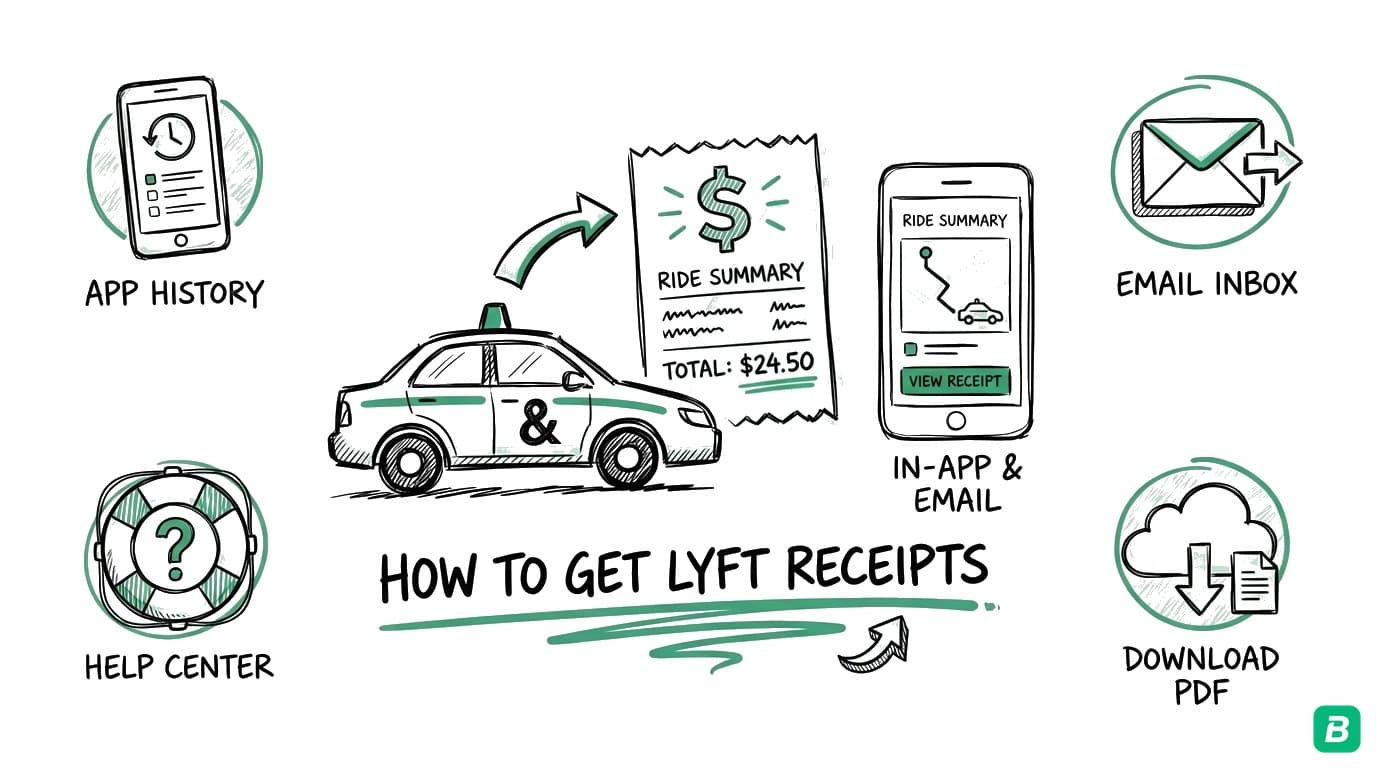
- Scroll down and tap "Get receipt" (or "Email receipt"). Lyft will send a detailed receipt to the email address associated with your account.
The emailed receipt includes the trip date, pickup and dropoff addresses, distance, fare breakdown, tip amount, and payment method — everything you need for your records.
Method 2: Check Your Email
Lyft automatically sends a receipt to your registered email after every completed ride. Search your inbox for:
- From: no-reply@lyftmail.com
- Subject line: "Your Lyft ride receipt" or "Lyft Ride Receipt"
If you cannot find the email, check your spam or promotions folder. Gmail users should search the Promotions tab specifically, as Lyft receipts often land there.
Set up a filter to automatically label or move Lyft receipt emails to a dedicated folder. Search for "from:lyftmail.com" and create a rule to tag them as "Receipts" or "Business Expenses." This makes tax-time retrieval much faster.
Method 3: From the Lyft Website (Desktop)
If you prefer downloading receipts from your computer:
- Go to account.lyft.com in your browser.
- Log in with your Lyft credentials or phone number.
- Navigate to "Ride history" in the left sidebar.
- Click on the ride you need a receipt for.
- Click "Get receipt" to have it emailed to you, or use your browser's print function (Ctrl+P / Cmd+P) to save the trip details as a PDF.
The website view displays the same information as the app but makes it easier to review multiple rides in sequence, which is helpful when you are pulling receipts for an entire quarter.
How to Print a Lyft Receipt
Lyft does not offer a direct "Print" button, but printing is straightforward:
- Open the receipt email Lyft sent you.
- Use your email client's print function (Ctrl+P on Windows, Cmd+P on Mac).
- Select "Save as PDF" as the printer if you want a digital copy instead of a physical printout.
Alternatively, open the ride detail on the Lyft website and use your browser's print function to save or print the page.
How to Get Lyft Receipts as a Driver
As a Lyft driver, you need receipts for two different purposes: documenting your ride earnings and tracking your business expenses (gas, maintenance, phone) for tax deductions.
Accessing Your Earnings Statements
- Open the Lyft Driver app and tap the earnings icon (dollar sign) at the bottom.
- Tap "Earnings" to see your weekly and daily summaries.
- Select a specific week to view the detailed breakdown including ride fares, tips, bonuses, and Lyft's service fee.
- Tap "View tax summary" or navigate to the Tax Information section in your driver dashboard to access your annual earnings summary.
Downloading Your Annual Tax Summary
For tax filing, Lyft provides an annual summary through the driver dashboard:
- Log in to the Lyft Driver Dashboard on your computer.
- Navigate to the "Tax Information" tab in the left menu.
- Download your annual summary — this document lists your total earnings, Lyft fees, and other relevant figures for the tax year.
- If you earned above the threshold, your 1099 forms (US) will also be available here.
Lyft does not issue T4 slips to Canadian drivers because you are classified as an independent contractor, not an employee. You are responsible for reporting all your Lyft income on your tax return using Form T2125. Keep your own records of every payment received.
Tracking Your Driver Expenses
Your Lyft earnings are only half the picture. As a self-employed driver, your deductible expenses — gas, vehicle maintenance, phone plan, car insurance — directly reduce your taxable income. For each expense:
- Save the original receipt (paper or digital) at the time of purchase.
- Record the date, amount, vendor, and business purpose.
- Calculate your business-use percentage for shared expenses like your phone plan and vehicle.
For a complete list of deductible expenses for gig drivers, see our gig worker tax guide for Canada.


What Information Is on a Lyft Receipt?
Every Lyft ride receipt includes:
| Field | Example |
|---|---|
| Trip date and time | Mar 15, 2026, 8:42 AM |
| Pickup location | 123 Main St, Toronto, ON |
| Dropoff location | Union Station, Toronto, ON |
| Ride type | Lyft, Lyft XL, Lux |
| Base fare | $4.50 |
| Distance charge | $6.20 |
| Time charge | $3.10 |
| Service fee | $2.75 |
| Tips | $3.00 |
| Tolls / surcharges | $0.00 |
| Total charged | $19.55 |
| Payment method | Visa ending in 4242 |
| Trip ID | Unique identifier |
For business expense claims, the trip ID, date, total, and locations are the critical fields. The CRA and IRS both accept digital receipts, so you do not need to print them out — a saved PDF or the original email is sufficient.
Tips for Organizing Your Lyft Receipts
For Riders Claiming Business Travel
- Separate business and personal rides. If you use Lyft for both, create a system to flag business trips immediately — add "BUSINESS" to the ride note or forward the receipt email to a dedicated folder right away.
- Record the business purpose. "Client meeting at 100 King St" is better than just having the receipt. The CRA can ask why a trip was business-related.
- Save receipts as they come in. Searching through a year of emails in April is miserable. Forward each business receipt to your bookkeeping system the same day.
For Drivers Tracking Expenses
- Photograph paper receipts immediately. Gas station and repair shop receipts fade fast. Snap a photo or scan them within 24 hours.
- Use a dedicated business bank account or credit card. This separates personal and business spending automatically and simplifies bookkeeping.
- Track mileage daily. The CRA requires a logbook for vehicle expense deductions. Record your business kilometres at the end of every driving shift.
- Batch your bookkeeping weekly. Spending 15 minutes each week categorizing expenses is far easier than reconstructing an entire year of records at tax time.
For more on organizing your finances as a gig worker, see our guide on bookkeeping for gig workers in Canada.
Canadian Tax Considerations for Lyft
Lyft operates in several Canadian cities including Toronto, Ottawa, and other Ontario markets. If you use or drive for Lyft in Canada, there are specific tax rules to know.
GST/HST on Lyft Rides
As a rider, your Lyft fare includes GST/HST. This is built into the price you pay — Lyft collects and remits it. If you are a GST/HST registrant claiming the ride as a business expense, you can claim an Input Tax Credit (ITC) for the GST/HST portion of the fare. Your Lyft receipt shows the total amount; you will need to calculate the tax component using the applicable rate for your province (13% HST in Ontario, 5% GST in Alberta, etc.).
Lyft Drivers and GST/HST Obligations
If you drive for Lyft in Canada and your gross revenue exceeds $30,000 over four consecutive calendar quarters, you must register for GST/HST. Even below that threshold, voluntary registration lets you claim ITCs on business expenses like gas and vehicle maintenance.
For a detailed breakdown of GST/HST registration and filing, see our GST/HST guide for Canadian small businesses.
CRA T2125 Reporting for Lyft Drivers
Canadian Lyft drivers report their income and expenses on Form T2125 (Statement of Business or Professional Activities) as part of their personal tax return. Key points:
- Report gross income — the total fares before Lyft's commission, not your net payout.
- Deduct Lyft's service fees as a business expense on your T2125.
- Claim vehicle expenses at actual cost multiplied by your business-use percentage. The CRA per-km rate is for employer allowances, not the T2125. You must keep a logbook to support your business-use percentage.
- Keep all receipts for six years — the CRA can audit you within this window.
If you also drive for Uber, our Uber driver tax deductions guide covers additional platform-specific details. For delivery drivers, see our DoorDash and Uber Eats tax deductions guide.
If you drive for multiple platforms (Lyft, Uber, DoorDash), report all income on a single T2125. You do not file separate forms per platform. Your shared expenses like vehicle costs, phone, and insurance are deducted once against your combined gig income.
Frequently Asked Questions
Does Lyft automatically email receipts after every ride?
Yes. Lyft sends a receipt to your registered email address after each completed ride. If you are not receiving them, check your spam folder, verify your email address in the Lyft app settings, and make sure email notifications are enabled. Gmail users should check the Promotions tab.
Can I download all my Lyft receipts at once?
Lyft does not offer a bulk download feature for ride receipts. You need to access each ride individually through the app or website. For tax purposes, your annual ride history in the app provides a summary, but individual receipts must be pulled one by one. This is one reason many gig workers use bookkeeping software to capture and organize receipts as they come in rather than trying to reconstruct records later.
How far back can I access my Lyft ride history?
Lyft retains your complete ride history for as long as your account is active. You can scroll back through your ride history in the app or on the website to access receipts from previous years. However, if you delete your account, this data is permanently lost — download everything you need before closing your account.
Are Lyft rides tax-deductible in Canada?
Lyft rides are deductible if the trip had a clear business purpose — traveling to a client meeting, going to a business event, or commuting between work sites. Personal commuting (home to your regular office) is not deductible. You need the receipt and a record of the business purpose for each trip you claim.
What should Lyft drivers track for CRA tax deductions?
At minimum: all Lyft earnings (gross, before fees), a mileage logbook with dates and business kilometres, receipts for gas, maintenance, insurance, phone plan, and any other business expenses. The CRA requires you to keep these records for six years. For the full list of deductions, see our gig worker tax guide.

Eric Tech· Founder, BookZero.ai
Founder of BookZero. Building AI-powered bookkeeping tools for US and Canadian freelancers and small businesses.
View all postsStay ahead of tax season
Tax tips, deduction strategies, and feature announcements straight to your inbox. No spam, unsubscribe anytime.