How to Get a Receipt from PayPal (2026): Invoices & Transaction History
Step-by-step guide to finding PayPal receipts, downloading invoices, and exporting transaction history for tax reporting in the US and Canada.
 Eric Tech·Mar 24, 2026·Updated Sep 30, 2026·12 min read·
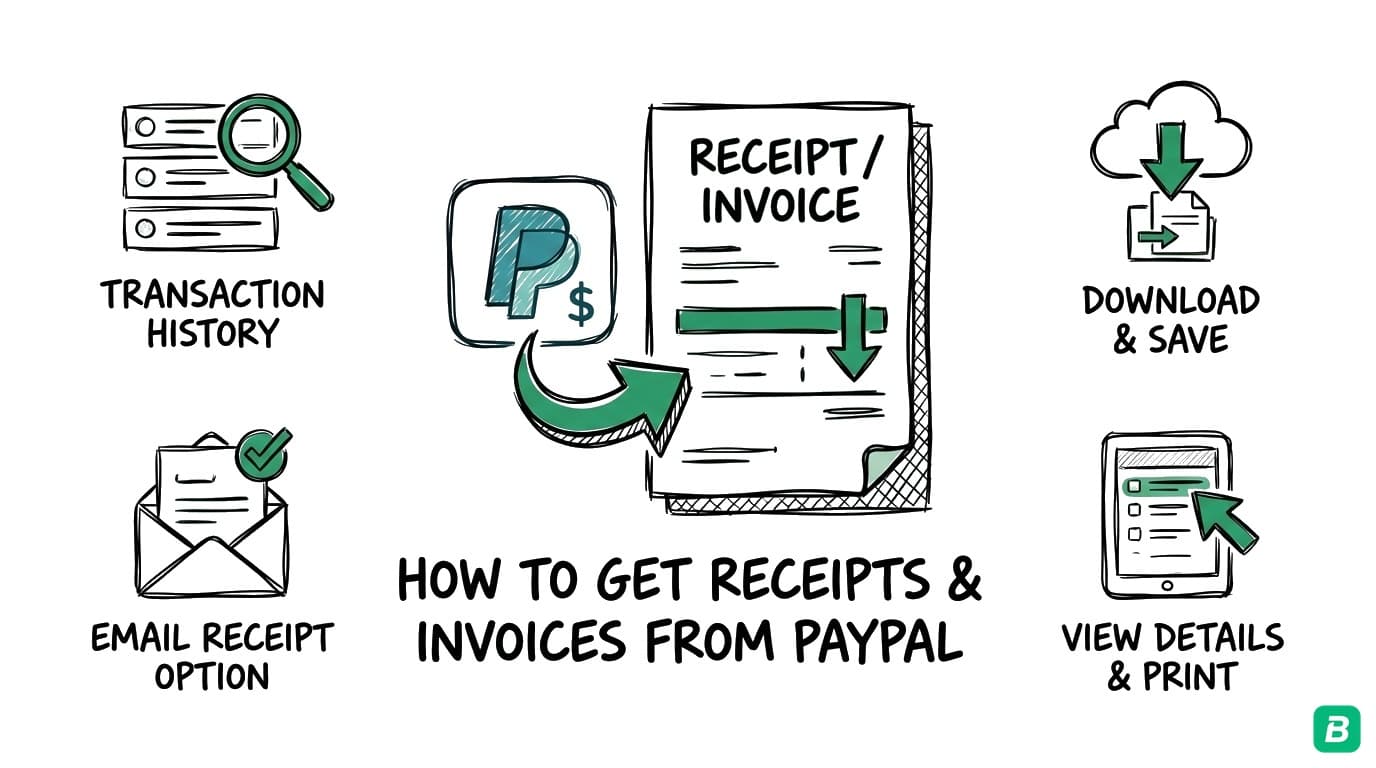
PayPal doesn't issue traditional receipts the way a retail store does. Instead, every payment you send or receive generates a transaction record that serves as your receipt. Whether you need proof of payment for a business expense, a receipt for a client invoice, or a complete transaction history for tax time, this guide shows you exactly where to find it.
PayPal processes over $1.5 trillion in payment volume annually, and if you're a freelancer, small business owner, or gig worker who uses PayPal, having clean records of your PayPal activity is essential for bookkeeping and tax compliance.
Open the payment in Activity and save its Transaction Details page as a PDF. At tax time, download the whole year as one report.
How to Find a PayPal Receipt (Website)
The PayPal website gives you the most complete access to your transaction records and receipts.
Viewing Individual Transaction Receipts
- Log in to paypal.com
- Click Activity in the top navigation bar
- Use the filters to narrow by date range, transaction type, or amount
- Click on any transaction to open the Transaction Details page
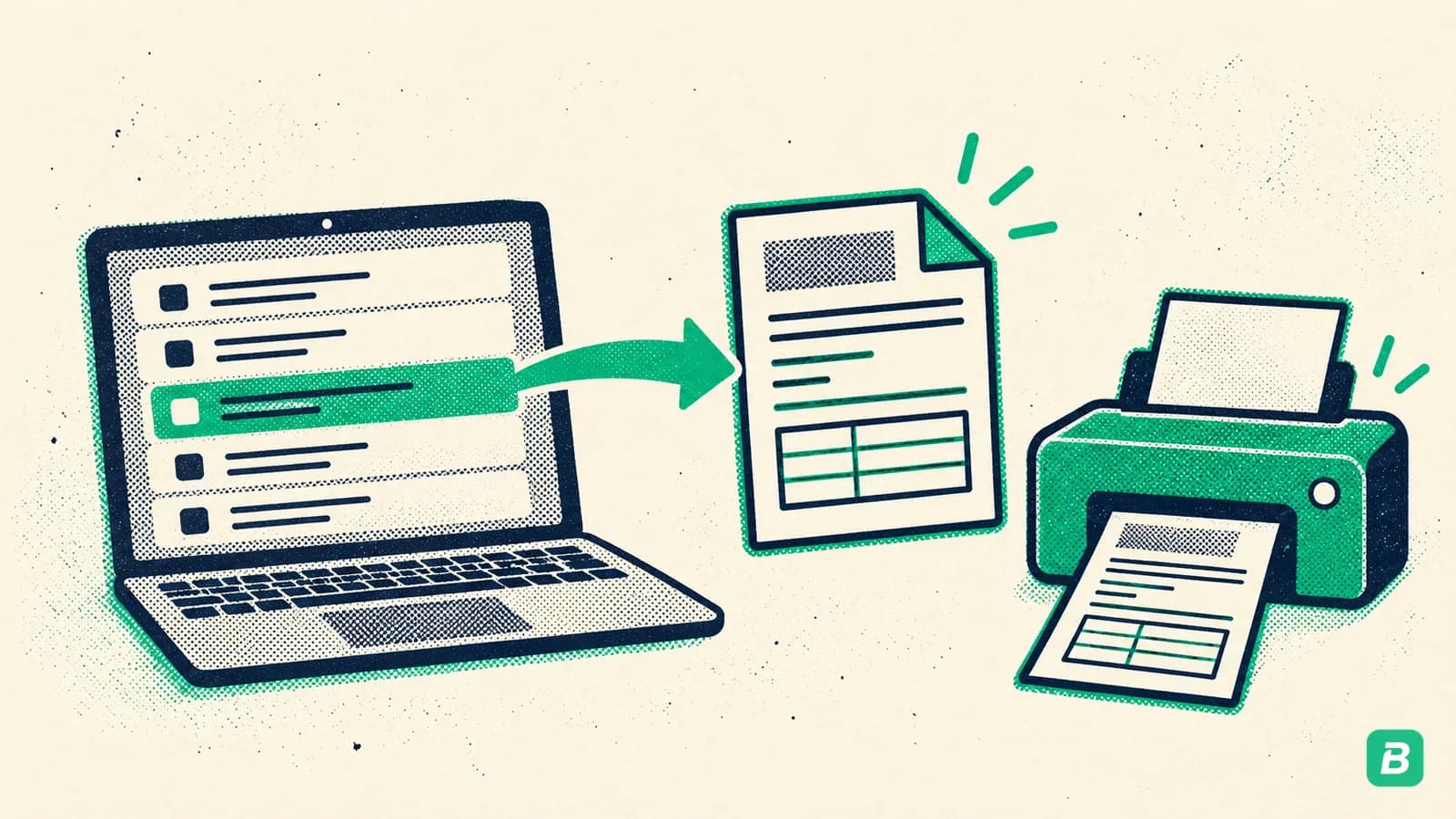
- On the detail page, click Print or use your browser's print function (Ctrl+P / Cmd+P) to save as PDF
The Transaction Details page is your receipt. It shows the payment amount, date, recipient or sender, transaction ID, and any fees charged.
Downloading a Transaction Receipt as PDF
For a formal receipt document:
- Open the transaction from the Activity page
- Scroll to the bottom of the Transaction Details page
- Click Get a receipt or Invoice details (the label varies depending on the transaction type)
- PayPal generates a printable receipt with all transaction information
- Use your browser's print dialog to save as PDF
Every PayPal transaction has a unique Transaction ID (a 17-character alphanumeric code). This is the most reliable way to reference a specific payment. Save this ID in your bookkeeping records — if there's ever a dispute or audit, the Transaction ID is the definitive reference.
Viewing PayPal Invoices
If you sent or received a PayPal invoice (not just a payment), you can find it separately:
- Log in to PayPal and go to Pay & Get Paid > Invoices
- You'll see tabs for Invoiced (sent) and Received (incoming invoices)
- Click any invoice to view the full details including line items, tax, and payment status
- Click Download PDF to save the invoice as a document
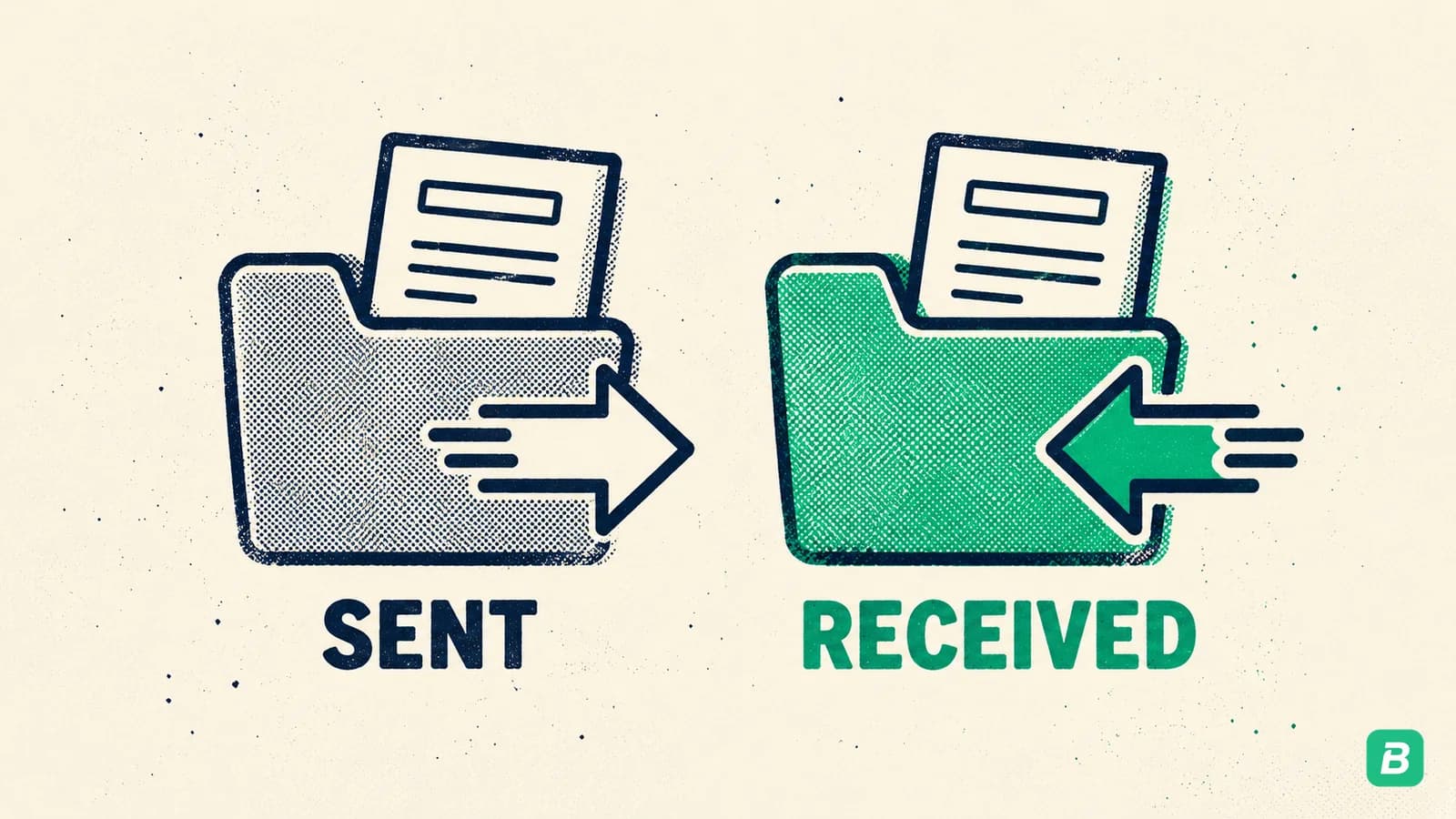
PayPal invoices include itemized descriptions, quantities, rates, tax amounts, and your business details — making them more detailed than a basic transaction receipt.
How to Find a PayPal Receipt (Mobile App)
- Open the PayPal app on your phone
- Tap Activity at the bottom of the screen
- Scroll or search to find the transaction you need
- Tap the transaction to view its details
- Tap Share to send the receipt via email, text, or other apps
- Alternatively, take a screenshot of the transaction detail screen
The mobile app shows the same core information as the website: amount, date, recipient, transaction ID, and status. For a more detailed or printable receipt, use the website.
How to Export PayPal Transaction History
For bookkeeping and tax filing, you'll need your complete transaction history rather than individual receipts.
Downloading Activity Reports
- Log in to PayPal and click Activity
- Click Statements in the left sidebar (or navigate to Activity > All Transactions)
- Click Download or Create Report
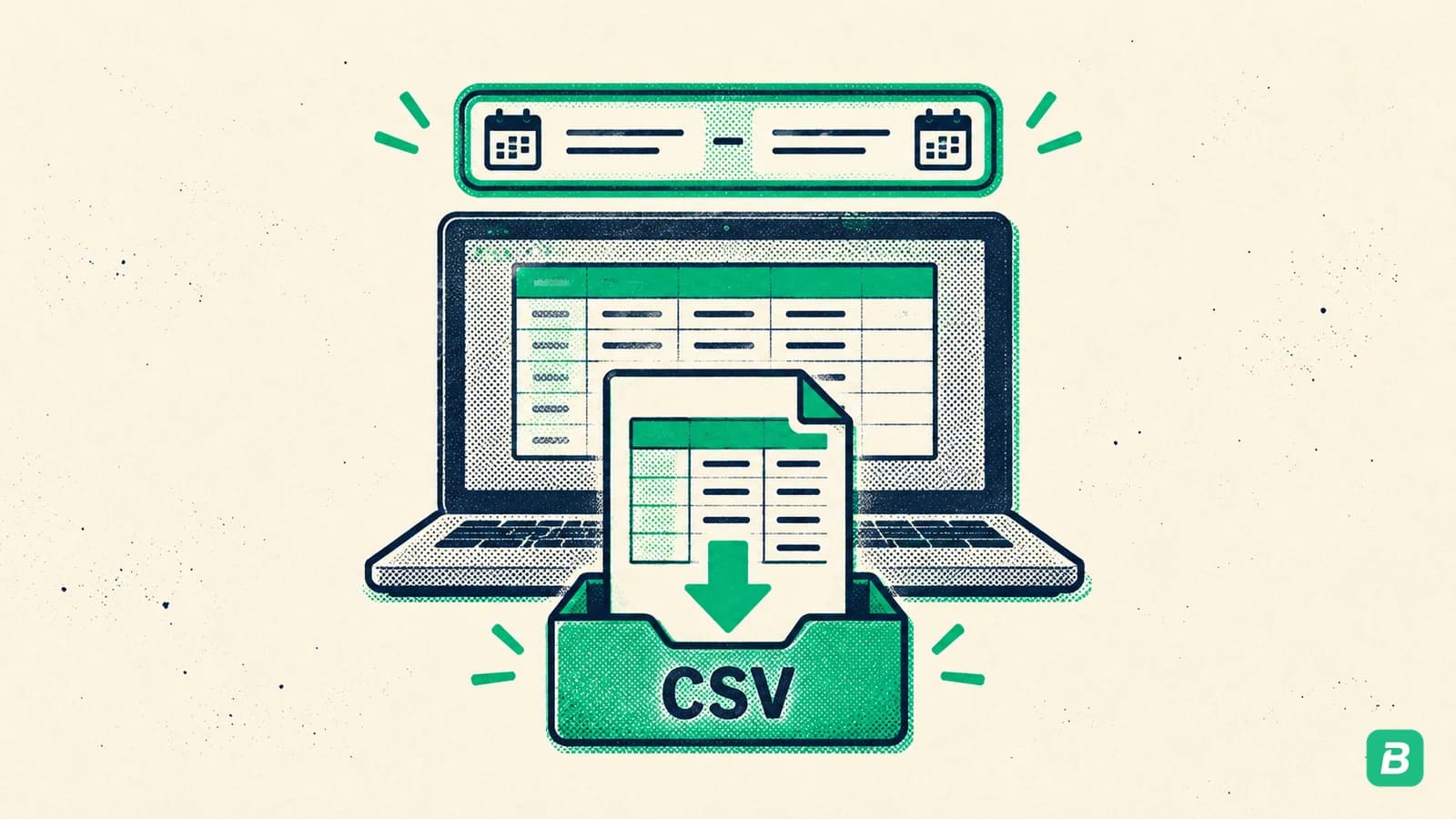
- Select your date range (e.g., January 1 to December 31 for a tax year)
- Choose the file format:
- CSV — best for importing into spreadsheets or bookkeeping software
- PDF — best for a formatted statement to share with your accountant
- QIF/IIF — for importing into QuickBooks or similar accounting software
- Click Download Report
PayPal Business accounts have access to more detailed reporting, including fee breakdowns, shipping details, and multi-currency summaries. If you use PayPal for business, upgrading to a Business account gives you better bookkeeping tools at no additional cost.
Monthly and Annual Statements
PayPal also generates monthly and annual statements automatically:
- Go to Activity > Statements
- Select Monthly or Annual statement
- Choose the month or year
- Download as PDF
These statements summarize your total payments sent, received, fees charged, and ending balance — useful for reconciling with your bank account.
Tired of hunting for receipts one by one?
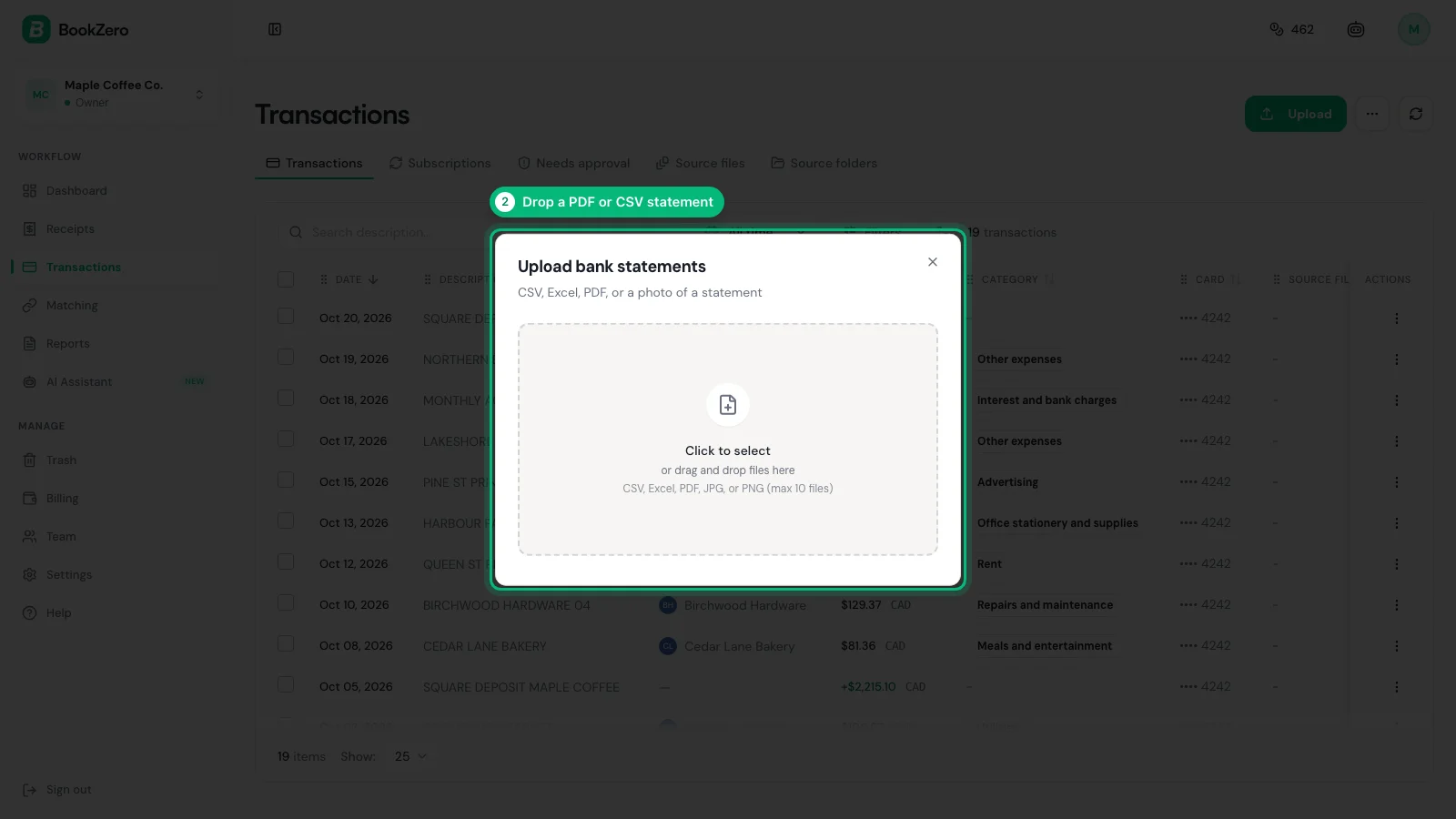
BookZero's AI scans a receipt in seconds -- try it free for 7 days.


What Information Appears on a PayPal Receipt
PayPal transaction records contain different information depending on the transaction type.
Payment Sent (Purchase Receipt)
| Field | Description | Bookkeeping Use |
|---|---|---|
| Transaction date | When the payment was sent | Expense dating |
| Recipient name/email | Who received the payment | Vendor identification |
| Amount | Total payment in your currency | Expense amount |
| Currency conversion | Exchange rate if cross-currency | Multi-currency tracking |
| PayPal fee | Fee charged (if applicable) | Deductible business expense |
| Transaction ID | Unique 17-character identifier | Audit trail reference |
| Payment method | Funded by bank, card, or balance | Reconciliation |
| Note/memo | Message attached to payment | Business purpose documentation |
Payment Received (Income Receipt)
| Field | Description | Bookkeeping Use |
|---|---|---|
| Transaction date | When payment was received | Income dating |
| Sender name/email | Who sent the payment | Client identification |
| Gross amount | Total before fees | Gross revenue tracking |
| PayPal fee | Processing fee deducted | Deductible business expense |
| Net amount | Amount deposited to your balance | Net income recording |
| Transaction ID | Unique identifier | Invoice matching |
| Invoice number | If paid via PayPal invoice | Accounts receivable reconciliation |
PayPal Invoice
Invoices contain all the above plus itemized line items, quantities, unit prices, tax amounts, discount amounts, shipping costs, and your business contact information.
Using PayPal Receipts for Tax Deductions
United States
PayPal transaction records are valid documentation for IRS tax deductions. The IRS requires records showing the amount, date, business purpose, and vendor — PayPal receipts provide all of these except the business purpose, which you should add to your bookkeeping records.
Key tax considerations for US PayPal users:
- 1099-K reporting: PayPal is required to issue a 1099-K if you receive more than $20,000 in goods and services payments across more than 200 transactions in a calendar year. Download your 1099-K from Activity > Statements > Tax Documents
- PayPal fees are deductible: Processing fees (typically 2.99% + $0.49 per transaction for Business accounts) are deductible as a business expense
- Foreign currency conversions: PayPal's conversion fees are also deductible. The transaction record shows the exchange rate used
- Business vs. personal: Only transactions through your PayPal Business account (or clearly business-related personal transactions) qualify as deductions. Keep business and personal PayPal activity separate if possible
PayPal must report to the IRS when your goods and services payments top $20,000 across more than 200 transactions in a year, the IRS reporting threshold. This does NOT include personal payments (friends and family). Make sure sellers mark payments correctly — a friend paying you back for dinner should use "Friends and Family," not "Goods and Services."
Canada
Canadian freelancers and small business owners who receive payments through PayPal need to report all business income to the CRA, regardless of amount. There is no 1099-K equivalent threshold in Canada — all income is reportable.
Key tax considerations for Canadian PayPal users:
- Self-employment income: Report PayPal business income on your T2125 Statement of Business Activities. PayPal's CSV export makes it straightforward to total your annual business receipts
- PayPal fees are deductible: Processing fees are deductible as "Other expenses" or "Management and administration fees" on your T2125
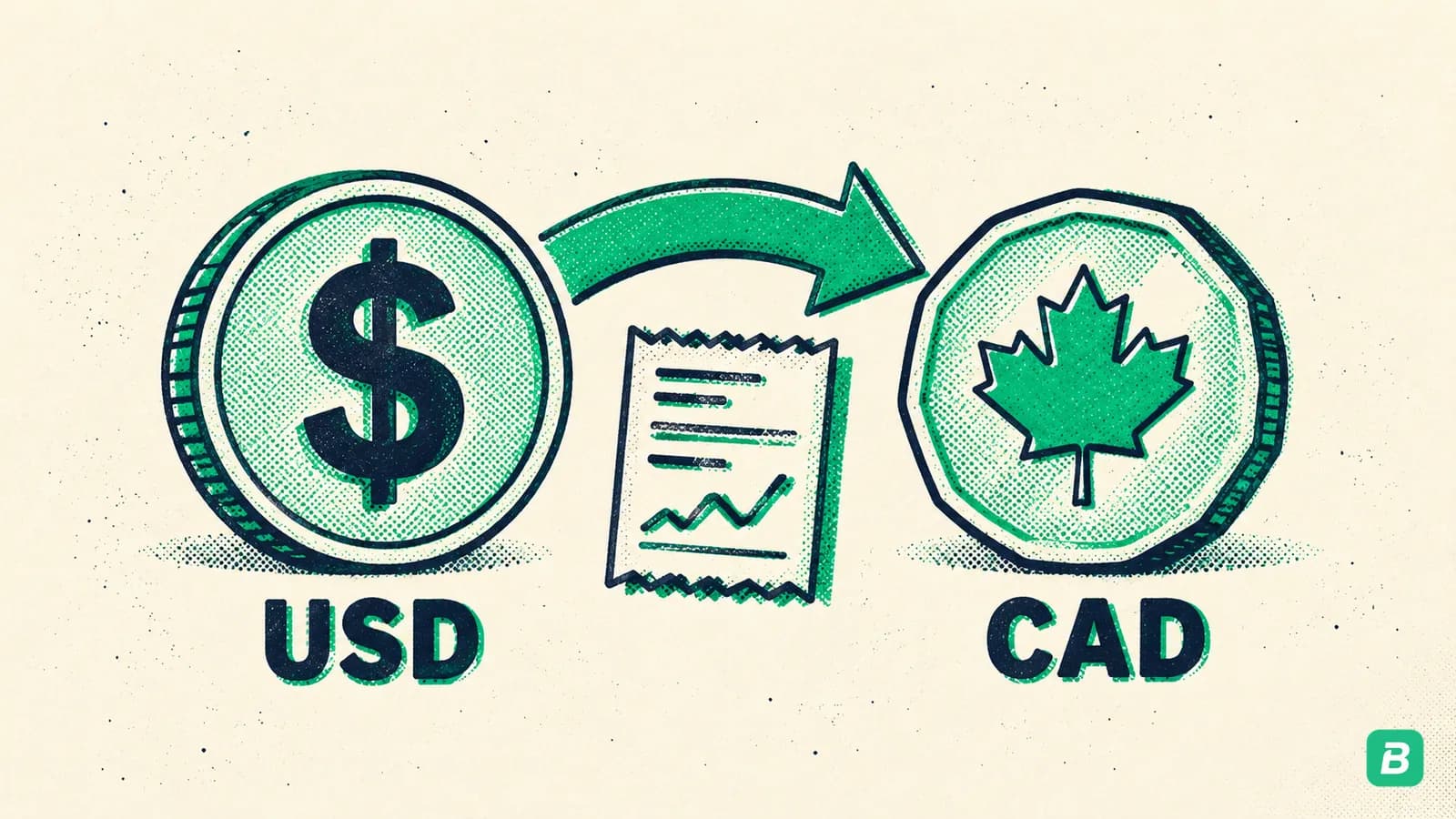
- Currency conversion: If you receive payments in USD (common for Canadian freelancers with US clients), PayPal converts to CAD. The conversion fee and any exchange rate differences are relevant for your records
- GST/HST on PayPal fees: PayPal's Canadian processing fees include GST/HST. You can claim ITCs on these fees if you're registered. Check your PayPal monthly statements for the tax breakdown
- No T5018 for most users: The T5018 (Contract Payments) is filed by construction businesses, not by PayPal. However, if you receive contractor payments via PayPal, the payer may report them on their T5018
For a complete guide on self-employed tax filing, see our self-employed tax guide for Canada.
PayPal in Canada: GST/HST Specifics
GST/HST on PayPal Processing Fees
PayPal charges GST/HST on its processing fees for Canadian merchants. This is important because it means you can claim Input Tax Credits.
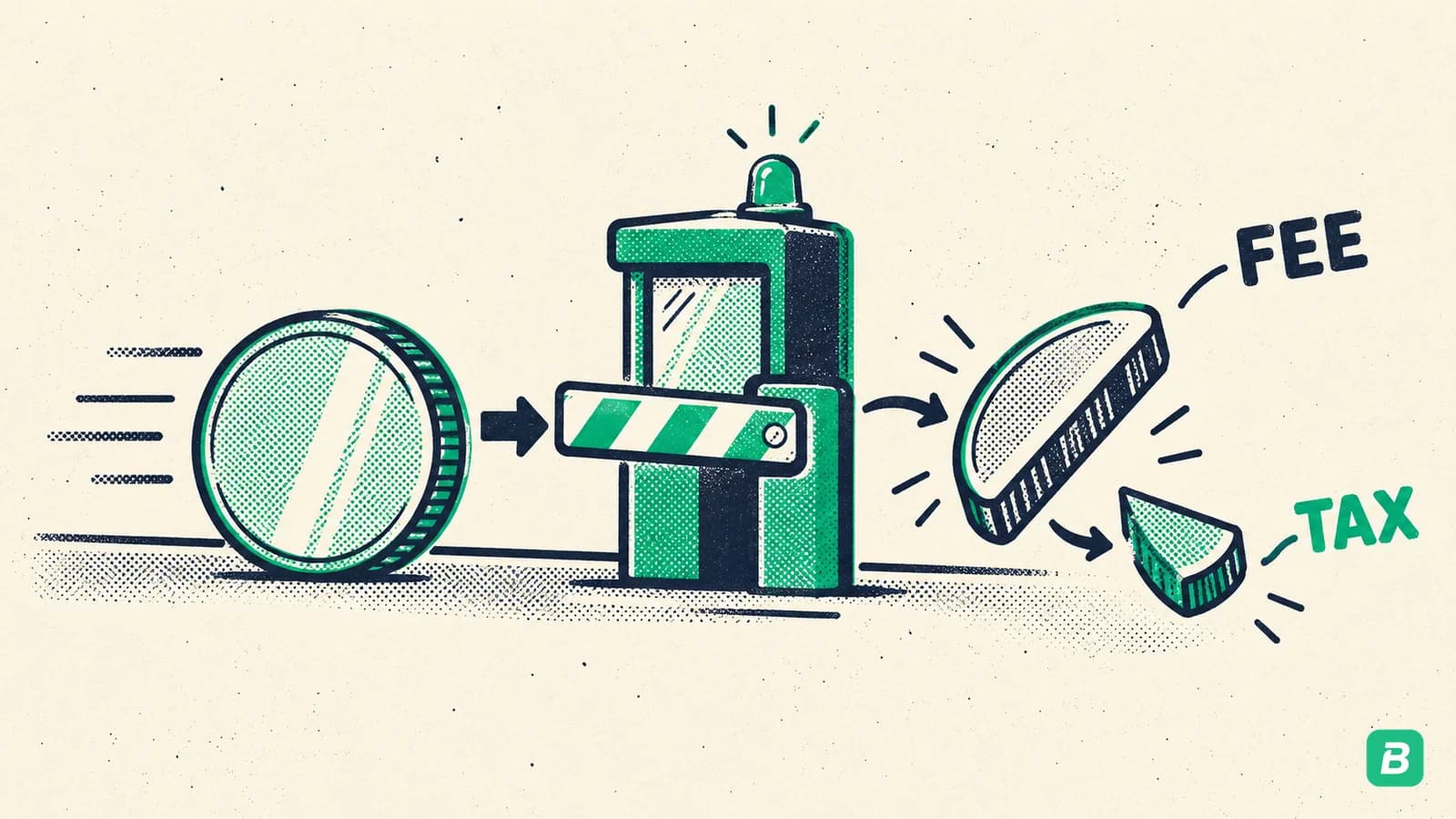
To find the GST/HST charged on your PayPal fees:
- Log in to PayPal and go to Activity > Statements
- Download your Monthly Statement for the relevant period
- The statement breaks down total fees and the GST/HST charged on those fees
- Use this amount when filing your GST/HST return to claim ITCs
Invoicing with GST/HST in PayPal
If you use PayPal's invoicing feature and you're registered for GST/HST:
- When creating an invoice in PayPal, add a tax line for GST (5%) or HST (13% in Ontario, 14% in Nova Scotia, 15% in the other Atlantic provinces)
- PayPal will calculate the tax and show it as a separate line on the invoice
- The tax collected through PayPal invoices must be remitted to the CRA on your regular filing schedule
Unlike some marketplace platforms, PayPal does not collect or remit GST/HST on your behalf. You are responsible for charging the correct tax rate on your invoices and remitting it to the CRA. See our GST/HST guide for filing details.
Canadian Freelancers with US Clients
If you're a Canadian freelancer receiving USD payments through PayPal:
- PayPal converts USD to CAD using their exchange rate (which includes a conversion spread)
- Record the CAD amount received (not the USD amount sent) as your business income
- The conversion fee is a deductible business expense
- Keep records of the exchange rate used for each transaction — PayPal includes this in the transaction details
For detailed guidance on tracking business expenses, see our bookkeeping guide for Canada.
Frequently Asked Questions
How far back can I access PayPal transaction history?
PayPal retains your transaction history for up to 7 years through the Activity page. For records older than 3 years, you may need to use the Statements section and request specific date ranges. Annual statements are available for each year your account has been active.
Can I get a PayPal receipt if I paid as a guest (without a PayPal account)?
Yes. PayPal sends a confirmation email to the email address you used during checkout. Search your inbox for "PayPal" and the merchant's name. If you can't find the email, contact the merchant — they have the transaction record in their PayPal account and can resend the receipt.
How do I separate business and personal PayPal transactions for taxes?
The best approach is to use a PayPal Business account exclusively for business transactions and a separate Personal account for everything else. If you've been mixing them, download your full transaction history as CSV and manually tag business vs. personal transactions. Going forward, keep them separate to simplify bookkeeping.
Does PayPal charge fees on receiving money from friends and family?
No. PayPal does not charge fees for domestic Friends and Family payments funded by PayPal balance or bank account. However, payments funded by credit card or debit card may incur a fee. Friends and Family payments are not reported on 1099-K forms and should not be treated as business income.
Can I use PayPal transaction records instead of receipts for tax purposes?
PayPal transaction records are generally accepted by the IRS and CRA as proof of payment. However, for larger expenses, it's best to also keep the vendor's invoice or receipt alongside the PayPal transaction record. The PayPal record proves you paid; the vendor's receipt proves what you paid for.
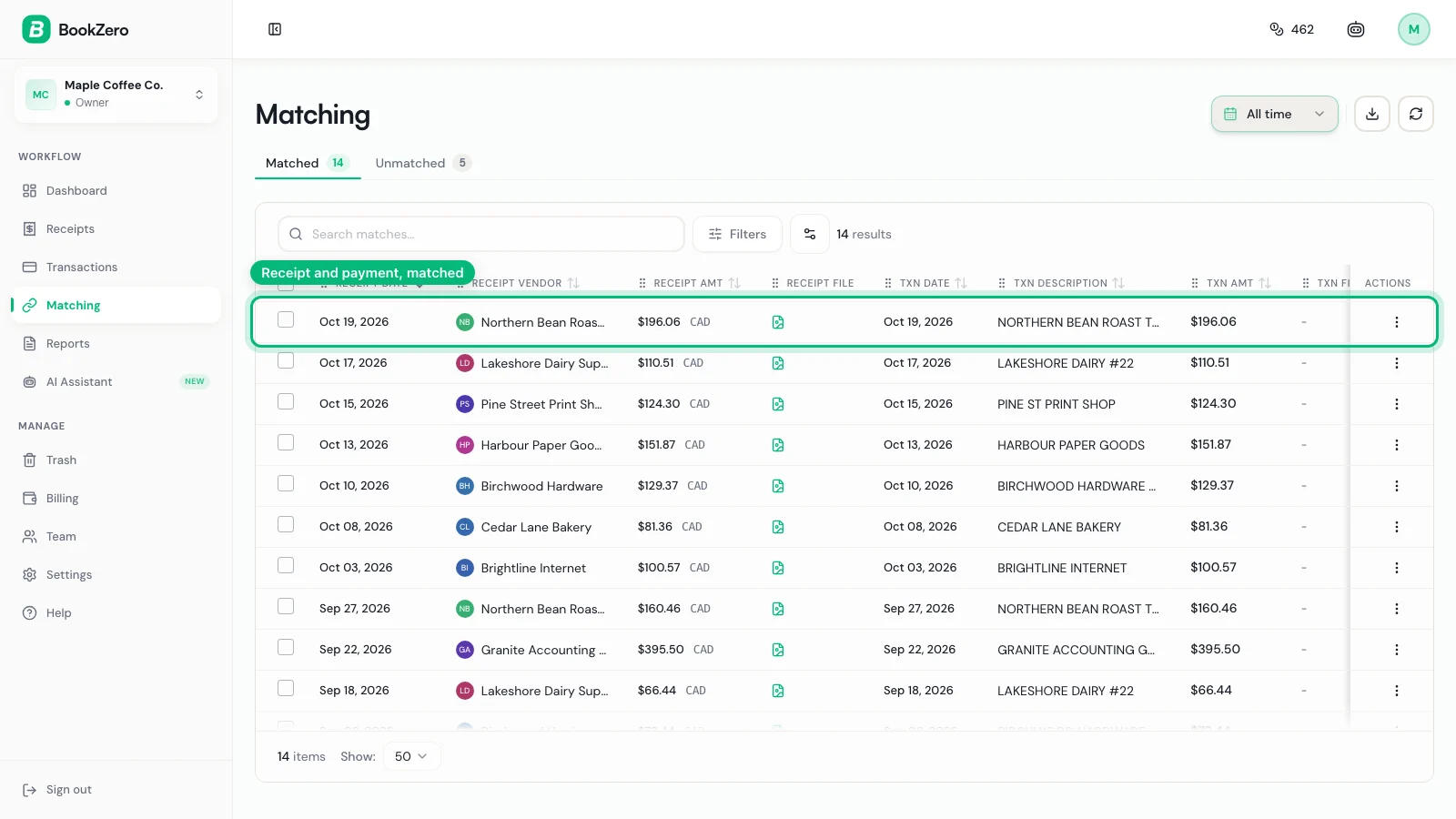
Stop wasting hours tracking down receipts.
BookZero organizes all your receipts for tax time -- start free.

Eric Tech· Founder, BookZero.ai
Founder of BookZero. Building AI-powered bookkeeping tools for US and Canadian freelancers and small businesses.
View all postsStay ahead of tax season
Tax tips, deduction strategies, and feature announcements straight to your inbox. No spam, unsubscribe anytime.