How to Get Receipts from eBay (2026): Buyer & Seller Guide
Complete guide to finding eBay receipts as a buyer or seller. Purchase history, seller invoices, eBay fee statements, and tax documentation.
 Eric Tech·Mar 24, 2026·Updated Sep 30, 2026·13 min read·
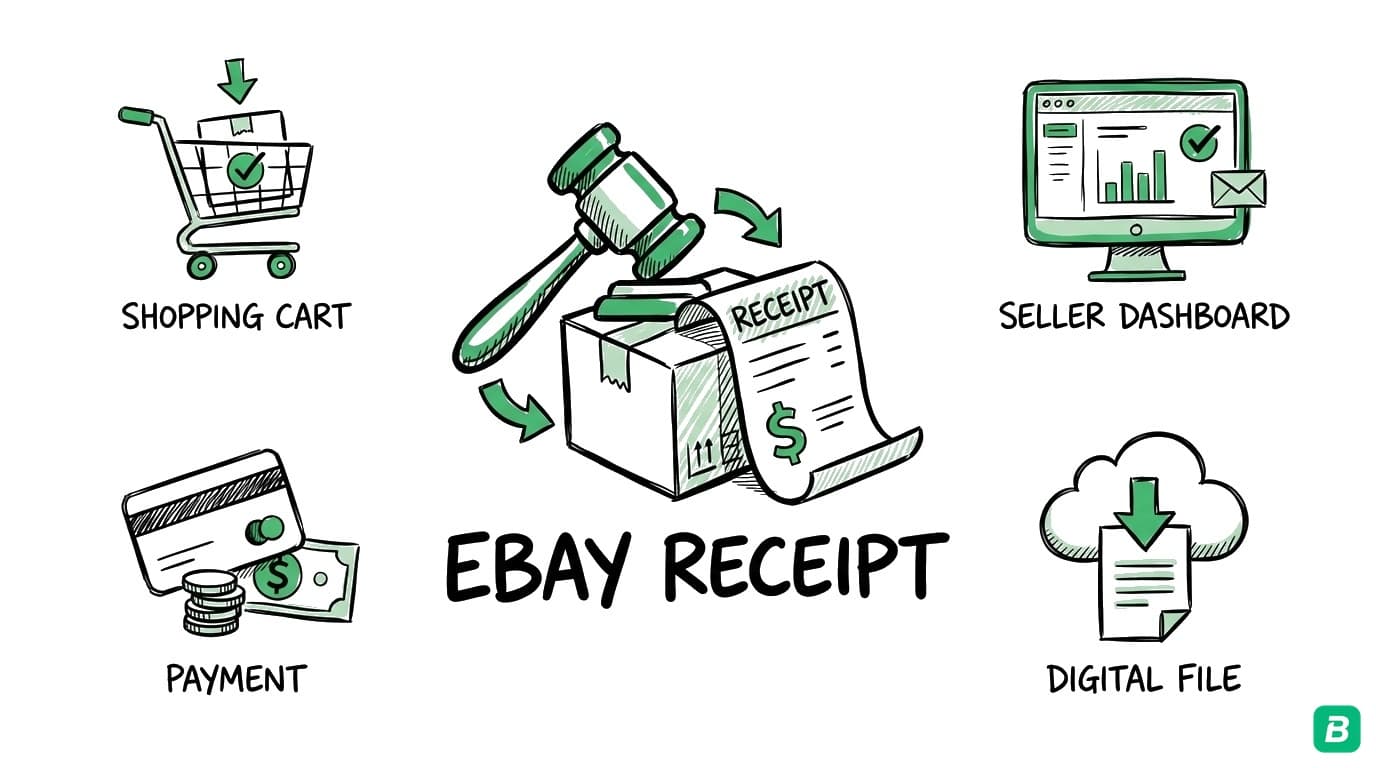
eBay doesn't automatically generate receipts the way a retail store does. Whether you're a buyer who needs proof of purchase for a business expense or a seller who needs fee statements for tax deductions, finding your eBay receipts requires knowing where to look. This guide covers every method for buyers and sellers in 2026.
eBay has over 130 million active buyers worldwide. If you use eBay for business purchases — buying supplies, equipment, or inventory — or you sell on eBay as a side hustle or full-time business, proper receipt management is essential for bookkeeping and taxes.
For Buyers: Getting Purchase Receipts from eBay
When you buy something on eBay, the platform records the transaction in your Purchase History. However, eBay itself doesn't issue a formal receipt — the seller is responsible for providing an invoice or receipt. Here's how to access your purchase records and get proper documentation.
Method 1: eBay Purchase History
Your Purchase History is the primary record of everything you've bought on eBay.
- Log in to ebay.com (or ebay.ca for Canadian users)
- Click My eBay in the top right corner
- Select Purchase History from the dropdown
- Browse your purchases or use the search bar to find a specific item
- Click on any order to view the Order Details page
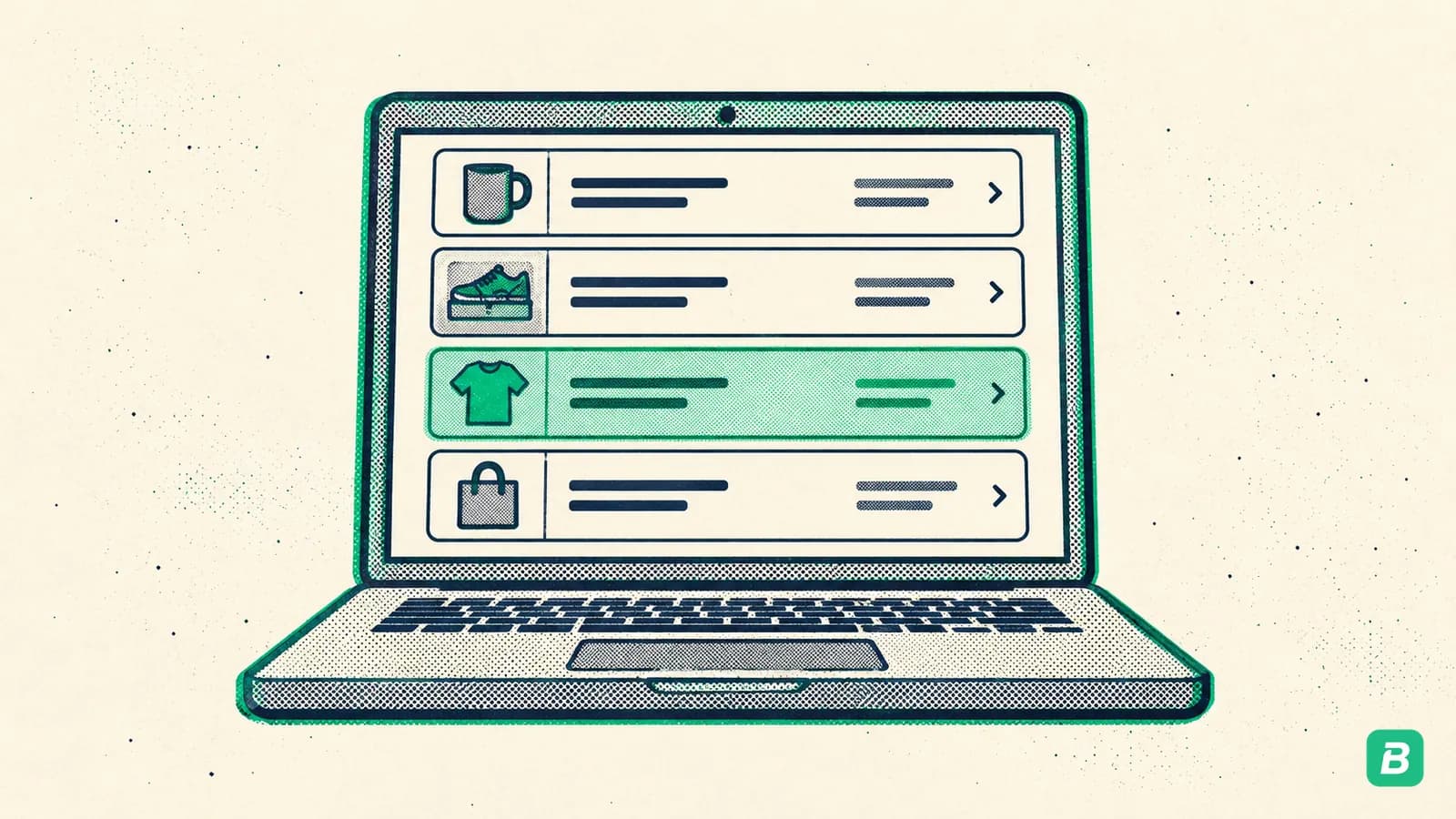
The Order Details page shows the item title, price paid, shipping cost, tax charged, payment method, order date, and seller information. You can print this page as a basic receipt.
Method 2: Requesting an Invoice from the Seller
For a formal invoice (which may be required by your accountant or for larger purchases):
- Go to the Order Details page for the purchase
- Click Contact Seller
- Request an invoice that includes their business name, address, GST/HST or sales tax registration number (if applicable), and an itemized breakdown
- Most business sellers will provide a PDF invoice by email or through eBay messages
Many business sellers include their tax registration number in the item listing or their eBay store information. Before contacting the seller, check the original listing page — the details you need for tax documentation may already be there.
Method 3: eBay Order Confirmation Emails
eBay sends a confirmation email for every purchase. These emails serve as a basic receipt and include:
- Item title and listing number
- Price paid (including any applicable tax)
- Shipping cost
- Seller name and eBay ID
- Order number
- Payment method used
Search your email inbox for "eBay" and "order confirmed" or "You bought" to find these confirmations. They're sent to the email address associated with your eBay account.
Method 4: Downloading Your Purchase History
For bulk record-keeping:
- Go to My eBay > Purchase History
- Scroll down and look for the Download or Export option
- Select your date range
- Download as CSV for spreadsheet use
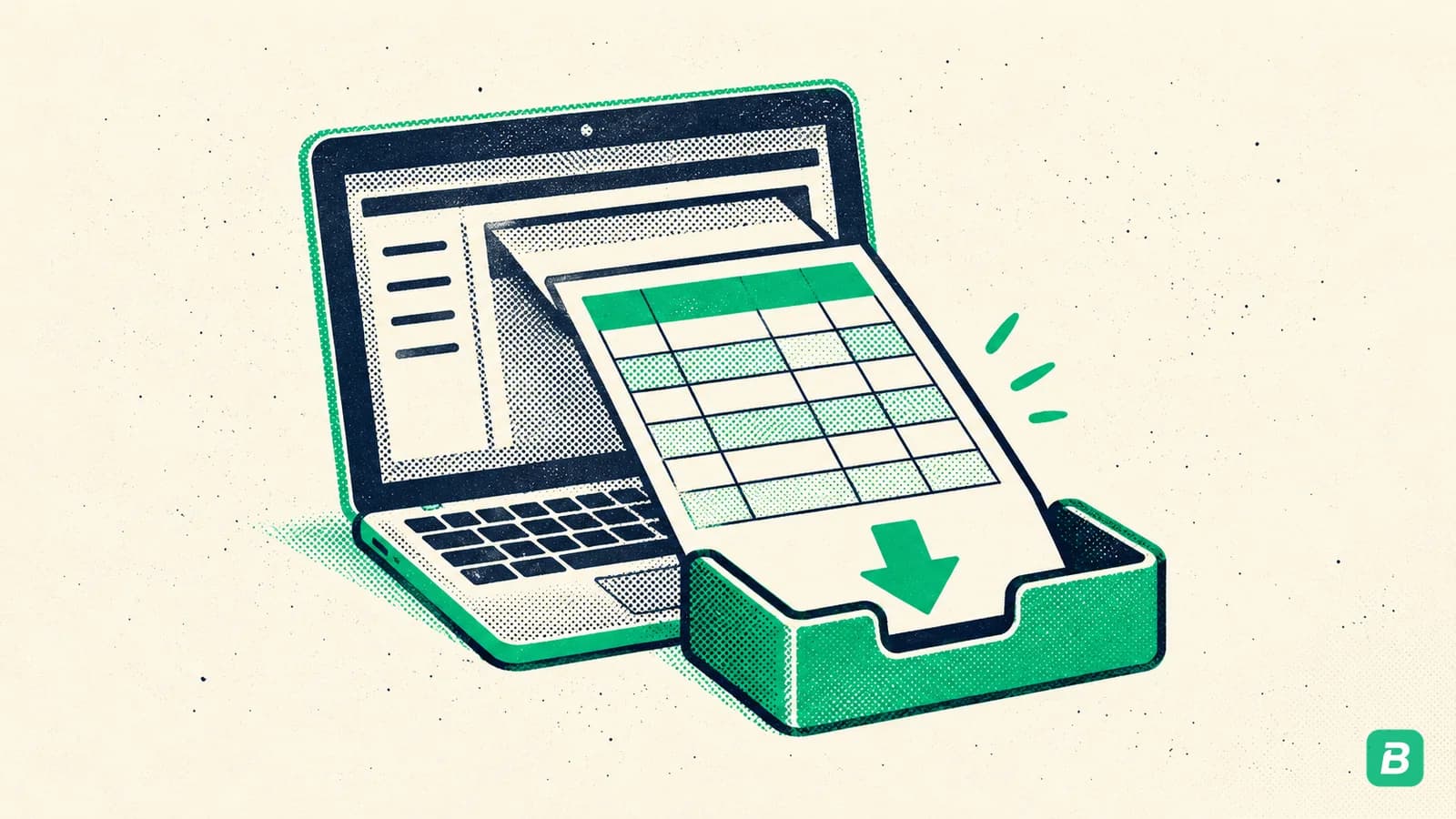
If the built-in export doesn't meet your needs, you can also access your eBay order data through the Account > Reports section, which provides more detailed transaction exports.
Tired of hunting for receipts one by one?
BookZero's AI scans a receipt in seconds -- try it free for 7 days.


For Sellers: Getting Fee Receipts and Payment Records
eBay sellers need two types of receipts: records of their selling fees (a business expense) and records of payments received (income). Since eBay moved to Managed Payments, all of this flows through eBay directly rather than through PayPal.
eBay Seller Fee Invoices
eBay charges selling fees including insertion fees, final value fees, and optional listing upgrade fees. These are all deductible business expenses.
- Log in to eBay and go to My eBay > Selling
- Click Seller Hub (or go directly to ebay.com/sh/overview)
- Navigate to Payments > Finances
- Click Reports or Statements
- Select Monthly Invoice and choose the month
- Download the invoice as PDF
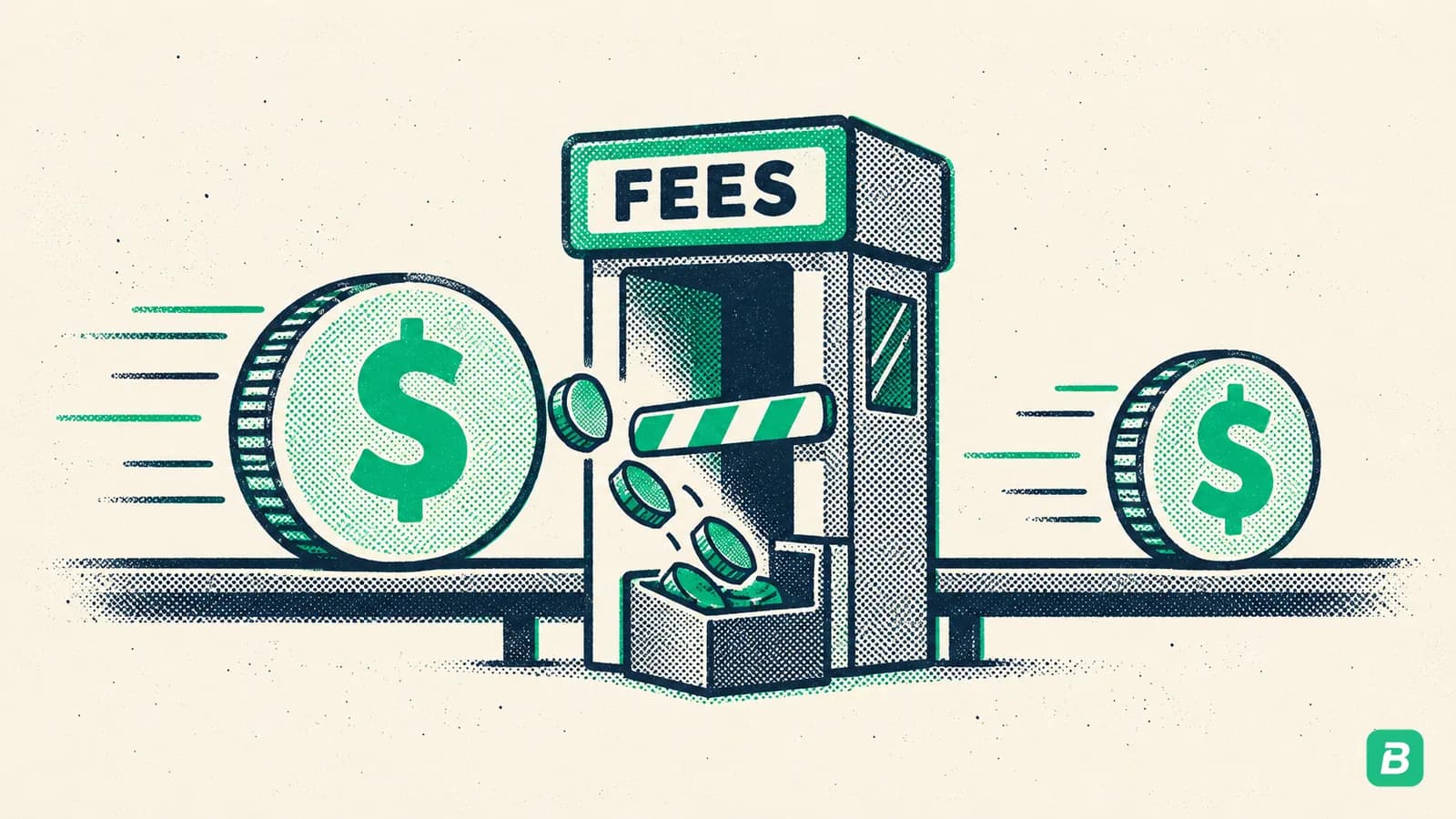
The monthly seller invoice breaks down all fees charged during the period: final value fees, insertion fees, promoted listing fees, international fees, and any credits or adjustments.
eBay now manages payments for all sellers. eBay collects payment from the buyer, deducts fees, and deposits the net amount to your bank account. Your Payments tab in Seller Hub is the central place for all financial records.
Payout and Transaction Reports
For a complete record of your sales income:
- In Seller Hub, go to Payments > Reports
- Choose the report type:
- Transaction Report — individual sale details including item price, shipping, tax collected, fees deducted, and net payout
- Payout Report — summary of each bank deposit with the transactions included
- Monthly Financial Statement — summary of all activity for the month
- Select your date range and download as CSV or PDF
The Transaction Report is the most detailed and is what you'll typically use for bookkeeping. It maps each sale to the specific payout it was included in, making bank reconciliation straightforward.
Sales Tax Reports
eBay collects and remits sales tax (including GST/HST in Canada) on behalf of sellers in most jurisdictions through its marketplace facilitator obligations. To see the tax collected on your sales:
- In Seller Hub, go to Payments > Reports
- Look for the Tax Report or filter the Transaction Report by tax fields
- This shows the tax collected and remitted by eBay on each transaction
What Information Appears on eBay Receipts
Buyer Purchase Record
| Field | Description | Bookkeeping Use |
|---|---|---|
| Item title | Description of what was purchased | Expense categorization |
| Item number | eBay's unique listing identifier | Audit trail reference |
| Price | Winning bid or Buy It Now price | Expense amount |
| Shipping cost | Shipping and handling charge | Part of total expense |
| Sales tax / GST/HST | Tax charged at checkout | Input Tax Credit claims |
| Total | Final amount charged | Bank reconciliation |
| Order date | Date of purchase | Transaction dating |
| Seller name | Business or individual seller | Vendor identification |
| Payment method | Card or payment method used | Matching to bank records |
| Order number | eBay's order reference | Dispute and return reference |
Seller Fee Invoice
| Field | Description | Bookkeeping Use |
|---|---|---|
| Invoice period | Month covered | Expense period |
| Final value fees | Percentage of sale price | Deductible selling expense |
| Insertion fees | Listing fees beyond free allocation | Deductible selling expense |
| Promoted listing fees | Advertising fees for promoted items | Deductible advertising expense |
| International fees | Additional fee for cross-border sales | Deductible selling expense |
| Shipping label costs | eBay-purchased shipping labels | Deductible shipping expense |
| Total fees | Sum of all fees for the period | Total eBay expense |
| Credits/adjustments | Refunds, fee credits | Offset against expenses |
Using eBay Receipts for Tax Deductions
United States
For buyers, eBay purchases used for business purposes are deductible. The Order Details page or confirmation email serves as your receipt. Common deductible eBay purchases include office equipment, business supplies, inventory for resale, and tools.
For sellers, eBay selling is taxable income. Key tax points:
- 1099-K reporting: eBay issues a 1099-K if your sales top $20,000 across more than 200 transactions in the year, the IRS reporting threshold. Download it from Seller Hub > Payments > Reports > Tax Documents
- eBay fees are deductible: Final value fees, insertion fees, promoted listing fees, and shipping label costs are all deductible business expenses
- Cost of goods sold (COGS): If you buy items to resell on eBay, your purchase price is part of your COGS deduction
- Shipping supplies: Boxes, tape, labels, and other shipping materials purchased for eBay sales are deductible
- Home office: If you store inventory and ship from home, a portion of your home expenses may be deductible
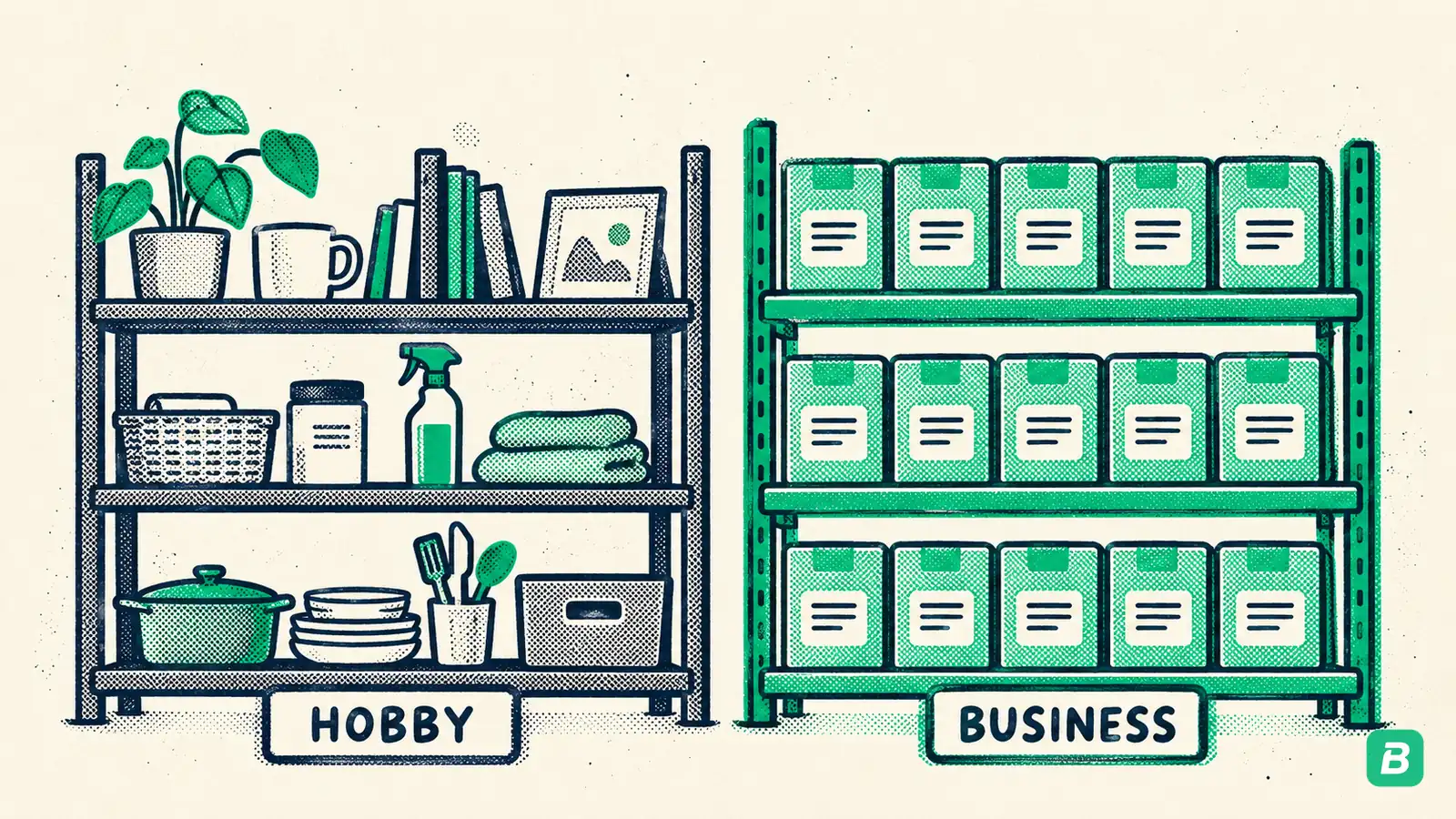
The IRS distinguishes between hobby selling and business selling. If you sell occasionally and don't have a profit motive, you're a hobbyist and can't deduct expenses against your eBay income. If you sell regularly with the intent to make a profit, you're a business and can deduct all ordinary and necessary business expenses. Keep records that demonstrate your profit motive.
Canada
For buyers, eBay purchases for business use are deductible on your tax return. If you're self-employed, categorize them according to the CRA's T2125 categories. For more on what's deductible, see our Canadian tax deductions guide.
For sellers, all eBay income must be reported to the CRA. Unlike the US, Canada has no minimum threshold — even occasional sales that generate a profit must be reported.
eBay in Canada: GST/HST Considerations
GST/HST on eBay Purchases
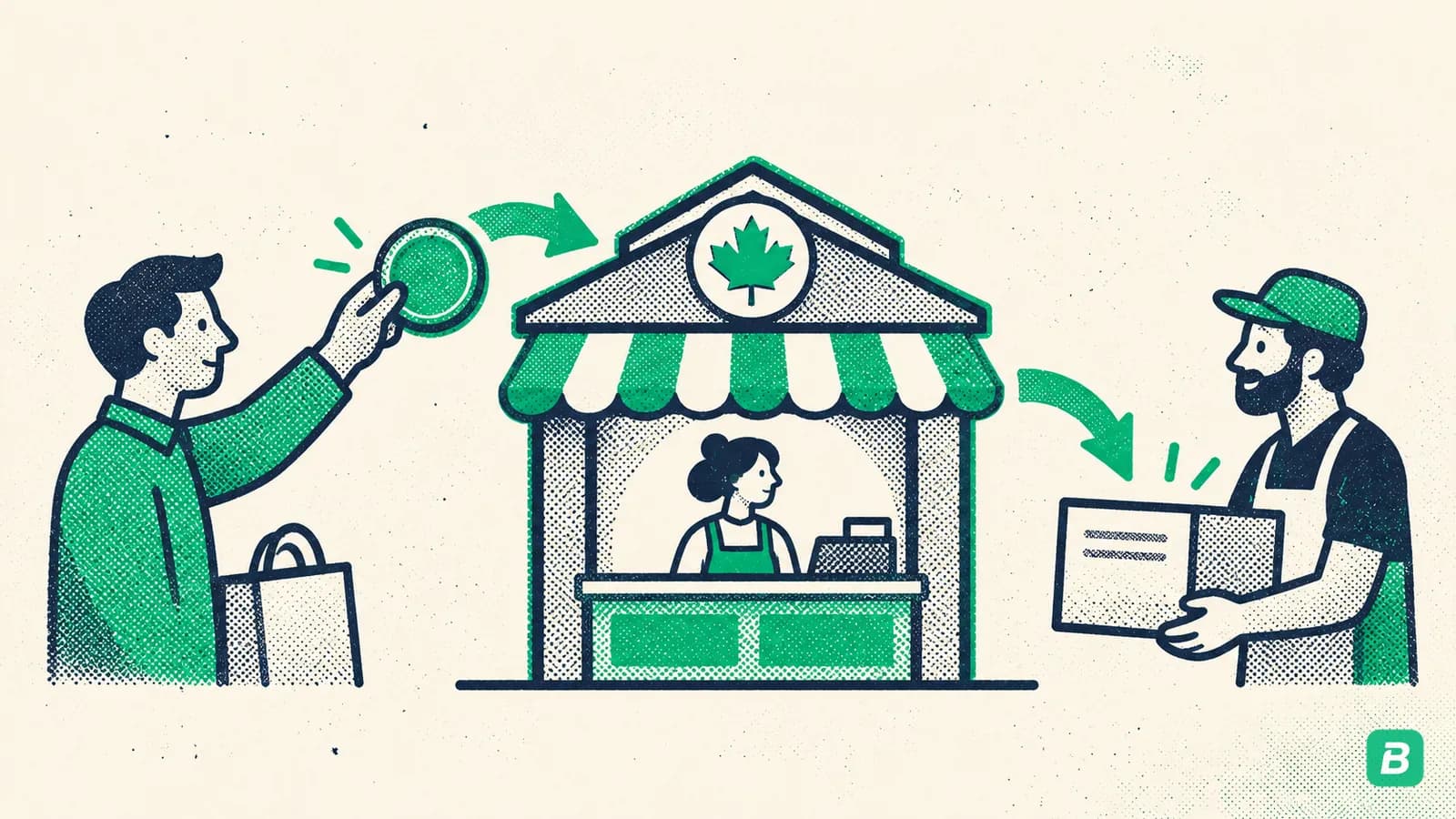
eBay is a marketplace facilitator in Canada, which means eBay collects and remits GST/HST on most purchases made on eBay.ca. The tax appears as a separate line item at checkout and on your Order Details page.
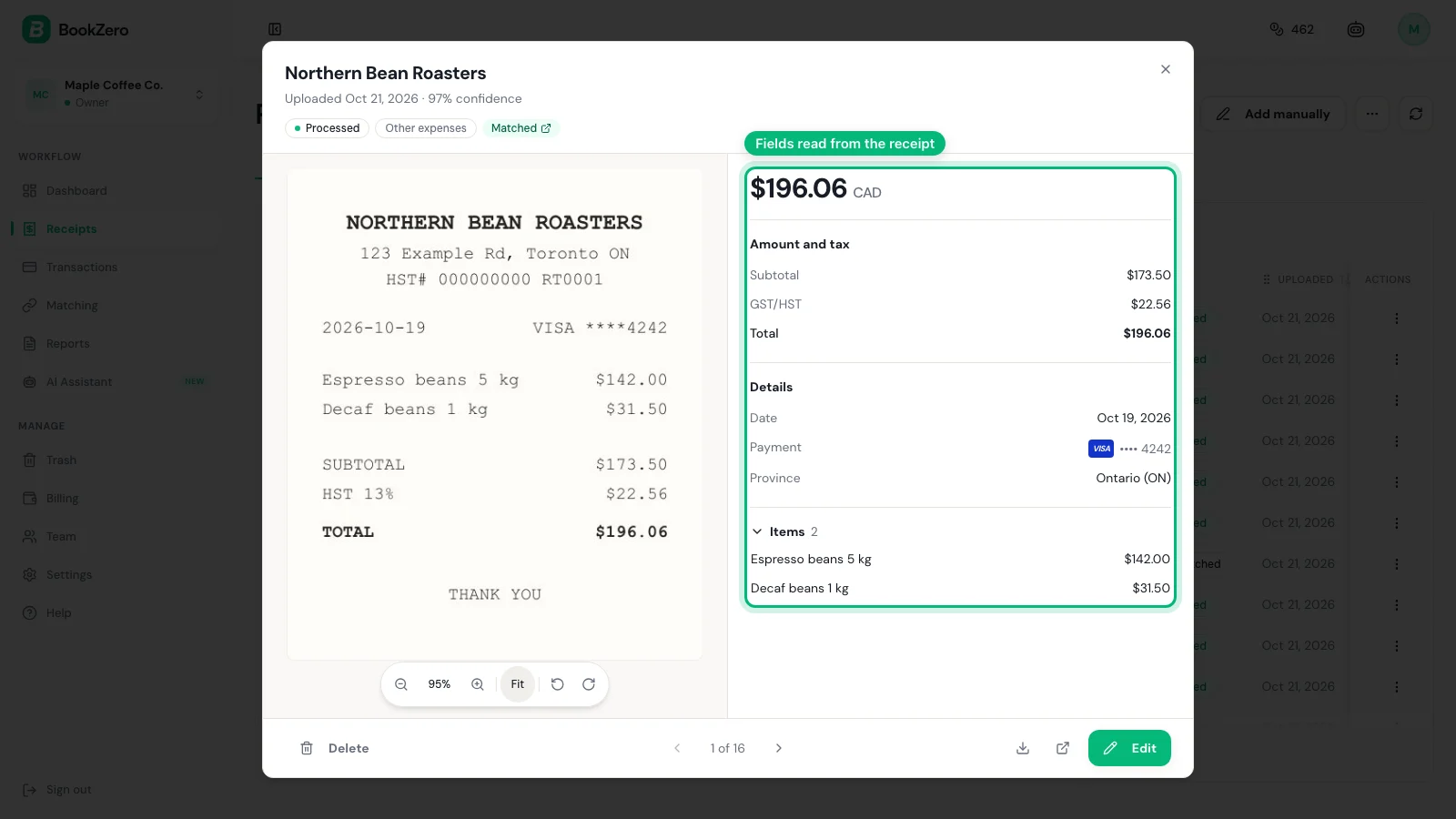
Claiming ITCs on eBay purchases: If you're registered for GST/HST and buy business supplies on eBay.ca, you can claim Input Tax Credits on the GST/HST paid. The Order Details page shows the tax amount, but for ITC claims on purchases of $100 or more, the CRA requires that the receipt include the supplier's GST/HST registration number.
Since eBay (as marketplace facilitator) collects the tax, eBay's GST/HST registration number is the relevant one for your ITC claim. You can find it on eBay's tax information page or on the tax line of your order receipt.
eBay Seller Tax Obligations in Canada
If you're selling on eBay as a business in Canada:
- GST/HST registration: If your worldwide taxable revenue exceeds $30,000 over four consecutive calendar quarters, you must register for GST/HST. eBay sales count toward this threshold. See our GST/HST guide for details
- Marketplace collection: eBay collects and remits GST/HST on your behalf for sales to Canadian buyers. You generally do not need to charge additional tax on these sales
- eBay fees and GST/HST: eBay's seller fees include GST/HST (since eBay charges these fees as a service to you). Your monthly seller invoice shows the GST/HST on fees, which you can claim as ITCs
- Income reporting: Report your eBay selling income on your T2125 if self-employed or on your corporate return if incorporated
The CRA requires that you keep business records for at least 6 years from the end of the tax year they relate to. This includes eBay order details, seller invoices, payout records, and purchase receipts for inventory. Download and save your eBay reports regularly — don't rely solely on eBay's website to store them.
Cross-Border Selling
If you sell on eBay.com (US site) from Canada:
- Revenue in USD must be converted to CAD for tax reporting using the Bank of Canada exchange rate on the transaction date (or the annual average rate)
- eBay's Transaction Report shows amounts in the currency of the marketplace, so you may need to convert
- US sales generally don't involve Canadian GST/HST, but you still report the income to the CRA
- eBay may withhold US tax if you haven't provided a W-8BEN form confirming you're a non-US person
Frequently Asked Questions
How far back can I see my eBay purchase history?
eBay retains your purchase history for up to 3 years in the standard view. For older records, check your email for eBay order confirmation emails, or contact eBay customer support to request older transaction data. Sellers have access to longer historical data through Seller Hub reports.
Can I get a receipt from an individual (non-business) seller on eBay?
Individual sellers are not required to provide formal receipts or invoices. Your best documentation is the eBay Order Details page, which shows the item, price, tax, and seller information. Print or save this page as your receipt. For business expense purposes, this is generally sufficient for the IRS and CRA.
Does eBay provide a 1099-K for sellers?
Yes. eBay issues a 1099-K to US sellers whose sales top $20,000 across more than 200 transactions in a calendar year. The form is available in Seller Hub under Payments > Reports > Tax Documents, typically by January 31 of the following year. Canadian sellers don't receive a 1099-K but must still report all business income to the CRA.
How do I track eBay selling fees for tax deductions?
Download your monthly seller invoice from Seller Hub > Payments > Finances > Statements. Each invoice itemizes all fees for the month. For a full-year summary, download the Transaction Report for January through December — it includes fee columns for each transaction, which you can sum in a spreadsheet.
Can I use eBay order details as a receipt for my business expenses?
Yes. The eBay Order Details page shows the item description, price, tax, shipping, date, and seller — meeting the IRS and CRA requirements for expense documentation. For purchases over $75 (IRS) or $100 (CRA for ITC claims), it's good practice to also save the original item listing or request a formal invoice from the seller.
Stop wasting hours tracking down receipts.
BookZero organizes all your receipts for tax time -- start free.

Eric Tech· Founder, BookZero.ai
Founder of BookZero. Building AI-powered bookkeeping tools for US and Canadian freelancers and small businesses.
View all postsStay ahead of tax season
Tax tips, deduction strategies, and feature announcements straight to your inbox. No spam, unsubscribe anytime.