
How to Get an Airbnb Receipt or Invoice (2026 Guide)
Find, download, and print Airbnb receipts and invoices for past trips, split payments, business travel, and host tax records.
 Eric Tech·Jul 11, 2026·7 min read·
To get an Airbnb receipt, sign in, open Trips, select the reservation, and choose Get receipt under payment information. If the booking used more than one payment, open the payment you need. Guests may also find an invoice link in the emailed receipt, while hosts can download eligible invoice records from their tax-document settings.
This guide is for guests, business travellers, hosts, and bookkeepers who need an Airbnb receipt for reimbursement, tax records, or expense tracking.
The reservation receipt documents the booking total and payment details. A separate tax invoice may cover only the Airbnb service fee or taxes Airbnb is responsible for collecting. Do not assume one document represents every part of the stay.
How to Get an Airbnb Receipt on a Computer
Airbnb's invoice and receipt guidance uses this general path:
- Sign in to Airbnb.
- Open Trips.
- Select the reservation.
- Find Payment info.
- Select Get receipt.
- Open your browser's print menu to print or save the receipt as a PDF.
For a completed reservation, you can still retrieve the receipt from your past trips. If you booked through a work account or for another traveller, check the account that actually made the reservation.
How to Find an Airbnb Receipt in the App
- Open the Airbnb app and sign in.
- Tap Trips.
- Select the upcoming or completed reservation.
- Scroll to the payment or price information.
- Tap Get receipt.
- Use the share or print option to save a copy if your device offers it.
Menu labels can differ by app version and reservation status. If you cannot save a clean copy in the app, open Airbnb in a desktop browser and print the receipt to PDF.
How Airbnb Receipts Work With Split Payments
A reservation can have a deposit, scheduled second payment, changed booking amount, or refund. Airbnb says that when there is more than one payment, you can open Payments, select the individual payment, and view its receipt.
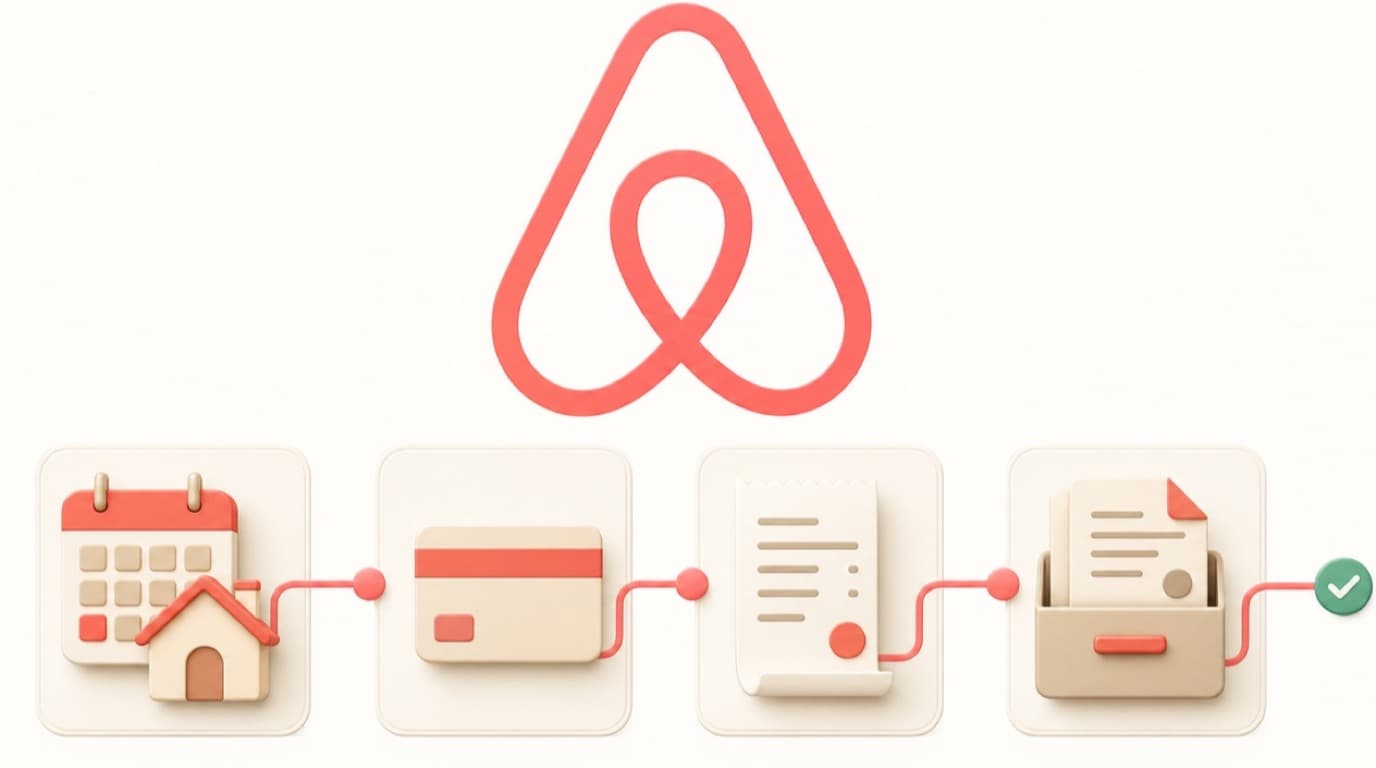
For bookkeeping, keep enough documentation to explain the full sequence:
- Original reservation receipt
- Receipt for each completed payment
- Change or cancellation confirmation
- Refund confirmation
- Matching card or bank transactions
Do not force a multi-payment reservation into one bank transaction. Reconcile each actual payment or refund while retaining the reservation-level record.
How to Get an Airbnb Invoice
Where Airbnb issues a tax invoice, guests can find a link in the emailed receipt or under the reservation's payment information. The available document depends on the country, taxes involved, and whether Airbnb or the host supplied the taxable service.
Important limitations:
- The invoice may apply only to Airbnb's service fee.
- The host may be responsible for documentation related to the accommodation charge.
- Airbnb says invoice details are based on account information at the time of issue and may not be editable later.
- A receipt's combined taxes and fees line may not provide the detailed tax breakdown an accountant wants.
If you need specific company information on a business-travel document, update the relevant account and tax details before booking when possible. Ask the host about additional documentation before the stay if your employer or tax jurisdiction has special requirements.
How Hosts Can Download Airbnb Invoices
Airbnb provides bulk invoice downloads in regions where it generates those invoices. On desktop, the path is generally:
- Open Menu → Account settings → Taxes.
- Select Tax documents → Invoices.
- Choose the month.
- Select PDF or CSV.
- Download the file.
The invoice export and the host payout report serve different purposes. Keep payout and reservation records as well as invoices so gross revenue, Airbnb fees, taxes, adjustments, and net deposits can be reconciled.
What an Airbnb Receipt Includes
The exact layout varies, but a guest receipt commonly includes:
- Guest and reservation information
- Accommodation subtotal
- Airbnb service fee
- Taxes or occupancy charges collected through the platform
- Total price and payment information
- Cancellation or refund adjustments, when applicable
Airbnb's tax collection overview notes that taxes it collects are displayed during payment and appear on the receipt after the reservation is confirmed. That does not mean every local tax or host charge is necessarily collected by Airbnb.
Using Airbnb Receipts for Canadian Business Travel
An Airbnb stay may be deductible when it was incurred to earn business income, but the receipt alone does not establish the business purpose. Keep the itinerary, event or client details, and a note explaining why the trip was necessary. Separate personal nights, companion costs, and other non-business portions.
The Canada Revenue Agency's business-expense guidance is the starting point for determining whether a cost is eligible. For mixed business and personal travel, document how you calculated the business share.
The destination and payment method do not prove business use. Keep evidence of the work purpose and exclude personal portions of the trip.
See how to categorize Canadian business expenses and how long to keep CRA records for the next steps.


Airbnb Receipt Checklist
For a clean business-travel record, keep:
- The reservation receipt
- Each payment receipt when payments were split
- Any separate tax invoice available
- Cancellation, change, or refund records
- The business purpose and travel itinerary
- A calculation excluding personal days or travellers
- Matching bank or credit-card transactions
Frequently Asked Questions
Where can I find my Airbnb receipt?
Sign in, open Trips, select the reservation, and choose Get receipt under payment information. Airbnb also sends a receipt by email, and completed reservations remain available in your past trips.
Can I download an Airbnb receipt as a PDF?
Yes. Open the receipt in a browser, choose Print, and select Save as PDF. On mobile, use the available share or print option; if the formatting is poor, use a desktop browser.
Is an Airbnb receipt the same as an invoice?
Not always. The receipt summarizes the reservation and payments. A separate tax invoice may apply only to Airbnb's service fee or taxes Airbnb collects. Depending on the booking and jurisdiction, the host may need to provide other documentation.
How do I get receipts for split Airbnb payments?
Open the reservation's payment information, go to Payments, and select each payment. Keep each payment receipt with the main reservation receipt so the amounts can be matched to separate bank or card transactions.
Can Airbnb hosts download invoices in bulk?
In supported regions, hosts can open Account settings → Taxes → Tax documents → Invoices, choose a month and file type, and download invoice records. Hosts should also retain payout and reservation reports for complete bookkeeping.
Keep the Whole Reservation Trail
The best Airbnb record is rarely one screenshot. Save the reservation receipt, each payment or refund, any available invoice, and the business-purpose evidence. Together, those documents explain both why the expense existed and how the final amount reached your bank account.

Eric Tech· Founder, BookZero.ai
Founder of BookZero. Building AI-powered bookkeeping tools for US and Canadian freelancers and small businesses.
View all postsStay ahead of tax season
Tax tips, deduction strategies, and feature announcements straight to your inbox. No spam, unsubscribe anytime.