Bookkeeping automation: From receipts to reviewed reports
Build a bookkeeping automation workflow: capture receipts, categorize expenses, match transactions, review exceptions, and share small business reports.
 Eric Tech·Oct 20, 2026·6 min read·
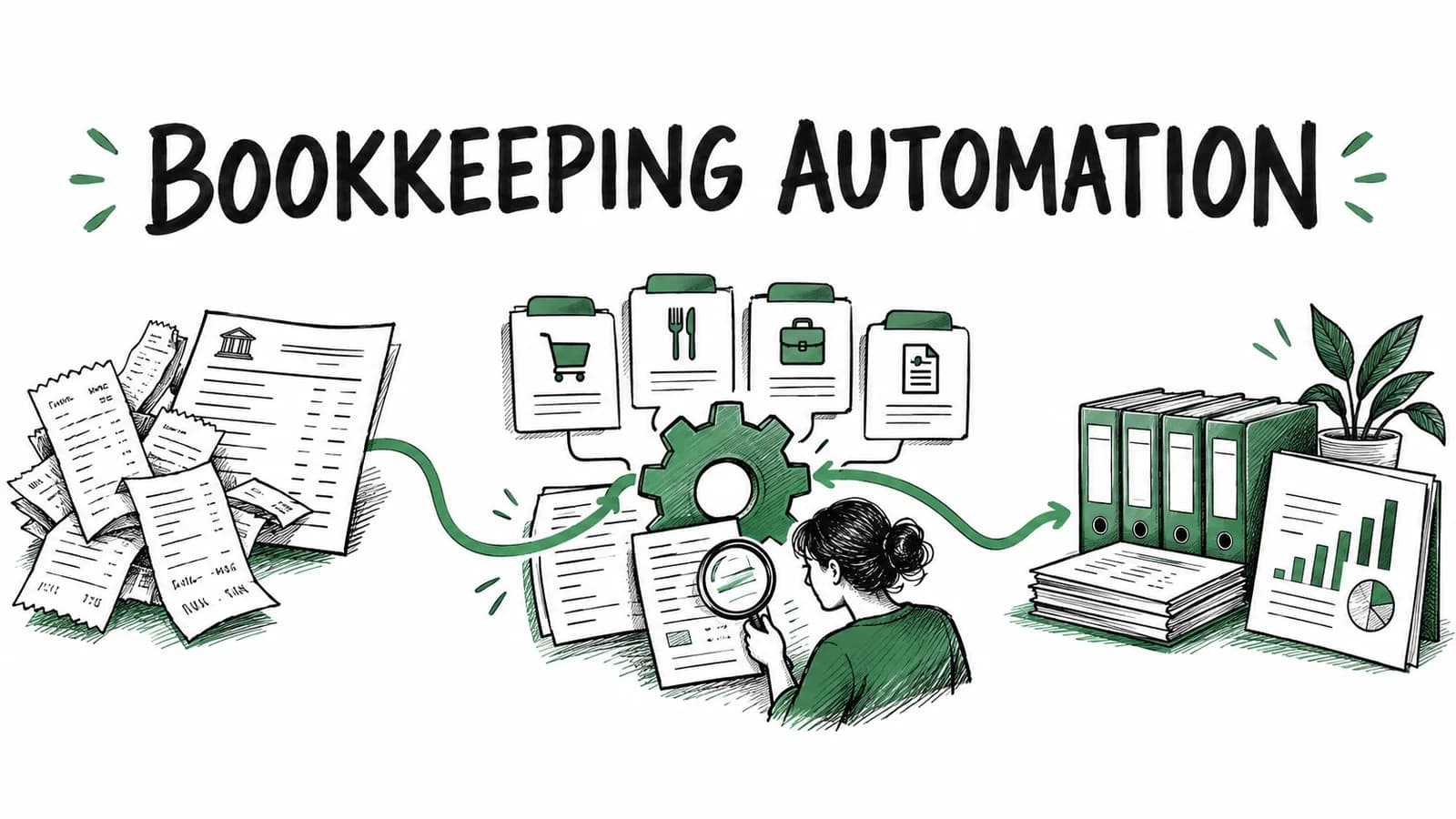
Bookkeeping automation connects the work between a purchase and a usable financial record. Software captures documents, extracts details, categorizes expenses, matches them to transactions, and prepares reports or an accounting handoff. You review uncertain items and supply the business context a receipt cannot show.
For a freelancer or small business in Canada or the US, the useful question is where that chain still requires retyping. Scanning a receipt helps. Carrying its information through to a reviewed expense and your accountant's books removes more repeated work.
This guide follows one purchase through that process, then gives you a routine for keeping it moving. If you are comparing products, use our accounting automation software checklist.
Follow one purchase through your books
Imagine a photographer buying supplies for a client shoot. The receipt records what they bought. A card statement later confirms the payment. Your bookkeeping needs both pieces, plus a decision about how the purchase relates to the business.
Capture the source once
Photograph the complete receipt while it is readable, or collect the original digital document. Choose an intake method you can keep using when you are busy. In BookZero, that can be an upload, a receipt photo sent through Telegram, or a Google Drive import.
Check that the document reached the right business workspace. A successful upload into the wrong business creates cleanup later. Keep the source available so you can inspect a tax line or item description without searching your camera roll.
Extract and categorize the expense
AI extraction turns the receipt into fields such as vendor, date, amount, and tax. Categorization gives that purchase a place in your expense records. These are separate steps: reading a total correctly does not establish the purchase's business purpose.
Our photographer bought paper and a personal household item on the same visit. Before accepting the category and business-use treatment, they need to inspect the receipt. A store name alone cannot settle that decision. Correct the record while the reason for the purchase is fresh.
Match the payment to its document
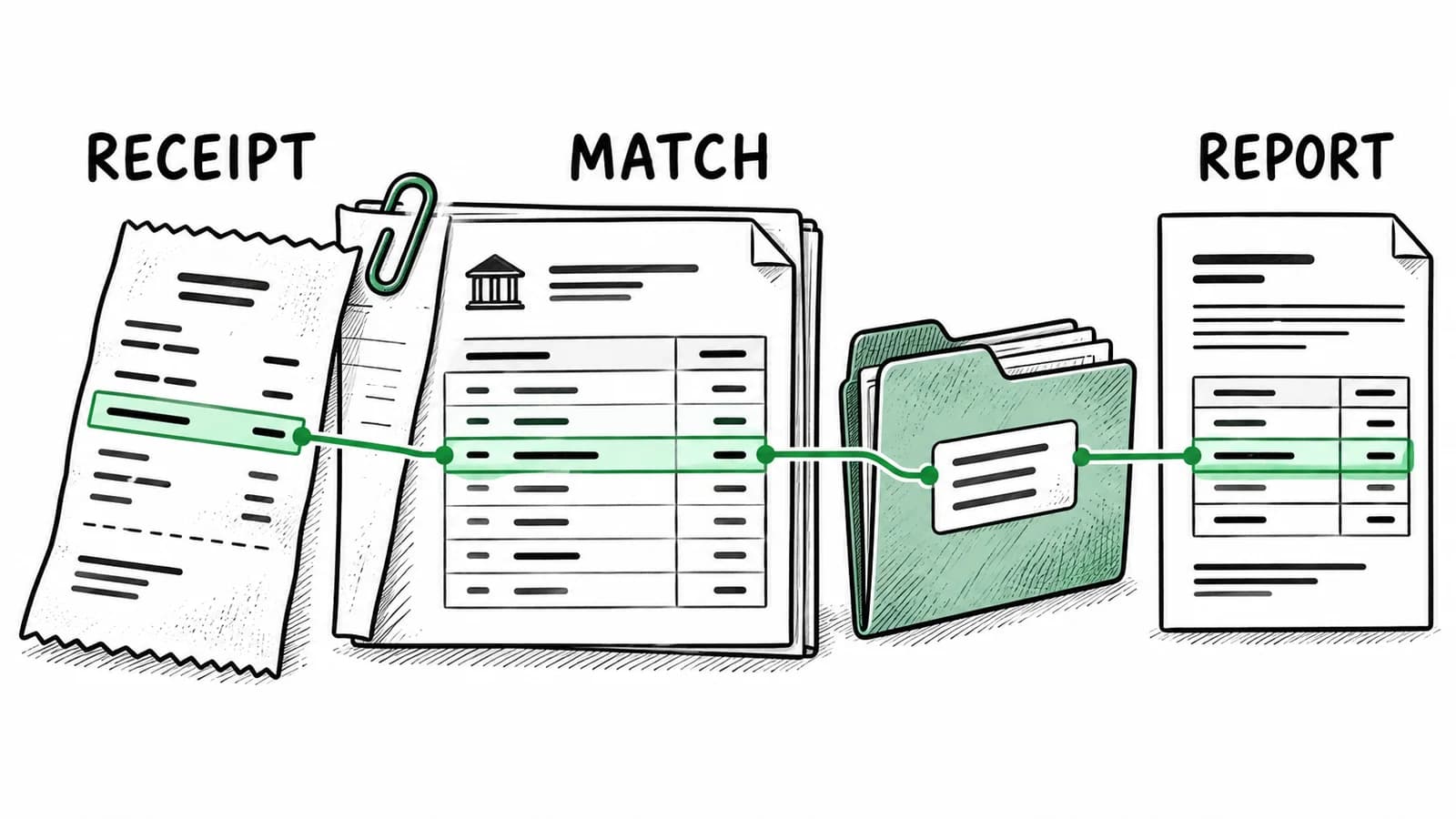
Import the bank or card statement for the same period. BookZero's matching workflow uses receipt and transaction details to connect the payment to its supporting record. Review uncertain or unmatched items before treating the period as complete.
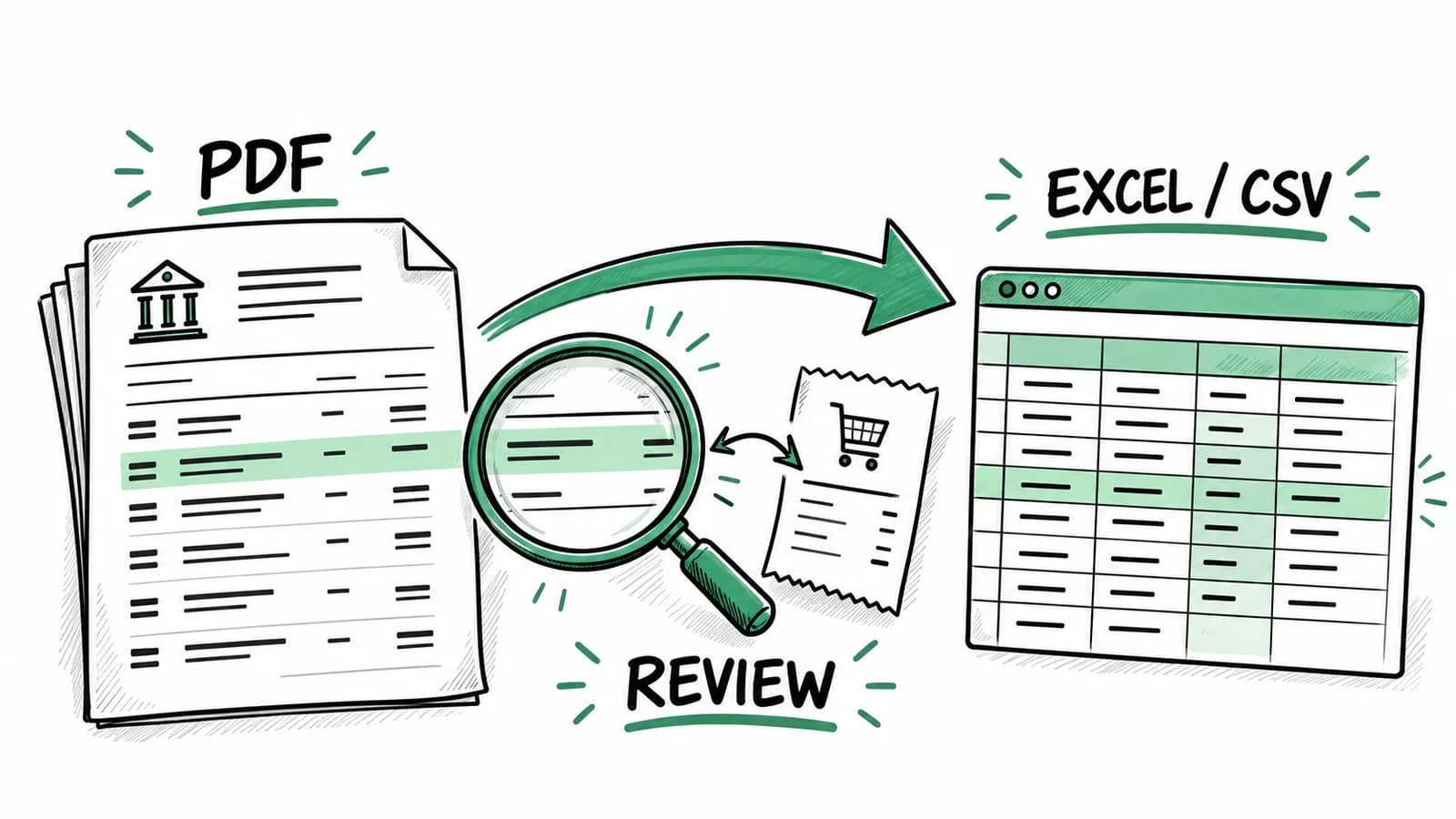
The payment may post after the receipt date, or the statement may show an abbreviated vendor name. Compare the amount and source document instead of assuming the descriptions must be identical. For PDF-only downloads, our bank statement conversion guide covers extraction and checking the imported rows.
Receipt matching supports reconciliation. Your accounting system's balance reconciliation still needs to account for the full statement, including transfers and other movements that are not purchases.
Prepare the report and handoff
After reviewing the purchase, include it in the appropriate reporting period. Check the report's filters, currency, and business-use treatment before sharing it. An accurate record can still land in the wrong summary if the date range is wrong.
BookZero provides reporting and CSV exports, plus workflows for sending matched expenses and receipt attachments to QuickBooks or Xero. Choose a handoff with your accountant and check the destination records. Confirm how expenses already present there will be handled before sending a batch.
Set up a weekly exception review
Automated bookkeeping works better when someone owns the unresolved items. Put a short review on your calendar and work through the records that need attention:
- Check newly captured documents for missing pages or unreadable details.
- Review categories and business-use decisions that need your context.
- Investigate statement transactions that still lack supporting documents.
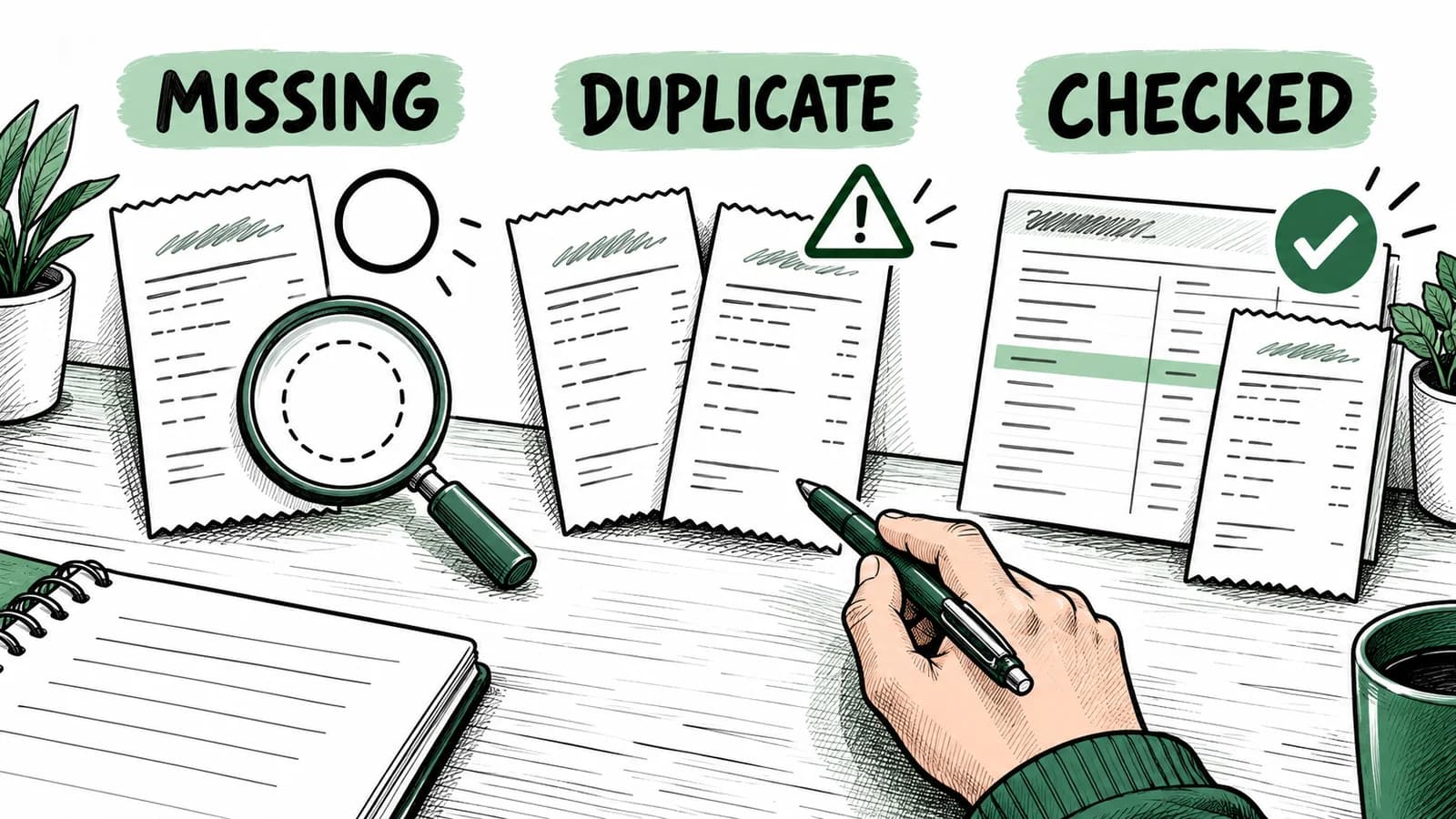
- Check refunds, transfers, and possible duplicates before including them in expenses.
- Confirm that exported or synced records arrived where you expected.
Assign a next step to anything you cannot resolve immediately. That might mean requesting a receipt from a supplier or asking your accountant how to treat a purchase. Keep the question beside the record in your working notes so it survives the next handoff.
For the photographer, the weekly review might find a missing parking receipt and a refund for returned supplies. Resolving those exceptions is more useful than scanning the same folder again. The following week, begin with those open items before reviewing new purchases.
Keep country context in the workflow
For Canadian businesses
Choose settings and reports suited to your business and province. Check that extracted tax details agree with the source receipt, and ask your accountant about unfamiliar treatment. Your registration status and the nature of the purchase matter when deciding what to claim.
The CRA's recordkeeping guidance covers organized business records, supporting documents, and electronic formats. Use it when deciding how to store and back up the documents behind your reports.
For US businesses
Confirm the business's reporting categories and review the purpose of mixed personal and business purchases. Keep the source documentation behind a categorized expense; a software label alone does not explain what happened.
The IRS explains that business records support income, expenses, and entries on tax returns. Ask your tax professional which records your particular activity needs and how the reviewed reports should reach them.
Choose bookkeeping automation software around the handoff
Compare bookkeeping automation tools using a small set of familiar purchases. Can you find the original document from the expense record? Can you correct a category? Can you locate an unmatched payment and produce an export your accountant can use?
Those checks reveal more than a clean receipt-scanning demo. For BookZero's supported intake methods, matching, reports, and accounting connections, see the feature overview. For the role AI plays within that workflow, read our AI bookkeeping guide.
Start with one recent statement period and its receipts. Review the exceptions, send a sample handoff, and confirm it with the recipient before importing a backlog.
Connect receipt capture, transaction matching, and reporting with BookZero.



Eric Tech· Founder, BookZero.ai
Founder of BookZero. Building AI-powered bookkeeping tools for US and Canadian freelancers and small businesses.
View all postsStay ahead of tax season
Tax tips, deduction strategies, and feature announcements straight to your inbox. No spam, unsubscribe anytime.