AI in Accounting: How Artificial Intelligence Is Changing Bookkeeping in 2026
How AI is transforming accounting and bookkeeping — from receipt scanning and auto-categorization to predictive analytics and audit preparation. What small businesses should know.
 Eric Tech·Mar 18, 2026·15 min read·
This article is for informational purposes only and does not constitute financial or tax advice. AI capabilities described reflect the state of the technology as of March 2026. Consult a qualified professional for your specific situation.
Key Takeaways
- AI in accounting has moved from theory to practical, affordable tools available to small businesses today
- Receipt scanning, expense categorization, and transaction matching are the most mature AI applications in bookkeeping
- The global AI in accounting market is projected to reach $11.1 billion by 2030 (Fortune Business Insights)
- AI does not replace accountants — it eliminates manual data entry so humans focus on strategy, compliance, and advisory
- Small businesses adopting AI bookkeeping tools report saving 5-10 hours per month on manual tasks
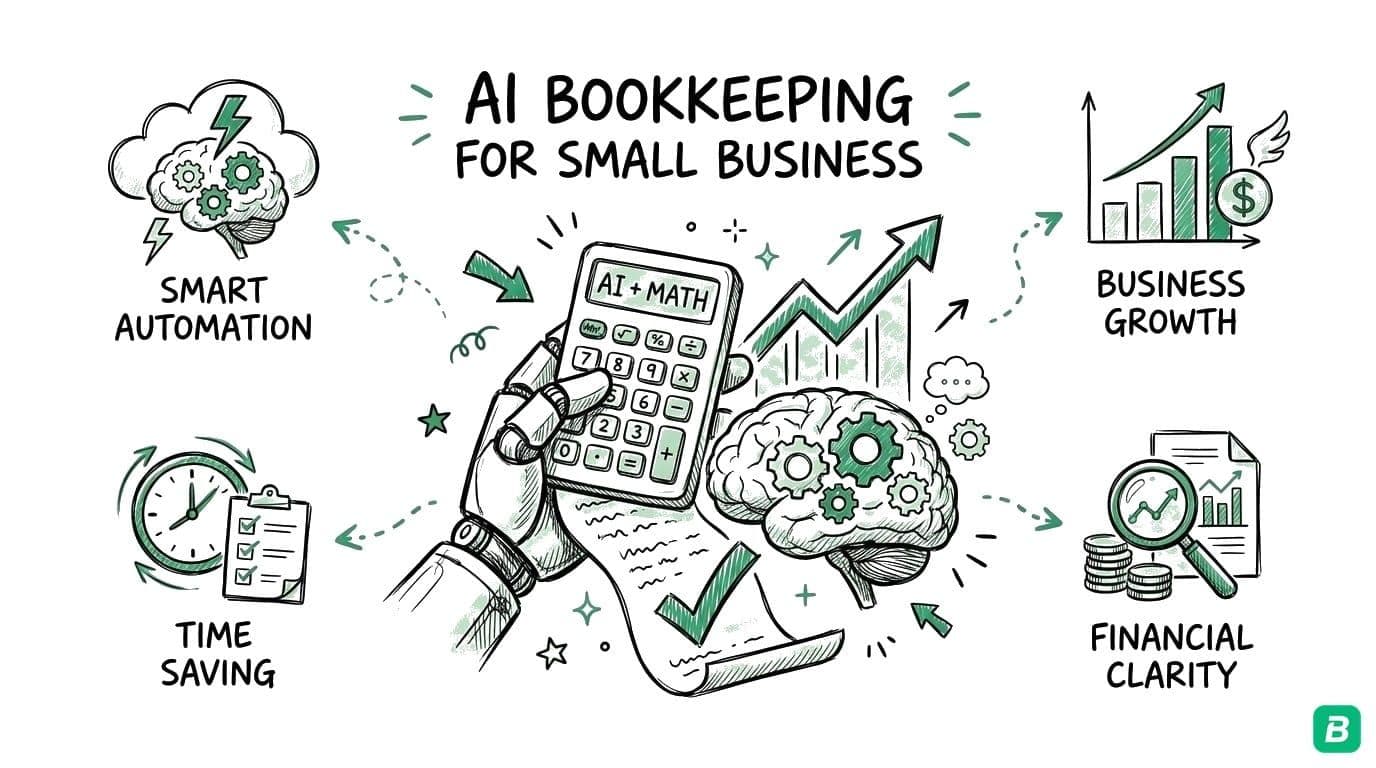
Artificial intelligence in accounting is no longer a future concept. It is a set of practical tools that small businesses, freelancers, and accounting firms are using today to eliminate manual data entry, reduce errors, and focus on work that actually requires human judgment.
This guide covers what AI in accounting looks like in 2026, which applications are mature enough to rely on, where the technology is still developing, and what it means for small business owners and accounting professionals.
What AI in Accounting Actually Means
AI in accounting refers to using machine learning models and large language models (LLMs) to automate tasks that traditionally required human data entry, pattern recognition, and decision-making.
This is not one technology. It is a set of capabilities applied to different accounting tasks:
| AI Capability | Accounting Application | Maturity Level |
|---|---|---|
| Computer vision + LLM | Receipt and invoice scanning | Mature — production-ready |
| Natural language processing | Expense categorization | Mature — production-ready |
| Pattern matching | Transaction reconciliation | Mature — production-ready |
| Anomaly detection | Fraud and error detection | Emerging — improving rapidly |
| Predictive models | Cash flow forecasting | Emerging — requires historical data |
| Generative AI | Report narrative generation | Early — experimental |
The key distinction is between AI that automates data entry (mature, reliable, available today) and AI that makes financial decisions (early, experimental, requires human oversight). Most practical AI accounting tools in 2026 focus on the first category.
For a detailed look at how AI scanning compares to traditional methods, see our AI receipt scanning vs OCR guide.
AI Applications That Work Today
Receipt Scanning and Data Extraction
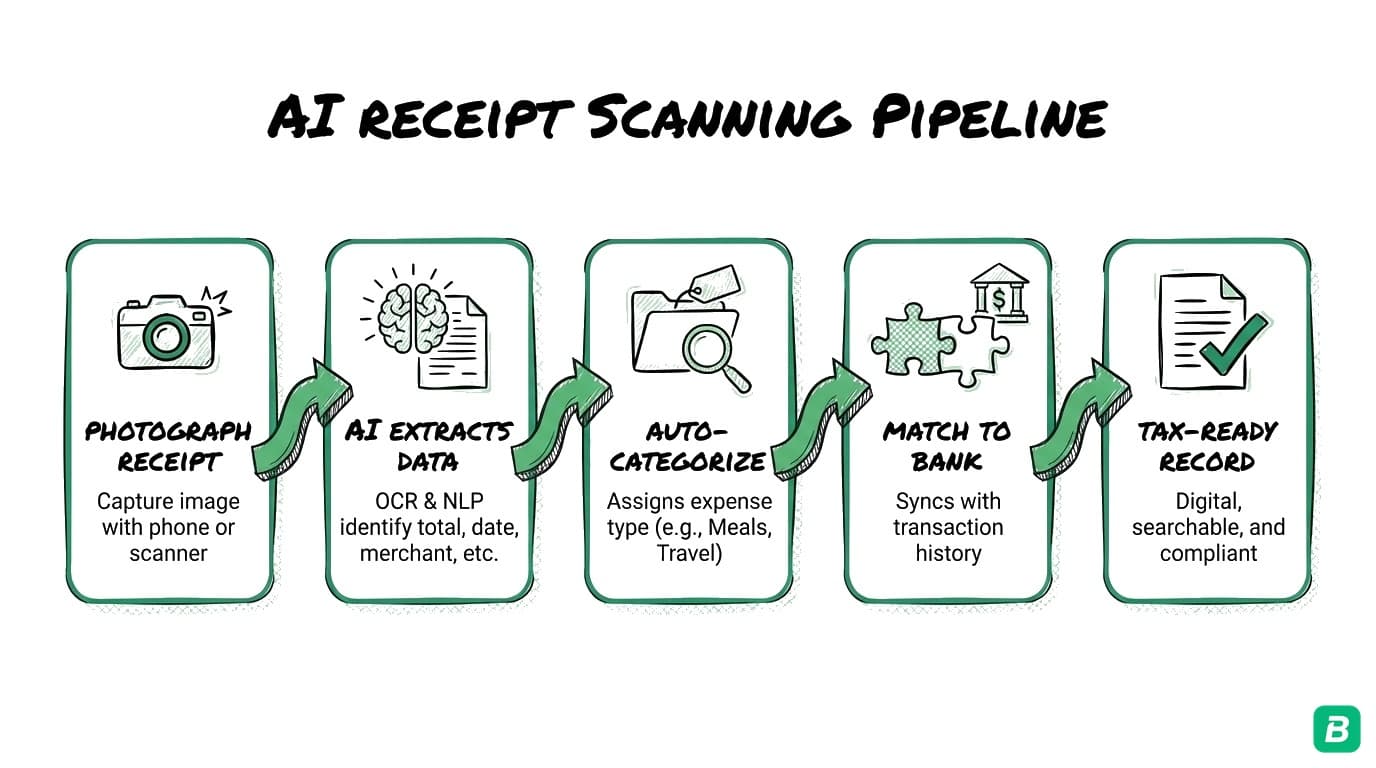
The most visible and mature application of AI in accounting is intelligent document processing. Modern AI does not just read characters on a receipt (traditional OCR) — it understands the document as a whole.
An AI scanning system looks at a receipt and extracts:
- Vendor name — even from logos, abbreviations, or partial text
- Date — in any format (MM/DD/YYYY, DD-Mon-YY, etc.)
- Line items — individual products or services
- Subtotal, taxes, and total — correctly identified even when label formatting varies
- Tax types — GST, HST, PST, QST identified by type
- Payment method — credit card, debit, cash, or other
- Category — the business expense category the receipt belongs to
Traditional OCR works on clean receipts and degrades significantly on faded, crumpled, or multi-language receipts. AI-powered scanning using LLMs like Google Gemini holds up better across receipt conditions because it understands context, not just characters.
Automatic Expense Categorization
After extracting data from a receipt, AI categorizes the expense without manual input. A receipt from a gas station is categorized as fuel. A phone bill goes to telecommunications. A restaurant receipt becomes meals and entertainment.
What makes AI categorization different from rule-based systems:
- Rules require you to set up triggers: "if vendor contains 'Shell', categorize as fuel." You must create a rule for every vendor you encounter.
- AI learns from patterns across thousands of receipts. It categorizes vendors it has never seen before by understanding the type of business from context clues — vendor name, items purchased, and amounts.
For Canadian businesses, this means expenses can be automatically mapped to CRA T2125 form categories — the exact categories needed for tax filing. This is not a generic "Transportation" label — it is the CRA-specific "Motor vehicle expenses" category that maps to line 9281 on your tax form.
Transaction Matching and Reconciliation
One of the most time-consuming bookkeeping tasks is matching receipts to bank transactions. You have a receipt showing you spent $47.82 at Staples on March 5. You have a bank transaction showing a $47.82 debit on March 5. A human can see these match — but doing this for 50-200 transactions per month is tedious.
AI matching algorithms analyze amounts, dates, vendor names, and patterns to automatically pair receipts with their corresponding bank transactions. The matching considers:
- Exact amount matches
- Date proximity (transactions may post 1-3 days after the purchase)
- Vendor name similarity (the receipt says "STAPLES #1234" while the bank shows "STAPLES BUSINESS DEPOT")
- Historical patterns (you buy from this vendor regularly on similar dates)
This is where AI in bookkeeping delivers the most time savings for small businesses. Manual reconciliation that takes 2-4 hours per month becomes a 5-minute review of AI-suggested matches.
Anomaly Detection
AI systems can flag unusual transactions that may indicate errors, fraud, or missed categorization:
- A transaction significantly larger than your typical spending pattern
- Duplicate transactions (common with manual entry)
- Transactions with vendors outside your normal purchasing pattern
- Tax amounts that do not match expected rates for the vendor's province
Anomaly detection in accounting AI is still maturing. Current systems are good at flagging obvious outliers but generate false positives on legitimate but unusual transactions. The technology works best as a review assistant — flagging items for human attention rather than making decisions autonomously.
How Accounting Firms Are Using AI
AI adoption in accounting firms accelerated significantly between 2024 and 2026. According to a 2025 survey by CPA Canada, 67% of Canadian accounting firms are using or piloting AI tools in their practice.
Audit Preparation
AI tools analyze complete transaction sets and flag anomalies, missing documentation, and categorization inconsistencies before an audit begins. This reduces the time auditors spend on preliminary review and focuses human attention on substantive issues.
Client Onboarding
Firms use AI to process a new client's historical records — scanning backlogged receipts, categorizing past transactions, and reconciling bank statements. What previously took 20-40 hours of bookkeeper time can be reduced to 4-8 hours of AI processing plus human review.
Tax Return Preparation
AI tools pre-populate tax forms by mapping categorized expenses to specific form lines. For Canadian individual returns, this means T2125 categories are assigned automatically. The accountant reviews and approves rather than entering data manually.
Advisory Services
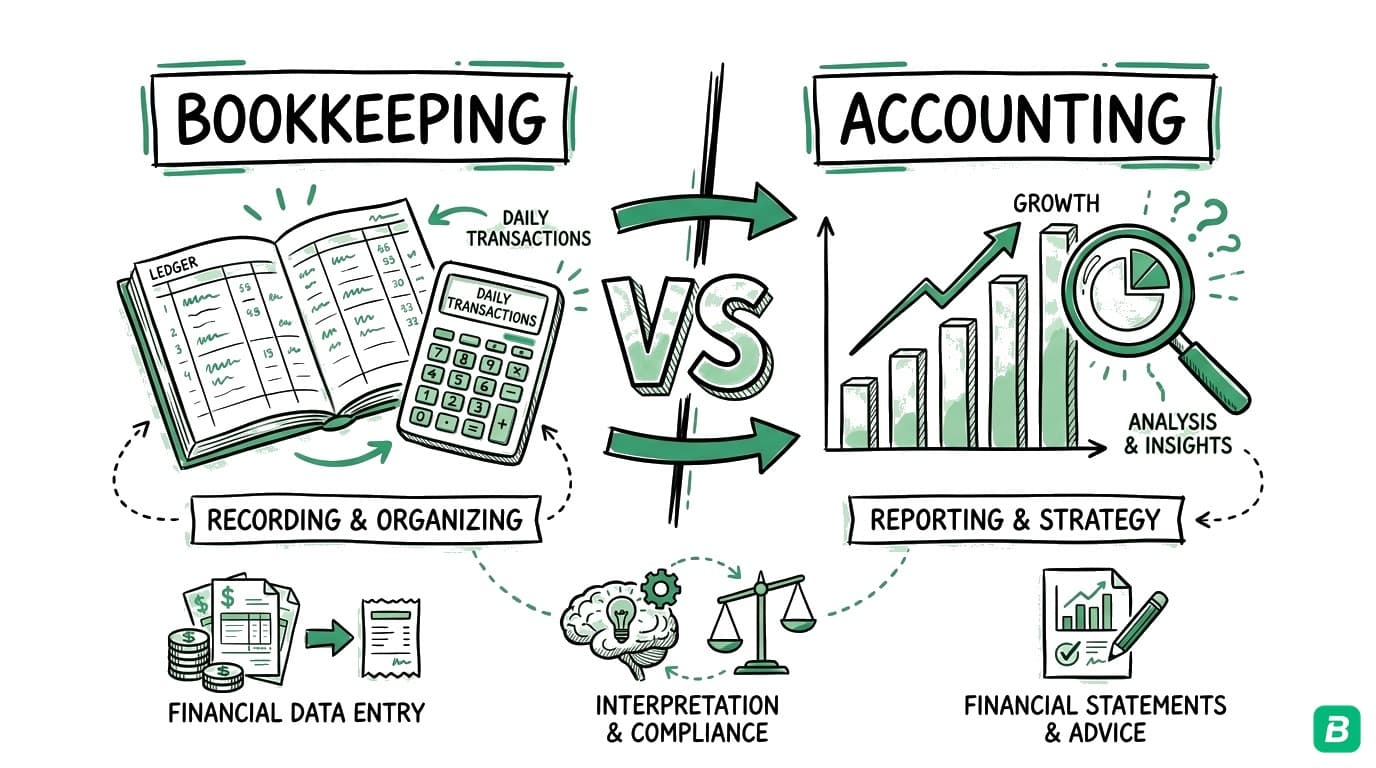
As AI handles more data entry work, accounting firms are shifting toward advisory services — financial planning, tax strategy, business consulting. The CPA profession is moving from "keeper of the books" to "strategic advisor." AI makes this transition practical by freeing up the hours that data entry previously consumed.
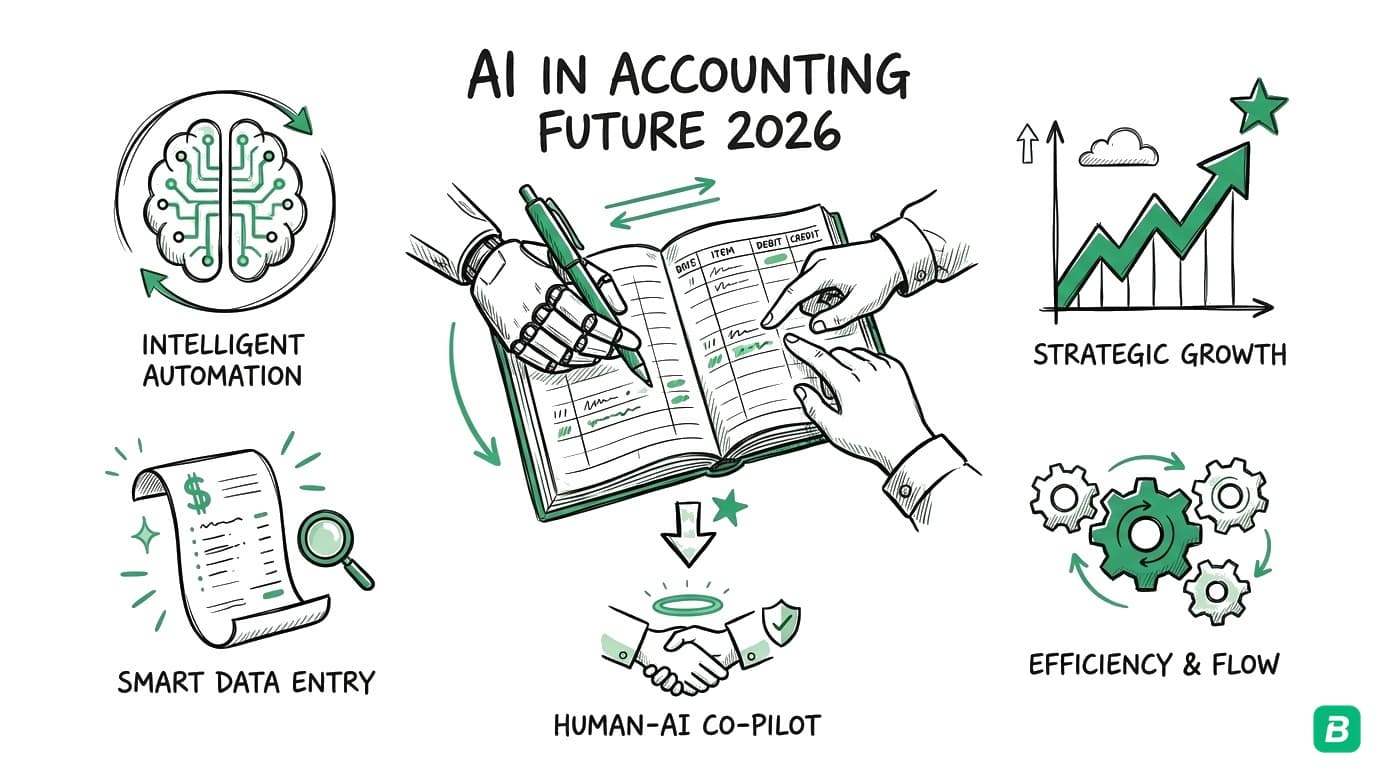
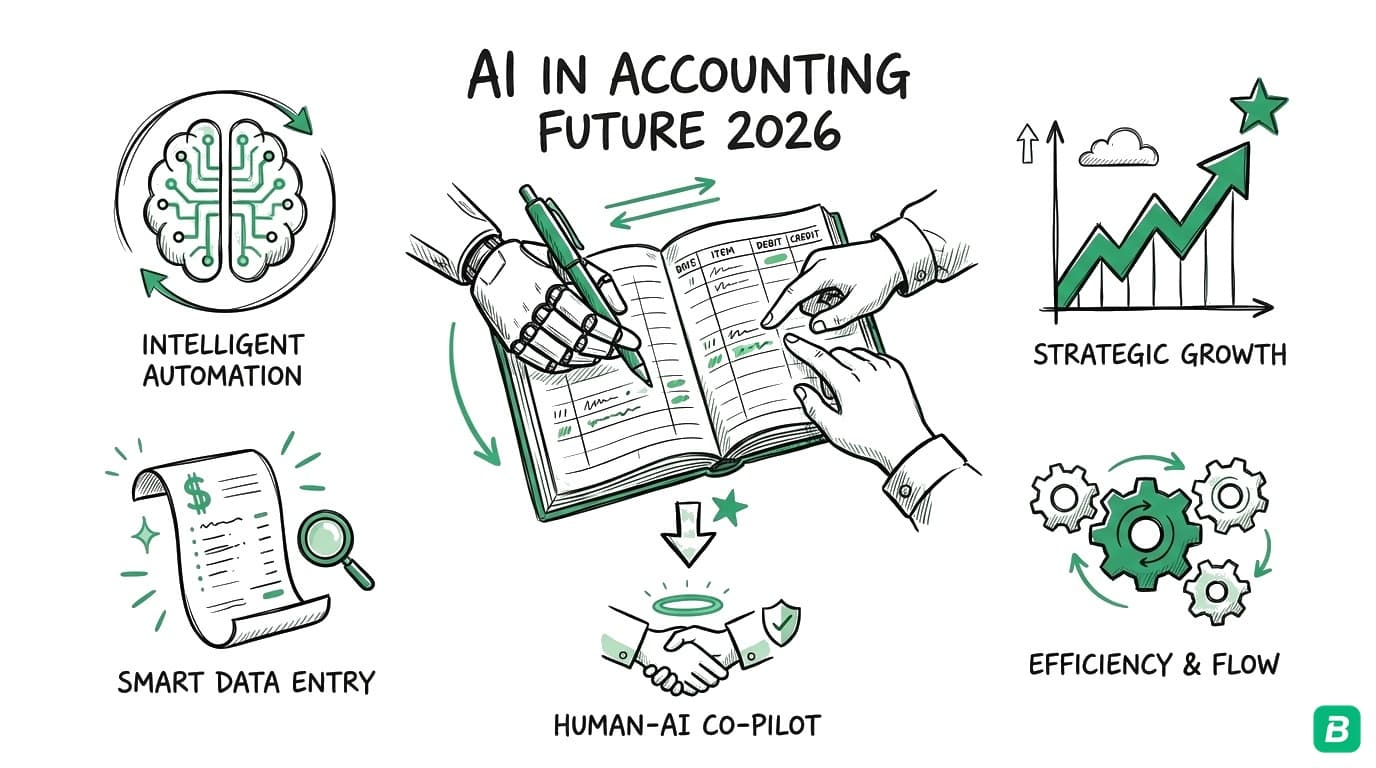
The future of accounting is not AI replacing accountants. It is AI handling the tasks accountants never wanted to do (data entry, receipt matching, categorization) so accountants can focus on the work clients actually value: tax strategy, business planning, and financial insight. The firms that thrive will be those that embrace AI as a capability multiplier, not resist it as a threat.
What AI Cannot Do Yet
It is important to be honest about AI's limitations in accounting. The technology is powerful but not omniscient.
Tax Strategy and Planning
AI can categorize expenses and calculate totals, but it cannot determine the optimal tax strategy for your specific situation. Should you incorporate? What is the best mix of salary and dividends? Should you defer income or accelerate deductions? These decisions require understanding your complete financial picture, personal goals, and risk tolerance — work that requires a human accountant or tax advisor.
Complex Compliance
Canadian tax compliance involves nuanced rules that AI handles unevenly. Input Tax Credits for GST/HST have specific eligibility rules that depend on the nature of the purchase, the business's tax status, and the province. AI can flag likely ITCs, but a human should verify compliance on non-standard items.
Judgment Calls on Categorization
Most expenses have clear categories. A gas receipt is motor vehicle expenses. A phone bill is telephone. But some expenses require judgment: Is that laptop a "Capital Cost Allowance" asset or a deductible "Office expenses" purchase? Is that meal a business expense or personal? AI makes reasonable default choices, but judgment calls on ambiguous expenses require human review.
Financial Forecasting
AI can identify trends in historical data, but financial forecasting for small businesses is inherently uncertain. Revenue projections, cash flow forecasting, and budget planning depend on external factors (market conditions, client pipeline, seasonal patterns) that AI cannot reliably predict from bookkeeping data alone.
The State of AI Accounting Software in 2026
The AI accounting software landscape has evolved from enterprise-only solutions to affordable tools accessible to sole proprietors.
Enterprise Tools
Large firms use platforms like KPMG Clara, Deloitte Omnia, and PwC Halo. These are audit-focused tools designed for firms processing thousands of clients. Pricing starts at five to six figures annually. Not relevant for small businesses.
Mid-Market Tools
Platforms like Dext (formerly Receipt Bank), AutoEntry, and Hubdoc (acquired by Xero) provide receipt scanning and data extraction for accounting firms and mid-size businesses. These tools integrate with QuickBooks, Xero, and Sage. Pricing ranges from $20-60 USD/mo per client.
Small Business Tools
This is where the most innovation is happening. Tools built specifically for small businesses and self-employed workers are incorporating AI at accessible price points:
- BookZero ($14-49 CAD/mo) — AI receipt scanning, auto-categorization, tax detection, receipt-transaction matching. Built for Canadian self-employed workers.
- QuickBooks with Intuit Assist — Intuit's AI assistant provides categorization suggestions and cash flow insights within QuickBooks. Available on existing plans.
- FreshBooks with AI features — Limited AI categorization suggestions in newer versions.
- Bench ($299-499 USD/mo) — AI-assisted bookkeeping combined with human bookkeepers. Premium pricing for a managed service.
The trend is clear: AI capabilities that were exclusive to enterprise tools 3 years ago are now available at small business price points. This democratization accelerates as LLM costs continue to decline.
What This Means for Small Business Owners
You Should Adopt AI Bookkeeping Now
If you are still entering receipts manually into a spreadsheet or accounting software, you are spending time on work that AI handles better, faster, and more accurately. The technology is mature enough for production use in receipt scanning, categorization, and matching.
The ROI calculation is straightforward: if you spend 5 hours per month on manual bookkeeping at an effective rate of $50/hour, that is $250/month in time. An AI tool at $14-49/month recovers most of that time. Even at 80% automation (with 20% human review), you save 4 hours per month.
Start With Your Biggest Pain Point
You do not need to automate everything at once. Identify your biggest bookkeeping time sink:
- Too many receipts? Start with AI receipt scanning
- Reconciliation takes forever? Start with auto-matching
- Tax categorization is confusing? Start with AI categorization that maps to CRA forms
- Missing deductions? Use AI to catch expenses you manually overlook
For most self-employed Canadians, the biggest pain point is receipt management — scanning, categorizing, and matching receipts against bank statements. This is where AI bookkeeping tools deliver the most immediate value.
Keep a Human in the Loop
AI is a tool, not a replacement for financial judgment. Use AI for data entry and pattern recognition. Use humans (yourself or your accountant) for:
- Reviewing AI categorizations quarterly
- Making tax strategy decisions
- Handling unusual or ambiguous transactions
- Filing tax returns
- Financial planning and forecasting
The most effective approach is AI-assisted bookkeeping — the AI handles volume and speed, the human handles judgment and strategy.
The Future: What Is Coming Next
2026-2027: Multimodal Document Understanding
AI systems are becoming better at processing not just receipts but contracts, invoices, purchase orders, and financial statements as interconnected documents. A receipt, a purchase order, and a bank transaction for the same purchase will be linked automatically.
2027-2028: Real-Time Financial Intelligence
As AI processes transactions in real time rather than in batches, small businesses will have dashboards showing live financial health — cash flow, expense trends, tax liability, and budget status updated as transactions occur rather than after monthly reconciliation.
2028-2030: AI-Native Accounting Standards
Accounting standards bodies (CPA Canada, AICPA) are beginning to develop frameworks for AI-generated financial records. The question of whether AI-categorized expenses require human attestation is being debated. As AI accuracy improves, the regulatory framework will evolve to accommodate automated bookkeeping.
What Will Not Change
- Humans will still make tax strategy decisions — AI provides data, humans provide judgment
- Accountants will still exist — but their role shifts from data entry to advisory
- Receipts will still be required — the CRA requires documentation regardless of how it is processed
- Compliance will still be complex — tax law does not simplify because AI exists
How BookZero Uses AI for Accounting
BookZero applies AI at every step of the expense management workflow:
- AI Receipt Scanning — Gemini 3 extracts vendor, date, amounts, line items, and tax components from receipt photos
- AI Categorization — Expenses are automatically mapped to CRA T2125 categories (Canada) or IRS Schedule C categories (US)
- AI Tax Detection — GST, HST, PST, and QST are identified and separated automatically from receipt content
- AI Transaction Matching — Receipts are matched to bank statement transactions by analyzing amount, date, and vendor similarity
- Self-Learning — The AI remembers your corrections. Fix a categorization once, and it applies to all future receipts from that vendor.
This is not theoretical AI — it is a production system used by Canadian freelancers, gig workers, and small businesses today. For a deeper look at how it works, see our guide to how BookZero's AI bookkeeper works.
Frequently Asked Questions
Will AI replace accountants?
No. AI replaces manual data entry — the tasks accountants have always wanted to delegate. Receipt scanning, categorization, reconciliation, and basic reporting are increasingly automated. But tax strategy, compliance judgment, financial planning, and client advisory require human expertise that AI cannot replicate. The accounting profession is shifting from data processing to advisory services, and AI accelerates that shift.
Is AI bookkeeping software accurate enough to trust?
For receipt scanning and categorization, modern AI is reliable enough to take over the typing — and it does not tire the way manual data entry does, which typically has a 2-5% error rate (Journal of Accountancy). The key is human review: AI handles the volume, and you review the results. Most AI bookkeeping tools flag low-confidence items for manual verification, making the combined human+AI accuracy very high.
How much does AI accounting software cost for small businesses?
AI-powered bookkeeping tools for small businesses range from $14-50 CAD/mo (BookZero), $20-60 USD/mo (Dext, AutoEntry), to $40-100+ CAD/mo (QuickBooks with AI features). Enterprise tools for accounting firms start at five figures annually. The small business market is the most competitive, with prices declining as AI costs decrease.
Can AI handle Canadian tax requirements specifically?
Most AI accounting tools are built for the US market and handle Canadian taxes as an afterthought, if at all. BookZero is specifically built for Canadian tax requirements — CRA T2125 categories, GST/HST/PST/QST detection, provincial tax awareness, and Input Tax Credit tracking. If you are a Canadian business, verify that any AI tool you consider has specific Canadian tax features, not just generic categorization.
What data security considerations should I have with AI accounting tools?
AI accounting tools process sensitive financial data. Key considerations: Where is data stored? (Prefer Canadian data centres for Canadian businesses.) Is data encrypted in transit and at rest? Does the AI provider retain your data for training? (Look for clear privacy policies.) Is the tool SOC 2 compliant? BookZero stores data in Supabase's Canadian-region infrastructure and does not use customer data to train AI models.
Should I wait for AI to mature more before adopting it?
No. The core AI capabilities for bookkeeping — receipt scanning, categorization, and matching — are mature and production-ready in 2026. Waiting means continuing to spend time on manual data entry that AI handles better today. Start with a tool that offers a free tier (BookZero's 50 free credits never expire) to test accuracy on your specific receipts before committing to a paid plan.

Eric Tech· Founder, BookZero.ai
Founder of BookZero. Building AI-powered bookkeeping tools for US and Canadian freelancers and small businesses.
View all postsStay ahead of tax season
Tax tips, deduction strategies, and feature announcements straight to your inbox. No spam, unsubscribe anytime.